
Interview Coder
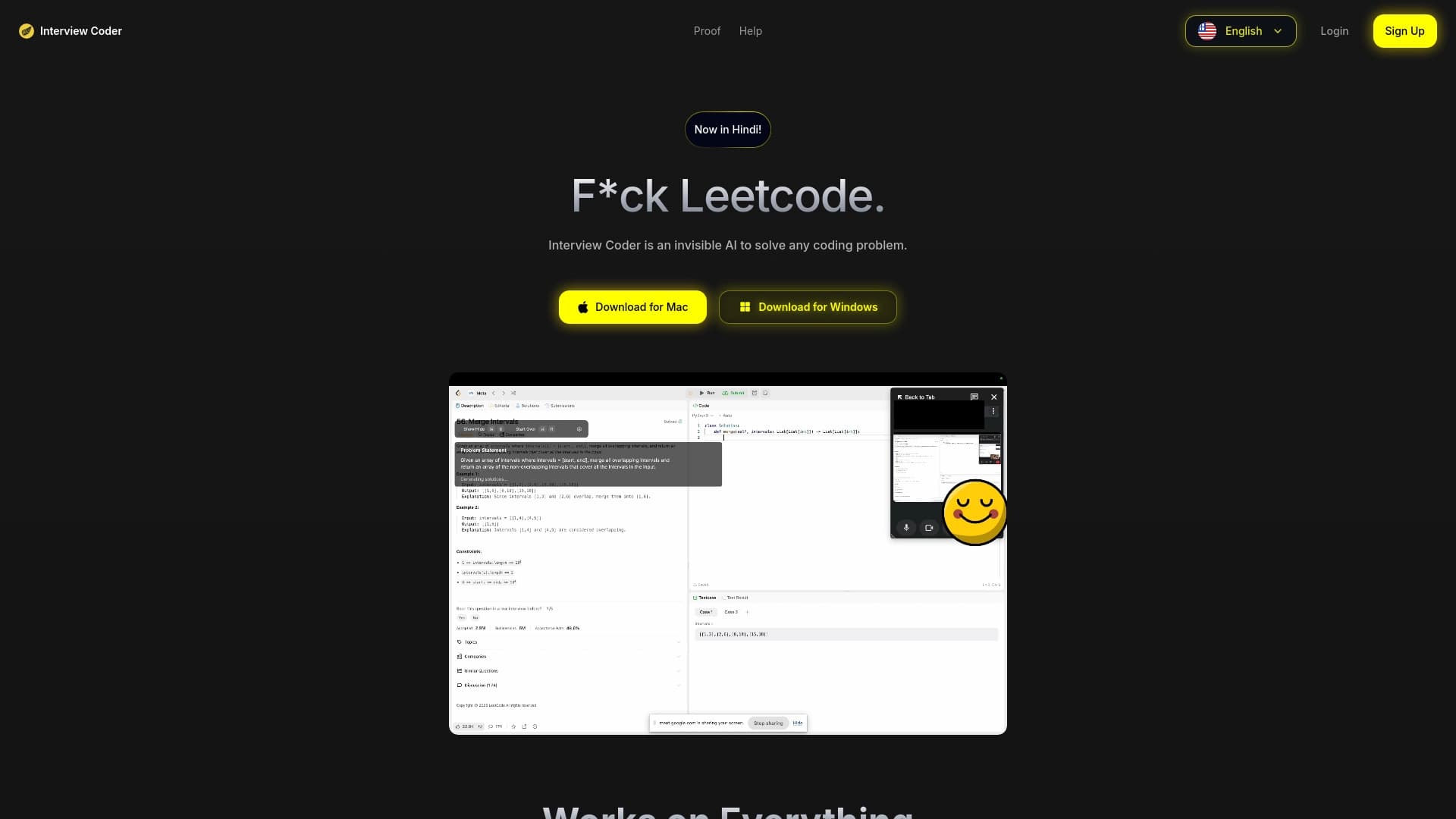
Desktop application that discreetly helps solve programming tasks during technical interviews.
Ranked in
Overview
Interview Coder is a desktop application designed to help candidates solve programming problems directly during technical interviews. The tool's main feature is its ability to remain completely invisible to screen recording software and video conferencing services. This allows users to receive hints and ready-made solutions in real time without risking detection by the interviewer.
The application analyzes the problem and generates not just an answer, but a full solution with comments and explanations. This approach helps candidates not only copy the code but also understand the logic behind the solution, allowing them to confidently explain their actions during the interview. Essentially, it's a powerful assistant that works in the background while the user focuses on communicating with the hiring party.
Key Feature: Stealth
The main focus of development has been on invisibility. The application's interface is not displayed during screen sharing, making it usable even under the strictest interview conditions.
How It Works
The tool captures the problem statement, processes it, and outputs a ready-made solution in a compact format that the user can read and reproduce. The program supports many popular programming languages.
Interview Coder Characteristics
| Characteristic | Value |
|---|---|
| Application Type | Desktop program for Windows and Mac OS |
| Main Function | Automatic solving of coding problems during interviews |
| Key Capability | Invisibility to screen recording systems |
| Protection Mechanism | Screen sharing detection feature |
| Answer Generation | Detailed solution with comments and explanations |
| Language Support | Many programming languages (unlimited list) |
| Distribution Model | Paid subscription |
| Additional Features | Webcam monitoring, activity tracking |
Who Is Interview Coder For?
The tool is aimed at job seekers who need to pass a technical interview at an IT company. This can include developers of any level — from juniors to seniors — who want to have a safety net when solving complex algorithmic problems under pressure.
The application will be useful for those who experience stress during interviews or encounter problems requiring specialized knowledge that is easily forgotten in a stressful environment. It's "emergency assistance" for those who are confident in their experience but want to minimize the risk of failure.
Candidates for Technical Positions
The product is designed for everyone going through interviews for developer, tester, or DevOps engineer positions where real-time coding skills are tested.
Professionals Preparing for Difficult Interviews
Users who want a backup option for solving unconventional or competitive programming problems, which are often encountered at large technology corporations.
How to Use Interview Coder?
Using the tool comes down to a few simple steps during a video call. First, you need to install the application on a Windows or Mac computer. After launching, the program monitors what's happening on the screen in the background and waits for a problem to appear.
As soon as the problem statement appears on the screen (usually the interviewer shares it in the chat or via screen sharing), Interview Coder recognizes it. The neural network then analyzes the problem and generates the optimal solution. The user sees the code on their monitor, but the interviewer watching the stream sees nothing but a clean desktop.
Step 1: Activation and Launch
The application must be launched before the interview begins. The program automatically minimizes and becomes invisible to screen capture.
Step 2: Getting the Hint
After receiving the task, the tool outputs the ready-made code. The user just needs to read it, paste it into the editor, and competently explain their thought process to the interviewer.
Step 3: Self-Check
Built-in webcam monitoring and screen sharing detection features help ensure that hints won't be revealed and provide a signal about a potential threat of detection.
Main Features of Interview Coder
The tool provides a comprehensive set of capabilities aimed at successfully passing an interview. The software doesn't just find an answer — it does so with high speed and accuracy, simulating the work of an experienced mentor.
Screen Sharing Detection
One of the key features is actively scanning the system for active recording or desktop sharing. When active streaming is detected, the application can disguise itself or send the user a hidden alarm signal.
Generating Solutions with Explanations
For each problem, it generates not just working code, but a detailed explanation of the algorithm, broken down into steps with comments. This is critical because it allows candidates to confidently answer the interviewer's questions about how they arrived at the solution.
Webcam Monitoring
The webcam tracking feature allows you to assess the situation and make sure the user can safely look at the screen with hints without raising suspicion from the interviewer.
Multilingual Support
The application works with a large number of programming languages (Python, Java, C++, JavaScript, and others), detecting the required syntax automatically or based on user settings.
Advantages of Interview Coder
The main advantage of the application is its absolute invisibility. Unlike simple cheat sheets or hint websites that are visible in a browser window, Interview Coder is integrated into the system at a level that cannot be detected by standard screen recording tools.
The tool boosts the candidate's confidence by allowing them to focus on communicating with the interviewer rather than frantically searching for the correct syntax.
- High Speed: The neural network processes requests instantly, which is critical under the time constraints of an interview.
- Detailed Answers: Each solution comes with logical comments that are easy to read aloud, creating the appearance of your own reasoning.
- Cross-Platform: Available for installation on both major desktop operating systems — Windows and macOS.
- Proactive Protection: The screen sharing detection and webcam control features significantly reduce the risk of failure.
Disadvantages of Interview Coder
Using such tools carries ethical risks and violates the rules of most companies. If the deception is discovered, the candidate is guaranteed rejection and placement on a "blacklist" of applicants, as HR specialists often warn.
From a technical standpoint, complete invisibility is not 100% guaranteed: some advanced monitoring systems can detect third-party processes or code appearing in the clipboard outside the main editing window. It's also worth noting that the application is not free, and its effectiveness depends on the complexity of the tasks.
- Ethical Component: This is a direct violation of hiring integrity policies, which can lead to serious reputational damage.
- Unstable Performance: There's no guarantee that the software won't glitch or display errors at the most critical moment.
- Interface Dependency: If the interviewer asks to enable keyboard sound or uses special monitoring software, invisibility can be compromised.
What Problems Does Interview Coder Solve?
The tool's main purpose is solving algorithmic and logical problems given during interviews to test a programmer's level. It handles tasks ranging from simple string manipulations to complex data structures (graphs, trees) and dynamic programming.
Additionally, the application helps formulate the right "vocabulary" for explaining the solution. It suggests which terms to use and how to structure the answer so the interviewer believes the candidate understands the material.
Solving Problems "Here and Now"
The application functions as instant googling, but in a more convenient and hidden form, saving time on searching for and adapting someone else's code to the problem statement.
Explaining the Solution Logic
Each solution is adapted to the current question, eliminating any mismatch between the answer and the problem statement. The application guarantees that the code will be compilable and pass basic tests.
Interview Coder Pricing
The application's distribution model is a paid subscription. Access to the full functionality is provided only after subscribing. Exact pricing figures are not provided in the source data, but it's indicated that this is a subscription model rather than a one-time purchase.
The user will likely need to pay monthly or annually to have ongoing access to the service. The cost may vary depending on the chosen plan and the availability of a trial period, but these details need to be checked on the product's official website. Based on its positioning, the price is aimed at the Western market and may be relatively high.
Interview Coder Terms of Use
Using the application requires a stationary device running Windows or Mac. Using the service implies accepting terms that prohibit the dissemination of information about this product and its use, as it contradicts interview conduct rules.
The developers warn that by using the tool, the candidate assumes all risks associated with the possible detection of deception. This tool is not approved by recruiting agencies and operates "under the user's own responsibility," who bears all consequences.
Technical Limitations
The application requires a stable internet connection to transmit data to the neural network and receive results, although the interface itself may work locally.
Anonymity
The terms imply maximum confidentiality. It's recommended to use the application only for personal purposes and not disclose details of its installation.
Interview Coder Availability
The product is available for download on the developer's official website. The platform is distributed as an installation file for desktop computers. Two main operating systems are supported: Windows and macOS.
The application is aimed at the global market, as the interface and instructions are in English, but it can handle problems in other languages if the interviewer displays them. Based on the absence of information about mobile versions, the product is exclusively a desktop solution, which provides deeper system integration for bypassing screen detection.
How Interview Coder Differs from Alternatives
There are web services on the market that can solve programming problems (for example, GPT chats or specialized IDEs with AI). However, most of them are easy to detect if you minimize the window and show your desktop. The main difference of Interview Coder is its "invisibility" at the hardware level.
The application can hide not only its own window but also any traces of its presence in the system tray or task manager. Unlike browser-based alternatives that are visible in screenshots, Interview Coder integrates into the OS graphical shell in such a way that even during screen recording, the user sees emptiness or a regular desktop where the hints should be.
- Difference from offline cheat sheets: A fast neural network instead of pre-written texts — the answer always matches the specific task.
- Difference from online compilers: Complete stealth and no browser traces in history.
- Difference from editor plugins: Works on top of any programs, even if the code is written in Notepad or a remote terminal.
Conclusion
Interview Coder is a specialized desktop tool for automatically solving programming problems during technical interviews. Its key feature is a high degree of stealth: the application detects screen sharing and webcam activity to remain unnoticed. It generates detailed, commented answers in many programming languages, increasing a candidate's chances of success. However, using such a tool involves serious ethical violations and the risk of reputational damage. The product is distributed via a paid subscription and is only available on Windows and Mac, making it a niche solution with a limited audience willing to take risks to land a job offer.
Frequently asked questions
See also

TensorStax is an AI agent for management model-cycle machine learning simplifying theirs deployment and monitoring.
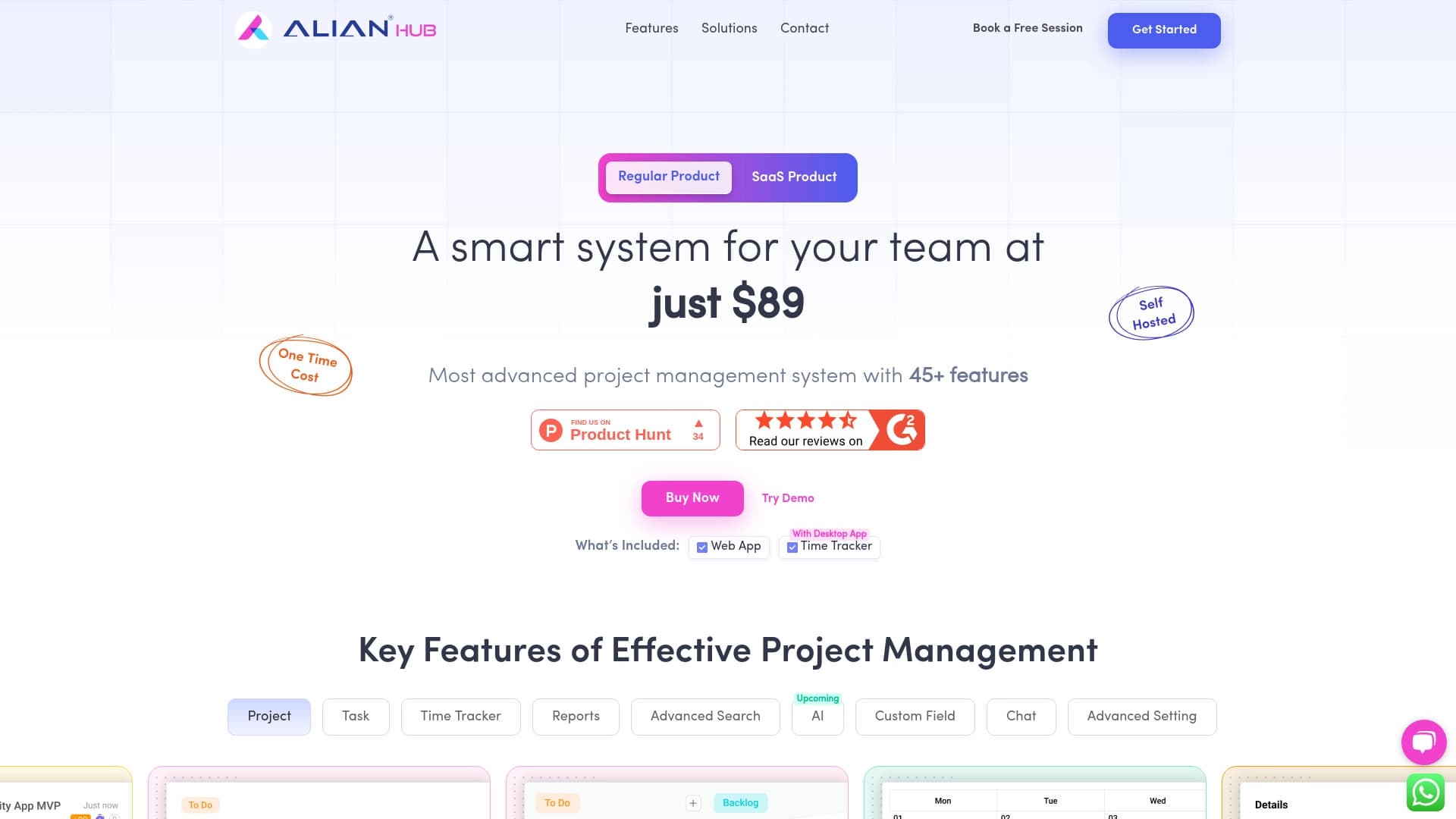

Project management platform with task assignment, time tracking, and employee workload monitoring features.
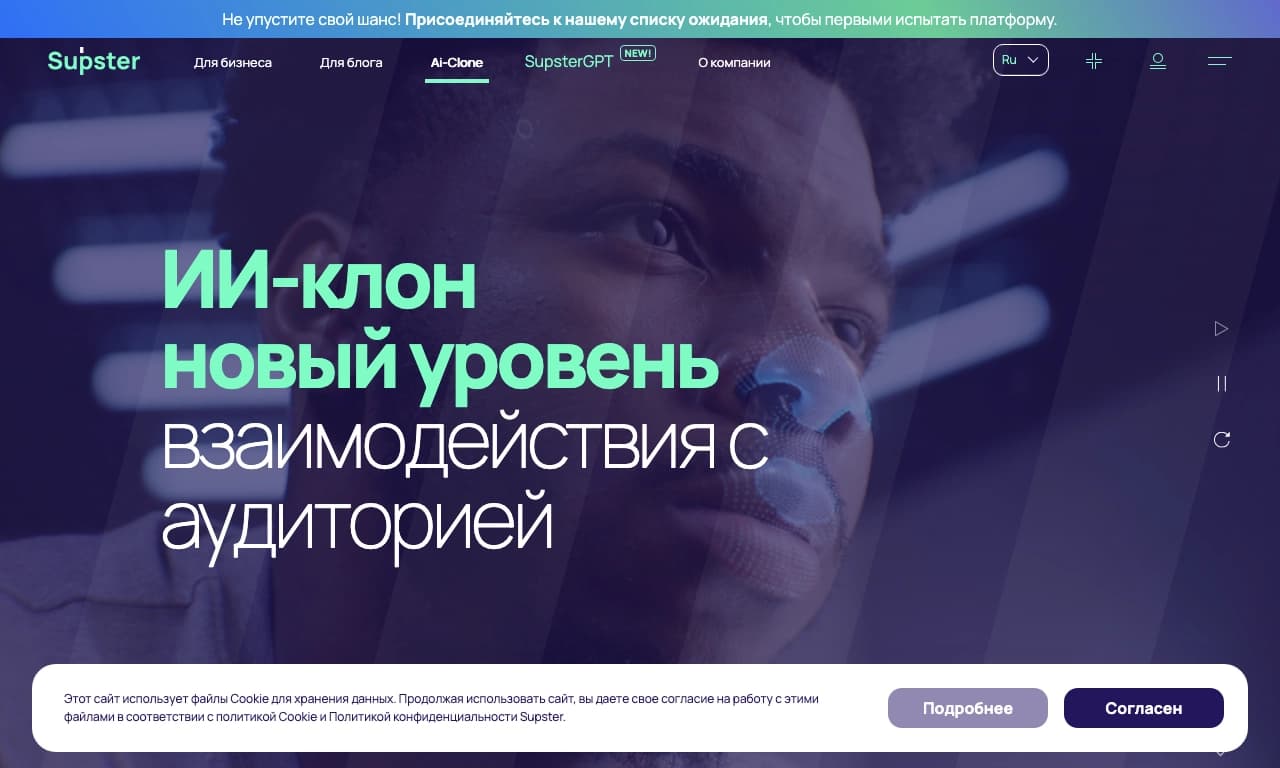
A service for creating applications, neural networks, and AI clones, as well as a neural network for text generation and processing.

A codeless platform for tagging and tracking data simplifying kitting for computer vision.

AI agent for automating customer communications and support.
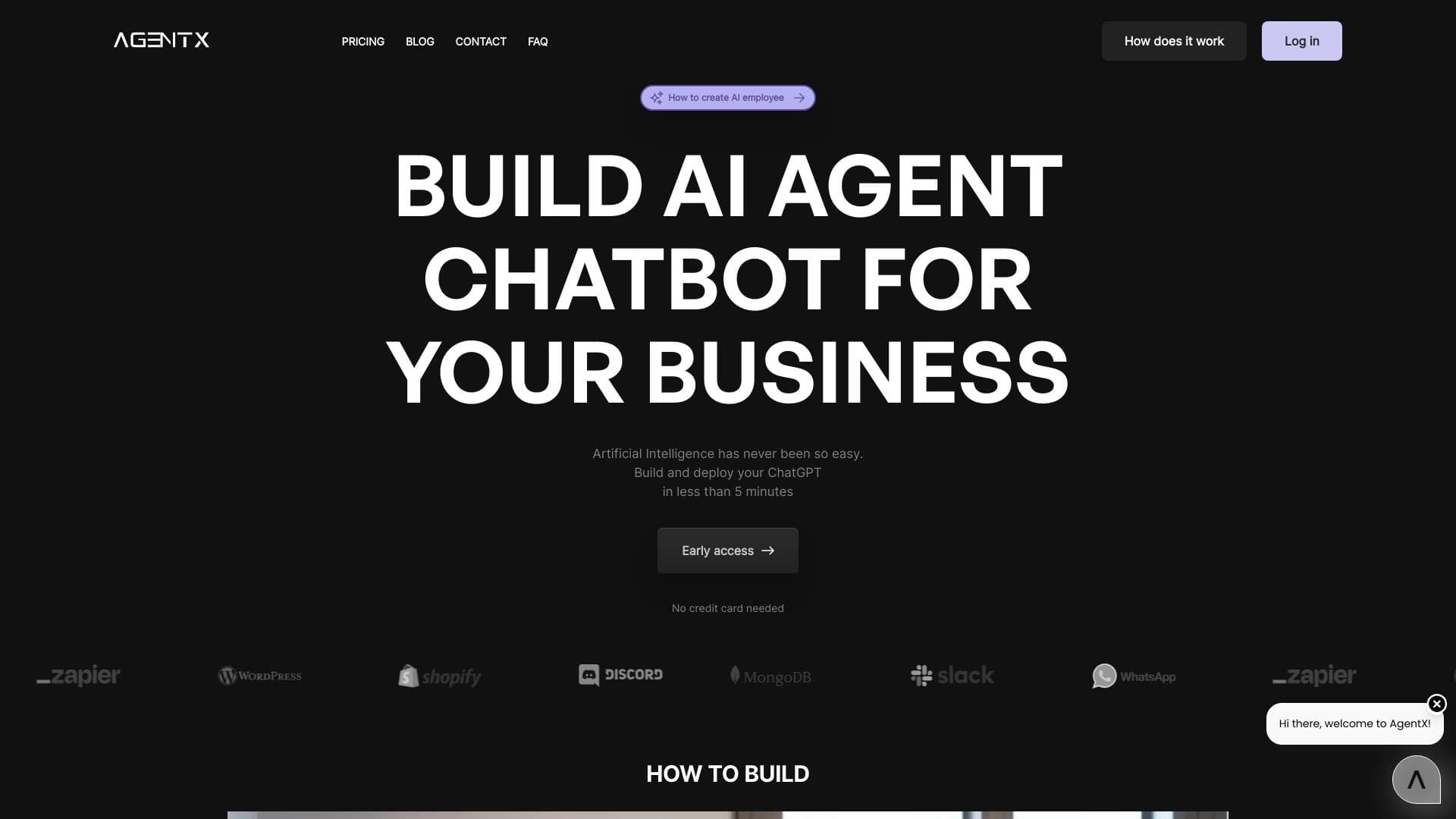

Platform for creating multi-agent AI systems and chatbots to automate customer support and lead generation.

TypeScript library that lets you use GPT-4 as a runtime for functions described by comments.

Desktop AI assistant for macOS, Windows, and Linux that launches via hotkey above all windows and combines multiple language models in one interface.