
Free GPT Image 2
Free image generator and short animated video creator powered by GPT Image 2.
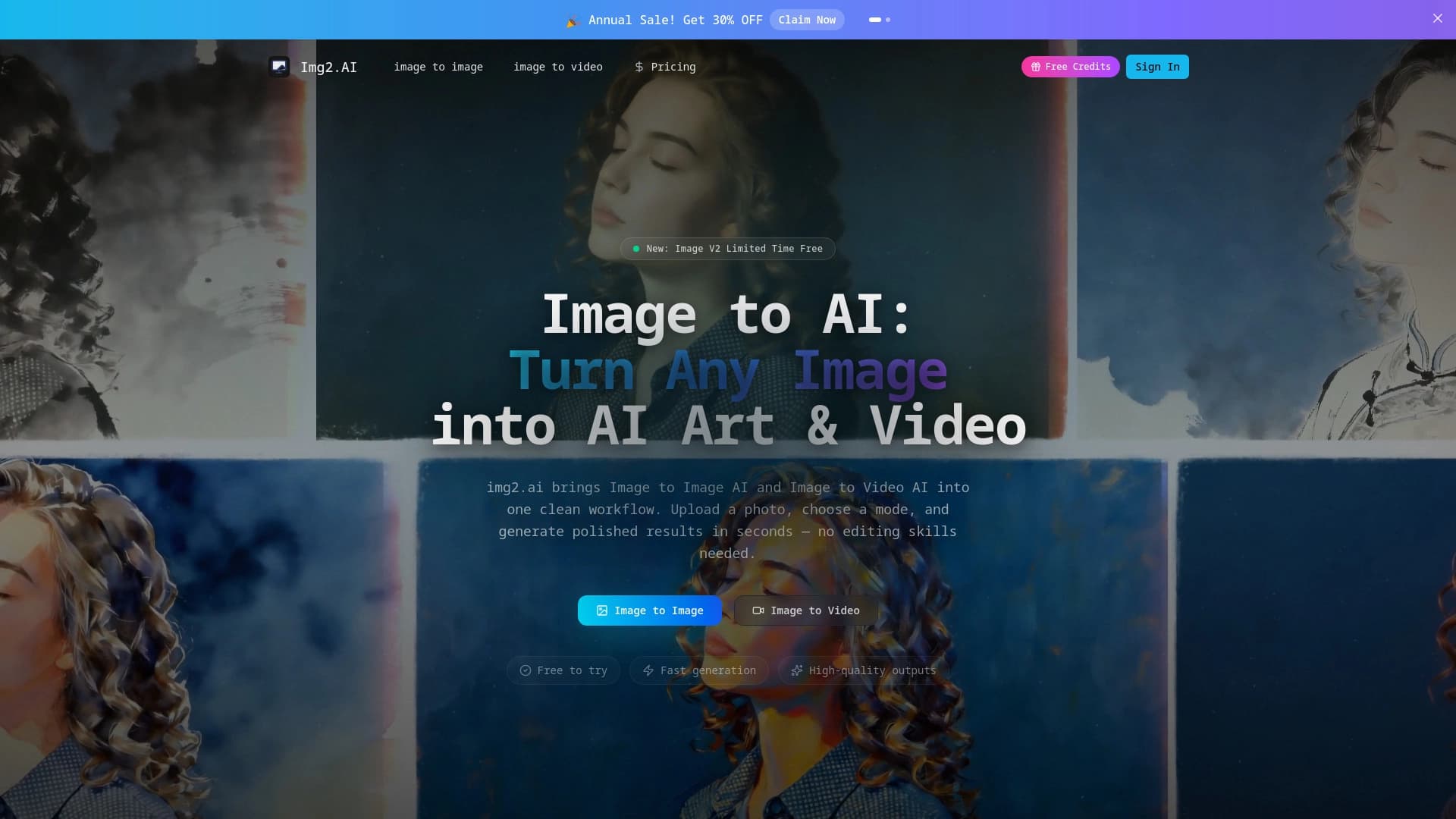
Overview
Free GPT Image 2 is a free generator that creates images and short animated videos based on the GPT Image 2 model. The tool is designed for working with text: it can correctly render captions in images, which is especially valuable for posters, advertising layouts, comics, and interfaces.
In addition to generating from scratch, the service can rework photos uploaded by users. You can turn an ordinary snapshot into a stylized image or a short video clip. A special feature is the built-in quality enhancement tool: upscaling is done in one click and does not require launching complex settings.
The service operates on a free model — no payments or hidden subscriptions.
How photo transformation works
You upload a source image, choose a style or parameters, and the neural network redraws the picture. Videos are generated based on the same model — resulting in short animated clips.
Text rendering accuracy
The GPT Image 2 model was specifically trained to render letters and words. That's why stylized posters and layouts look neat, without a "mess" of characters.
Free GPT Image 2 Specifications
| Specification | Value |
|---|---|
| Model | GPT Image 2 |
| Content type | images, short animated videos |
| Distribution format | free |
| Core function | image generation with accurate text rendering |
| Additional function | transforming photos into stylized images and videos |
| Quality enhancement | one-click upscaling |
| Service access | online platform |
Who is Free GPT Image 2 suitable for?
Designers and illustrators
The tool is suitable for quick sketches, exploring visual solutions, and creating stylized illustrations without manually drawing every element.
Advertising and marketing professionals
The ability to render text accurately makes the service convenient for creating advertising layouts and posters. The neural network helps prepare options for banners and print materials.
Interface developers
Creating UI mockups and screenshots for presentations is a task where text legibility matters. Free GPT Image 2 lets you quickly generate a convincing screen prototype.
Content creators and bloggers
For designing posts, covers, and stylized animations, you don't need access to complex editors — just upload a photo and get the result.
How to use Free GPT Image 2?
Step 1. Go to the platform
The service works in the browser without installing any software. The main page opens right away — no registration is required.
Step 2. Generate an image or upload a photo
You can start with a blank canvas and describe the picture you want. Or upload an existing photo and specify a style for its transformation.
Step 3. Get the result and enhance it if needed
The neural network quickly produces a finished image or short video. If you need more detail, one click is enough — the upscale function works automatically.
Key features of Free GPT Image 2
Image generation with accurate text
The tool can place headings, captions, and words in an image. This allows images to be used in advertising, comics, and interfaces without separately adding text.
Transforming photos into stylized images
The user uploads a photo, sets the desired artistic style, and gets a reworked image. Such pictures are suitable for social media, presentations, and art projects.
Creating short animated videos
The model generates short video clips. This is an effective way to bring static images to life for social media pages.
One-click quality enhancement
The upscale feature is available with a single button press. It helps improve the sharpness of the final result without manual parameter adjustment.
Advantages of Free GPT Image 2
Free access
The service uses a free model — no charge for usage. This makes it accessible to beginner designers and freelancers.
Speed
Fast results shorten the cycle of creating draft materials. There's no need to wait for lengthy processing — images and videos appear within a short time.
Result quality
The built-in upscaler additionally processes images, allowing you to get sharp pictures even after generation.
Accurate typography
Text rendering is a rare and valuable feature. For posters, advertising, comics, and UI mockups, this is a critical detail, so the tool stands out from competitors.
Drawbacks of Free GPT Image 2
No advanced settings
The tool is focused on quick results, so detailed manual control over generation parameters, as found in professional editors, is not provided.
Video length limit
Videos come out short — the service is not intended for full-scale editing or long animations.
Dependence on internet connection
As an online platform, the service requires a stable connection to work, which can be a limitation with an unstable network.
What tasks does Free GPT Image 2 solve?
The tool handles a wide range of visual content creation tasks:
- creating posters and flyers with text;
- preparing advertising layouts with headings;
- generating illustrations for comics;
- prototyping interfaces with text blocks;
- stylizing photos in a given artistic style;
- creating short videos for social media and presentations;
- upscaling existing images to improve sharpness.
Free GPT Image 2 Pricing
The service operates on a free model: image generation, videos, and upscaling are available without payment. Detailed pricing tiers or limits on the number of requests are not specified on the website, so specific limits should be checked directly on the platform.
Terms of Use for Free GPT Image 2
The exact terms of use for the service are not published in open sources. The tool is available for free, but details regarding rights to generated content, commercial use, and privacy policy should be clarified on the official website.
Availability of Free GPT Image 2
Free GPT Image 2 is available as a web platform. All you need is a browser and an internet connection. No special registration is required to use it.
How Free GPT Image 2 differs from alternatives
The main difference of the service is the combination of three capabilities: accurate text rendering, transforming photos into stylized images, and generating short videos. Most competitors either focus only on text-based images or limit themselves to photo stylization. The free access model also stands out — many plans with similar functionality require payment, while Free GPT Image 2 offers its features at no cost.
Conclusion
Free GPT Image 2 is a free generator distinguished by accurate text rendering in images. The tool is useful for creating posters, advertising materials, comics, and interface mockups. The additional ability to convert photos into stylized images and short videos, along with the one-click quality enhancement feature, makes the service a versatile solution for quickly preparing visual content. Although advanced settings are not provided, for most basic tasks and quick drafts, the tool can be a convenient alternative to paid editors.
Frequently asked questions
See also


Trending video, post, and ad creative generator based on ideas, images, and text prompts.
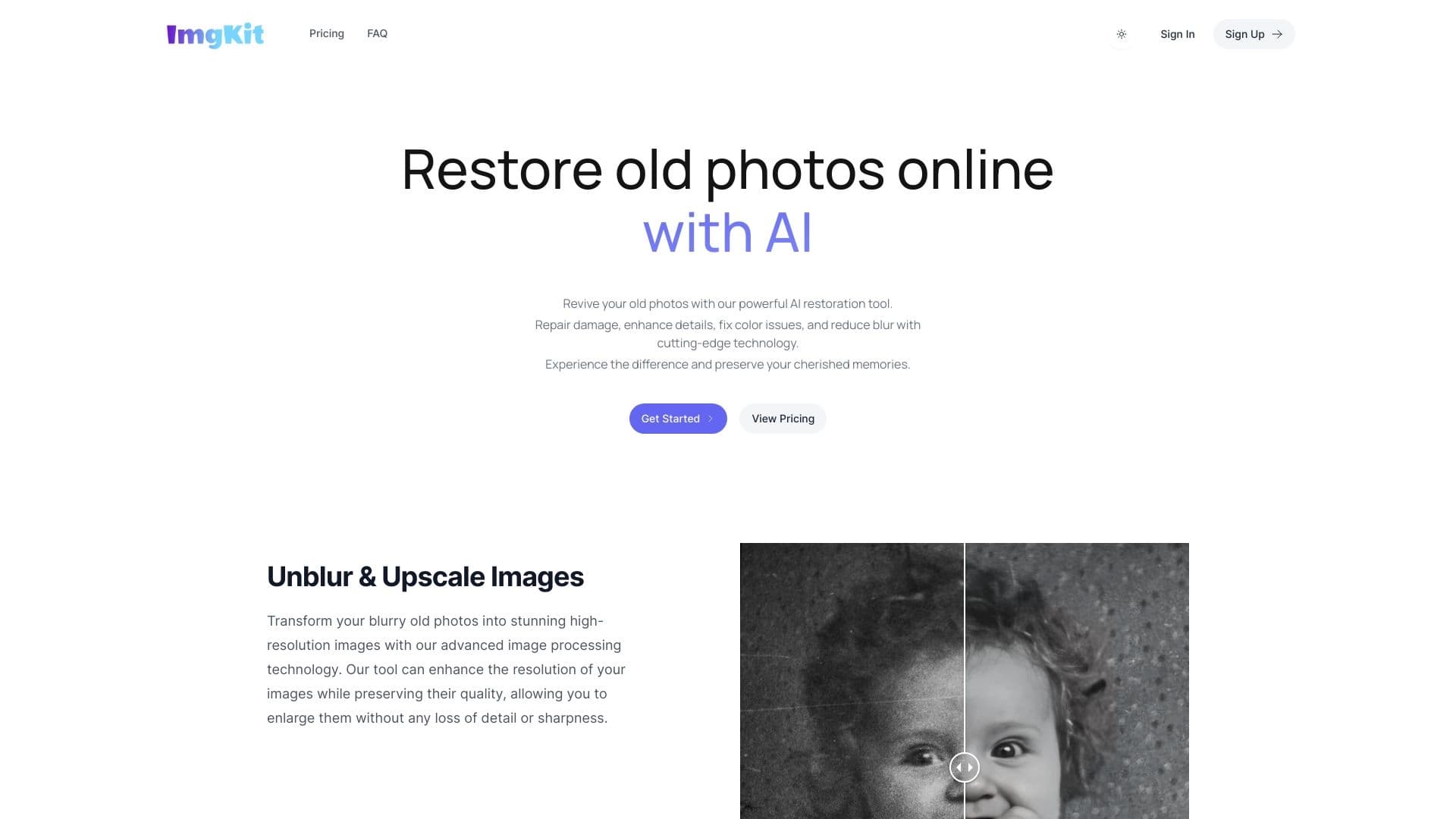
Online service powered by neural networks for automatic restoration of old and damaged photos.
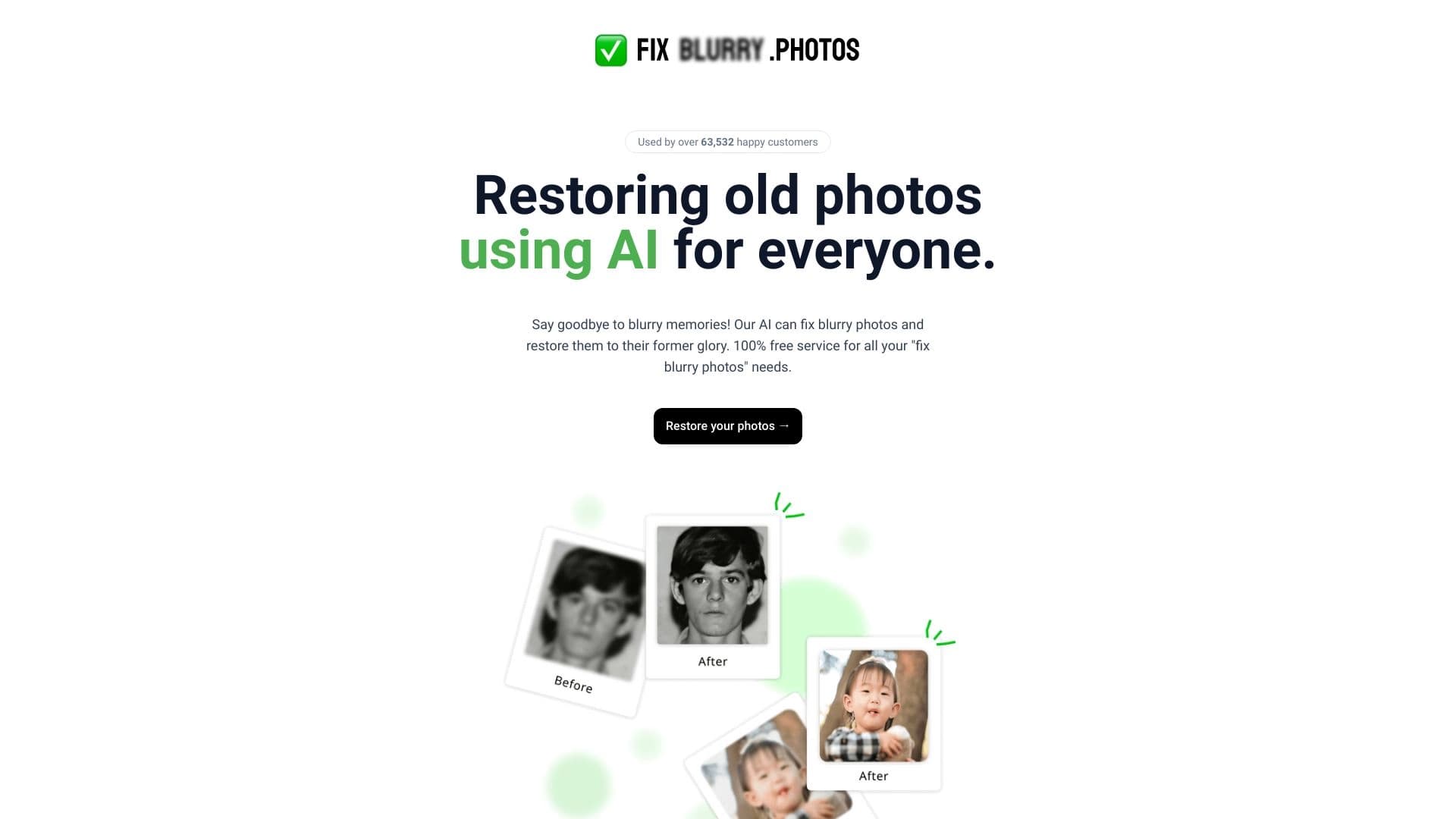
Free online AI-powered tool for sharpening photos and removing blur.
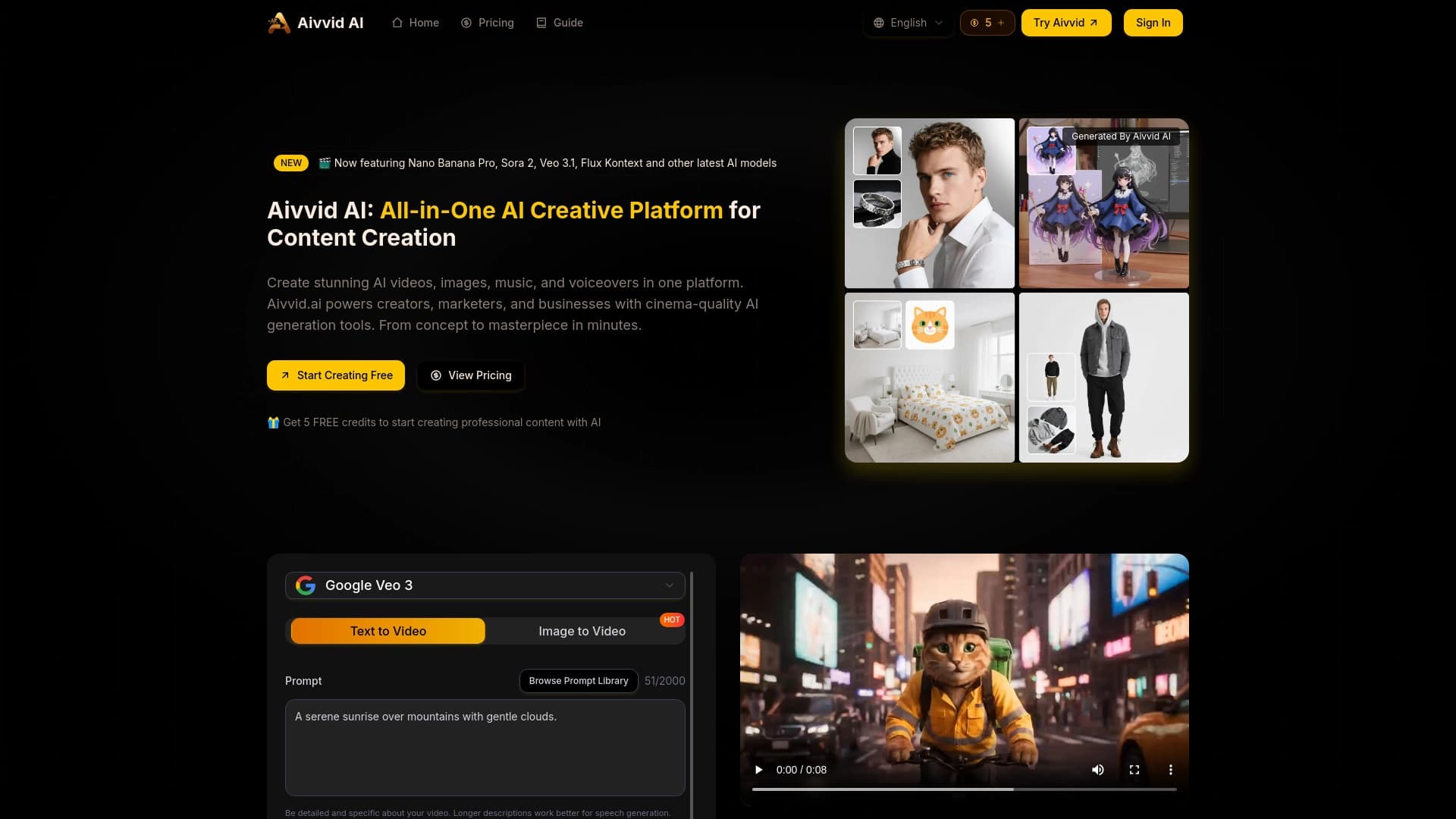
Service for generating videos from text descriptions and images using modern neural networks.


AI Slide Studio is an AI-powered service for quickly creating customizable presentations on a given topic.

Service for animating photos and creating videos with digital avatars using artificial intelligence.


A platform for creating and interacting with AI characters, each with their own personality and story.


AI platform for automating video editing, including face replacement, video translation, and avatar creation.