
AI Old Photo Restoration Online (ImgKit)
Service en ligne alimenté par des réseaux neuronaux pour la restauration automatique de photos anciennes et endommagées.
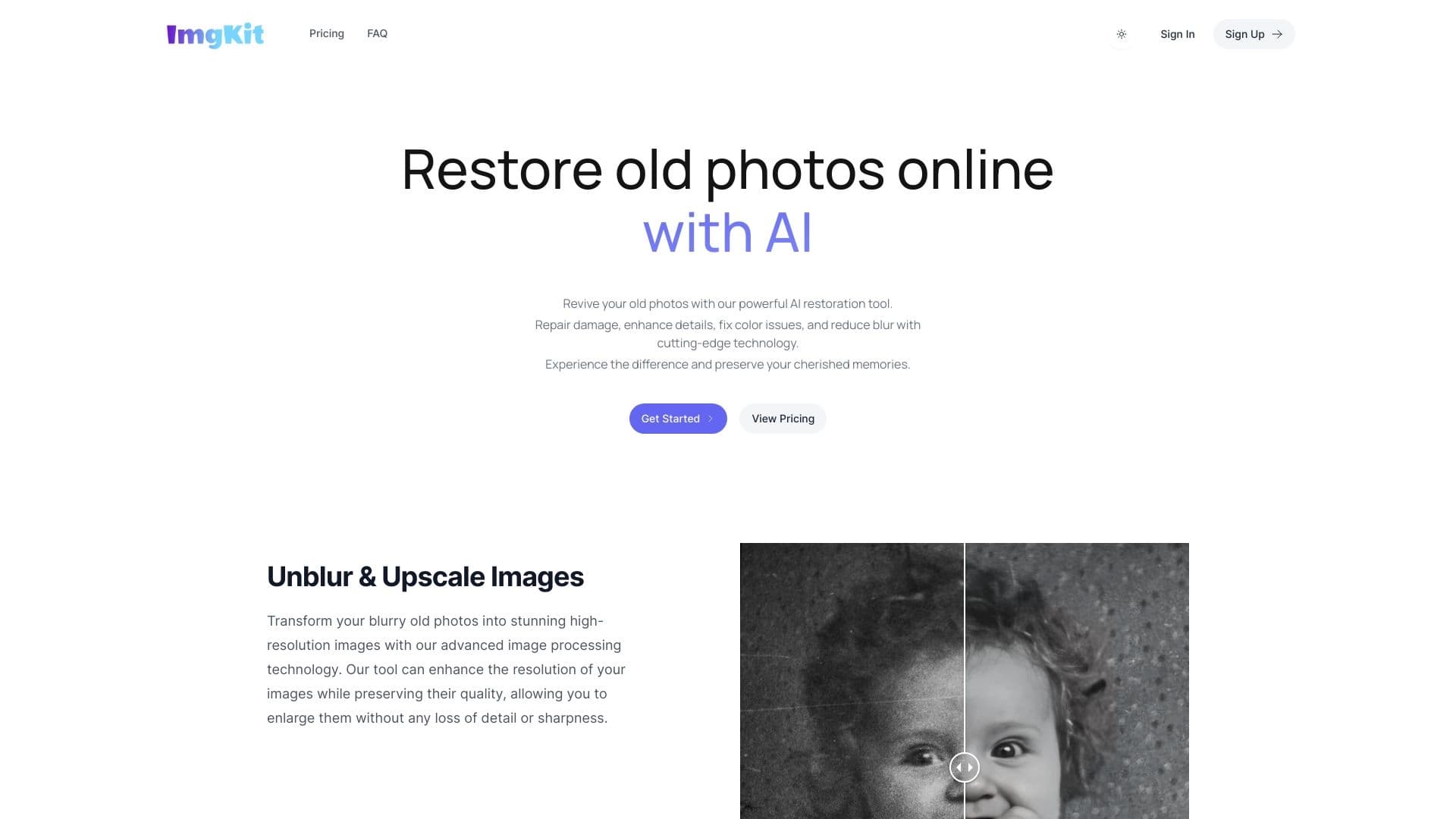
Aperçu général
Vieille restauration photo AI en ligne (ImgKit) Description
AI Old Photo Restoration Online (ImgKit) est un service web qui utilise des réseaux neuraux pour restaurer automatiquement des photos anciennes et endommagées. L'outil est conçu pour redonner vie aux photos d'albums familiaux, d'archives et de collections muséales. Il peut enlever les rayures, les taches et le flou, ainsi que d'améliorer la netteté de l'image et le détail. En outre, le service prend en charge la coloration des photos en noir et blanc.
La principale caractéristique du service est l'automatisation complète du processus. L'utilisateur n'a pas besoin d'avoir des compétences de retouche ou de comprendre des éditeurs complexes. Il suffit de télécharger une photo, de sélectionner un mode de traitement, et le réseau neural fera tout le travail seul dans quelques minutes. Cependant, comme tout outil automatique, il a des limites : il ne peut supporter que partiellement des dommages particulièrement complexes.
Caractéristiques de la vieille restauration photo AI en ligne (ImgKit)
| Fonctionnalité | Valeur |
|---|---|
| Type | Outil de restauration et d'amélioration photo alimenté par l'IA |
| Catégories | Générateurs de description de produit, Outils d'amélioration de photos, Outils de restauration de photos, Outils d'amélioration d'images, Outils d'amélioration vidéo, Outils publicitaires |
| Développeur | ImgKit |
| Plateforme | Site Web |
| Modèle de distribution | Freemium (plan de démarrage gratuit + abonnements payants) |
| Plan de démarrage | Gratuit (pour un utilisateur et un nombre limité de photos) |
| Plan de base | Abonnement mensuel payé |
| Régime de primes | Abonnement mensuel payé |
| Visites mensuelles | 49.2K |
| Inscription requise | Oui |
Qui est AI Old Photo Restoration Online (ImgKit) adapté pour?
Propriétaires des archives familiales
Le service est idéal pour ceux qui ont de vieilles photos de famille avec des rayures, des taches ou des zones effacées. Au lieu d'essayer de les restaurer manuellement ou de payer pour des services de restauration coûteux, les utilisateurs peuvent rapidement obtenir une version améliorée de la photo. Ceci est particulièrement utile pour le traitement par lots d'albums entiers.
Travailleurs des musées et des archives
La numérisation et la restauration d'images historiques nécessitent souvent le traitement d'un grand nombre de photos. Le mode automatique du réseau neuronal permet d'économiser temps et ressources, produisant rapidement des résultats acceptables pour le catalogage et le stockage.
Utilisateurs sans retouche
L'outil est conçu pour les personnes qui ne veulent pas apprendre Photoshop ou d'autres éditeurs professionnels. Tout le travail est fait automatiquement: télécharger, sélectionner un mode, télécharger le résultat.
Comment utiliser AI Old Photo Restauration en ligne (ImgKit)?
Étape 1: Inscription
Pour commencer, vous devrez créer un compte gratuit sur le site du service. L'accès aux outils n'est pas disponible sans inscription.
Étape 2: Télécharger des photos
Après vous être connecté à votre compte, téléchargez les anciennes photos que vous souhaitez restaurer. Le service accepte les fichiers dans différents formats communs.
Étape 3: Choisir une méthode de traitement
L'utilisateur choisit le mode de restauration approprié : enlever les taches et les rayures, aiguiser ou colorier des photos en noir et blanc.
Étape 4: Télécharger le résultat
Le réseau neuronal traite automatiquement la photo en quelques minutes. Une fois le traitement terminé, l'image finie peut être téléchargée et utilisée comme vous le souhaitez.
Principales caractéristiques de la vieille restauration photo AI en ligne (ImgKit)
Élimination des dommages
Le réseau neuronal gère efficacement les fissures, les rayures et les taches que l'on retrouve généralement sur les vieilles photos. Le service analyse les zones endommagées et les restaure.
Amélioration de la netteté et des détails
L'algorithme supprime le flou, rendant les photos plus nettes et plus vives. Dans certains cas, il peut révéler des détails à peine visibles dans l'original.
Colorisation des photos en noir et blanc
L'une des principales caractéristiques est d'ajouter automatiquement de la couleur aux images en noir et blanc. Les nuances ne sont pas toujours parfaitement naturelles, mais pour les archives familiales cela suffit généralement.
Avantages de la vieille restauration photo AI en ligne (ImgKit)
Automatisation complète
Le principal avantage du service est qu'aucun travail manuel n'est nécessaire. Les utilisateurs n'ont pas besoin d'apprendre les outils de retouche ou de comprendre les paramètres complexes. Le réseau neuronal fait tout.
Économies de temps lors du traitement des archives
Pour ceux qui ont besoin de restaurer des dizaines ou des centaines de photos, le mode automatique est un vrai sauveur de vie. Au lieu de plusieurs heures de travail dans un éditeur, vous pouvez obtenir un résultat en quelques minutes par photo.
Polyvalence
Un service remplace plusieurs outils à la fois : enlèvement des rayures, affûtage et coloration. Il n'est pas nécessaire d'utiliser différents programmes pour différentes tâches.
Inconvénients de la vieille restauration photo AI en ligne (ImgKit)
Difficultés avec des photos fortement endommagées
Le service ne peut pas gérer des zones complètement manquantes d'un cadre ou de grandes taches. L'algorithme ne redessine pas toujours avec succès les fragments perdus, et le résultat peut sembler contre nature.
Artefacts et distorsions possibles
D'étranges artefacts peuvent apparaître pendant le traitement, particulièrement lors de l'agrandissement ou de l'impression en grand format. Les visages dans les photos peuvent parfois être déformés, et certaines zones peuvent être traitées incorrectement.
Approche fondée sur les modèles
L'algorithme fonctionne selon un modèle général, sans approche individuelle pour chaque photo spécifique. Cela signifie que le résultat est « moyen », qui peut ne pas faire appel à les utilisateurs exigeants.
Quelles tâches AI Old Photo Restoration Online (ImgKit) résout-il?
Sauver des photos de famille des albums
Le service aide à préserver les souvenirs en restaurant de vieilles photos avec des dommages et des taches. Cela permet de numériser les archives familiales et de prolonger la vie.
Revivre des photos historiques
Pour les archives et les collections muséales, non seulement la préservation, mais aussi la lisibilité des images sont importantes. L'outil aide à rendre les photos historiques plus présentables.
Restaurer les images numérisées
Le processus de numérisation des archives introduit inévitablement de nouveaux dommages ou une perte de qualité. Le réseau neuronal contribue à compenser ces pertes lors de la restauration.
AI Vieille restauration photo en ligne (ImgKit) Prix
Le service fonctionne sur un modèle freemium. Les nouveaux utilisateurs ont accès à un plan de démarrage gratuit qui permet de traiter un nombre limité de photos pour un utilisateur.
Le forfait de base est un abonnement mensuel payant conçu pour une utilisation régulière avec une fonctionnalité étendue. L'abonnement premium offre des restaurations illimitées et une qualité de traitement maximale. Il est conçu pour une utilisation professionnelle et un travail intensif avec de grands volumes de matériaux.
Conditions d'utilisation de AI Old Photo Restoration Online (ImgKit)
Pour commencer à utiliser le service, une inscription gratuite sur le site est requise. Le processus d'inscription est standard : créer un compte et confirmer vos coordonnées. Après cela, l'utilisateur a accès aux téléchargements de photos et aux outils de restauration.
Disponibilité de la vieille restauration photo AI en ligne (ImgKit)
Le service est disponible via un navigateur web sur n'importe quel appareil avec accès Internet. C'est une solution basée sur le Web qui ne nécessite pas d'installer des logiciels supplémentaires.
Comment AI Old Photo Restoration Online (ImgKit) diffère des alternatives
Priorité à la restauration
Contrairement aux générateurs d'images universels, ce service se concentre exclusivement sur la restauration de photos. Il ne crée pas de nouvelles images mais fonctionne avec des photos existantes.
Automatisation sans réglages manuels
De nombreuses alternatives nécessitent certaines compétences pour travailler avec les réseaux neuronaux et la configuration des paramètres. ImgKit offre un processus extrêmement simple et clair: télécharger et obtenir le résultat.
Pas de capacités créatives
Contrairement aux outils d'image créative, le service n'est pas conçu pour la réinterprétation artistique des images. Sa tâche est de restaurer l'original le plus précisément possible, et non de créer de nouvelles variations. Cette limitation est également un avantage pour ceux qui ont besoin de restauration plutôt que de traitement créatif.
Conclusion
AI Old Photo Restoration Online (ImgKit) est un outil pratique pour la restauration automatique des photos anciennes. Il est bien adapté pour traiter rapidement les archives familiales, enlever les rayures, améliorer la netteté, et colorier des photos en noir et blanc. Ses principales forces sont la facilité d'utilisation et les économies de temps. Cependant, le service a des limites importantes : les dommages complexes ne peuvent être restaurés que partiellement, et les artefacts et les distorsions apparaissent parfois sur les images. Pour un usage domestique occasionnel, les capacités du forfait gratuit sont suffisantes, tandis que ceux qui ont besoin de traiter de nombreuses photos régulièrement devraient envisager des abonnements payants.
Prix
Foire aux questions
Voir aussi

Éditeur d'images en ligne alimenté par l'IA qui vous permet de modifier des photos par description texte dans votre navigateur.

iSamourai est un ensemble d'outils d'IA pour améliorer les images et vidéos de remplacement de récupération.
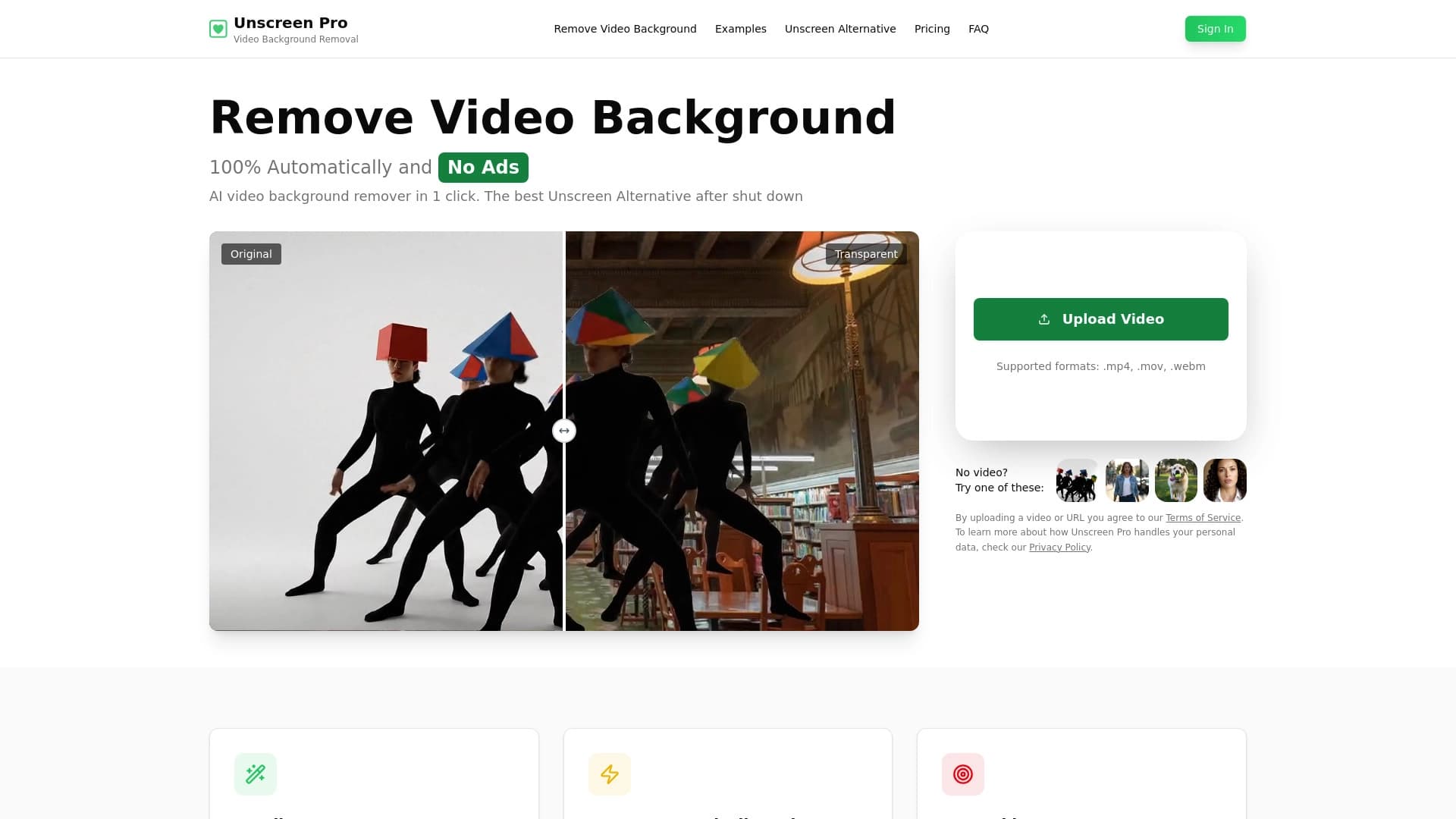

Outil AI pour l'élimination automatique de l'arrière-plan et de l'objet en vidéo sans touche de chroma.
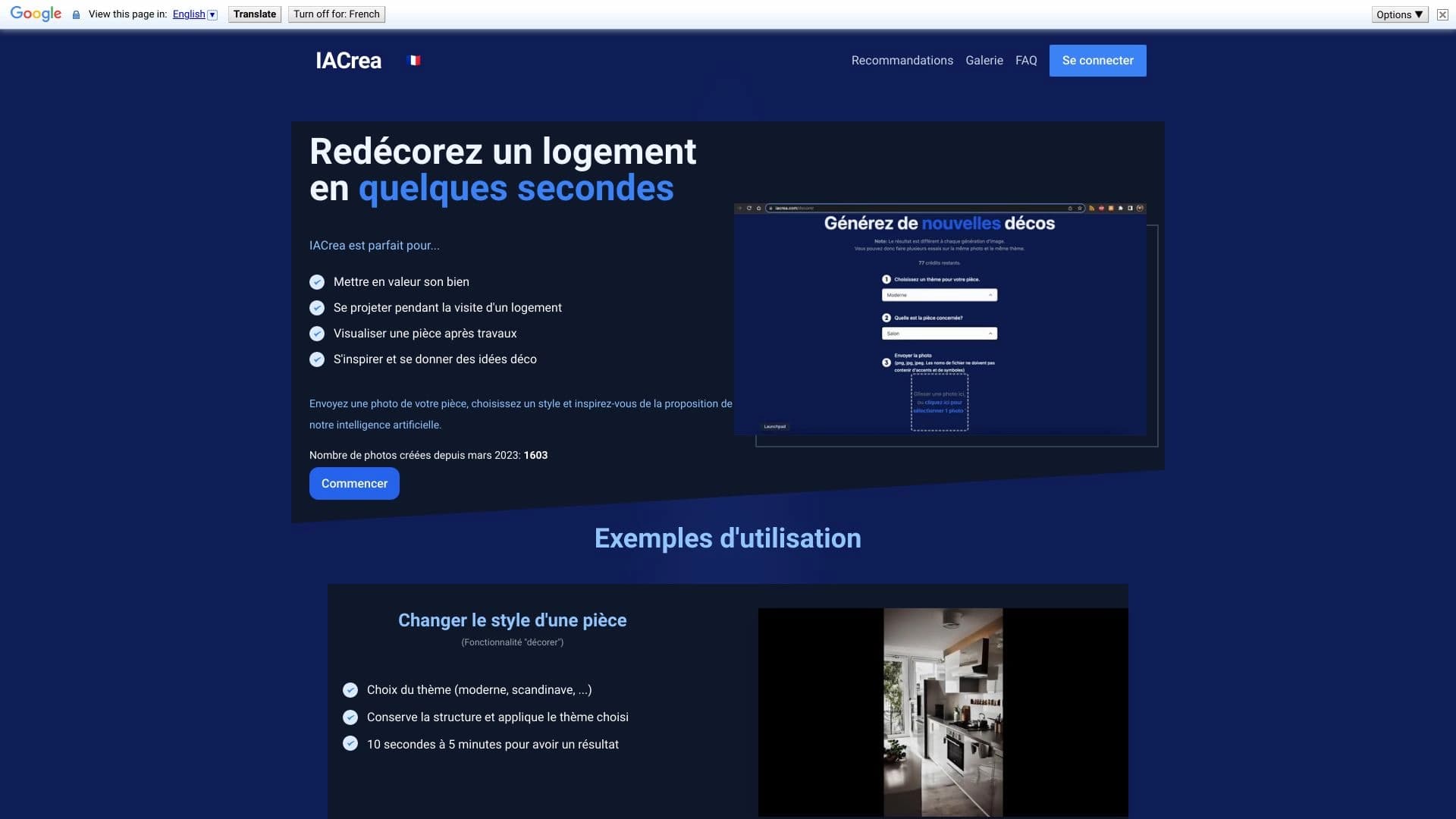

IACrea est un service d'IA pour la mise en scène virtuelle et la visualisation immobilière, vous permettant d'améliorer rapidement les photos intérieures et extérieures.

Service pour la création d'avatars personnalisés et photos shoots utilisant l'IA basé sur des selfies téléchargés.


Éditeur d'image en ligne AI-based conservation du style de caractère et de traitement Commandes texte.
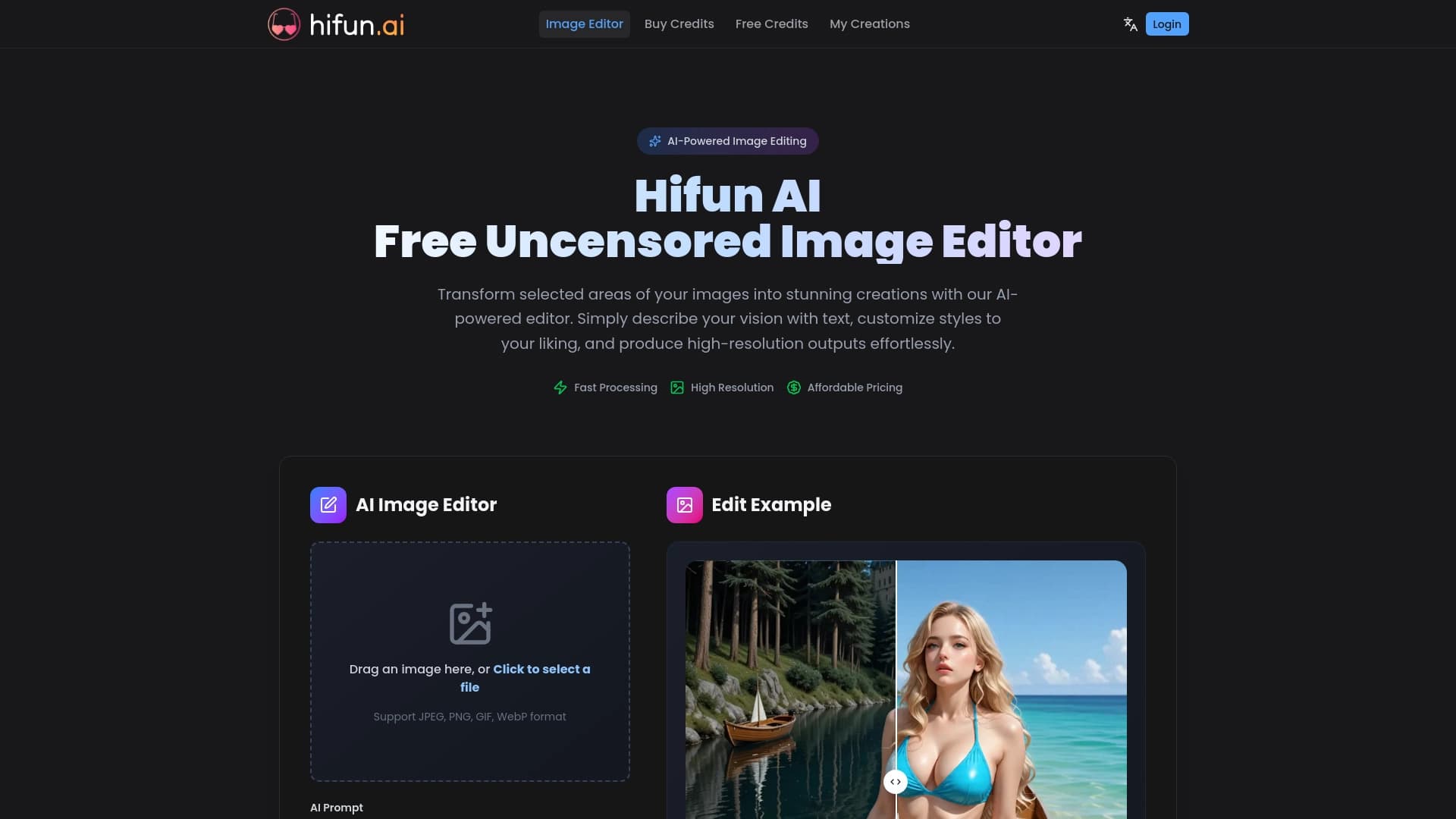
Éditeur d'images AI pour un traitement créatif rapide et de haute qualité sans censure.

Un outil pour générer et éditer rapidement des images 4K, prenant en charge le contrôle de plusieurs images de référence et un mode conversationnel.