
Fix Blurry Photos
Free online-powered tool untuk mengasah foto dan menghapus blur.
Tinjau
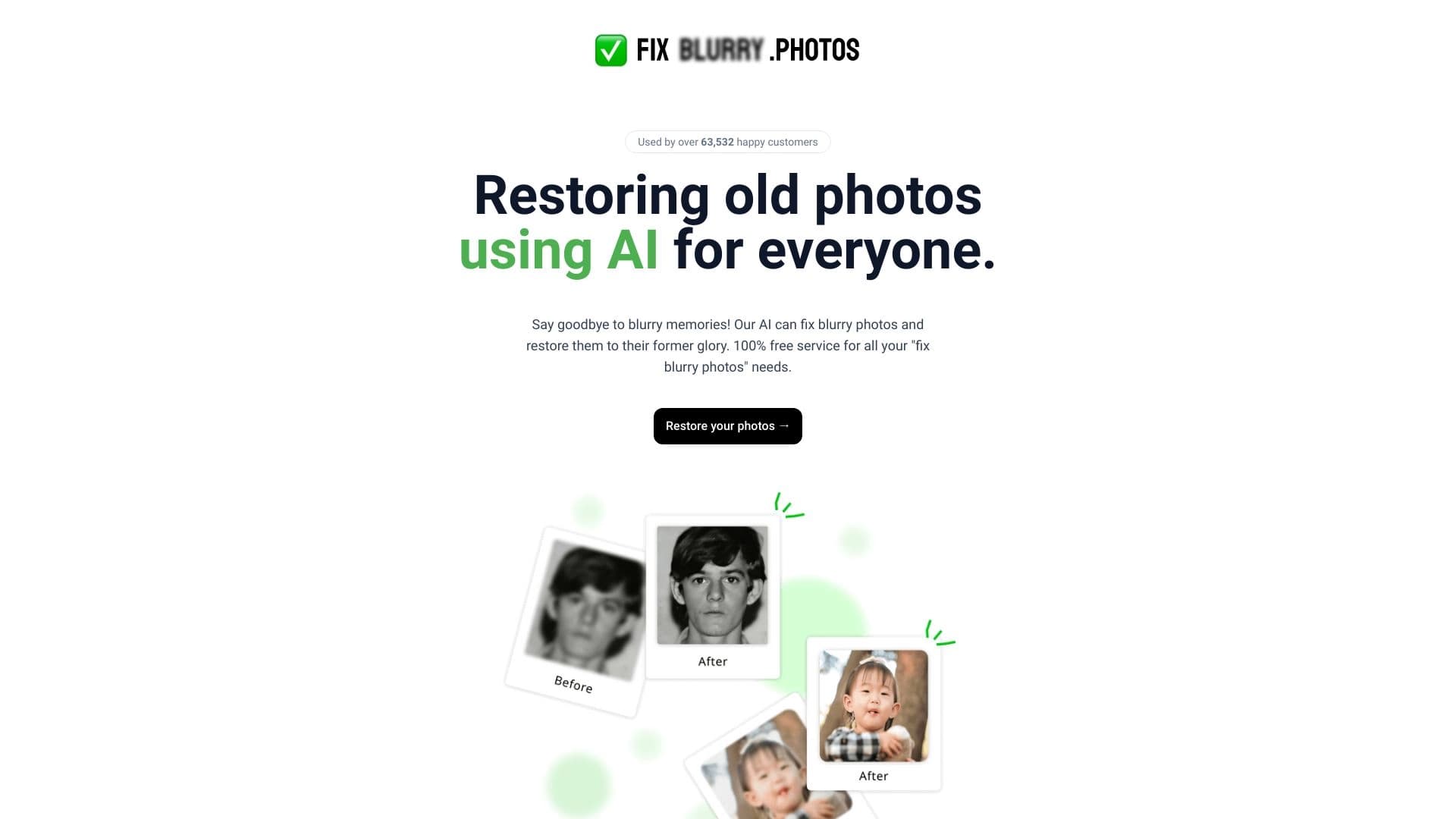
Perbaiki Foto Blurry adalah layanan online gratis yang dirancang untuk menghilangkan kabur dan meningkatkan ketajaman foto. Alat ini didukung oleh kecerdasan buatan dan tidak memerlukan instalasi perangkat lunak tambahan: seluruh alur kerja pemrosesan terjadi tepat di peramban.
Fitur layanan yang membedakan adalah kecepatan dan kesederhanaan. Untuk meningkatkan kualitas gambar, pengguna hanya perlu melakukan satu aksi - mengunggah foto. Jaringan saraf mengurus sisanya.
Secara khusus, ini bukan solusi khusus yang sempit. Selain mengasah, layanan dapat melakukan berbagai operasi terkait: mengembalikan foto rusak lama, meningkatkan resolusi, mengubah gambar hitam dan putih menjadi warna, dan menghapus latar belakang dari foto manapun.
Perbaiki Fitur Foto Blurry
Di bawah ini adalah parameter kunci layanan online.
| Fitur | Nilai |
|---|---|
| Tipe | Layanan daring yang didukung oleh sumber daya |
| Kategori | Peningkatan Foto, Pemulihan Foto |
| Tingkat bebas | Ya (layanan online gratis) |
| Pendaftaran diperlukan | Tidak |
| Situs web | fixblury.photos |
| Bagaimana cara kerjanya | Langsung dalam peramban, tidak ada instalasi perangkat lunak |
Untuk siapa Fix Blurry Photo?
Pemilik arsip lama
Layanan ini sangat membantu bagi mereka yang memiliki scan foto keluarga lama. Selama bertahun-tahun, gambar seperti kehilangan ketajaman, menjadi tertutup goresan, dan memudar. Jaringan saraf dapat bernapas kehidupan baru ke dalamnya, memulihkan detail dan bahkan menambahkan warna di mana tidak ada.
Pengguna smartphone reguler
Siapapun yang pernah mencoba untuk memotret sebuah benda bergerak atau mengambil gambar dalam pencahayaan miskin telah menghadapi masalah kabur gerak. Perbaiki Foto Blurry memungkinkan Anda memperbaiki tembakan gagal seperti tanpa harus belajar perangkat lunak grafis kompleks.
Pembuat blog dan isi
Bagi mereka yang menjalankan blog atau mengisi situs dengan gambar, memproses materi kecepatan. Kemampuan untuk cepat "memoles" tembakan yang buruk tepat di browser, serta menghapus latar belakang atau resolusi kelas atas untuk publikasi, adalah alat praktis untuk kerja konten sehari-hari.
Bagaimana cara memakai Foto Fix Blurry?
Sebuah alur kerja sederhana
Layanan dibangun sekitar satu klik interaksi. Pengguna tidak perlu menggali ke dalam pengaturan atau membaca instruksi. Cukup terbuka fixblur. foto, pilih foto yang diinginkan pada perangkat Anda, dan mulai memproses. AI akan menangani semua operasi yang diperlukan sendiri.
Bekerja di peramban
Karena layanan berjalan sepenuhnya dalam peramban web, tidak perlu mengunduh dan menginstal program berat di komputer Anda. Ini memberi kebebasan pengguna: foto dapat diproses dari perangkat apapun - apakah itu PC, laptop, atau bahkan tablet. Tidak diperlukan pendaftaran di situs, jadi tidak perlu membuat akun atau menyediakan data pribadi.
Fitur kunci Perbaiki Foto Blurry
Kaburkan dan pertajam
Ini adalah inti layanan dan fungsi utama. Jaringan saraf menganalisis gambar, mengidentifikasi daerah yang telah kehilangan ketajaman, dan menyimpannya kembali, membuat foto lebih jelas dan lebih rinci.
Menyentuh foto lama
Layanan dapat bekerja dengan tua atau rusak foto. Algoritma AI dapat menghapus goresan dan cacat dan meningkatkan kualitas keseluruhan, mengembalikan gambar-gambar ini ke keadaan yang dapat dilihat.
Pilek hitam dan putih foto
Pengguna memiliki akses ke pilihan "riwayat hidup" modern - colorisasi otomatis gambar monokrom. Jaringan saraf secara independen memilih warna yang masuk akal untuk berbagai benda.
Peningkatan resolusi dan penghapusan latar belakang
Alat ini termasuk fitur peningkatan. Hal ini memungkinkan Anda meningkatkan ukuran gambar tanpa kehilangan kualitas, yang berguna untuk mencetak atau menyiapkan kanvas digital besar. Selain itu, ada satu klik fungsi penghapusan latar belakang, sering dibutuhkan ketika membuat kolase atau kartu produk.
Kemajuan Foto Buram Perbaiki
Akses bebas sepenuhnya
Keuntungan utama layanan adalah bahwa tidak ada biaya untuk digunakan. Semua fitur, termasuk peningkatan kualitas dan restorasi, tersedia tanpa biaya.
Tidak ada pendaftaran
Pengguna tidak perlu menghabiskan waktu menciptakan akun atau mengkonfirmasi alamat email. Ini mempercepat aliran kerja dan menjaga anonimitas.
Kesederhanaan intuitif
Antarmuka dan logika adalah sebagai efisien mungkin. Meningkatkan foto turun ke klik tunggal, membuat layanan diakses bahkan kepada orang yang jauh dari teknologi.
Disadvantages of Fix Blurry Photo
Saat ini, halaman resmi layanan ini tidak memberikan informasi rinci tentang pembatasan unggahan berkas yang mungkin. Tidak ada data pada ukuran gambar maksimum yang dapat diproses, atau apakah ada batas harian pada jumlah berkas per pengguna.
Hal ini juga tidak menentukan apakah alat ini mendukung batch upload dan pemrosesan dari beberapa gambar sekaligus. Perlu dipertimbangkan bagi pengguna yang perlu menyunting sejumlah besar foto pada satu waktu - mereka mungkin harus mengunggahnya satu per satu.
Masalah apa yang diselesaikan oleh Foto Blurry?
Memperbaiki tembakan cacat
Layanan ini efektif untuk memperbaiki bingkai rusak oleh kamera atau pergerakan subjek. Hal ini dapat "menarik" informasi dari daerah kabur dan memulihkan ketajaman foto.
Berurusan dengan cahaya rendah
Foto-foto sering berubah kabur ketika diambil di senja atau di ruang menyala buruk. Alat ini meningkatkan gambar tersebut, membuatnya lebih dapat digunakan.
Mengembalikan bahan sejarah
Perbaiki Foto Blurry memecahkan tugas memulihkan ketajaman untuk gambar tua dan rusak, membantu melestarikan sejarah keluarga atau mengembalikan dokumen arsip.
Menyiapkan gambar untuk publikasi
Dengan layanan ini, Anda dapat dengan cepat mempersiapkan foto untuk media sosial atau situs: menghapus latar belakang, meningkatkan resolusi, dan meningkatkan detail.
Perbaiki nilai Foto Blurry
Model keuangan layanan sederhana dan transparan. Perbaiki Blurry Photo adalah layanan online gratis. Pengguna dapat menggunakan peningkatan foto dan fitur restorasi tanpa biaya moneter atau langganan dibayar.
Akhir penggunaan untuk Perbaiki Foto Blurry
Persyaratan kunci untuk menggunakan layanan adalah koneksi internet, karena pengolahan terjadi secara online. Tidak ada alamat akun atau alamat email yang diperlukan untuk memulai, membuat proses secepat dan komitmen-bebas mungkin.
Kemampuan Perbaiki Foto Blurry
Layanan tersedia melalui web browser di situs resmi fixblur. Foto. Karena ini adalah alat online, tidak ada versi terpisah untuk sistem operasi yang berbeda. Ia bekerja sama dengan baik pada perangkat apapun dengan peramban, memastikan ketersediaan platform bagi semua pengguna.
Bagaimana Fix Blurry Foto berbeda dari alternatif
Perbedaan utama antara Fix Blurry Photo dan layanan serupa adalah kombinasi dari spesialisasi fokus dengan fitur yang luas. Sementara kebanyakan layanan berkonsentrasi pada suatu operasi tunggal (seperti penghapusan latar belakang atau hanya mengasah), Perbaiki Foto Blurry menawarkan solusi yang komprehensif. Pengguna mendapat semua alat: dari mengembalikan foto-foto lama menjadi warna dan peningkatan.
Fitur penting lainnya adalah aksesibilitas maksimum tanpa pembatasan: tidak ada pendaftaran dan tingkat bebas membuatnya lebih menarik dibandingkan dengan banyak alternatif populer, yang sering membutuhkan subscriptions untuk mengakses algoritma kualitas atau memaksakan batas bulanan pada jumlah gambar yang diproses.
Kesimpulan
Perbaiki Foto Blurry adalah sebuah alat berbasis bebas yang praktis dan fungsional untuk meningkatkan kualitas foto dengan cepat. Hal ini ditujukan kepada penonton yang luas dan berhasil menangani tugas inti penghapusan kabur kabur, sementara juga menawarkan pilihan tambahan yang berguna: mengembalikan foto lama, meningkatkan resolusi, mewarnai hitam dan-putih gambar, dan menghapus latar belakang. Berkat operasi browsernya yang berbasis dan kurangnya pendaftaran, layanan tersedia untuk semua orang dan tidak membutuhkan keterampilan khusus. Meskipun kekurangan kecil terkait dengan keterbatasan yang belum jelas, Perbaiki Blurry Foto adalah solusi yang solid untuk cepat, tinggi kualitas pengolahan gambar.
Pertanyaan yang sering ditanyakan
Lihat juga
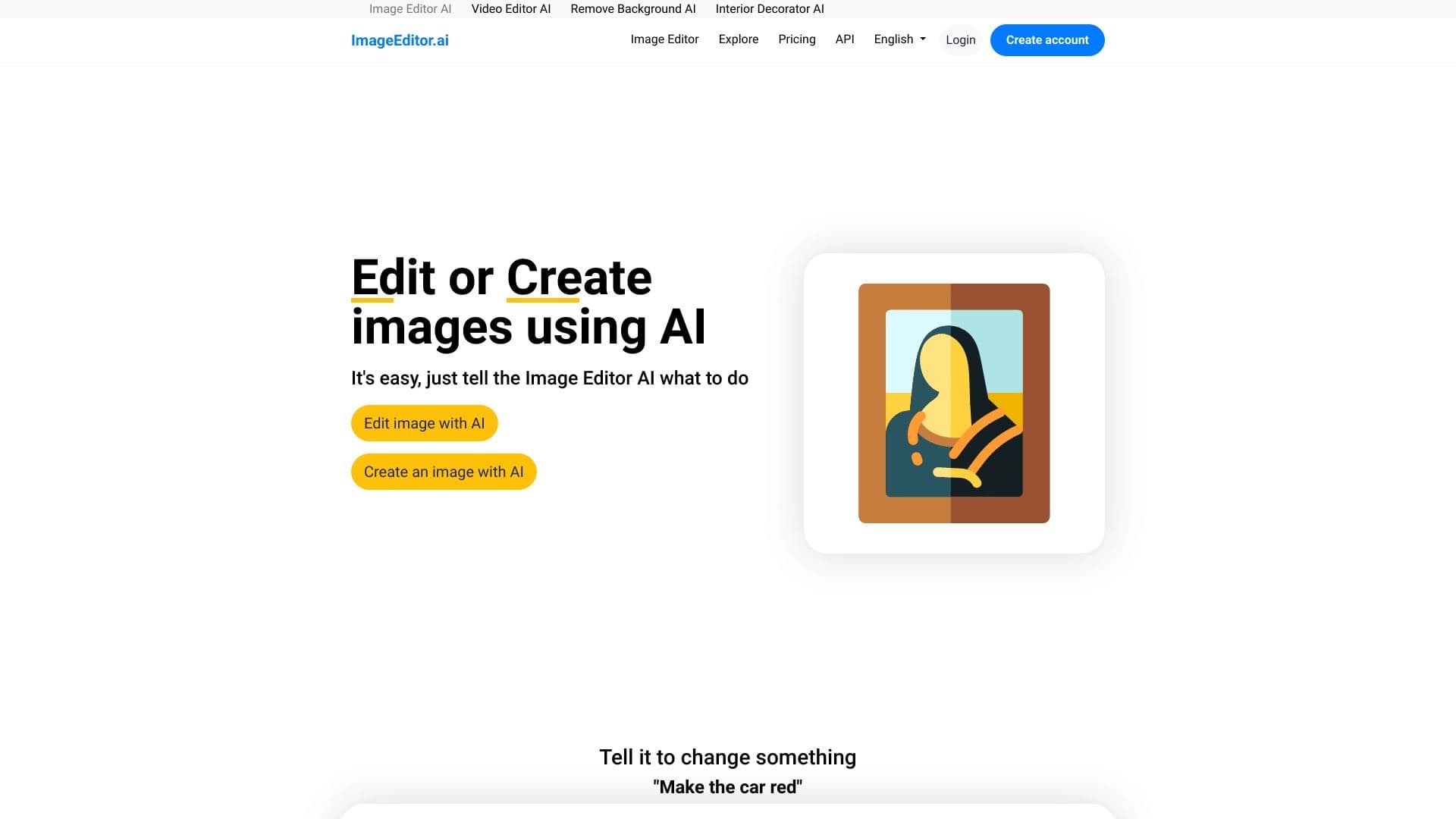

Editor gambar online yang didukung oleh perangkat yang memungkinkan Anda menyunting foto dengan deskripsi teks tepat di peramban Anda.

iSamurai adalah satu set alat AI untuk meningkatkan pemulihan pengganti gambar dan video.
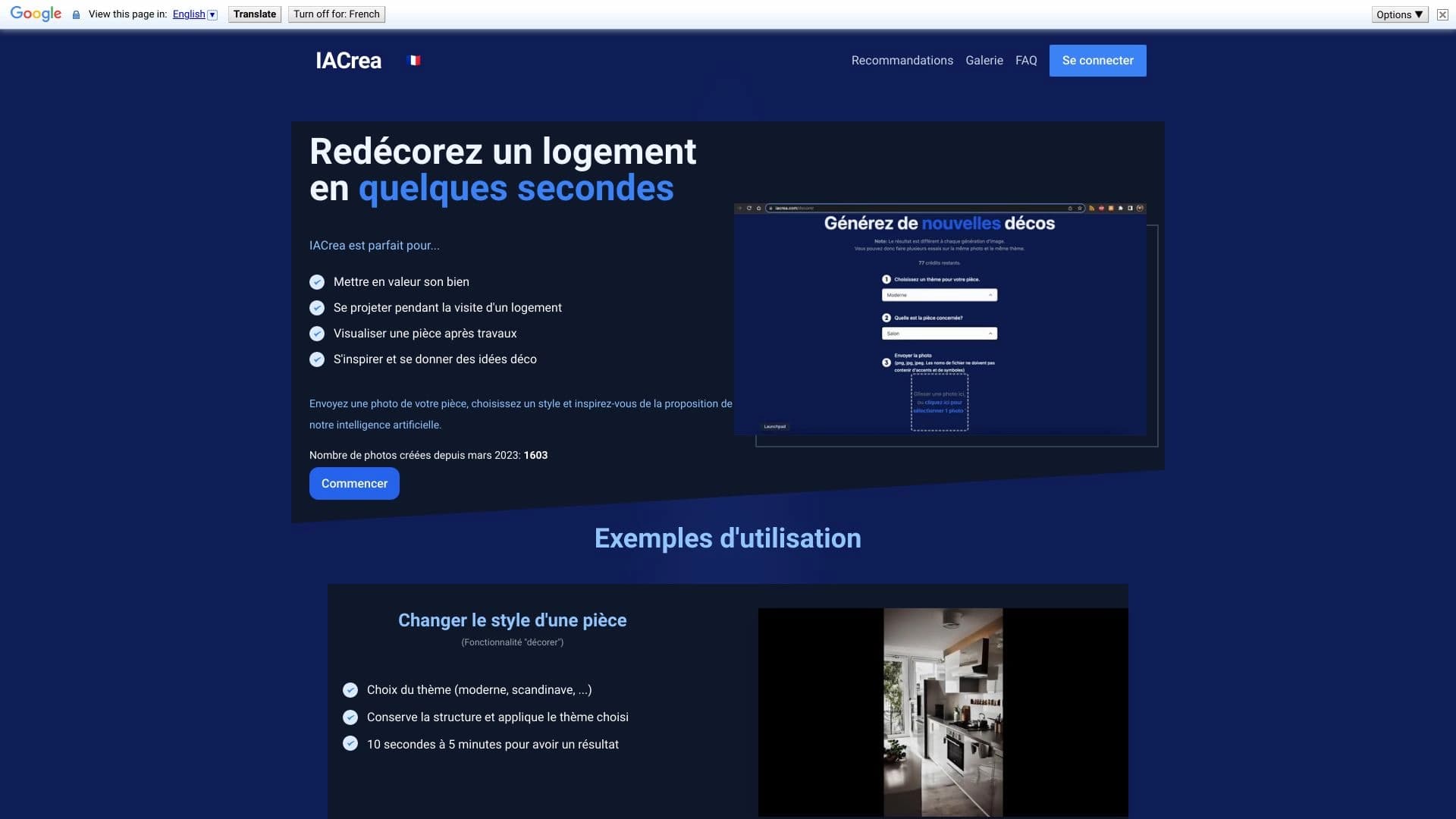

IACrea adalah layanan AI untuk panggung rumah virtual dan visualisasi real estate, memungkinkan Anda untuk meningkatkan cepat interior dan foto eksterior.


Editor Gambar Daring AI- berbasis pelestarian gaya karakter dan pemrosesan perintah Teks.
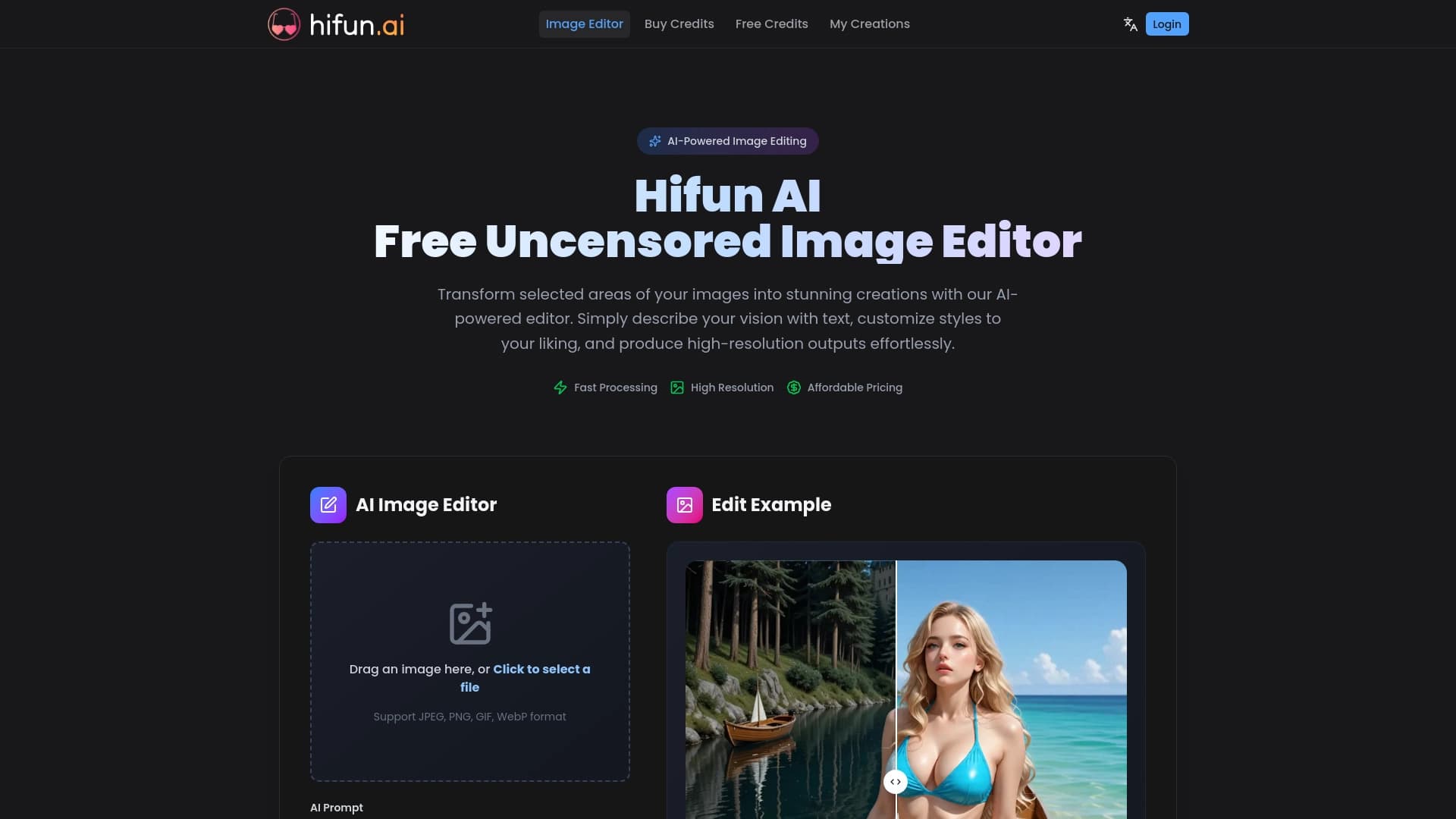
Editor gambar AI untuk pemrosesan kreatif yang cepat dan berkualitas tinggi tanpa sensor.
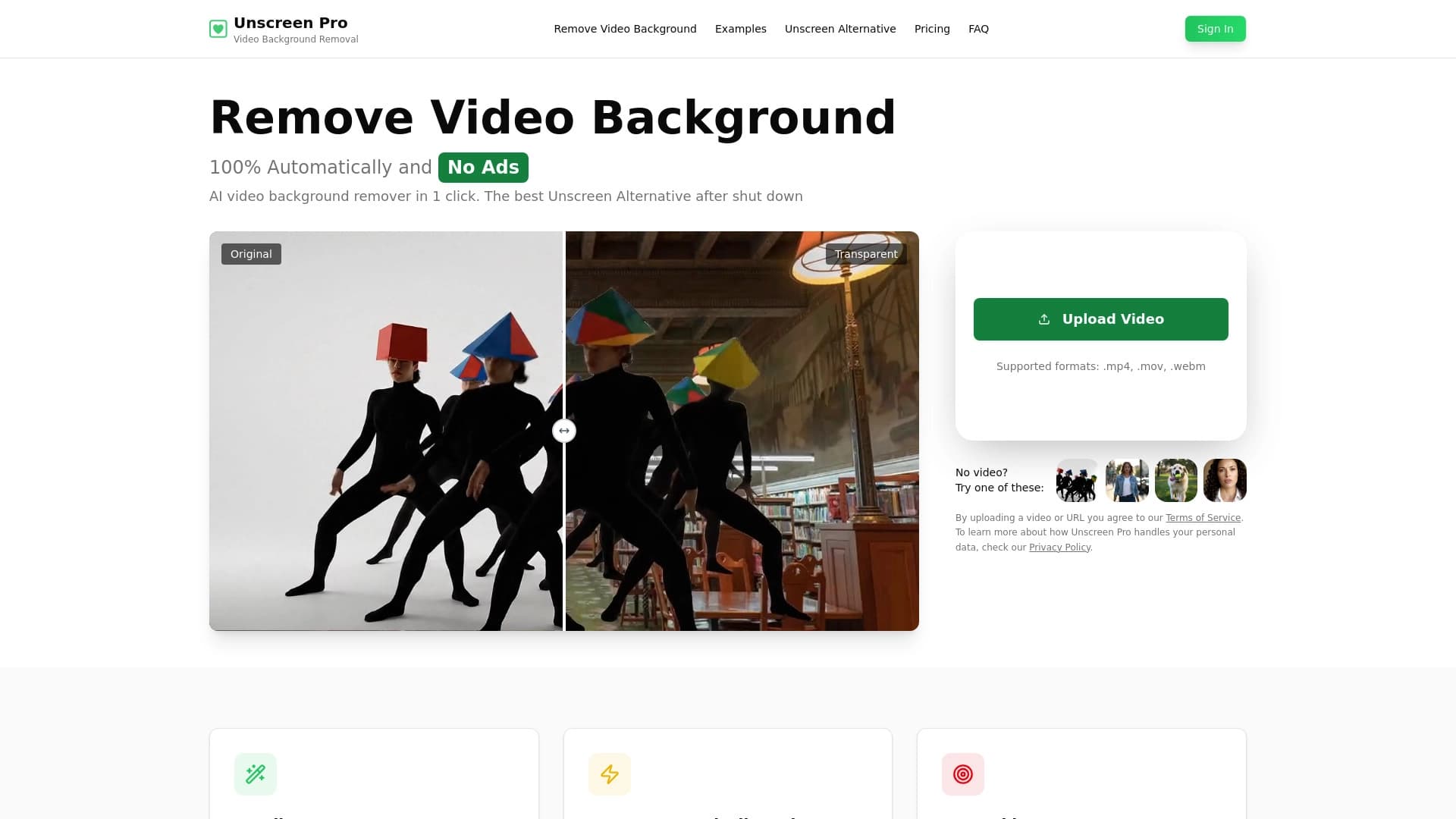

Alat AI untuk latar belakang otomatis dan penghapusan objek dalam video tanpa chroma keying.

Layanan untuk menciptakan avatar personalisasi dan tunas foto menggunakan AI berdasarkan selfie yang diunggah.
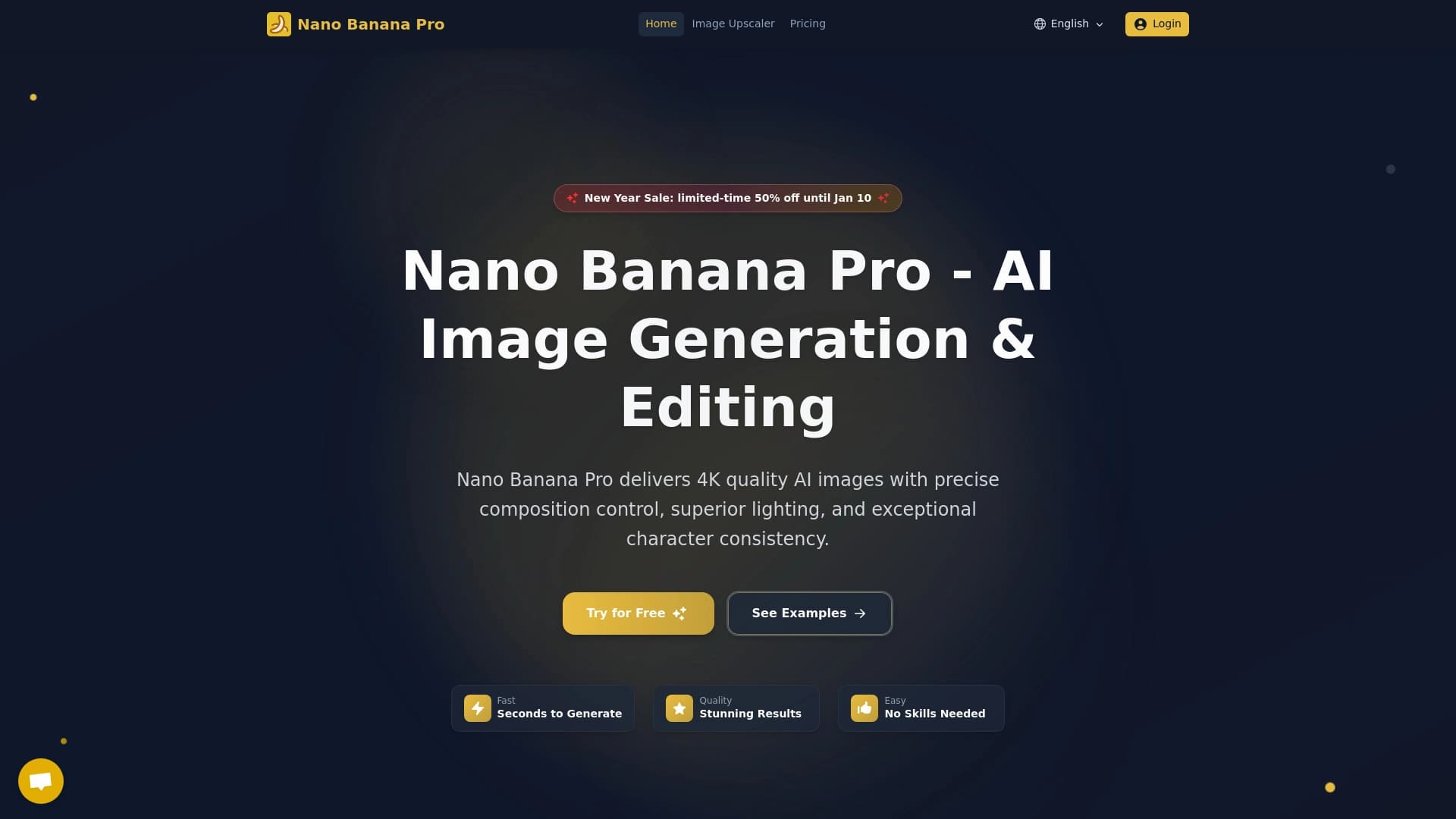

Alat untuk cepat menghasilkan dan menyunting gambar 4K, mendukung kendali atas beberapa gambar referensi dan mode percakapan.