
Festive Slideshow Maker
Service for creating slideshows and videos from photos with automatic synchronization to music.
Overview
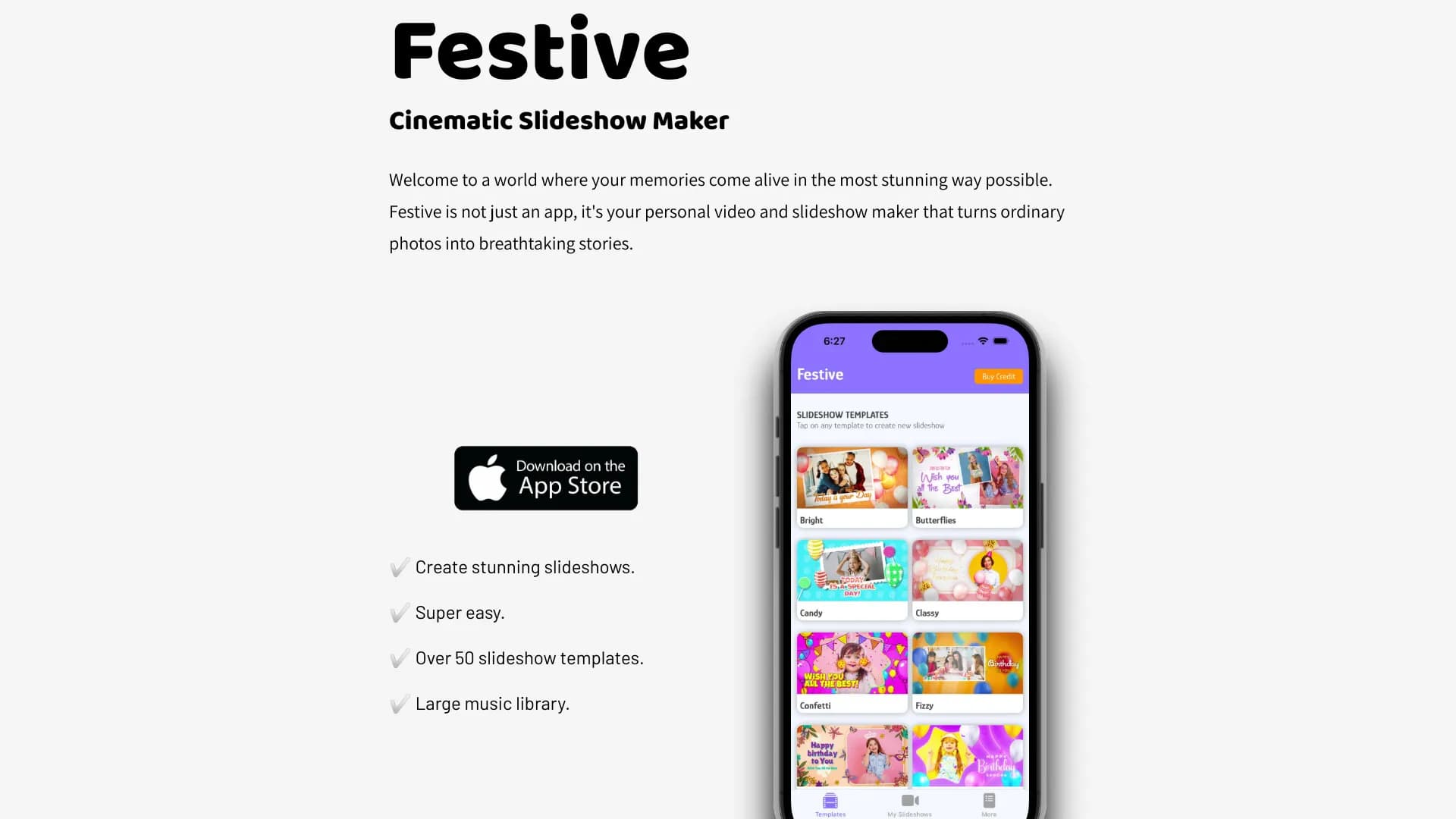
Festive Slideshow Maker is a web service that automates the creation of slideshows and short videos from photos. Instead of manual work on a timeline, the user uploads images, chooses one of the ready-made templates, and the program independently assembles a dynamic video sequence.
The service's key feature is its built-in artificial intelligence, which analyzes the selected music track and adjusts the timing to match it. The AI determines how many seconds to show each frame and when to change slides so that transitions land on the beat of the composition. This allows users to get a finished result without deep knowledge of video editing or manually adjusting keyframes.
The service is positioned as a solution for everyday tasks: creating greetings, travel memories, or simple promo videos for social media. The entire process takes just a few steps: uploading photos, choosing a template, and adding music and text.
Festive Slideshow Maker Features
| Feature | Value |
|---|---|
| Type | AI tool for creating slideshows and videos |
| Category | Editing and post-production, Text → Video |
| Website | www.festive-app.com |
| Number of templates | More than 50 animated templates with transitions |
| Music library | Built-in, ranging from calm to dynamic tracks |
| Text handling | Adding captions and short messages to slides |
| AI features | Automatic adjustment of rhythm and frame duration to match the soundtrack |
| Target audience | Users without video editing experience |
Who is Festive Slideshow Maker for?
Beginners in video editing
The tool is designed for people who have not worked with professional video editors. There is no complex timeline, layers, or keyframes here. The user simply drags photos into the desired order — the service handles the rest. This approach saves time and eliminates the need to study video editing tutorials.
Creators of personal greetings and event videos
The service suits those preparing video gifts for celebrations: birthdays, anniversaries, graduations, weddings. With ready-made templates and musical accompaniment, you can quickly assemble an emotional video from a family archive or event photos.
Small business owners and marketers
There is not always a budget to hire a designer for simple promo videos or mini-presentations. Festive Slideshow Maker lets you generate a short promotional clip for social media using photos of products or services and overlaid text with a call to action.
How to use Festive Slideshow Maker
Step 1: Preparing photos
The user drags images into the service interface in the order they should appear in the video. It is important to sort the images in advance so the final clip has a logical sequence.
Step 2: Choosing a template and music
The user has access to more than 50 ready-made templates with animations and transitions. At the same time, a music track is selected from the built-in library: from calm compositions to energetic tracks. At this stage, the AI begins analyzing the audio track.
Step 3: Adding text and generating
Each slide can have a caption or short message added. After that, the service launches the automatic editing process: the neural network builds the rhythm of frame changes, synchronizing the visual sequence with the music. The final file is ready for download and publication.
Key features of Festive Slideshow Maker
Catalog of animated templates
The service includes more than 50 design options with various transition types, appearance effects, and camera movement. The user does not need to create animation manually — just choose a preferred preset.
Intelligent music synchronization
The AI algorithm automatically calculates how long each frame should be displayed. If the track has a pronounced beat, slide changes will align with it. This makes the video more dynamic and professional without manual adjustment.
Text tools
Each slide can have a text message added: a caption, the name of the person being celebrated, a company name, or a call to action. Fonts and label placement are configured within the chosen template.
Built-in music library
Users have access to a selection of tracks sorted by mood and tempo. This makes it easy to pick a soundtrack for a specific event: lyrical for a family video, energetic for a clip on Instagram or TikTok.
Advantages of Festive Slideshow Maker
Time savings on editing
The main advantage is the speed of creating a finished video. The process takes just a few minutes: uploading photos, choosing a template and track, and generating. There is no need to manually fine-tune timings or align transitions.
Accessible without special skills
Only a basic level of computer proficiency is required. The interface is intuitive, and all technical operations are performed automatically. This makes the tool accessible to people of any age and profession.
Versatility of use
The service is equally useful for personal purposes (greetings, family archives) and work tasks (mini-presentations, promo clips for social media). The same set of tools can solve different communication tasks.
Cinematic results
The use of animated templates and music synchronization turns an ordinary set of photos into a cohesive story with atmosphere. The visual quality of the clips is comparable to work created in professional editors with manual effort.
Disadvantages of Festive Slideshow Maker
Limited customization flexibility
Since the service is focused on automation, the user is limited to the capabilities of the built-in templates. Fine-tuning the animation of each element, changing the behavior of individual layers, or adding complex effects manually is not available.
Lack of information about advanced capabilities
Public sources do not reveal details about parameters such as brand color customization, importing your own audio files, or exporting in high resolution. Users who need these features will need to contact the service's support team directly.
What tasks does Festive Slideshow Maker solve
Personal video greetings
The service lets you quickly assemble a video from the birthday person's photos with music and text wishes overlaid. This approach replaces a card or a verbal greeting, making the gift more memorable.
Event videos after occasions
After a vacation, wedding, or graduation, you can edit a selection of the best shots into one dynamic clip for posting on social media or sending to loved ones.
Simple promo materials for business
Small business owners can create short promotional videos about a product or service without turning to freelancers. Just add product photos, write text about the benefits, and choose an energetic track.
Festive Slideshow Maker Pricing
At the time of writing, based on available data from the source website, the pricing policy is not disclosed. The service does not publish information about subscription costs, the availability of a free tier, or the number of videos per month. For up-to-date information on plans and payment methods, visit the official website www.festive-app.com or contact support.
Terms of Use for Festive Slideshow Maker
Detailed terms of use, including the privacy policy and rules for processing uploaded images, are not provided in the sources. It is recommended to review the user agreement on the website www.festive-app.com before starting. Note that the service processes uploaded photos, so users should be mindful of the content they share.
Availability of Festive Slideshow Maker
The tool is available through a web browser at www.festive-app.com. This means no additional software installation is required — just a stable internet connection and any modern browser. The service works on computers and mobile devices with internet access. Detailed information about support for specific operating systems and device requirements is not provided in public data.
How Festive Slideshow Maker differs from alternatives
The key difference of the service is deep automation of routine work. While most video editors offer tools for manual editing, Festive Slideshow Maker focuses on a full cycle of automatic generation: from uploading photos to synchronizing frames with the musical rhythm.
The built-in library of templates and music within a single interface is also worth noting. The user does not need to search for third-party resources for tracks or download animations. This vertical integration reduces preparation time and simplifies the start for inexperienced users.
Conclusion
Festive Slideshow Maker is a tool for quickly creating slideshows and short videos, aimed at people without video editing experience. The combination of more than 50 animated templates, a built-in music library, and automatic synchronization of frames with the tempo of the composition allows users to produce quality cinematic clips in just minutes. The service covers the needs of creating personal greetings, event videos, and simple promo materials. For those who do not want to dive into complex professional software but need a finished video from photos quickly, Festive Slideshow Maker is a practical solution.
Frequently asked questions
See also

Multifunctional AI platform for content creation, combining speech synthesis, text generation, avatar creation, and video editing.


Bleepify automatically detects and bleeps out profanity in video and audio.
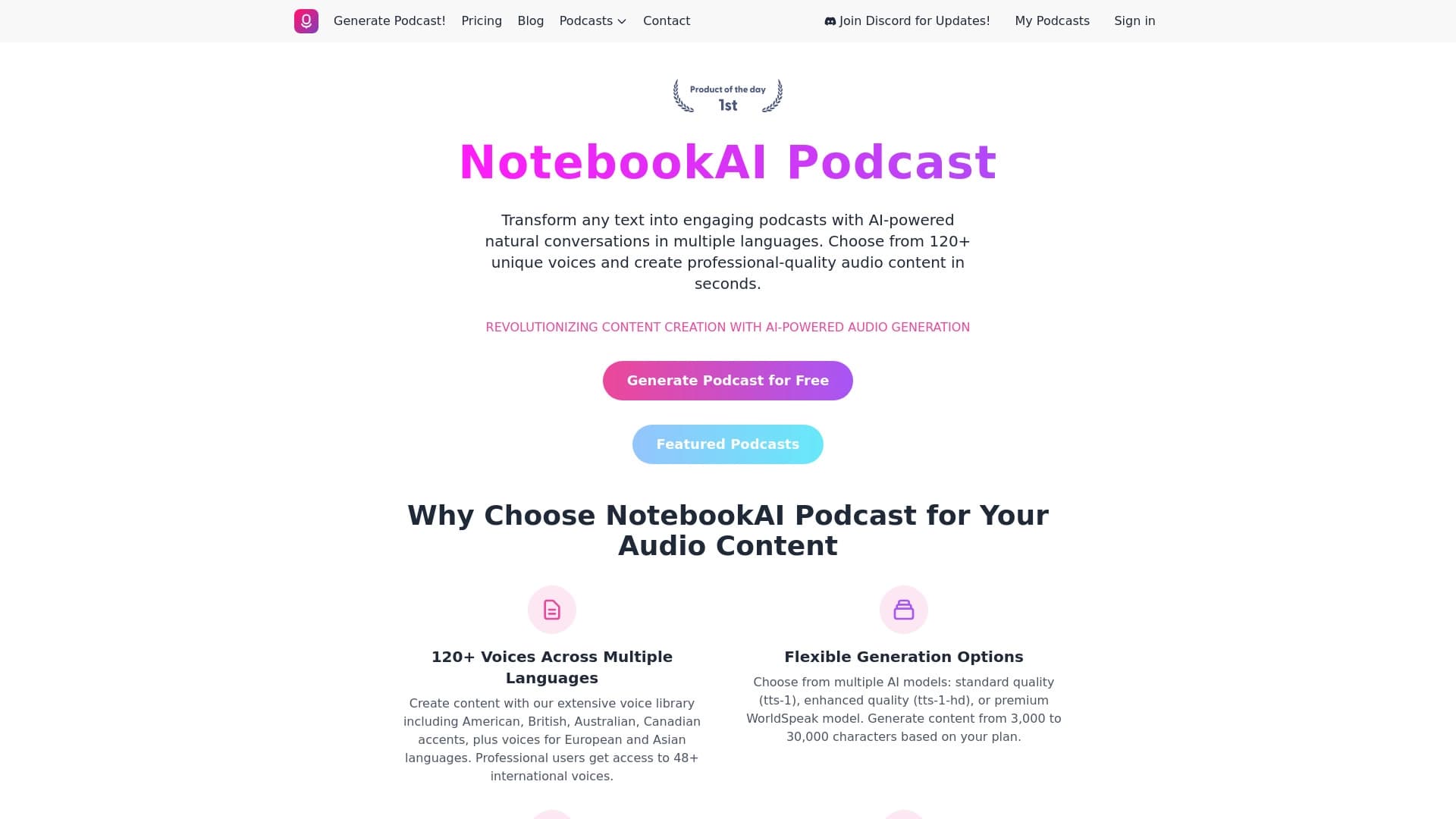

A service for turning text into podcasts with naturally sounding voices in different languages.

Online service for creating and customizing birthday invitations and congratulations using artificial intelligence.

Cabina AI is a unified platform for working with various generative neural networks, enabling you to create texts, images, and videos.

Cloud platform for creating videos using AI avatars, synthesized speech, and automatic translation of clips into dozens of languages.
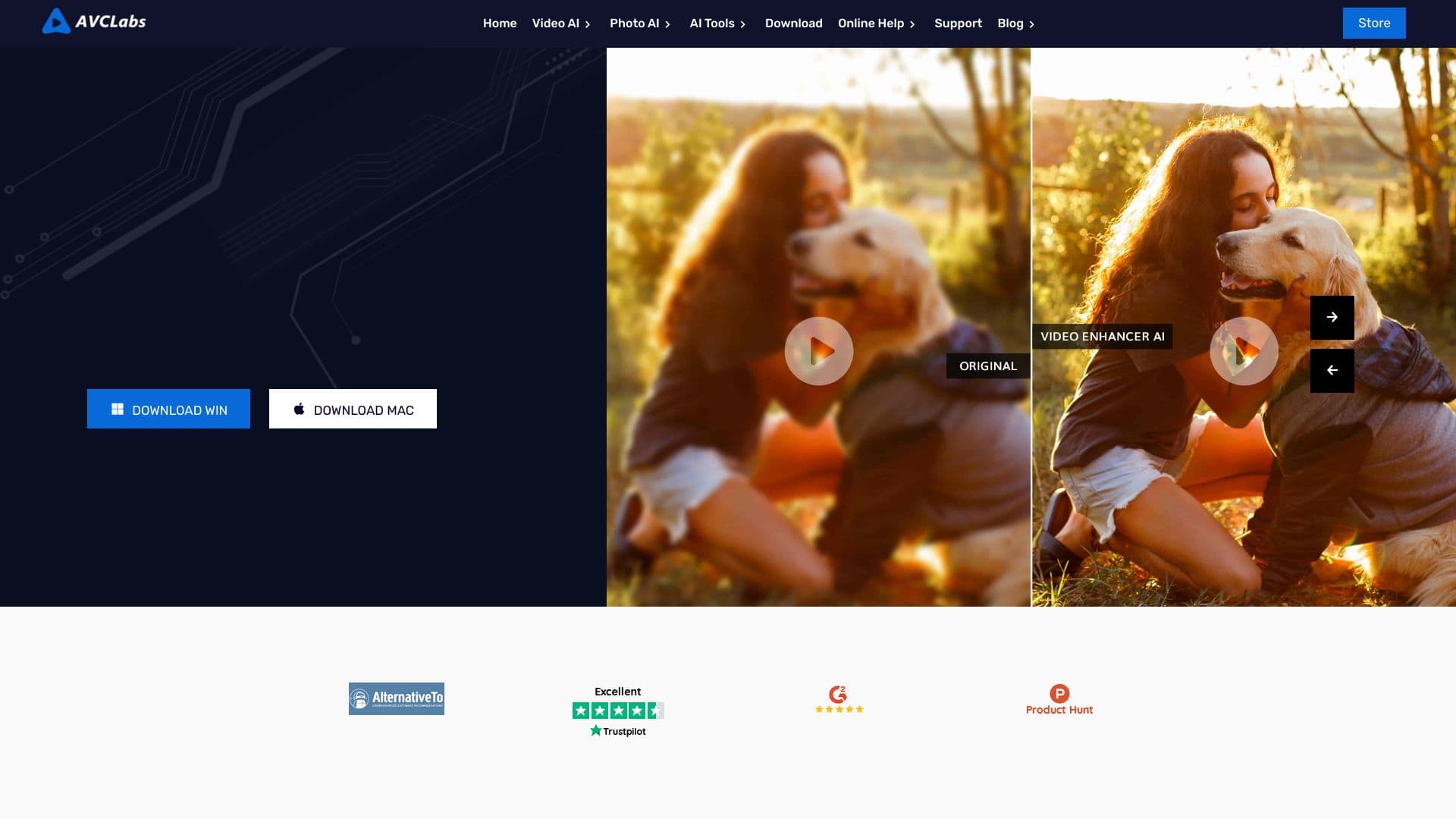

Desktop application for Windows that upscales video resolution to 4K/8K and enhances the quality of old recordings using AI.


AI toolkit for video generation and editing, including avatars, lip-sync, and voice cloning.