

FaceMod
AI-powered online photo and video editor for face swapping.
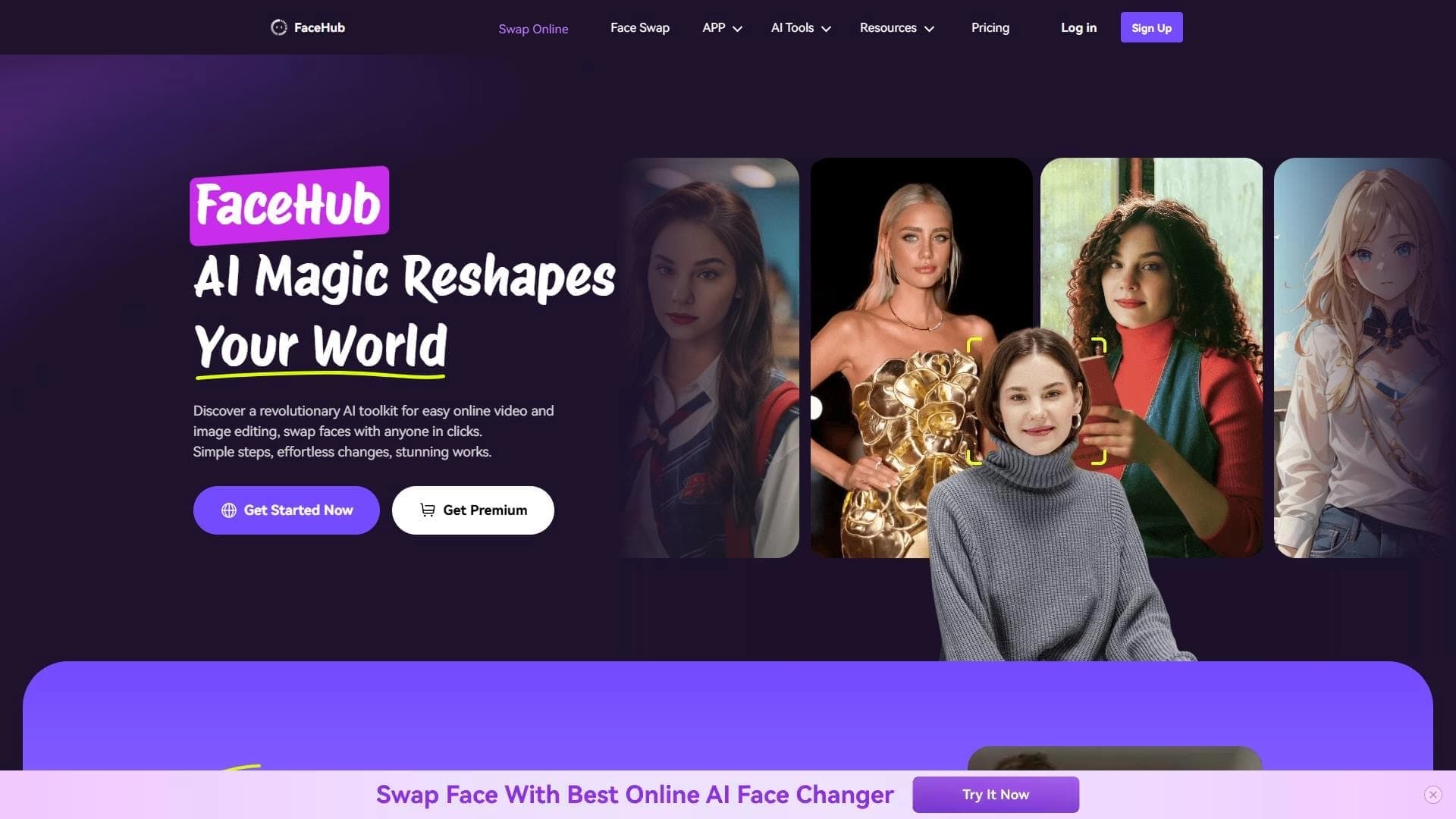
Overview
FaceMod is a browser-based tool that uses artificial intelligence to edit photos and videos. The service's main specialization is face swapping in images and dynamic clips. Unlike professional desktop applications, FaceMod works entirely online, allowing users to forgo installing additional software.
The service's key feature is its built-in template library, which includes over 1,000 options. This saves users from having to search for or create source materials for face swaps on their own. The project is focused on speed and simplicity: you open the site, choose a template, and get the result. Fine-tuning functionality is deliberately simplified, making the tool less flexible compared to specialized programs, but more accessible to a general audience.
FaceMod Features
| Feature | Value |
|---|---|
| Type | AI photo and video editor |
| Categories | Face and age swapping, image generation, editing and retouching |
| Platforms | Web browser, mobile devices (mobile version) |
| Installation | Not required, works online |
| Number of templates | Over 1,000 |
| Interface | Simple |
| Availability | Internet connection required |
Who is FaceMod suitable for?
Social media content creators
FaceMod is designed for users who need to create visual content quickly and without extra effort. This includes those who run blogs, shoot short clips, or publish entertainment photos. The tool lets you achieve an impressive result in minutes without diving into the technical details of editing.
Professionals without editing experience
The service is aimed at people who lack skills with complex editors like Photoshop or After Effects. The simple interface and ready-made templates make it possible to achieve the desired effect even with no experience at all. To get started, you just open the site, and tutorial videos help you quickly master the core functions.
How to use FaceMod?
Getting started
Working with FaceMod requires no downloading or installing software. Everything is done through a web browser or the service's mobile version. Simply go to the site — and the editor is ready to use. The interface is designed so that users immediately see the available tools and templates.
Learning and onboarding
The developers have included tutorial videos that explain how face swapping and other features work. This is especially useful for beginners who are just getting acquainted with AI editors. The video materials help reduce the time spent on self-study and let users move faster to actually creating content.
Key Features of FaceMod
Face swapping in photos and videos
The service's core functionality is automatic face replacement in an image or dynamic clip. AI algorithms detect the face in the source material and replace it with one selected from the library or uploaded by the user.
AI-powered image generation
In addition to face swapping, FaceMod offers an image generation feature. This expands the user's options, allowing them to create unique visual materials without having to source them elsewhere.
Template library and online editing
The built-in collection includes over 1,000 templates for various use cases — from portraits to entertainment. They are processed in real time through the browser, eliminating the need to download or install additional components.
FaceMod Advantages
Simplicity and speed
The service's main strength is its minimal entry barrier. Users don't need to master complex software to get quality results. The interface is intuitive, and the editing process takes just minutes, making it convenient for quick content preparation.
Accessible from any device
FaceMod runs in the browser, so it works on both desktop computers and mobile devices. This lets users edit content anywhere with an internet connection, without being tied to a specific workstation.
A wide range of templates for creativity
Over 1,000 built-in templates is a major advantage for fast content creation. Users can browse different options and pick the best fit for a given task without spending time preparing materials themselves.
FaceMod Disadvantages
Limited customization options
The service's main drawback is shallow settings. Compared to professional video editors, FaceMod offers limited control over the process. Users who need fine control over details, lighting, or color correction may find the tool lacking and have to turn to more advanced programs.
Learning curve for beginners
Despite the simple interface, new users will need time to explore all the available capabilities. The abundance of templates and features can be overwhelming at first, and fully mastering the service requires some time spent watching tutorials and experimenting.
What tasks does FaceMod solve?
Creating promotional materials
The tool is suitable for quickly generating images and videos that can be used in small ad campaigns, promotions, or storefront displays. Face swapping makes it possible to adapt a single template for different needs.
Editing clips for social media
FaceMod handles the fast production of short videos for popular platforms. The simplicity and speed of processing let users keep up a high posting pace, which matters for active bloggers.
Quick photo processing for presentations
The service can be used to prepare illustrative material for presentations, reports, or internal documents. Face swapping and image generation help quickly produce the needed visuals without getting bogged down in lengthy technical work.
FaceMod Pricing
Based on the available data, FaceMod's specific pricing policy is not disclosed. The official sources used in preparing this article do not contain information about subscription costs or one-time fees. For up-to-date pricing information, it is recommended to visit the service's official website.
Terms of Use for FaceMod
The service operates on an online access model: to start using it, simply open the site and select the desired tool. No installation is required, which removes operating system compatibility constraints. A stable internet connection is needed for full functionality, as all computations are performed server-side. Learning is supported through built-in video materials available in the interface.
FaceMod Availability
FaceMod is available through a web browser on desktop computers and laptops, as well as through the mobile version on smartphones and tablets. The lack of installation requirements makes the service cross-platform: it will work on any system with a modern browser. The only technical requirement is an internet connection, since without a network, access to the tools and templates is impossible.
How FaceMod differs from alternatives
The market includes tools with similar functions, such as Reface, FaceSwap, and Zao. FaceMod's difference from these services is its focus on full-cycle online editing and an extensive template library with over 1,000 options.
While competitors may focus on specific aspects (for example, face animation or applying effects to existing clips), FaceMod bets on a comprehensive approach. Users get a wide selection of ready-made materials and can work with them directly in the browser without switching between multiple programs.
The product's main niche is fast content creation with minimal settings. This suits people who value speed and simplicity over deep control of every pixel. For those who need a full range of professional editing tools, FaceMod may not be flexible enough.
Conclusion
FaceMod is a practical solution for users who need to swap a face in a photo or video quickly and without technical hassle. The service appeals with its simple interface, browser-based and mobile access, and an extensive template library. The main limitations relate to the lack of fine-tuning, which makes the tool not the best choice for professional post-processing, but optimal for fast content production for social media, advertising, and presentations.
Frequently asked questions
See also


AI-powered service for automatically creating “faceless” short videos for TikTok, YouTube Shorts, and other platforms.

Online tool for swapping faces in photos, videos, and GIFs without registration or watermarks.
AIJOURNEY is a catalog and search platform for discovering AI tools, updated daily.


Service for turning static images into videos with singing and lip-syncing using AI.

Music generator from text descriptions with style and mood customization, as well as export of individual tracks.

A platform for content creators that combines link management, email marketing, an online store, and analytics in a single visual editor without coding.


Online AI-powered service for quickly creating presentations based on a given topic or an uploaded document.


AI toolkit for video generation and editing, including avatars, lip-sync, and voice cloning.