
AI Singing Photos - LipSync
Serviço para transformar imagens estáticas em vídeos com canto e sincronização labial usando IA.

Posição nos rankings
Visão geral
AI Singing Photos - LipSync é uma ferramenta online que, por meio de algoritmos de inteligência artificial, transforma imagens estáticas em vídeos dinâmicos onde os personagens cantam ou falam. O serviço utiliza tecnologias de animação facial e sincronização labial, permitindo dar vida a retratos, fotos de animais de estimação e até imagens de desenhos animados.
O princípio de funcionamento é bastante simples: a rede neural analisa o áudio ou a faixa de texto carregada e, em seguida, ajusta automaticamente os movimentos dos lábios e as expressões faciais do personagem na imagem de acordo com a onda sonora. O resultado é um vídeo realista que pode ser salvo e usado em seus projetos. A plataforma foi especialmente desenvolvida para a criação rápida de conteúdo, sem a necessidade de edição de vídeo complexa ou habilidades profissionais em animação.
Características do AI Singing Photos - LipSync
| Característica | Valor |
|---|---|
| Tipo | Gerador online de vídeos com sincronização labial por IA |
| Categorias | Dublagem e sincronização labial, geração de vídeo |
| Site | lipsync.video |
| Formatos de vídeo | MP4, WebM, OGG |
| Tamanho máximo do arquivo | 30 MB |
| Modos de operação | Lip Sync 1.0, Lip Sync 2.0 |
| Proporções de tela | Verticais 9:16 e horizontais 16:9 |
| Necessidade de registro | Não é necessária |
Para quem é indicada a rede neural AI Singing Photos - LipSync?
Criadores de conteúdo e blogueiros
O serviço é voltado principalmente para videoblogueiros, influenciadores de redes sociais e autores de conteúdo em vídeo. Com ele, é possível criar rapidamente dublagens para vídeos curtos, animar capas ou transformar fotos em videoclipes completos. A ferramenta é ideal para quem mantém canais no YouTube, TikTok ou Instagram, onde avatares falantes são frequentemente necessários.
Experimentadores e usuários criativos
A ferramenta também interessa àqueles que gostam de experimentar formatos visuais: criação de cartões falantes, desenhos animados, vídeos com animais de estimação. A rede neural permite obter rapidamente um resultado incomum sem a necessidade de aprender programas complexos de modelagem 3D ou animação quadro a quadro, sendo adequada tanto para iniciantes quanto para entusiastas experientes.
Como usar a rede neural AI Singing Photos - LipSync?
Passo 1: Prepare os arquivos
Para o funcionamento, será necessária uma imagem ou vídeo com um personagem (rosto), bem como uma faixa de áudio ou texto a ser dublado. O tamanho do arquivo enviado não deve exceder 30 MB, e o formato deve ser um dos suportados: MP4, WebM ou OGG. Para vídeos verticais, escolha a proporção 9:16; para horizontais, 16:9.
Passo 2: Carregue e configure
Acesse o site lipsync.video, carregue o arquivo de origem, adicione áudio ou texto, escolha o modo de sincronização e inicie o processamento. A rede neural fará todo o trabalho automaticamente e gerará o vídeo final. Não é necessário registro ou criação de conta pessoal.
Principais funções do AI Singing Photos - LipSync
- Sincronização labial automática. A IA combina a faixa de áudio com os movimentos dos lábios do personagem, criando o efeito de fala ou canto real.
- Dois modos de operação. O Lip Sync 1.0 é destinado ao processamento rápido de imagens de retrato; o Lip Sync 2.0 oferece expressões faciais e sincronização mais detalhadas e realistas, importantes para planos complexos e close-ups.
- Suporte às proporções 9:16 e 16:9. Isso permite adaptar o vídeo aos formatos das plataformas sociais populares, sejam stories verticais ou vídeos horizontais clássicos.
- Exemplos integrados de avatares. O serviço fornece amostras que ajudam a avaliar os recursos de sincronização antes de começar a trabalhar com seus próprios arquivos.
Vantagens do AI Singing Photos - LipSync
- Funciona sem registro. A ausência de autorização obrigatória acelera o processo e é conveniente para tarefas pontuais ou testes rápidos dos recursos.
- Simplicidade para vídeos curtos. O serviço é excelente para criar clipes de podcast, fotos "falantes", desenhos animados e vídeos com animais de estimação, permitindo obter resultados rapidamente sem edição complexa.
- Versatilidade de formatos. A possibilidade de carregar arquivos em vários formatos populares (MP4, WebM, OGG) e escolher entre diferentes proporções de tela torna a ferramenta flexível para diversos tipos de conteúdo.
Desvantagens do AI Singing Photos - LipSync
Entre as limitações do serviço, destaca-se o pequeno limite de tamanho do arquivo enviado — não superior a 30 MB. Isso impõe restrições ao uso de vídeos longos ou imagens em alta resolução, que frequentemente pesam significativamente mais. Para trabalhos com projetos volumosos, essa ferramenta pode não ser adequada, pois será necessário compactar os materiais de origem, o que pode afetar sua qualidade.
Quais problemas o AI Singing Photos - LipSync resolve
A principal tarefa do serviço é a sincronização labial em vídeos com uma faixa de áudio ou texto carregado. Na prática, isso resolve uma série de problemas relacionados: criação de avatares falantes para comunicação online, geração de vídeos com diálogos para fins educacionais ou de entretenimento, animação de imagens estáticas para campanhas de marketing e redes sociais. A ferramenta também ajuda a criar rapidamente respostas animadas, cartões interativos e conteúdo diferenciado para plataformas de streaming.
Preços do AI Singing Photos - LipSync
O serviço opera no modelo de distribuição freemium. Isso significa que a funcionalidade básica está disponível gratuitamente, mas recursos avançados ou a remoção de limitações podem ser cobrados. Os valores exatos e as condições das assinaturas pagas não podem ser determinados com base nos dados disponíveis — informações atualizadas sobre custos e o conjunto de funções pagas devem ser verificadas diretamente no site oficial lipsync.video.
Termos de uso do AI Singing Photos - LipSync
Para começar a usar o serviço, não é necessário registro. No nível gratuito, há uma limitação no tamanho do arquivo enviado — até 30 MB. São suportados os formatos de vídeo MP4, WebM e OGG. O processamento de imagens está disponível nas orientações vertical (9:16) e horizontal (16:9). Os modos de operação Lip Sync 1.0 e Lip Sync 2.0 permitem escolher a velocidade e a qualidade da sincronização. Uma lista mais precisa das limitações do plano gratuito e as condições de uso comercial podem ser indicadas no site da ferramenta.
Disponibilidade do AI Singing Photos - LipSync
O AI Singing Photos - LipSync é uma ferramenta totalmente online que não requer a instalação de software adicional. Ele está disponível via navegador web no site oficial lipsync.video. Para funcionar, basta uma conexão estável com a internet e qualquer dispositivo moderno com acesso à rede — computador pessoal, notebook ou dispositivo móvel.
O que diferencia o AI Singing Photos - LipSync dos concorrentes
A principal diferença do serviço em relação a muitas outras soluções de dublagem e animação é a ausência total de exigência de registro do usuário. Isso o torna extremamente conveniente para testes rápidos e tarefas de curto prazo. Além disso, a ferramenta oferece dois modos de sincronização: uma versão básica acelerada (Lip Sync 1.0) para retratos simples e um modo avançado (Lip Sync 2.0) com detalhamento mais profundo das expressões faciais. Também há suporte a diferentes proporções de tela, algo frequentemente ausente em concorrentes mais especializados.
Conclusão
O AI Singing Photos - LipSync é uma ferramenta online prática que permite automatizar o processo de dublagem de imagens e criar avatares falantes realistas. Suas principais vantagens são a ausência de registro, a facilidade de aprendizado e a velocidade de processamento, tornando-o útil para blogueiros, profissionais de marketing e todos que desejam dar vida rapidamente a um visual estático. Apesar da limitação no tamanho dos arquivos, o serviço lida bem com vídeos curtos e oferece aos usuários a escolha entre modos de sincronização rápidos e mais detalhados.
Perguntas mais frequentes
Consulte também


BannsAi — serviço com uso de IA para criação rápida de banners publicitários a partir de descrição textual ou referência.


Plataforma IA para criação rápida de sites e gerenciamento de processos de pequenas empresas.
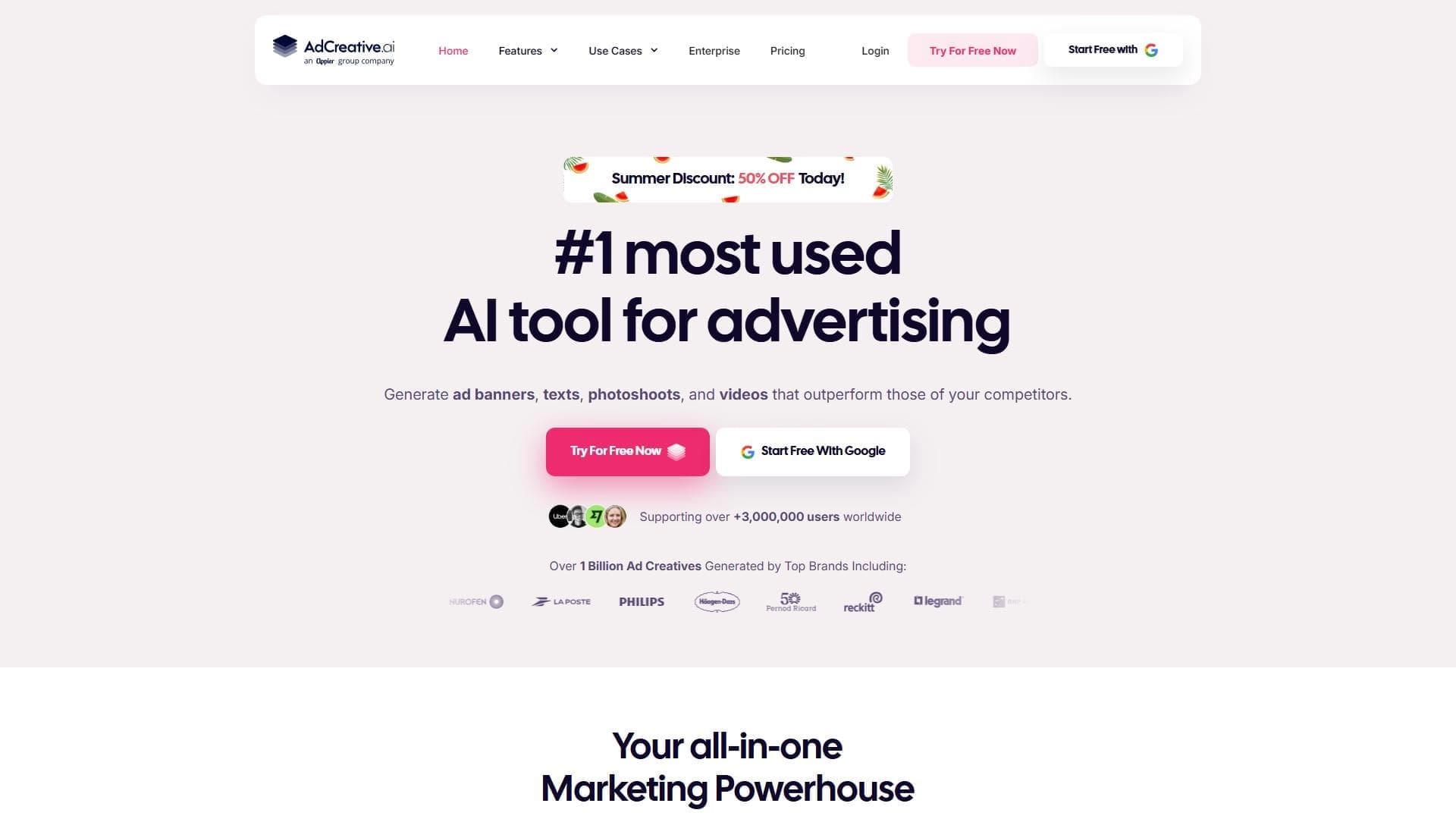

Plataforma baseada em IA para geração automática de banners publicitários, textos e vídeos, otimizados para conversão.


Plataforma online com IA para criação rápida de conteúdo textual, incluindo blogs, artigos e posts para redes sociais.
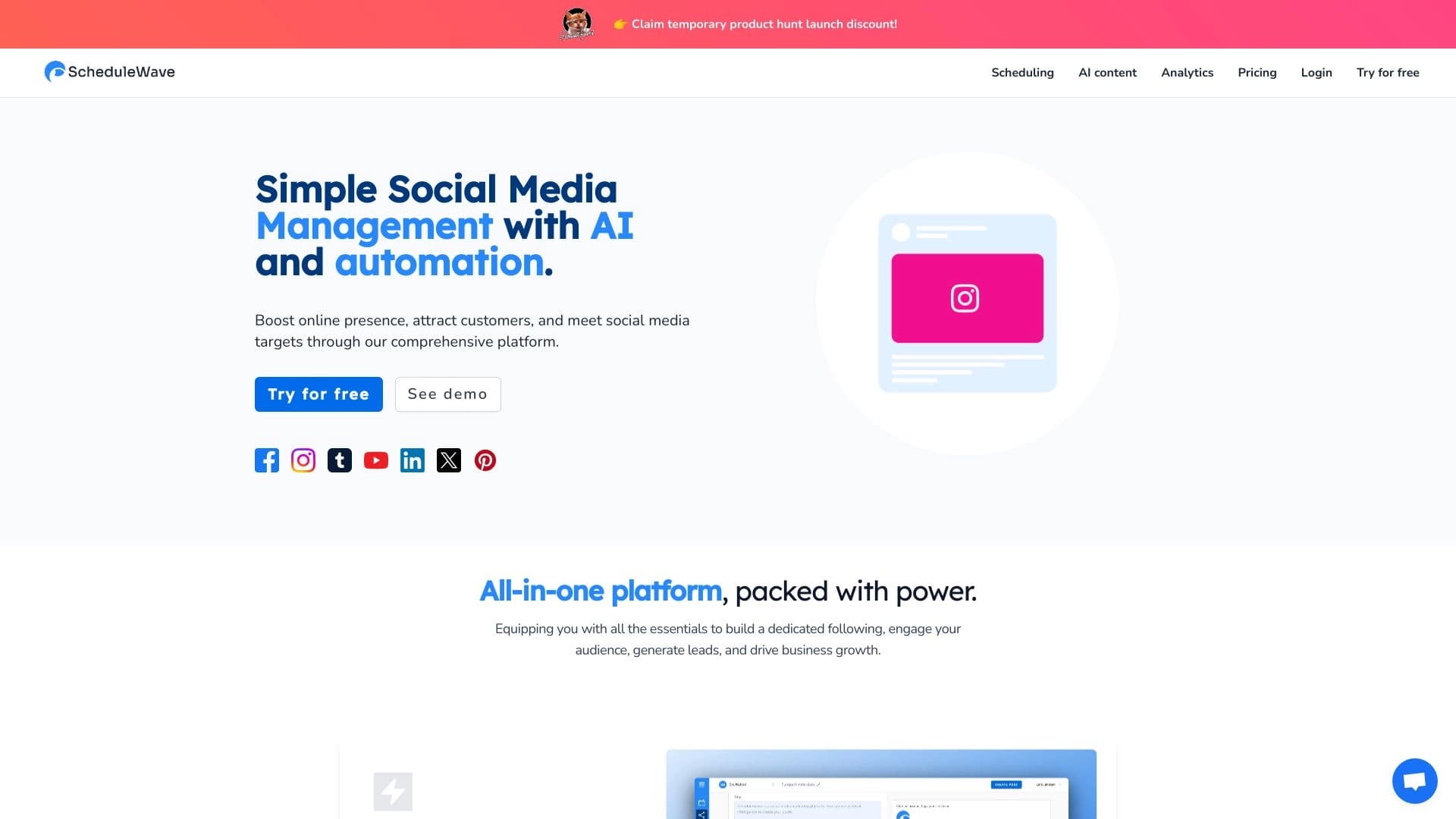
Plataforma para planejamento de automação de publicação em rede social usando inteligência artificial.

Ferramenta de geração de imagens e avatares de personagens com base em IA.


Plataforma com IA para gerar e editar imagens e vídeos.


Serviço online baseado em IA para criar apresentações rapidamente a partir de um tema definido ou de um documento carregado.