
Effie
Minimalist service for notes, mind maps, and structuring ideas with an AI assistant.

Overview
Effie is a minimalist workspace that combines a text editor, mind-mapping tools, and idea structuring capabilities. The service is designed as a unified environment where you can take notes, draft ideas, build thought hierarchies, and turn free-form sketches into clear plans and outlines.
The key feature of Effie is its built-in AI assistant, which helps articulate thoughts, improve writing style, and expand on what you've written. At the same time, the interface remains deliberately simple and free of distracting elements, allowing users to focus on content rather than formatting.
Effie Features
| Feature | Value |
|---|---|
| Type | AI service for notes and mind maps |
| Category | Knowledge maps, notes, and protocols |
| Website | www.effie.pro |
| Interface | Minimalist, distraction-free |
| Distribution model | Freemium |
| Platforms | Cross-platform (available on multiple devices) |
| Export | Various formats, including image feeds |
Who is Effie suitable for?
Writers and screenwriters
Effie is convenient for those working on articles, books, or screenplays. The ability to quickly switch between free-form drafts and structured outlines helps maintain narrative logic and keep track of details. The AI assistant can handle the rough work of phrasing thoughts and editing.
Students and researchers
When working with large volumes of information, it's important to be able to organize sources, theses, and citations. Effie allows you to combine notes and mind maps in one place, simplifying exam preparation, essay writing, and coursework.
Content creators
For bloggers, newsletter authors, and video scriptwriters, the service helps turn scattered ideas into ready-made structures and drafts. The minimalist interface promotes quick entry into a flow state and keeps focus on the task at hand.
How to use Effie?
Getting started with notes
Everything begins with a blank page: you write down thoughts, ideas, quotes, or to-do lists. At this stage, there's no need to worry about structure — Effie deliberately avoids cluttering the interface with formatting buttons so as not to distract from writing.
Turning notes into structure
From typed text, you can easily create a mind map or hierarchical outline. Simply select the relevant fragments and convert them into a mind map. This way, a free flow of thoughts becomes an organized summary or plan.
Using the AI assistant
The built-in AI works directly with your text: it helps rephrase sentences, improve style, expand, or supplement what you've written. This is useful during the editing stage or when you need to look at your text from a different angle.
Export and sharing
Finished materials can be exported in various formats, including image feeds. This is convenient for sharing ideas with colleagues, publishing on social media, or transferring materials to other applications.
Key Effie features
Note-taking and lists
Basic text editor functionality for quickly capturing ideas, creating task lists, and keeping notes. The minimalist interface isn't overloaded with toolbars.
Mind map creation
Effie allows you to build mind maps and hierarchical plans based on text. This is useful for brainstorming, project planning, and visualizing connections between ideas.
AI assistant for text
The built-in language model helps with phrasing thoughts, improving style, and expanding text. Simply highlight a fragment or give a command — and the AI will offer suggestions.
Text outline
The automatic document structure feature lets you see the logic of your text as a whole and quickly rearrange sections, which is especially useful when working on long materials.
Cross-platform support
The app works across different devices, allowing you to switch between desktop, tablet, and phone without losing context.
Effie advantages
Minimalism for focus
The interface is focused on content rather than presentation. The absence of unnecessary elements, panels, and settings helps you enter a state of deep work faster and avoid getting distracted by details.
Everything in one place
Effie combines notes, lists, mind maps, and text outlines in a single space. You don't need to switch between multiple apps — the entire workflow from draft to finished plan happens in one environment.
Easy transition from sketch to structure
One of the service's main advantages is the ability to gradually turn chaotic notes into an organized summary without losing information. This lowers the barrier between capturing a thought and formatting it.
Effie drawbacks
The source data doesn't provide enough information to objectively assess the service's weaknesses. We'll only note that when choosing a tool, it's worth considering Effie's own ecosystem and the need to get used to its text workflow model. Some users may miss a wider range of formatting tools, and the minimalism may feel too Spartan.
What tasks does Effie solve?
Structuring information
Effie helps organize ideas and data, turning them into visual diagrams and hierarchical plans. This is suitable for preparing for projects, lectures, or brainstorming sessions.
Creating written content
The AI assistant also participates in text generation: it helps articulate thoughts, choose phrasing, and expand existing drafts. This saves time on editing and polishing language.
Planning articles and books
The service allows you to build the structure of future material, break it down into chapters and sections, and then fill it with text sequentially. Convenient for working on long documents.
Sharing ideas
Thanks to export in various formats (including image feeds), finished materials can be easily shared with your team, colleagues, or social media audiences.
Effie pricing
Effie operates on a freemium model. This means there's a free version with a basic set of features, as well as paid plans that unlock expanded capabilities. Current prices and subscription details aren't disclosed in the source data, so it's worth checking the official effie.pro website before making a decision.
Effie terms of use
The service is provided on a freemium model: basic functionality is free, while expanded features require purchasing a paid plan. For full use of the app, it's recommended to create an account on the official website. The exact terms of use and license agreements are available at effie.pro.
Effie availability
Effie is available on multiple platforms: the web version works through a browser, and apps exist for the most common operating systems. Thanks to cross-platform support, synchronization happens between devices — you can start working on one device and continue on another. The current list of supported platforms and devices is available on the official effie.pro website.
How Effie differs from alternatives
Combining formats
Effie's main difference from most competitors is combining a text editor, mind mapping, and an AI assistant in a single tool. Many services specialize in just one thing: notes separately, maps separately, AI writers separately. Effie aims to cover all three tasks with one unified solution.
Minimalism as a principle
Unlike feature-heavy editors, Effie deliberately avoids unnecessary controls. Competitors (such as Notion or Miro) offer many customization options, while Effie focuses on simplicity and depth of immersion in writing.
AI within the workflow
In some alternatives, AI is implemented as a separate panel or standalone feature. In Effie, the assistant is embedded directly into the text workflow: from highlighting a fragment to commanding a rephrase or expansion. This makes interacting with the neural network a natural part of the writing process.
Conclusion
Effie is a minimalist workspace that combines notes, mind maps, and a text editor with a built-in AI assistant. The service is geared toward deep concentration and convenient work with large volumes of information: from the first draft to a structured document. The ability to smoothly transition between free text, mind maps, and outlines makes Effie an interesting option for writers, students, and anyone who regularly needs to organize their thoughts.
Frequently asked questions
See also

Cloud platform for creating videos using AI avatars, synthesized speech, and automatic translation of clips into dozens of languages.


AI-powered online platform for quickly creating text content, including blogs, articles, and social media posts.


Bleepify automatically detects and bleeps out profanity in video and audio.


AI marketing assistant that helps create promotion strategies and optimize advertising campaigns.


Video editor with neural network support for video editing on Windows and Mac.


AI service for automatically selecting music to match the mood of videos, images, or text, with legal licenses.

AI assistant for business that helps manage tasks and automate routine through dialogue.
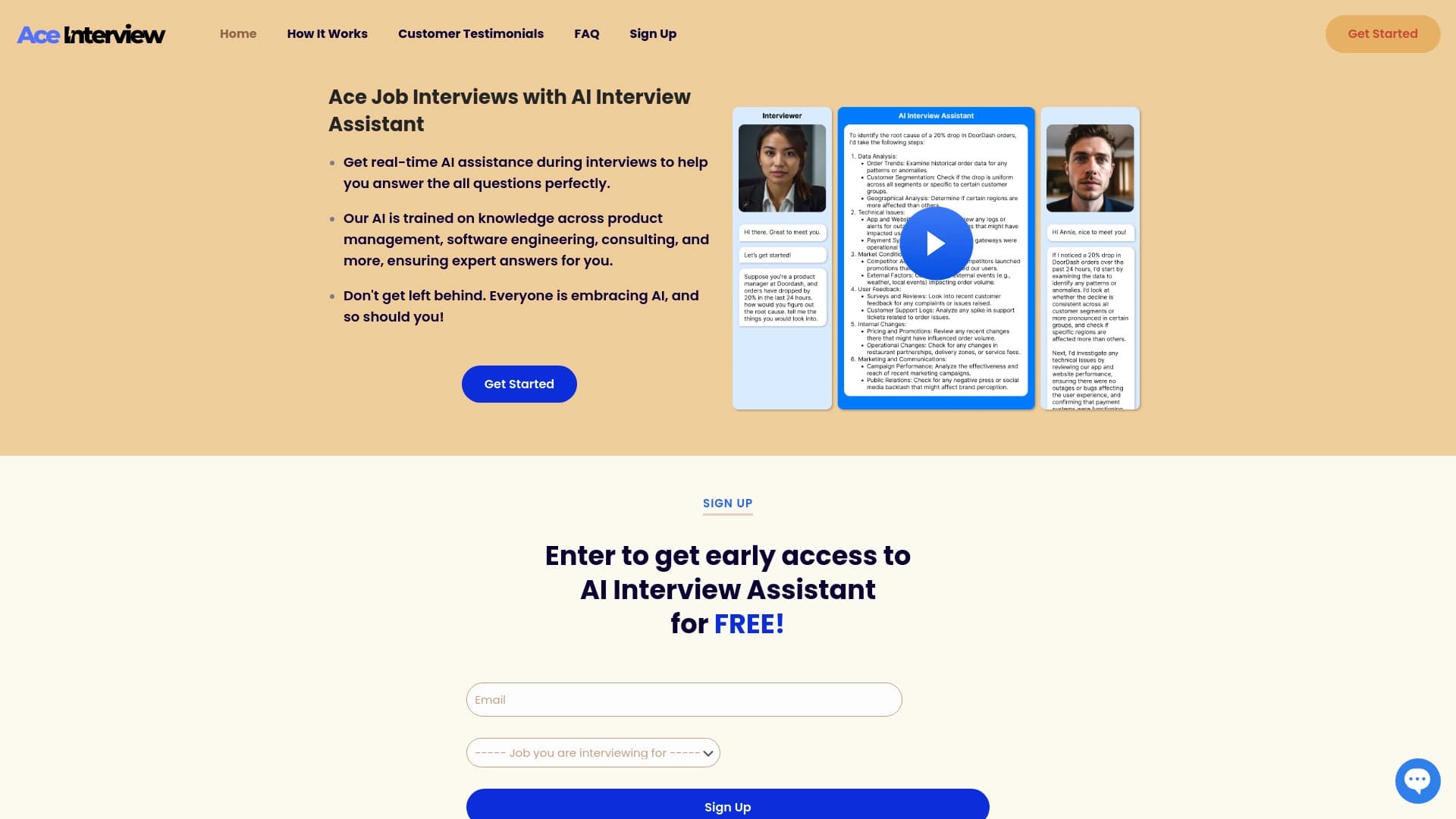

AI assistant for real-time hints during online interviews.