
Dvina
Platform for connecting to more than 120 business applications and databases through a unified interface, allowing you to query reports and update data in real time.
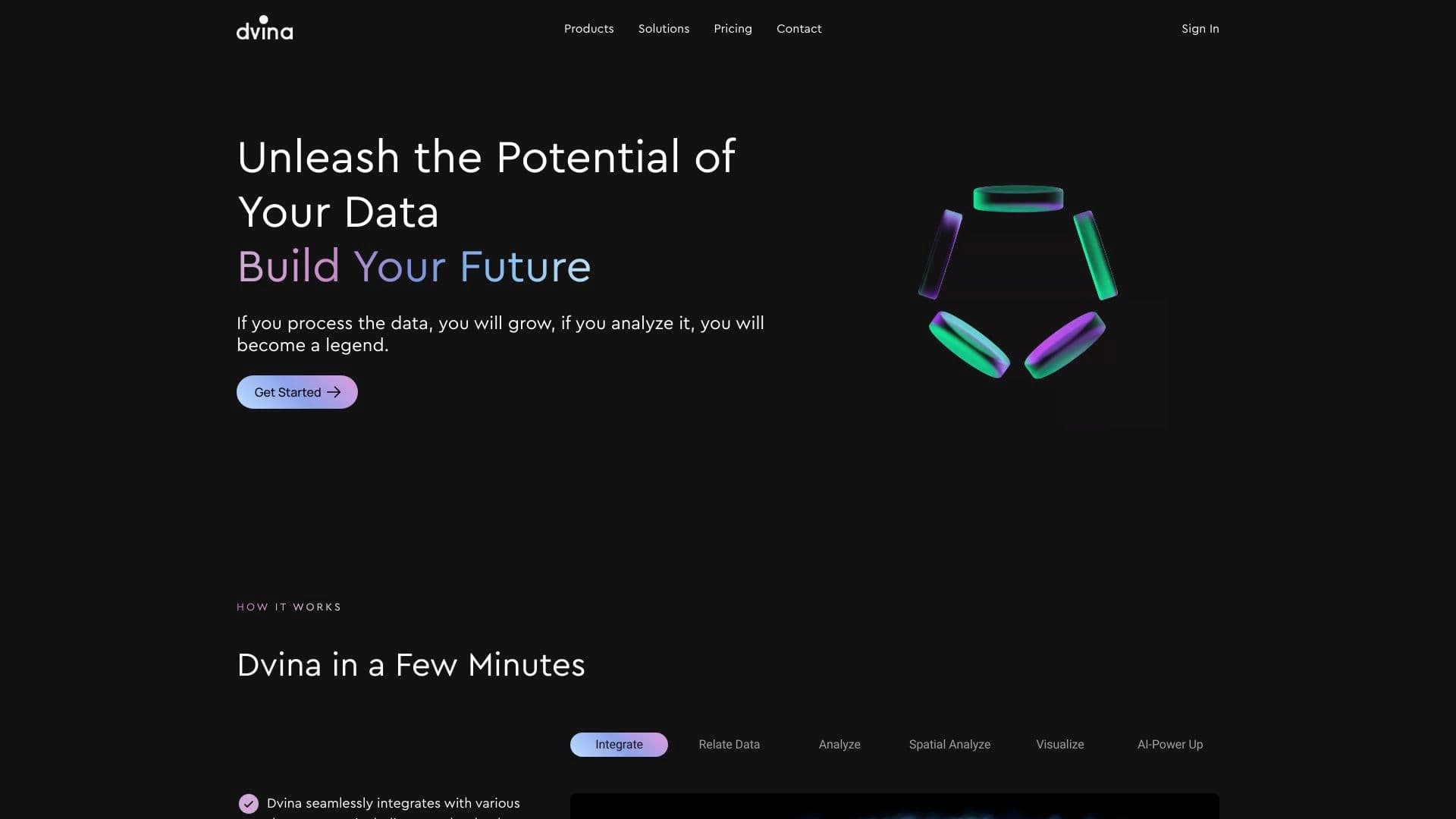
Overview
Dvina AI Description
Dvina is an AI platform that connects business applications and databases into a single workspace. Instead of switching between a dozen different services, users get one entry point for queries, analytics, and data management. The system works with a wide range of sources: from popular CRMs and project management systems to relational databases.
The platform's main focus is speed and accuracy. Dvina lets you ask questions in natural language and get answers based on up-to-date data from connected systems. This eliminates the need to manually compile reports or wait for an analyst to generate a data set.
Unified Interface for Business Tools
Dvina integrates over 120 applications and databases. This means you don't need to open each system separately to get a summary of sales, task statuses, or financial metrics — a single query in the platform's interface is enough.
Real-Time Data Processing
The system connects to live sources rather than static exports. This allows you to track changes as they happen: update statuses, check current records, and build reports based on the most recent data.
Dvina Features
| Feature | Value |
|---|---|
| Type | AI platform for business application integration and analytics |
| Number of integrations | Over 120 applications and live databases |
| Supported databases | MySQL, PostgreSQL, MongoDB |
| Categories | API and integrations, SQL and database queries, data analysis |
| Platforms | Web interface |
| Key features | Data privacy, geospatial analysis, enterprise infrastructure |
| Editorial rating | 8.2 out of 10 |
| User rating | 4.8 out of 5 |
| Website | dvina.co |
Who is Dvina AI for?
Teams and Enterprises
The platform's primary audience is organizations that need to make decisions quickly based on real data. Dvina suits both small teams working with a few tools and large corporate structures with complex IT infrastructure. The built-in Privacy First mode and support for scalable infrastructure make it suitable for enterprise use.
Analysts and Data Professionals
For those who regularly work with SQL databases, Dvina simplifies data extraction and interpretation. The tool handles part of the routine operations, allowing analysts to focus on interpreting results rather than the technical details of queries.
Individual Professionals
Individual users can also use the platform in their daily work — for example, generating reports from connected services or quickly searching for information across large document sets.
How to Use Dvina AI?
The platform's official website does not publish a step-by-step guide to getting started. However, the general usage logic is clear from the service description.
Connecting Data Sources
First, you need to connect the required applications and databases to the platform. Dvina supports a wide range of systems, including Google Analytics, Notion, Jira, SAP, Salesforce, and others. For databases, standard connection mechanisms for MySQL, PostgreSQL, and MongoDB are used.
Formulating Queries
After connecting sources, users can ask questions in natural language: request reports, export needed records, check deal and task statuses. The platform processes the query and returns an answer based on current data from the connected systems.
Key Dvina Features
Working with Business Applications
The platform connects to dozens of popular services: Google Analytics, Notion, Linear, Jira, SAP, Salesforce, QuickBooks, Airtable, ServiceNow, and others. Through a unified interface, you can request reports from any connected source.
Extracting and Analyzing Data from Databases
Dvina works with relational databases — MySQL, PostgreSQL, and MongoDB. The AI extracts the required records, filters data, and provides structured answers without the need to write complex SQL queries.
Geospatial Analysis
One of the distinguishing capabilities is real-time geospatial analysis. The platform processes location-based data and helps uncover hidden patterns that may not be obvious with standard analysis.
Document and Task Management
Beyond analytical functions, Dvina allows working with large files and document sets. Users can update deal and task statuses, extract needed records, and manage data directly through the platform interface.
Dvina Advantages
Privacy and Confidentiality
The platform takes data protection seriously. Privacy First mode ensures confidentiality when working with sensitive information, which is especially important for teams handling commercial or personal data.
Accuracy and Relevance of Answers
Since Dvina works with live sources, answers are based on the most recent data. This reduces the risk of making decisions based on outdated information and improves overall analytical accuracy.
Scalability and Enterprise Infrastructure
The service supports enterprise integrations and is designed to handle large data volumes. This makes it suitable for large organizations with high loads and complex IT architectures.
Dvina Limitations
The official website does not provide information about pricing, terms of use, or available plans. Potential customers may find it difficult to assess implementation costs without first contacting support or requesting a commercial proposal.
What Problems Does Dvina Solve?
Analyzing Data from Different Systems
The platform collects information from many disparate sources and consolidates it into a unified picture. This allows you to see the full business situation without manually cross-referencing data from different services.
Preparing Data for Decision-Making
Dvina provides accurate and up-to-date answers to queries, speeding up the decision-making process. Managers and teams can quickly obtain the metrics they need and respond to changes.
Working with Large Volumes of Information
The tool handles large files and document sets, extracting relevant data from them. This is especially useful for tasks involving significant amounts of information.
Improving Customer Engagement
Through geospatial analysis and advanced analytics, Dvina helps uncover hidden patterns in customer behavior. This allows for better service quality and more efficient business processes.
Dvina Pricing
Information about costs and pricing plans is not published on the official website. To get current pricing information, you need to contact the developers directly.
Dvina Terms of Use
Terms of use are not specified on the website. Users planning to use the platform for commercial or corporate purposes are advised to clarify licensing details and operating rules with the service representatives.
Dvina Availability
Dvina is available through a web interface at dvina.co. The service targets a global audience and has no explicit regional restrictions in its description. Interface languages are not specified on the website.
How Dvina Differs from Alternatives
No comparison with competitors is provided on the official website. However, in AI tool directories, X-Ray Contact, Datalytica, IndexBox, AI Surge Cloud, and Rows are listed as Dvina alternatives.
Based on available information, the key differentiator is the combination of three factors: connectivity to over 120 business applications, support for popular databases, and real-time geospatial analysis. This combination is not found with every competitor, making Dvina a fairly versatile tool for teams using various systems simultaneously.
Conclusion
Dvina is a functional platform for business application integration and analytics, aimed at teams and enterprises. Its main advantages are a wide range of supported systems, work with popular databases, and a focus on privacy. The geospatial analysis capability expands the tool's scope beyond standard reporting. At the same time, the lack of open information about terms of use and pricing may be an obstacle for potential customers at the decision-making stage.
Frequently asked questions
See also


AI agent for assisting with programming and optimizing the development workflow.


AI-powered platform for automated video clip creation, editing, and translation.


Video editor with neural network support for video editing on Windows and Mac.

Browser extension and web service with AI assistant features: answering queries, summarizing videos and documents, and translating text.

AllChat is a universal platform that combines several popular language models in a single interface for communication, image generation, file analysis, and code execution.

Platform for creating custom AI chats trained on your own business data.

AI-powered platform for automated API security testing and vulnerability discovery in code and cloud infrastructure.

AI-powered online service that automatically converts bank statements from PDF into structured CSV files.