
Detail: AI Video Editor
AI-powered mobile video editor for quickly creating and editing short videos.
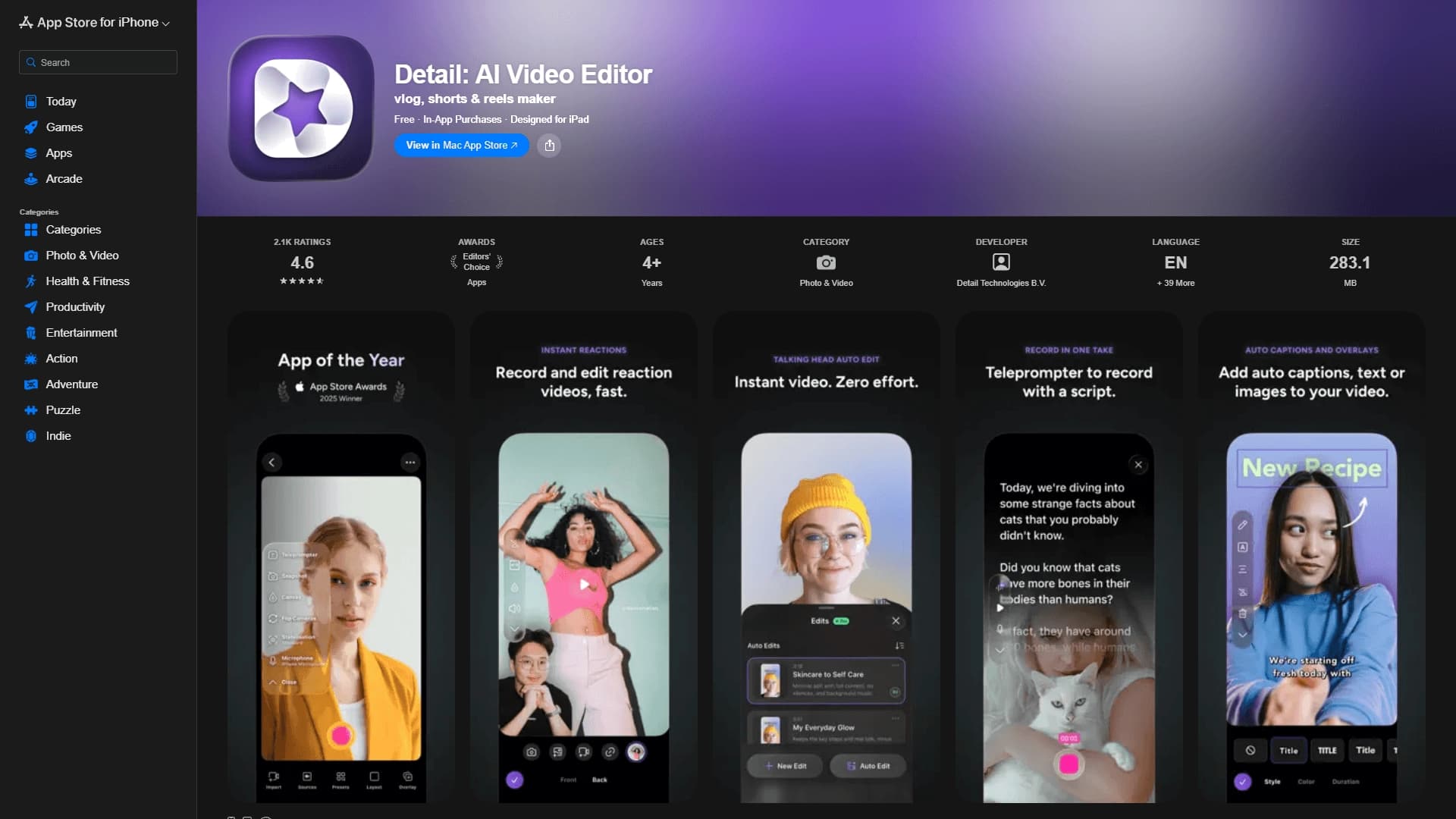
Overview
Detail: AI Video Editor — a mobile app that combines camera functionality with a smart AI-powered video editor, designed specifically for the Apple ecosystem. The app is available on iPhone, iPad, and Mac and is built for creating vertical short videos — from vlogs to Shorts and Reels.
Detail's key feature is its ability to automatically edit videos from a set of source materials. Users don't need to manually cut footage or build a timeline: simply upload photos or PDF documents and add a voiceover, and the AI algorithms will automatically assemble a finished, dynamic video.
This approach eliminates the need to learn complex professional software. Detail is focused on speed and simplicity: recording can happen right in the app, and the result is immediately ready to publish on social media or send via messengers. The product's quality has also earned notable recognition — the app won the App Store Awards 2025 and received the "App Store Editor's Choice" status.
Detail: AI Video Editor Specifications
| Specification | Value |
|---|---|
| Type | Mobile app for video recording and editing |
| Categories | Editing and post-production, Short videos and clips |
| Platforms | iPhone, iPad, Mac |
| Interface languages | Supports multiple languages |
| Free tier availability | Free access available with in-app purchases |
| Awards | App Store Awards 2025 winner, App Store Editor's Choice |
Who is Detail: AI Video Editor for?
Bloggers and content creators
Detail is a reliable assistant for creators who regularly publish short videos on social media. Thanks to automatic editing, bloggers can produce content more often and faster without spending hours on a timeline in complex editors. The tool suits both beginners taking their first steps in videography and experienced creators looking to speed up routine processes.
Educators and experts
Teachers, mentors, and experts can use Detail to package knowledge into an engaging video format. Lectures, PDF-based presentations, or short educational clips with voiceover can be created in just a few minutes. It's a convenient way to turn static materials into compelling content for students and followers.
Small business owners
Owners of small companies often need to quickly create promotional videos about their products and services. Detail allows them to rapidly assemble an eye-catching video from product photos, PDF price lists, and a short commentary — without hiring professional video editors or spending budget on studio production.
How to use Detail: AI Video Editor?
Quick recording and automatic editing
The simplest way is to open the app and use the Slides feature. The app lets you record a video or take a few shots, after which the AI automatically combines the materials into a finished video with built-in transitions and effects. The user just reviews the result and makes minor adjustments if needed.
Importing materials and creating a video
An alternative scenario is creating a video from existing materials. The user uploads photos or PDF documents, records a voiceover, and the app's algorithms automatically match the visuals to the narration, producing a cohesive video.
Preparing content for social media
Detail is specifically adapted for vertical formats. The app allows users to prepare videos to meet the requirements of popular platforms such as TikTok, Instagram Reels, and YouTube Shorts. The interface is designed to minimize the time needed to export the final file.
Key features of Detail: AI Video Editor
Slides: quick recording and auto-editing
The app's core capability is one-click video creation. The Slides feature analyzes the captured material and automatically assembles it into a coherent video, eliminating the need to manually cut clips and arrange their sequence.
Importing photos and PDFs with voiceover
Detail works not only with video but also with static files. Uploading photos or PDF documents and adding a voiceover triggers the automatic video creation process, where images transition in sync with the narration.
Support for modern vertical formats
The app is tailored for creating short vertical videos: vlogs, Shorts, and Reels. Its capabilities are designed to meet the needs of creators who primarily publish on mobile social media.
Advantages of Detail: AI Video Editor
Ease of use
No editing skills required — that's one of the main advantages. The app handles the technically complex stages, letting users focus on content and ideas rather than export settings and color correction.
Time savings
The automated editing process significantly speeds up content creation. What would take hours of painstaking work in a regular video editor takes just minutes in Detail — which is especially important for regular video production.
Full integration with the Apple ecosystem
The app works seamlessly across all Apple devices — iPhone, iPad, and Mac. This allows users to record materials on one device, edit on another, and publish the final video on a third, without data loss or synchronization issues.
Strong industry recognition
Winning the prestigious App Store Awards 2025 and being named an App Store Editor's Choice confirms the product's quality and its adherence to high standards of mobile development.
Drawbacks of Detail: AI Video Editor
Unfortunately, the provided source data does not contain information about the app's drawbacks or limitations. These may potentially include restrictions in the free version that are unlocked for a fee through in-app purchases, as well as dependence on the Apple ecosystem — the app is unavailable to Android and Windows users. However, a precise list of the platform's weaknesses requires personal testing of the product.
What problems does Detail: AI Video Editor solve?
Creating short videos for social media and messengers
The app serves as a universal tool for generating vertical videos that can be immediately published on popular platforms or sent via messengers. This solves the problem of quickly informing audiences about news, events, and activities.
Packaging knowledge, products, or stories into a dynamic video format
Detail transforms dry information — whether a lecture, product presentation, or brand story — into a lively and engaging video format. Visuals combined with voiceover create a more effective way to communicate than static text or photos.
Automating editing without manual cutting
Manual video editing requires specialized knowledge and significant time investment. Detail fully solves this problem by automating the assembly process, allowing even those who have never worked with video editors to create professional-looking videos.
Detail: AI Video Editor Pricing
Detail: AI Video Editor is distributed under a freemium model. The app's basic functionality can be used for free, but access to advanced features is unlocked for a fee through in-app purchases. Exact pricing, subscription costs, and the composition of paid features are not disclosed in the source data.
Terms of use for Detail: AI Video Editor
The app offers a free tier that lets users try the core features without financial commitment. The freemium distribution model allows downloading the app without upfront payment, with optional in-app purchases of additional features. No information is available about a free trial period or mandatory subscription.
Availability of Detail: AI Video Editor
The app is available for download on all Apple ecosystem mobile devices and computers — iPhone, iPad, and Mac. The interface is localized into multiple languages, meaning the tool is designed for an international audience. According to source data, no regional restrictions or VPN requirements have been identified when using the app.
How Detail: AI Video Editor differs from alternatives
Deep integration of camera and AI editing
Unlike many apps where AI is just a set of standalone effects, Detail is built from the ground up as an integrated system. Recording and automatic editing happen within a single seamless interface. This means users don't have to switch between different tools to achieve a result, whether creating a short video for a blog or converting a PDF file into a video.
Optimized for vertical formats
A special focus on Shorts, Reels, and vlogs sets Detail apart from universal video editors where vertical orientation is often just one of many options. In Detail, recording and post-processing workflows are tailored specifically to mobile content consumption scenarios.
Awards and recognition
Recognition from Apple in the form of the App Store Awards 2025 and "Editor's Choice" status sets Detail apart from other tools in its category. This editorial selection means the app was thoroughly reviewed by platform experts and recognized as an exemplary product for its category.
Conclusion
Detail: AI Video Editor is a well-designed mobile solution for Apple users who want to create short vertical videos without learning professional editing tools. The app combines a camera and an AI-powered video editor, automatically assembling videos from photos, PDF files, and voiceovers. It's useful for bloggers, educators, and small business owners who need to quickly create content for social media and messengers. Its ease of use, time savings, and recognition through prestigious awards make it a noteworthy tool in its category, aimed at a broad audience of both beginner and experienced content creators.
Pricing
Frequently asked questions
See also

Online service for creating and customizing birthday invitations and congratulations using artificial intelligence.


A tool for automated SEO content creation with keyword research and long-form text generation.


Trending video, post, and ad creative generator based on ideas, images, and text prompts.

Catalog of neural networks and online tools for generating images, animations, and videos.


A multifunctional AI assistant for chat, text and image generation, translation, and programming help.
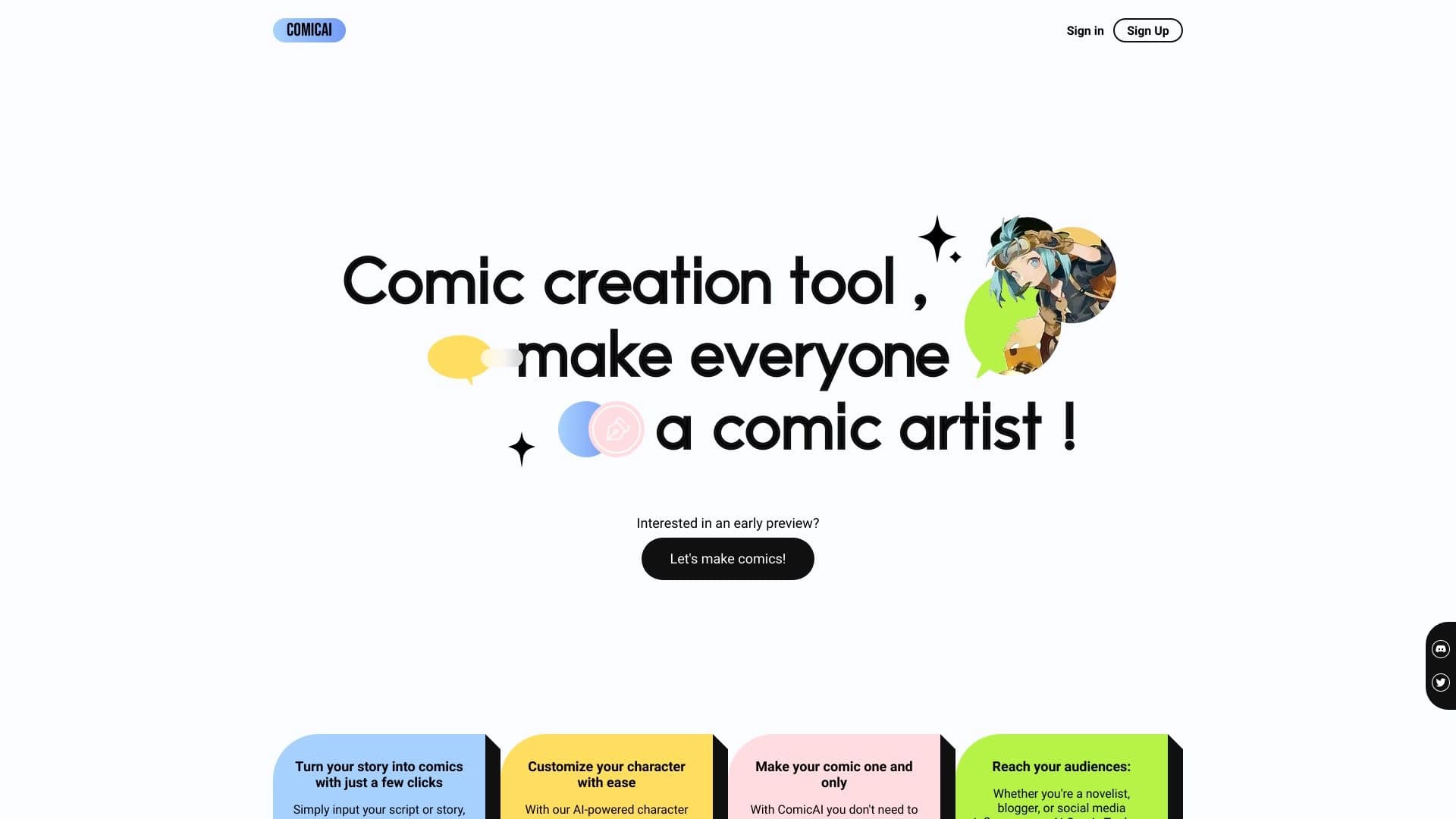
AI tool for automatically creating comics and manga from text scripts and stories.

Cabina AI is a unified platform for working with various generative neural networks, enabling you to create texts, images, and videos.
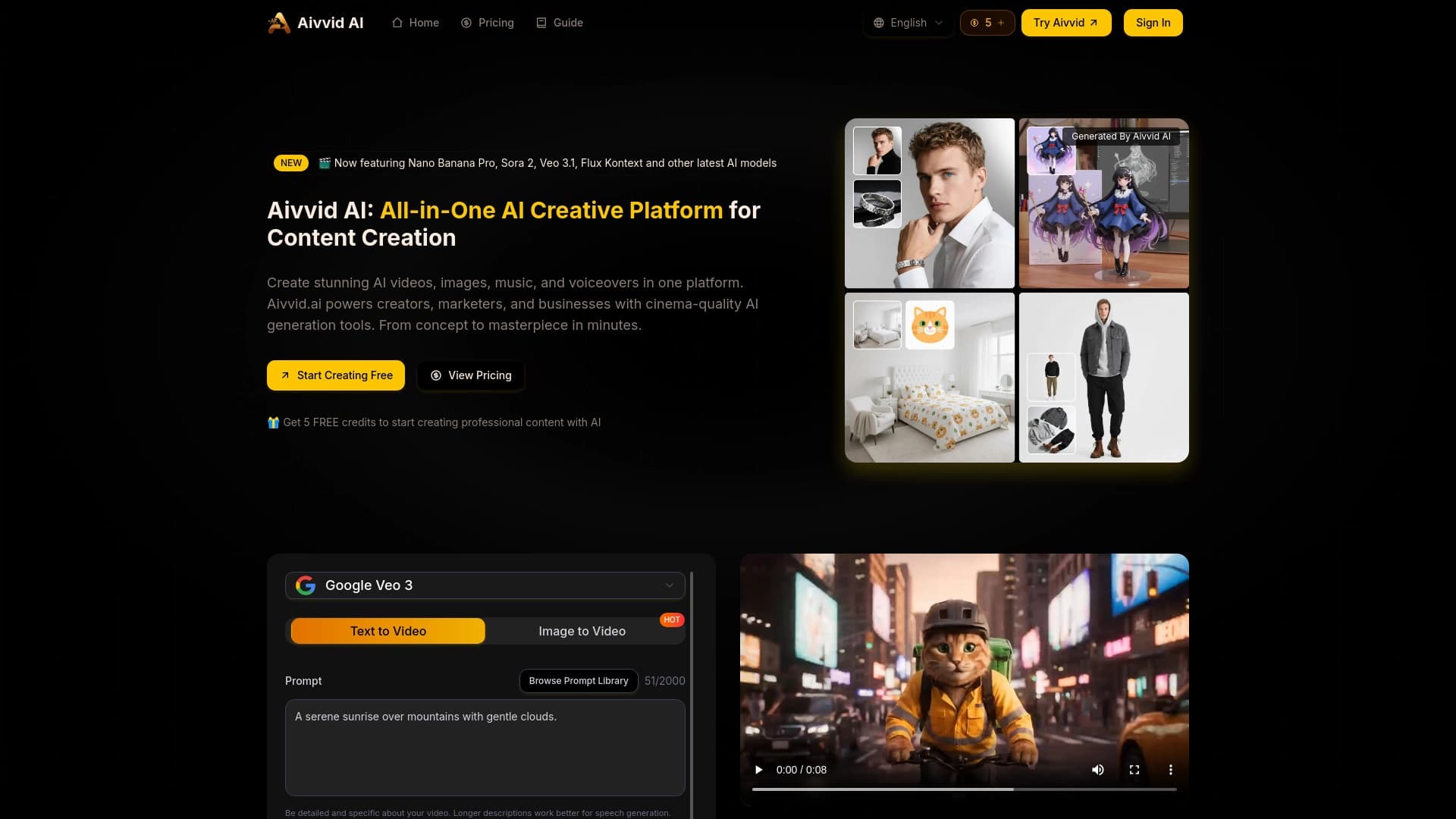
Service for generating videos from text descriptions and images using modern neural networks.