
Comicai
AI tool for automatically creating comics and manga from text scripts and stories.
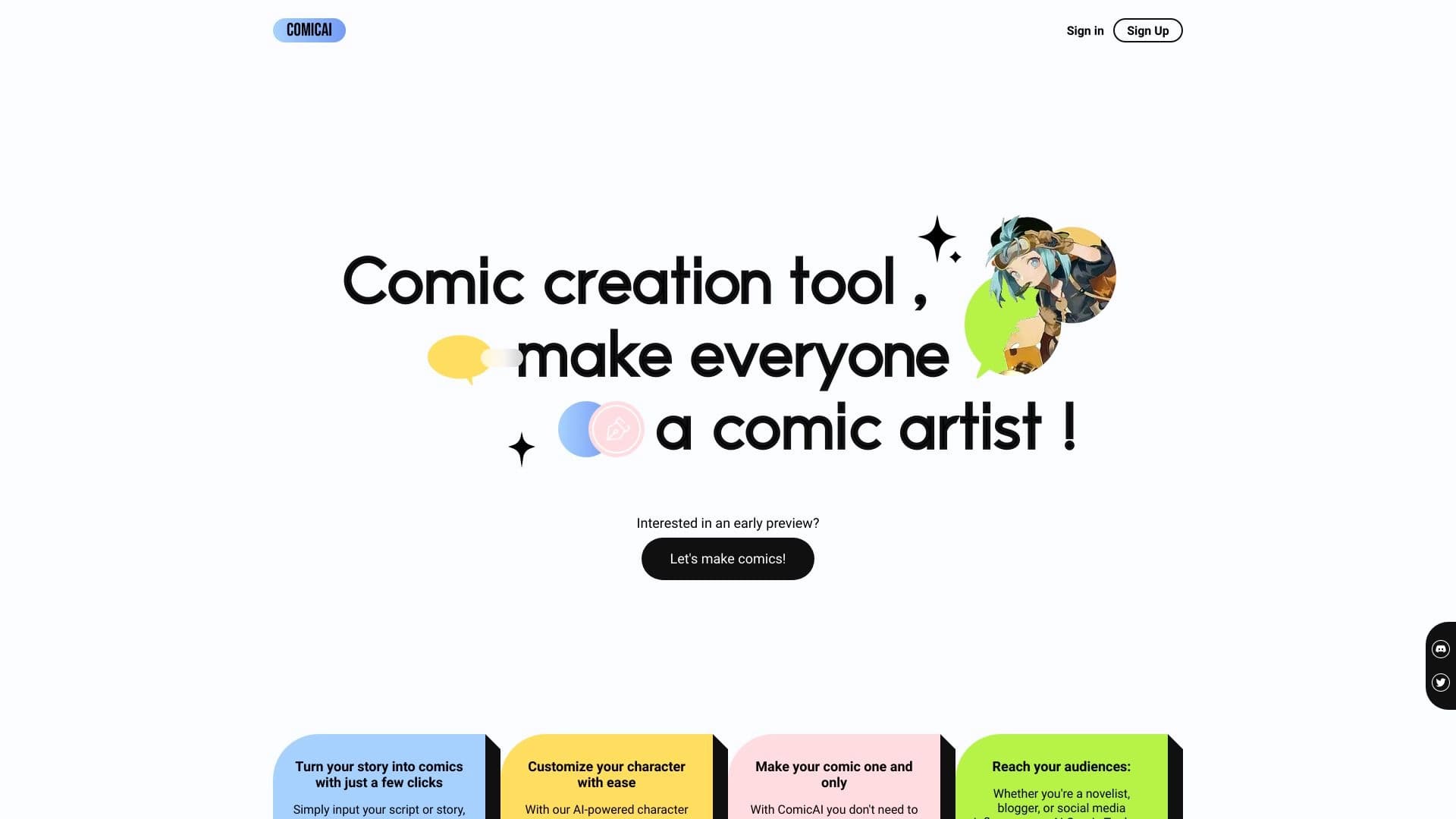
Overview
Comicai is a specialized AI tool that automates the process of creating comics and manga based on text scripts. The system handles all key stages of visual story production: from storyboard development and character design to background generation and panel layout on the page.
The main feature of the service is that no drawing skills are required at all. The user enters a story or text prompt, and the neural network turns it into a finished visual narrative. Comicai offers fine-tuning capabilities: you can change the appearance of characters, choose environments, and control page structure. The finished comic can be exported to a file for further use.
Comicai Features
| Feature | Value |
|---|---|
| Type | AI tool for creating comics and manga |
| Categories | AI story writing, AI photo and image generator, AI illustration generator, AI manga/comic generator, AI anime/cartoon generator, AI characters, AI art generator, AI anime art |
| Platforms | Web, Android, iOS |
| Date added | May 16, 2024 |
| Rating | 5/5 (based on 1 review) |
| Distribution model | Freemium |
Who is Comicai suitable for?
Professional artists and mangaka
Comicai allows comic and manga artists to speed up routine stages of work — generating backgrounds, rough storyboards, and creating character variations. This frees up time for refining details and plot decisions.
Beginner creators and storytellers
People without drawing experience get a tool to bring their ideas to life in a visual format. Story authors can focus on plot and dialogue rather than drawing technique.
Educators and content creators
Teachers can create visual educational comics for lessons, while content creators can quickly produce illustrated posts, social media stories, and marketing materials.
How to use Comicai?
Step-by-step comic creation process
- Registration — visit the Comicai website, create an account, or log in to an existing profile.
- Upload a script — upload a ready-made story or enter a text prompt describing the plot of your future comic.
- Customize characters and backgrounds — set the appearance of characters: facial features, clothing, distinctive details. Choose backgrounds and environments for scenes.
- Generation — launch the comic creation process using AI.
- Editing — review the result, make adjustments to panels, add or change character dialogue.
- Export — save the finished comic and export it in the desired format.
Key Features of Comicai
Text-to-comic conversion
The core of the service is transforming text scripts into visual pages with thoughtful storyboarding and a logical sequence of panels.
Automatic script and design generation
The neural network can not only visualize a ready-made script but also help write it. The system automatically generates character designs and background images to match the requirements of a specific story.
Customizable panels and export
The user controls page layout: resizes and repositions panels, highlights important frames. The final result can be saved and exported to a file for printing or online publication.
Comicai Advantages
- No drawing skills required — the entry barrier is minimal; any user can create a comic from scratch.
- Significant speed boost — the process from idea to finished page takes minutes, not days or weeks of manual work.
- High output quality — generated images meet modern illustration and manga art standards.
- User-friendly interface — tool navigation is simple and intuitive, with functionality logically distributed across workflow stages.
- Support for creative storytelling — the neural network helps experiment with plots, styles, and visual solutions.
Comicai Disadvantages
The tool entered the market relatively recently (listed in the AI tools catalog since May 16, 2024), so the user base and the number of independent reviews are still small. There is no public data on collaboration difficulties, free tier limitations, or technical export details. A potential drawback is that output quality depends on how clear the original text description is — vague prompts produce less predictable visual results.
What problems does Comicai solve?
- Comic creation — the full production cycle from script to finished file.
- Storyboarding for film and animation — quick scene visualization for planning shoots or animated videos.
- Educational comics — creating visual learning materials for schools, courses, and teaching aids.
- Marketing materials — generating illustrated promo stories, instructions, and comic banners for brands.
- Manga and graphic novel creation — full-scale page production for digital or print publication.
Comicai Pricing
The exact cost of subscriptions and available plans is not disclosed in public sources. The tool operates on a freemium model: basic functionality is available for free, while advanced features and the removal of restrictions require upgrading to a paid plan. For up-to-date pricing information, it is recommended to visit the official Comicai website.
Comicai Terms of Use
Registration is required to use the service — you need to create an account or log in to an existing profile. This is a standard requirement for saving user projects, generation history, and settings. No additional requirements regarding age restrictions or commercial use of generated content are specified in official materials.
Comicai Availability
Comicai is available on three key platforms, making it accessible to most users:
- Web version — accessible via browser on desktop computers and laptops.
- Android — a mobile app for Android smartphones and tablets.
- iOS — an app for Apple devices (iPhone and iPad).
How Comicai differs from alternatives
There are several tools on the market for creating comics and manga, each occupying its own niche. Let's look at key competitors:
ToonMe — specializes in converting photos into cartoon and anime style. Unlike Comicai, ToonMe does not create multi-page stories with plots and panels — it is a tool for processing single images and avatars.
MangaToon — is primarily a manga reading platform with an extensive library of works by other authors. Comicai, in turn, focuses on creating your own stories rather than consuming existing content.
Pixton — a classic comic builder that works on a drag-and-drop principle: the user assembles a page from ready-made elements, characters, and backgrounds. Comicai automates this process through generative AI without the need to manually place elements.
Storyboard That — a tool for creating storyboards with an emphasis on educational and corporate scenarios. Its focus is on planning videos and presentations. Comicai is aimed at creating the final visual product rather than preparatory materials for a shoot.
The key difference between Comicai and all the services listed above is full automation of the process based on text. The user does not need to manually assemble page elements or edit photos: simply describe the story, and the system itself generates a finished comic with characters, backgrounds, and storyboarding.
Conclusion
Comicai is a modern AI tool that meets the need for quickly creating high-quality comics and manga for a wide audience: from professional artists to beginners without drawing skills. By automating storyboarding, character design, and panel layout, the service significantly reduces the production time of visual stories. Support for three platforms and a freemium model make it accessible to users of different skill levels. Despite being relatively new to the market, Comicai looks like a promising solution for personal creativity, education, and commercial projects.
Frequently asked questions
See also


PixelClip AI is an AI-powered tool for creating and editing videos, focused on fast content generation.
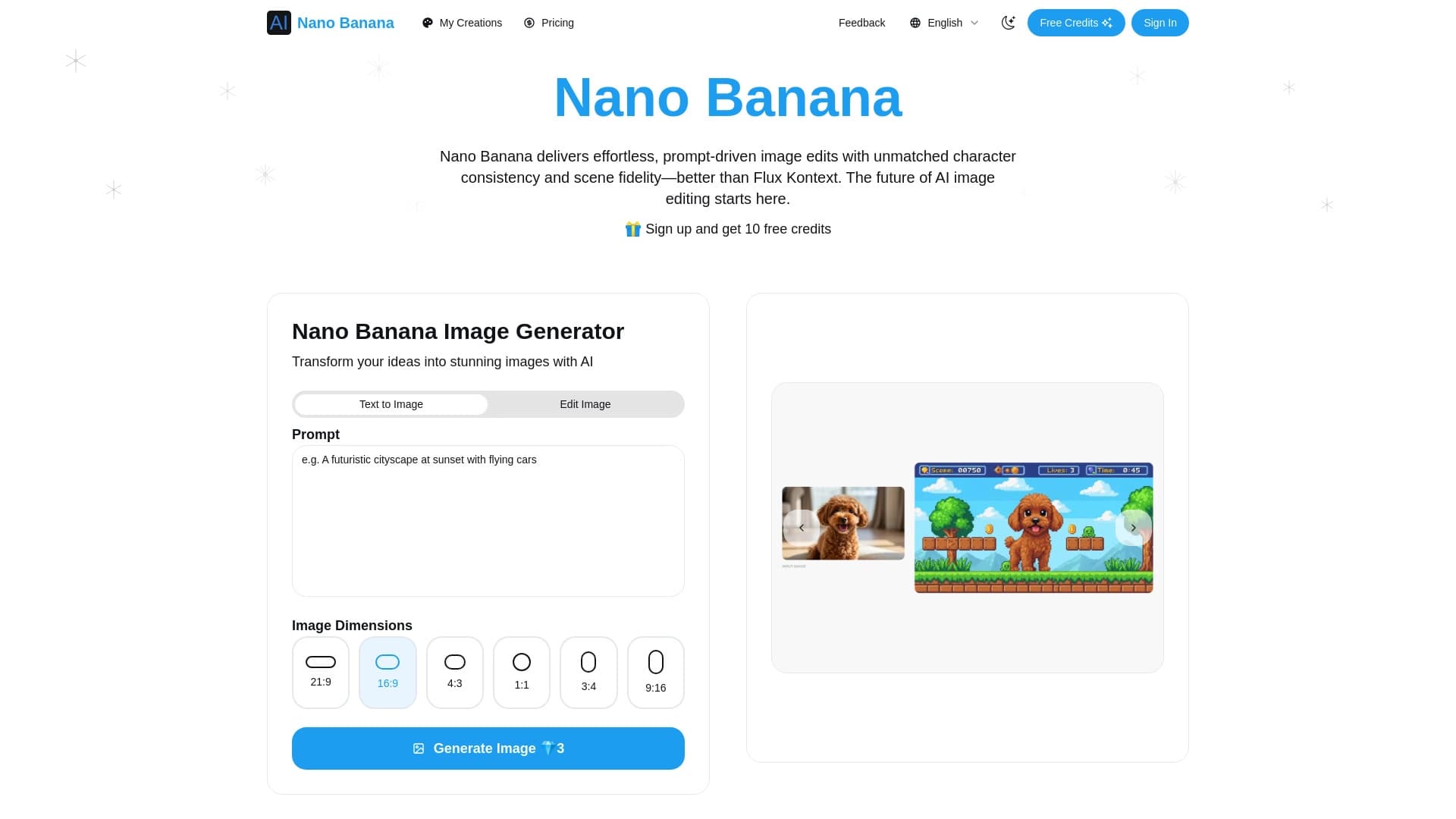

An AI-based video generator that creates cinematography 1080p resolution from text descriptions and images.

AI assistant for e-commerce that helps analyze customer reviews and optimize product listings.


Collaborative email platform and team communications tool.

Catalog of AI tools with educational materials and guides for selecting neural networks.

AI tool for optimizing tenders applications and responses to requests for proposals.

An open platform for generating images and other visual content from text descriptions using AI.

AI-powered WhatsApp bot that helps students quickly find answers to exam questions and tests.