
Den
Browser-based AI assistant for automating routine actions in the browser.
Overview
Den is a browser-based AI assistant that handles repetitive actions in the web browser. Instead of manually filling out dozens of similar forms, collecting data from multiple pages, or constantly switching between tabs, users delegate these operations to the assistant. The tool's key feature is that no coding is required: automation scenarios are created in a visual interface or by configuring action sequences.
The tool works as a browser extension, processing data either locally on the user's device or using cloud resources (depending on settings and the selected plan). Local processing provides additional privacy for sensitive data such as logins, passwords, and payment information.
Den Overview
| Characteristic | Value |
|---|---|
| Type | AI assistant for the browser |
| Pricing model | Free version + PRO subscription |
| Categories | Task automation, Autonomous agents, Assistants, Browser extensions |
| Date added | 07.06.2025 |
| Availability | Browser extension |
| Technical requirements | No programming skills required |
Who is Den suitable for?
Den is aimed at professionals whose work involves a large number of repetitive browser operations. The tool covers the needs of four main user groups.
Marketers and SEO specialists
For them, Den is useful for collecting competitor data, monitoring site rankings, filling out ad accounts, and template forms. Automation reduces time spent on routine analytics and allows them to focus on strategy.
Developers
Developers use the assistant to automate web interface testing, create test data, and work with documentation. API integration capabilities extend functionality — automated scenarios can be configured for external services.
Analysts
For analysts, Den saves time when collecting statistics from websites, exporting data to spreadsheets, and regularly monitoring metrics. Information is structured automatically, without manual copying.
Freelancers
Freelancers working with a large number of client tasks use Den to speed up routine work: from filling out reporting forms to organizing collected data. The tool allows them to take on more orders without increasing the time spent on each.
How to use Den?
Working with Den is based on the principle of recording and replaying action sequences. Let's walk through the setup and configuration process.
Installation and first launch
The assistant is distributed as a browser extension. After installing and activating the extension, the user lands in the scenario management interface. For the first automation, simply click the "Record" button and perform the required sequence of actions manually — Den will remember it and can replay it on command.
Creating custom scenarios
Den allows you to create not only action recordings but also more flexible scenarios with conditions and personalized settings. For example, you can set rules like "if a specific element appears on the page — perform action A." This approach lets you adapt automation to changing website structures.
Basic setup and customization
For each scenario, you can configure execution parameters: delays between actions, error handling, and completion notifications. API integration is also available, extending the assistant's capabilities beyond browser operations — for example, to transfer data to a CRM or other external systems.
Key Den features
Den covers a wide range of tasks related to browser automation. The main capabilities are grouped into four blocks.
Form autofill
The assistant can automatically fill in login and password fields, payment details, questionnaires, and other forms. This applies both to standard forms on websites and to user-created templates. Repeatedly filling out surveys or registration forms is reduced to a single click.
Data collection and structuring
A built-in web scraping tool allows you to collect data from web pages and structure it in a convenient format: tables, CSV, JSON. The user defines element selection rules on the page, and Den automatically extracts the required information and formats it for further use.
Tab and process management
Den automates tab management: opening and closing pages on a schedule or by triggers, switching between tabs, and following a predefined sequence of URLs. This is especially relevant for monitoring tasks and collecting information from multiple sources.
API integration
For advanced scenarios, the assistant supports integration with external services via API. This allows combining browser operations with data from third-party systems: sending collected data to a CRM, launching external handlers upon task completion, and synchronizing information between services.
Den advantages
The tool offers several significant advantages that make it attractive for automating everyday tasks.
Time savings
According to developer estimates, automation with Den can reduce time spent on repetitive actions by up to 80%. This is achieved by eliminating routine operations and speeding up data processing.
Ease of use
No programming skills are required to get started. The interface is intuitive and built on a visual principle: users record actions and configure execution parameters through clear menus and forms.
Flexible settings
Den supports custom scenarios, allowing automation to be adapted to specific workflows. The ability to set conditions and use API integrations makes the tool effective for non-standard tasks.
Data security
When using local processing (without the cloud), user data never leaves the device. This reduces risks when working with sensitive information: passwords, payment data, and personal client details.
Den limitations
Like any automation tool, Den has certain limitations worth knowing before you start using it.
Dependence on web page structure
Automation scripts can "break" when a website's layout changes. If the structure of elements on a page changes, a previously recorded scenario may stop working correctly and need to be updated.
Free plan limitations
Although the basic version is available for free, full functionality is unlocked with a PRO subscription. The free version may limit the number of scenarios, execution frequency, or access to certain features.
Task specificity
The tool is specifically designed for browser operations. For automating tasks outside the browser — such as working with desktop applications — Den is not suitable. It may also take time to master advanced capabilities such as setting conditions and API integration.
What tasks does Den solve?
Den focuses on three key categories of tasks that most often take up time for professionals working with a browser.
Automating repetitive tasks
This includes everything that has to be done regularly by hand: filling out similar forms, clicking specific elements, and navigating predefined routes. Once you define an action sequence, you can run it with one click at any time.
Collecting and organizing information
Den effectively replaces manual data collection from web pages. Information is extracted automatically and converted into a structured format ready for analysis or import into other applications. This is especially relevant for parsing product catalogs, compiling price lists, and monitoring listings.
Speeding up routine operations
Even a simple task can be completed in noticeably less time when delegated to the assistant. Automation speeds up standard operations too: checking email, working with tabs, and regular data updates.
Den pricing
Den uses a freemium model, offering two versions of the product: free and paid PRO.
The free version is available immediately after installation and allows you to run basic automation scenarios. Detailed information about free plan limits is not disclosed in public sources.
The PRO subscription unlocks expanded functionality: additional scenario creation capabilities, API integrations, increased limits on the number of operations, and other advanced features. The exact subscription price is listed on the service's official website.
Den terms of use
The tool is distributed as a browser extension, which requires a compatible browser for installation. To use the service, you need to create an account (free plan) or purchase a subscription (PRO).
The tool is aimed at individual users — marketers, analysts, developers, and freelancers. Corporate licenses and multi-user plans are not mentioned in available data. Restrictions on commercial use in the free version are also not mentioned.
Den availability
Den is available as a browser extension — this means you need to install it in one of the supported browsers to use it. The extension is not a standalone application or a cloud-only service, so a computer with internet access is required.
Distribution via a browser extension simplifies installation and makes the tool available immediately after activation, without the need to download and configure additional applications. Data processing can be performed locally, which reduces requirements for external infrastructure.
How Den differs from alternatives
Several tools with functionality similar to Den are available on the market. Let's look at the differences using four closest alternatives as examples.
Amma
Amma is positioned as a tool for automating services with an emphasis on AI communication in messengers. Unlike Den, which is entirely focused on browser operations, Amma covers a much wider range of tasks. For simple browser automation, Den may be simpler and more accessible.
Antigravity
Antigravity offers a set of ready-made solutions for automating online processes and integrations between various tools. However, Antigravity often requires setting up visual pipelines and more complex configurations, while Den's record-and-replay approach is easier for beginners to learn.
Dia
Dia is a business process automation tool focused on analytics and document work. Den, in turn, emphasizes the speed of simple browser operations and local data processing, which can be a significant selection criterion when working with sensitive information.
ChatGPT Agent
ChatGPT Agent is an intelligent assistant from OpenAI that can perform tasks in the browser but is primarily focused on text-query-based interaction. Den is more specialized: it gives the user precise control over browser actions and is suitable for creating exact repeatable scenarios without needing to consult the AI for instructions each time.
Conclusion
Den is a browser-based AI assistant that automates routine operations in the web browser without requiring programming skills. The tool suits marketers, developers, analysts, and freelancers, helping to speed up up to 80% of repetitive actions and save time on everyday tasks. The availability of a free version makes Den accessible for testing and use in basic scenarios, while data can be processed locally, enhancing security when working with sensitive information.
Frequently asked questions
See also


AI platform for fast website creation and small business process management.

A tool for creating diagrams and mind maps from text descriptions in natural language.


Service for live AI conversations, including text generation, voice, and speech recognition.


An add-in for Microsoft Word that uses neural networks to automate the creation, editing, and analysis of legal contracts.
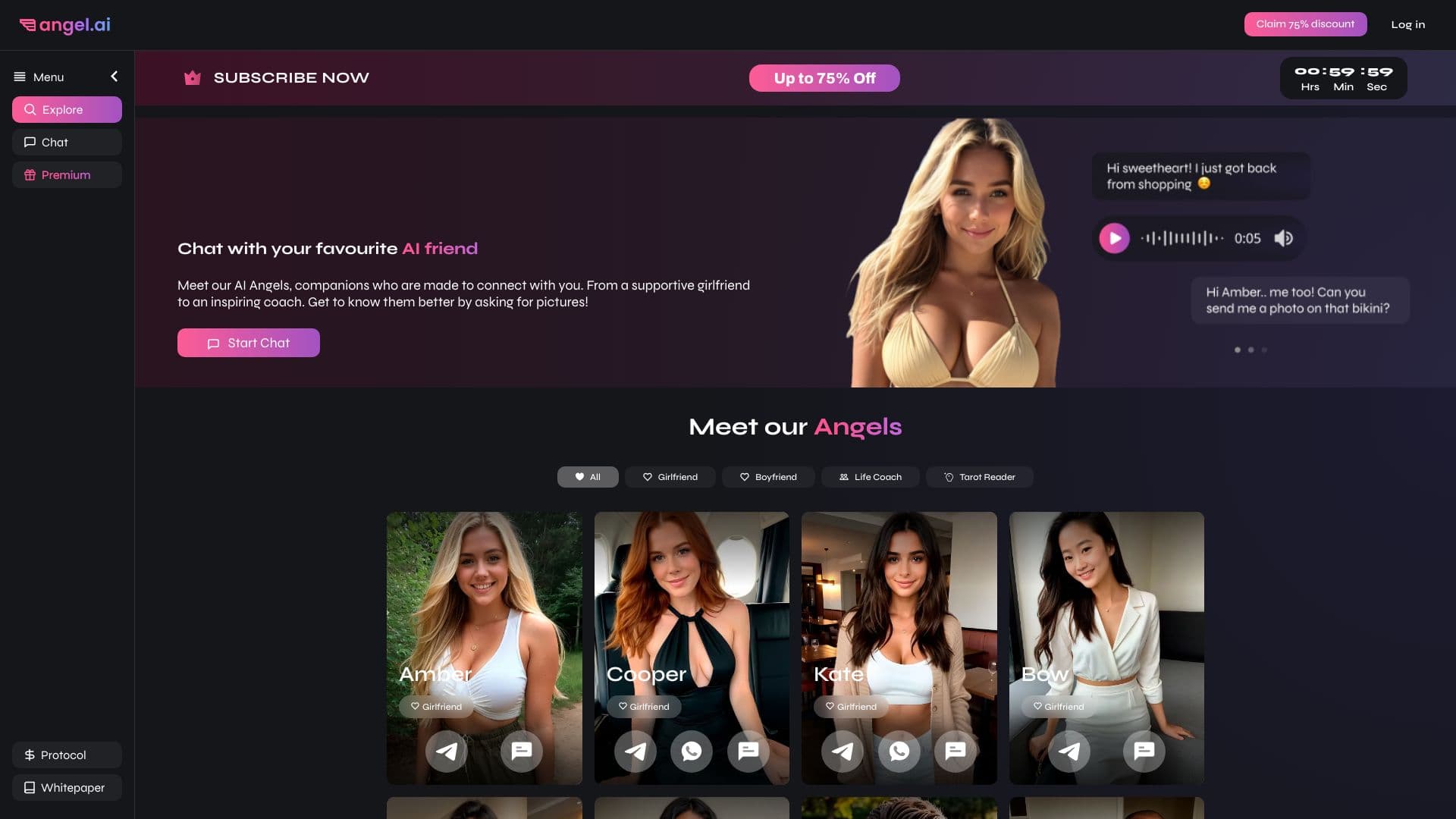
App for creating and customizing virtual AI companions with different personalities and communication styles.


A platform for chatting with virtual AI characters that you can create and customize to suit yourself.

Platform for creating custom AI chats trained on your own business data.
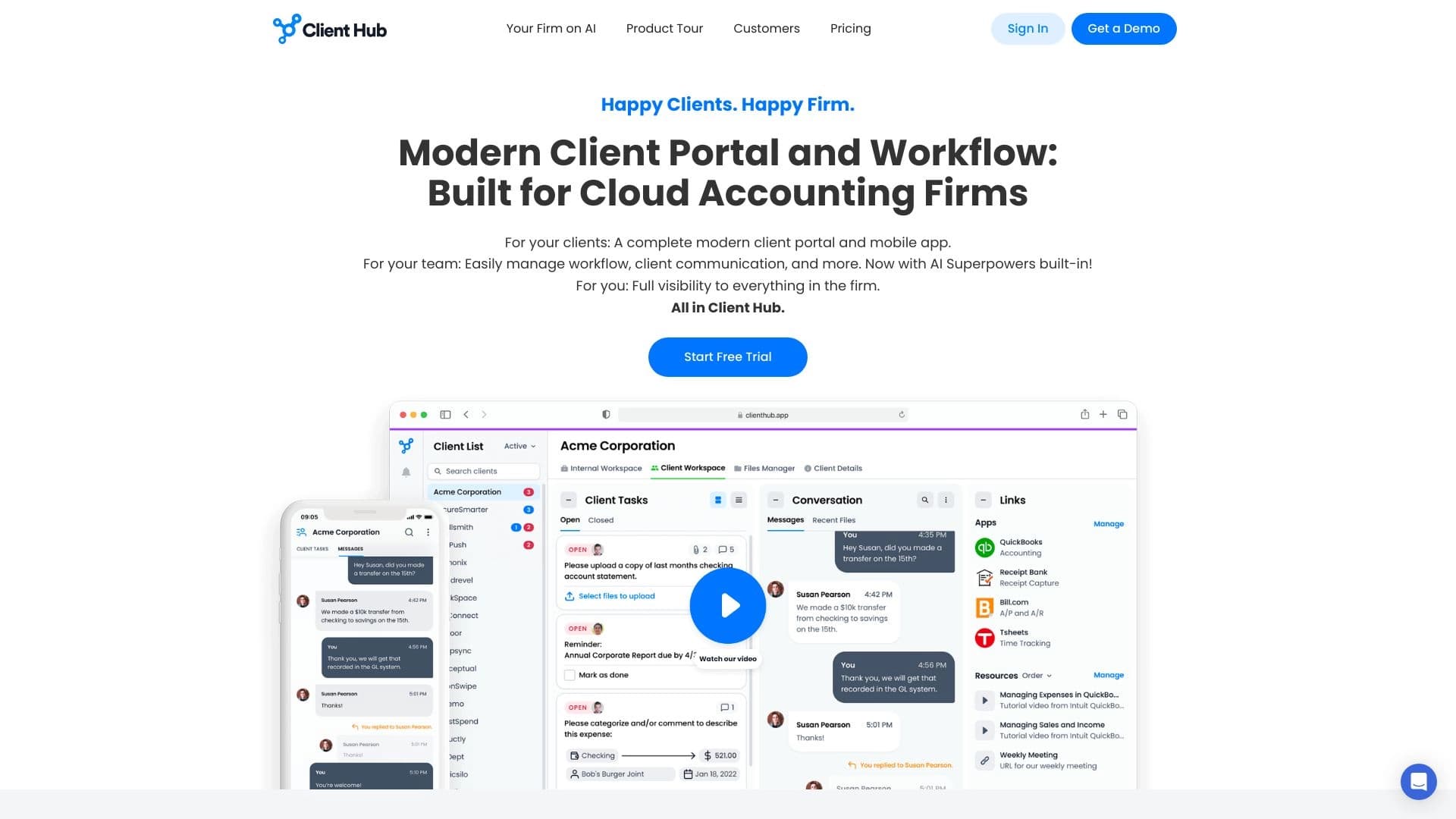
A platform for accountants that combines task management, file sharing, and client communication in a single interface.