
Debuild
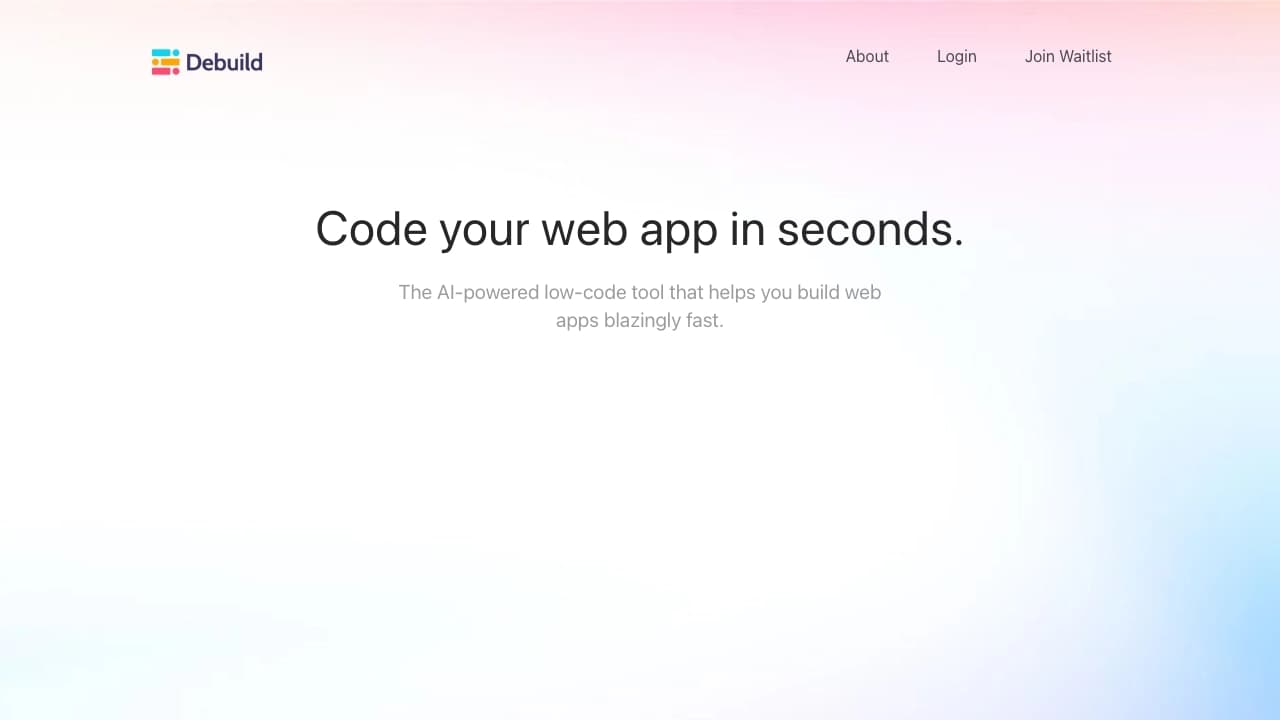
A platform for building web applications with minimal coding, where the user describes an idea in words and the system generates the code.
Overview
Debuild is a platform that lets you create web applications without having to write code manually. Instead of the usual developer tasks — designing architecture, writing scripts, and markup — you simply describe your task in natural language. The system recognizes the description, interprets it, and automatically generates a ready-made application structure with the necessary code.
This approach radically changes the familiar development process: from idea to working prototype takes just minutes, not days or weeks. Debuild acts as a bridge between a concept and its technical implementation.
Key feature of the approach
The core essence of the platform is translating descriptions from plain language into program code. You don't need to think about implementation details, frameworks, or programming language syntax. Just describe what the application should do, and the system will take care of everything else. By 2025, this approach is no longer experimental — Debuild demonstrates its practical implementation in a working tool.
Debuild characteristics
| Characteristic | Value |
|---|---|
| Purpose | Creating web applications |
| User skill level | Non-technical professionals and experienced developers |
| Interaction method | Describing an idea in natural language |
| Code generation | Automatic, based on text description |
| Need to write code | Minimal |
| Distribution model | Not specified |
Who is Debuild suitable for?
For entrepreneurs and startup founders
If you have an idea for a digital product but no development team or budget for a long development cycle, Debuild lets you quickly test the viability of your concept. You can get a working prototype to show investors or first customers without diving into technical details.
For non-technical professionals
Product managers, designers, marketers, and other specialists who work in the digital space but aren't programmers can use Debuild to implement their tasks independently. The platform removes the barrier to entry into development, allowing you to create the tools you need without learning programming languages.
For developers as an accelerator
Professional developers can also use Debuild to automate routine operations. Instead of writing boilerplate code, you can describe the required functionality and get a template that only needs to be refined if necessary.
How to use Debuild?
Formulating the task
Working with Debuild starts with formulating the task. You describe what application you need to create, its functionality, and its features. It's important to express your thoughts clearly and in a structured way so the system can correctly interpret the request.
Generation and getting the result
Once the description is entered, the platform processes the request and automatically generates the application code along with its structure. As a result, you get a ready-made web application that matches the parameters specified in the description.
Main features of Debuild
Code generation from a text description
The platform's central function is converting a text description of an idea into working code. The system analyzes the semantics of the request and creates all the necessary components for the application to function.
Application structuring
Debuild doesn't just generate individual pieces of code — it assembles a complete application structure. The platform determines which modules, pages, and interface elements are needed to implement the described idea and links them into a cohesive whole.
Advantages of Debuild
Lowering the barrier to entry into development
Debuild makes creating web applications accessible to people without specialized technical education. To launch a project, you only need a clear idea of what the end result should be.
Accelerating the development process
Automatic code generation cuts the time from idea to implementation many times over. There's no need to manually write standard constructs or figure out configuration nuances — the system handles that work for you.
Disadvantages of Debuild
Like any tool, Debuild has limitations you should be aware of. Since the source data doesn't include detailed information about the platform's drawbacks, it's important to understand the general limitations of such solutions: automatically generated code may require refinement for large-scale or highly specialized projects. Additionally, the generation result depends on the accuracy and completeness of the description provided by the user.
What problems does Debuild solve?
Debuild solves two main problems. The first is removing the barrier between concept and implementation for non-technical professionals. The second is accelerating routine development stages for those who write code professionally. In both cases, the platform acts as a tool for transforming a verbal description into a finished software product, saving time and resources at the stage of creating web applications.
Debuild pricing
At the time of writing, no exact information about the platform's pricing policy is available. The distribution model is also not specified in available sources. For up-to-date information on rates and payment terms, it's recommended to check the project's official resources, where data on costs and available plans is published.
Debuild terms of use
Detailed terms of use for the platform are not disclosed in available materials. Information about legal aspects, data processing rules, and license agreements is absent. Users interested in commercial use of the tool should clarify the terms directly on the service's official resources.
Debuild availability
Data on the service's current status — whether it will be available as a web application, cloud service, or installable software — is not provided in the source materials. It's recommended to check up-to-date information on access methods and supported platforms on the official Debuild website.
How Debuild differs from alternatives
The main difference between Debuild and traditional development methods is the full automation of the code-writing process. Instead of manually programming individual elements, you describe the task in everyday language, and the platform itself determines all the necessary technical details. This approach brings the development field closer to a paradigm where the idea comes first, and technical implementation plays a supporting role.
Another significant difference is the minimal barrier to entry: using the tool doesn't require learning programming languages, frameworks, or build tools. This makes Debuild unique among solutions aimed at professional developers and expands the audience of potential web application creators.
Conclusion
Debuild is a characteristic example of the evolution of programming automation. The platform demonstrates how modern technology allows you to describe digital products in natural language and get them automatically implemented. Although detailed information about technical parameters, pricing, and terms of use remains unavailable, the very concept of simplifying development to the level of a text description is an important step in the evolution of software creation tools.
Frequently asked questions
See also


Online AI speech synthesis platform that allows generating audio with voices of famous characters and celebrities.

Online service for creating a realistic voice clone from a short audio recording and text-to-speech.
Unified API access to more than 500 AI models, including GPT-5 and Claude 4.5, with the ability to save on costs.


AI toolkit for video generation and editing, including avatars, lip-sync, and voice cloning.


A platform for creating corporate chatbots based on your own documents without coding.


Chrome extension that helps manage tabs, history, and bookmarks with an AI assistant.

A platform for content creators that combines link management, email marketing, an online store, and analytics in a single visual editor without coding.
Free open-source language model specializing in reasoning, mathematics, and programming.