

CV Builder
AI-powered online service for quickly creating and editing resumes.
Overview
CV Builder Neural Network Description
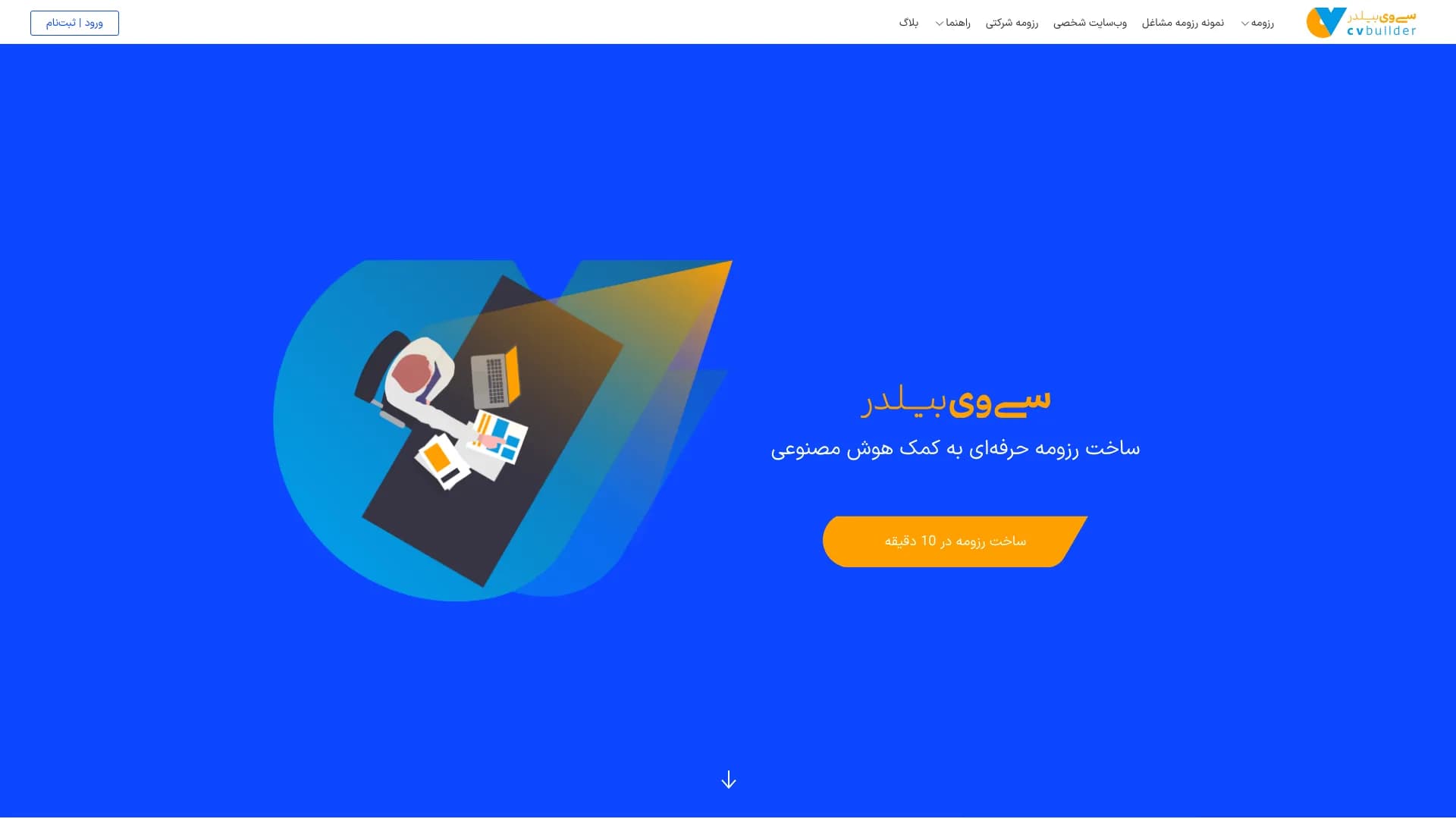
CV Builder is an online service that uses artificial intelligence to automate the resume creation process. Instead of spending hours fine-tuning formatting and adjusting margins, users simply choose a template they like and enter their data. The neural network independently structures the information, highlights key points, and gives the document a professional look.
The finished file can be downloaded in PDF or Word format without using additional converters. The service also allows users to store multiple resume versions in a personal account, create portfolios, and even mini-sites for self-presentation. This makes it a versatile tool not only for job seekers but also for students, freelancers, and anyone who needs to quickly present their skills in a structured way.
CV Builder Features
| Feature | Value |
|---|---|
| Type | Resume building tools |
| Categories | Resume building tools, PDF tools, landing page builders, AI website generators |
| Platform | Web service (website) |
| Developer | CVBuilder.me |
| Monthly visits | 2.0M |
| Free plan | Available (PDF with watermark) |
| Premium plan | Paid monthly subscription |
| Export formats | PDF, Word |
Who is CV Builder neural network suitable for?
Job seekers and professionals
The tool is primarily aimed at those actively looking for work or planning to change their current position. CV Builder allows users to quickly respond to job openings with an up-to-date resume at hand. This is especially useful when you need to quickly adapt a document for a specific position.
Students and applicants
The service is suitable for those applying to universities, especially abroad, where a detailed CV describing achievements, publications, and awards is required. The neural network helps structure this information in the accepted academic format.
People who don't want to spend time on formatting
This category includes users who don't like dealing with formatting, margins, and fonts. Here, it's enough to enter text data, and the artificial intelligence handles the visual design, offering ready-made modern templates.
How to use the CV Builder neural network?
Step-by-step process
Working with the service begins with registration on the website. After creating an account, the user proceeds to choose a template from the catalog. Then, personal data is entered into dedicated fields: contacts, work experience, education, skills, and additional information.
Final stage
After entering the information, the neural network automatically formats the document. The user can review the result, make manual edits, and download the finished resume in the desired format. If needed, multiple versions can be created for different job openings and stored in the personal account, allowing users to return to editing at any time.
Key features of CV Builder
AI-powered resume generation
The service's key feature is automatic processing of entered data. The neural network doesn't just transfer text into a template—it logically structures blocks, sets priorities, and removes unnecessary elements. This saves time and reduces the risk of accidental errors.
Working with templates and formats
Users have access to a catalog of diverse templates—from strict corporate styles to creative ones. All options can be flexibly customized: changing colors, fonts, and block layouts. The finished document can be exported to PDF or Word without losing formatting.
Creating portfolios and mini-sites
In addition to resumes, the service allows users to build portfolios and create personal mini-sites. This is useful for creative professionals, developers, and anyone who needs to visually showcase their work to a potential employer or client.
CV Builder advantages
Time savings
Resumes are assembled almost automatically: the neural network sets accents and formats the document, saving users from routine work. This is significantly faster than creating a resume from scratch in a text editor.
Flexibility and modern design
The template catalog is regularly updated, and the settings allow creating both strict and creative resumes. Users aren't limited to one option—they can experiment with the appearance for a specific company or industry.
Accessibility and compatibility
The service runs entirely in the browser, requiring no software installation. Saving in different formats (PDF, Word) happens without converters. The basic plan is free, allowing users to test the tool without financial investment.
CV Builder disadvantages
Template-based approach
Due to the use of standard AI solutions, resumes created by different users may look similar to each other. It's difficult to achieve a truly unique design or non-standard structure, and creating a resume in a comic style or with unusual block geometry is impossible altogether.
Limited understanding of professions
The artificial intelligence doesn't always correctly interpret the specifics of a particular profession. The neural network may misplace emphasis, oversimplify important details, or bring secondary skills to the forefront. Users have to double-check and adjust the emphasis themselves.
What tasks does CV Builder solve?
Job searching and responding to vacancies
The service allows users to quickly create up-to-date resumes and promptly respond to new job openings. The ability to store multiple document versions helps adapt them to different companies and positions.
Educational and academic purposes
The tool is suitable for submitting documents to universities, including international ones. It helps prepare a detailed CV with a list of publications, awards, and academic achievements in the accepted academic format.
Self-presentation and personal branding
The service allows users to build portfolios and create mini-sites. This solves the problem of visually demonstrating work, which is especially relevant for designers, photographers, developers, and other professionals whose work requires visual proof of qualifications.
CV Builder pricing
Free plan
The basic plan requires no payment. It allows creating resumes and downloading them in PDF format, though the document will include the service's watermark. This is enough to get familiar with the functionality and handle basic tasks during an active job search.
Premium subscription
The premium plan is available via a paid monthly subscription. It unlocks unlimited resumes in PDF and Word formats without watermarks. Premium users get full access to creating portfolios and mini-sites, and can store all document versions in their personal account.
CV Builder terms of use
Registration on the website is required to start using the service. Creating an account takes a couple of minutes and doesn't require complex verification. After registration, users get access to a personal account where they can create, edit, and store all documents. The free plan doesn't require entering payment details.
CV Builder availability
CV Builder is a fully web-based service that works through a browser. No additional software installation is required on a computer or mobile device. Any modern browser and internet access are sufficient. This ensures the service is available across various operating systems and devices. Detailed information about dedicated mobile apps isn't specified in the source data, but the web interface is adapted for screens of different sizes, allowing users to access the service from tablets and smartphones.
How CV Builder differs from alternatives
The main difference between CV Builder and similar services is its comprehensive approach. The tool isn't limited to just creating resumes—it also offers functionality for building portfolios and generating mini-sites. This covers the needs of a broader audience: from job seekers to freelancers and creative professionals.
However, when compared to specialized resume builders, the differences become less obvious. Many competitors offer similar templates and automatic formatting. The large monthly audience (2 million visits) can be considered a key advantage, indicating the service's popularity and reliable operation. At the same time, generative neural networks like Kandinsky or Midjourney solve different tasks—creating images rather than text documents—so a direct comparison with them isn't appropriate. Services like Perplexity AI or Alice AI are focused on information search and conversational interaction, whereas CV Builder focuses specifically on a concrete result—a finished resume file.
Conclusion
CV Builder is a practical AI-based online service that addresses the main need of job seekers: quickly getting a well-formatted resume without manual formatting work. The service offers numerous templates, a flexible settings system, PDF and Word export, and additional capabilities—creating portfolios, mini-sites, and storing multiple document versions. However, the limitations of the template-based approach should be considered: creating a truly unique or non-standard document isn't possible, and the AI doesn't always correctly understand professional nuances. Nevertheless, for most standard tasks related to job searching, university applications, and basic self-presentation, CV Builder is an effective and accessible solution trusted by a multi-million audience.
Frequently asked questions
See also

Catalog of AI tools with educational materials and guides for selecting neural networks.

A presentation creation service that uses multiple AI agents for information gathering, design, and data analysis.

A neural network for document analysis that extracts key information, creates summaries, and answers questions about the contents of uploaded files.

Multifunctional AI platform for content creation, combining speech synthesis, text generation, avatar creation, and video editing.


AI platform for fast website creation and small business process management.

A multimedia AI toolkit for editing and enhancing photos, videos, and PDF documents.

Cloud platform for creating videos using AI avatars, synthesized speech, and automatic translation of clips into dozens of languages.

AI agent for automating routine browser actions, such as filling out forms and collecting data.