
CreateApp
No-code platform for building mobile and web applications.

Overview
CreateApp is a platform that lets you build mobile and web applications without writing code. The service is designed for users without deep technical knowledge: you just describe your requirements and customize the look of your future product, and the system handles the technical side.
The platform automates key development stages, including interface design, code generation, and ongoing maintenance. After your app launches, CreateApp continues to support the project: it ensures stable performance, monitors security, and releases updates. This approach cuts the time and budget typically required to build a digital product.
Philosophy of Simplicity
The core idea behind CreateApp is to make app development accessible to everyone. Instead of learning programming languages and frameworks, users work with visual tools and text descriptions. The system interprets requests and turns them into a finished app, eliminating routine tasks.
Automated Maintenance
Beyond building the app, the platform handles hosting and technical support. CreateApp manages the infrastructure on its own, updates software, and ensures data protection. This is especially important for businesses where product reliability and security are critical.
CreateApp Characteristics
| Characteristic | Value |
|---|---|
| Platform type | No-code app builder |
| Target platforms | iOS, Android, Web |
| Technical skill level | Not required (basic level) |
| App creation method | Requirement description + design customization |
| Maintenance | Included (hosting, updates, security) |
| Use cases | Personal projects, business tasks |
| Distribution model | Not specified (see official website) |
Who Is CreateApp For?
Entrepreneurs and Business Owners
CreateApp suits those who want to launch an app for their business but lack a development team or the budget for costly custom development. With the platform, you can quickly get a working product and focus on growing it without getting bogged down in technical details.
Freelancers and Small Studios
For independent professionals, CreateApp is a way to expand their service offering. Instead of long coding from scratch, you can quickly build prototypes and ready-made solutions for clients, shortening project timelines and boosting profitability.
Individuals and Enthusiasts
If you have an idea for your own app — from a personal organizer to a small handy service — CreateApp lets you bring it to life without diving into programming. The platform is ideal for those who want to quickly test a concept or build a tool for personal use.
How to Use CreateApp
Define Your Requirements
The first step is to describe what your app should do. You need to specify the features, interface details, and other requirements. The system uses this information to automatically generate the app's structure and logic.
Customize the Design
After describing the functionality, move on to visual customization. The platform provides an easy-to-use interface for adjusting the look: you can choose color schemes, fonts, and element layouts. The system ensures the interface is not only attractive but also functional.
Launch and Ongoing Support
Once your app is ready, CreateApp takes over hosting and maintenance. The platform monitors performance, updates the system, and protects against threats. All you have to do is use the finished product or share it with your audience.
Key Features of CreateApp
App Generation from Descriptions
The key feature is turning a text description of your requirements into a working app. You explain what needs to be done, and the system automatically designs the architecture, writes the logic, and assembles the interface.
Cross-Platform Development
CreateApp supports building apps for three platforms at once: Web, iOS, and Android. This means the same app will work on most modern devices — from computers to smartphones.
Design Builder
The platform includes a visual editor. Even without design experience, you can customize your app's appearance by choosing suitable colors, fonts, and screen layouts.
Hosting and Support
CreateApp provides the infrastructure to host your app and handles its technical maintenance. Regular updates and security monitoring are performed automatically.
Advantages of CreateApp
Development Speed
Building an app takes significantly less time compared to traditional development from scratch. There's no need to write code, test it manually, or fix bugs — the platform does most of the work.
Cost Savings
The no-code approach eliminates the expense of hiring developers, designers, and testers. Hosting and maintenance are also included, removing additional financial burdens.
Accessible to Non-Specialists
No technical knowledge is required to use CreateApp. The platform is designed for people with all levels of experience — from complete beginners to professionals looking to speed up the process.
Turnkey Solution
The platform covers the full cycle: from idea to a working app in a store or network. This includes hosting, updates, security, and stability monitoring.
Disadvantages of CreateApp
Limited Flexibility
No-code platforms typically restrict fine-tuning and non-standard functionality. If your app requires unique logic or specific integrations, the platform may not cover those needs.
Platform Dependency
By using CreateApp, you rely on the service's infrastructure and policies. Limitations may apply to scaling, access to source code, or migration to other platforms.
Lack of Detailed Information
Public sources do not disclose detailed technical specifications, pricing, or terms of use. This makes it difficult to assess capabilities and costs in advance.
What Problems Does CreateApp Solve?
Rapid MVP (Minimum Viable Product) Launch
If you need to test an idea in the market, CreateApp helps you quickly build a working version of your app. This lets you gather user feedback before making major investments in development.
Building Internal Business Tools
Companies can use the platform to create simple apps for employees: corporate directories, accounting systems, internal services — all can be built without hiring developers.
Developing a Universal App for All Platforms
With support for Web, iOS, and Android, CreateApp solves the multi-platform problem. You don't need to build separate versions for each system — one product is enough.
Simplified Maintenance and Support
The platform relieves app owners of hosting, update, and security concerns. This is especially relevant for small teams without dedicated technical staff.
CreateApp Pricing
Pricing information for CreateApp is not available in public sources. To get current rates and payment terms, you need to visit the platform's official website or contact its representatives. It's recommended to clarify costs based on the plan, feature set, and required support level.
CreateApp Terms of Use
Detailed terms of use are not specified in public sources. Typically, such services provide ready-made infrastructure, handling hosting and technical maintenance. For complete information about the agreement, restrictions, and user obligations, visit the official CreateApp website and review the user agreement.
CreateApp Availability
CreateApp is available as a web platform, so you can use it from any internet-connected device. Apps built with it can be deployed across various operating systems: Web, iOS, and Android. This makes the service widely accessible to users across regions and industries. The exact geographic availability and supported languages are not disclosed in available sources.
How CreateApp Differs from Alternatives
The main difference between CreateApp and many other no-code platforms is its comprehensive approach to the app lifecycle. Many builders only generate the interface and logic, leaving hosting and maintenance to the user. CreateApp handles every stage: from requirement descriptions to ongoing technical support and updates.
Another distinctive feature is the emphasis on describing user needs. Instead of spending time learning a visual editor, you simply state what the app should do, and the system proposes the structure and functionality. This lowers the entry barrier even compared to other no-code services, which often require some experience.
CreateApp's cross-platform capability is also noteworthy: a single app for Web, iOS, and Android at once — not all alternatives offer this without additional configuration.
Conclusion
CreateApp is a practical solution for anyone who wants to build their own app without deep technical knowledge. The platform automates not only development but also ongoing maintenance, including hosting, updates, and security. It suits both personal projects and business tasks, saving time and money. Key limitations relate to customization flexibility and dependency on the service's infrastructure. Before getting started, it's recommended to review the details on the official website to clarify pricing and terms.
Frequently asked questions
See also


AI marketing assistant that helps create promotion strategies and optimize advertising campaigns.


A platform for automating software development using a visual builder for AI agents.


AI-based service for automatic generation of text content in various formats.

AI platform for fast resume screening that helps recruiters select suitable candidates.


Desktop AI assistant for macOS, Windows, and Linux that launches via hotkey above all windows and combines multiple language models in one interface.


Video editor with neural network support for video editing on Windows and Mac.


AI-based platform for creating logos and brand identity.
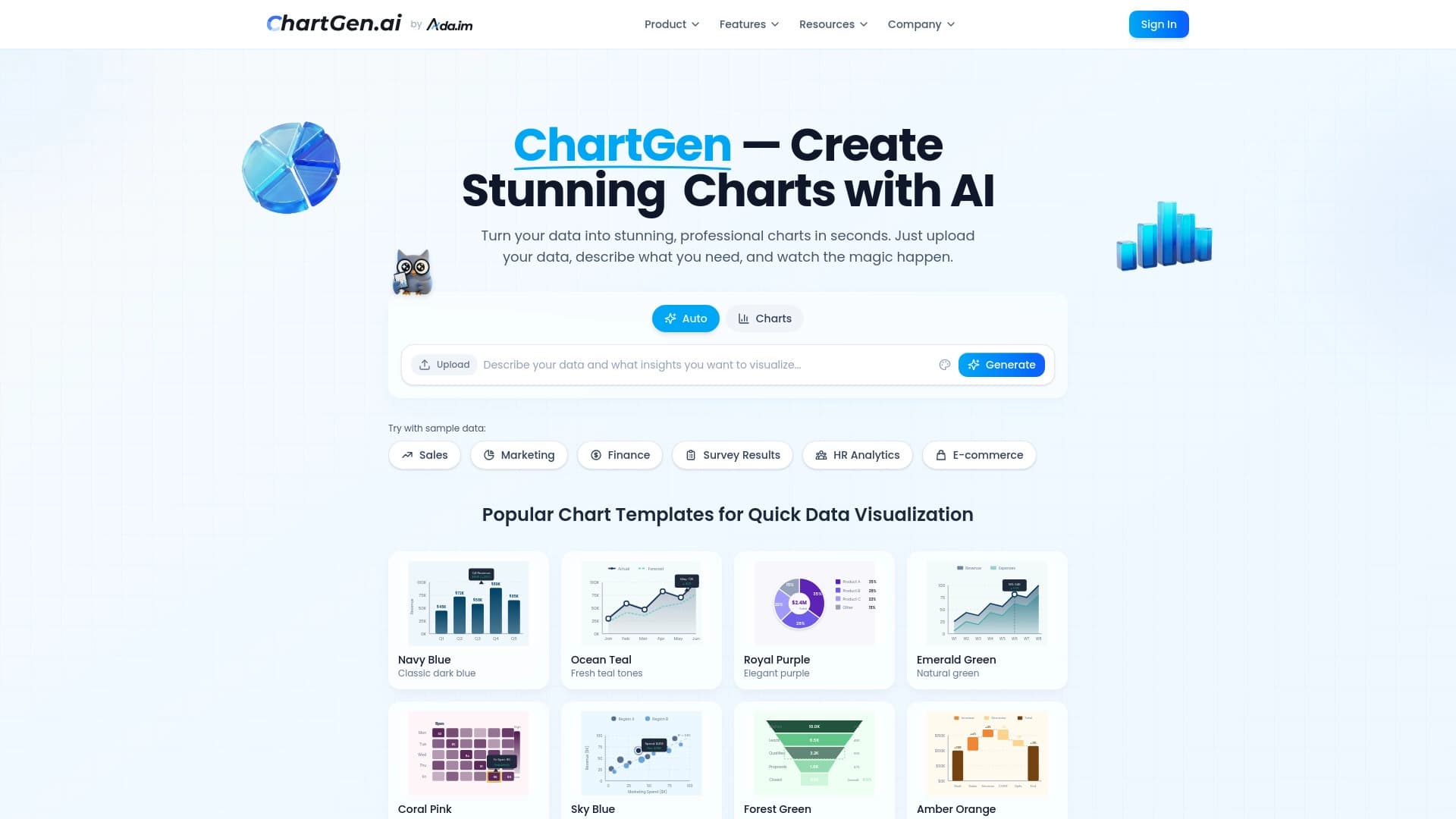

Diagram and chart generator from uploaded data based on a natural language text description.