

CopyTruck
AI assistant for LinkedIn that generates comments and posts in the user's style.
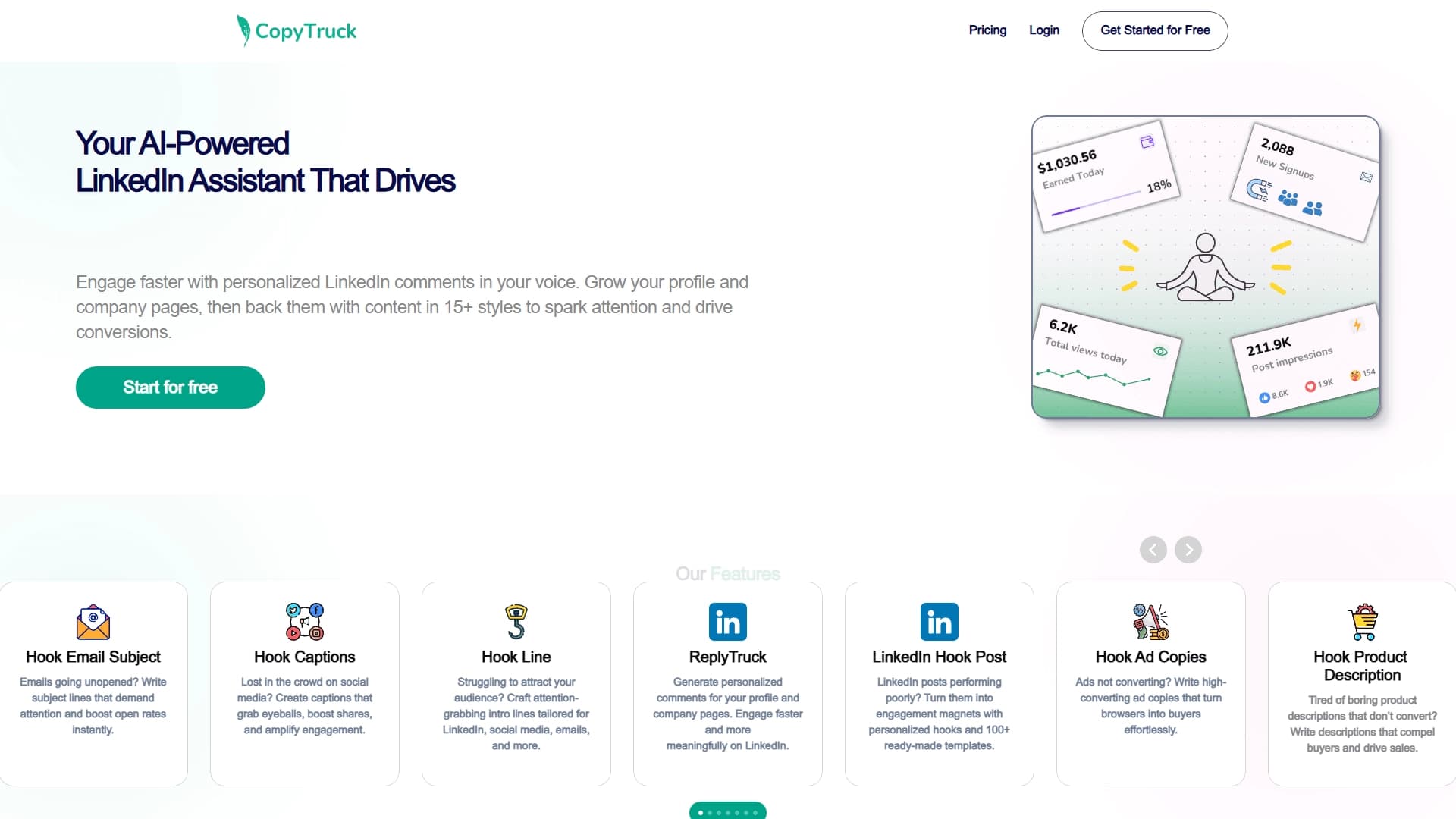
Overview
CopyTruck is a specialized AI assistant designed to work with the LinkedIn platform. Its main task is to help users generate quality content, from short comments under other users' posts to full-fledged feed publications. The tool's key feature is that it analyzes a specific user's writing style and, based on that analysis, suggests text variations that look natural and fit organically into the context.
The service solves a typical problem for many professionals and companies: the need to regularly maintain activity on LinkedIn while lacking the time or ideas to create content. CopyTruck handles the routine part of the work by offering ready-made phrasing that users can adapt to their needs or use as is. The tool is focused on increasing audience engagement and works equally well with both personal profiles and company pages.
CopyTruck Features
| Feature | Value |
|---|---|
| Category | Social media posts, Bio and profile pages |
| Platform | |
| Type | AI assistant for comments and posts |
| Key function | Generation of personalized comments (ReplyTruck) |
| Additional functions | Post amplification, hook creation, support for over 15 content styles |
| Target audience | Owners of personal profiles and company pages on LinkedIn |
Who is CopyTruck suitable for?
Professionals and experts
CopyTruck will be useful for those actively developing a personal brand on LinkedIn: consultants, industry experts, sales managers, HR specialists, and other professionals who need to regularly appear in the feed and keep discussions going in the comments. The tool allows users to quickly respond to posts from colleagues, clients, and partners without spending time crafting the right wording.
Companies and brands
For organizations managing corporate pages on LinkedIn, CopyTruck simplifies the content planning process. The tool is suitable for creating publications aimed at lead generation, drawing attention to a product or service, and maintaining a company's expert image. Thanks to tone customization, posts and comments made on behalf of a brand look consistent and professional.
How to use CopyTruck?
How the tool works
Working with CopyTruck is built around analyzing the user's existing content. First, the neural network studies how a person writes: what phrasing they use, what tone they prefer, how they structure their thoughts. Based on this, a "stylistic profile" is created, which is then applied to generate new texts. This approach ensures that generated comments and posts sound as if the user wrote them themselves, rather than an impersonal program.
Practical application
To create a comment, simply specify which post needs a reaction and choose the desired tone or context. CopyTruck will suggest several response options that can be copied and published. For posts, the tool works similarly: it helps formulate the main idea, adds a catchy headline (hook), and structures the text in one of the supported formats. All the user has to do is choose the right option.
Key CopyTruck Features
ReplyTruck — comment generation
The tool's key feature, which allows users to quickly create personalized comments on LinkedIn posts. The user sets the tone and context, and the neural network suggests response options that match their communication style. This is especially useful for engaging with audiences, clients, and partners without long pauses to think things through.
Post amplification and hook creation
CopyTruck helps turn weak or mediocre posts into more compelling ones. The neural network suggests personalized hooks — opening phrases that grab attention and make the reader stop and take notice. Additionally, the tool supports ready-made publication formats suited to different goals, from short expert notes to in-depth posts aimed at lead generation.
Support for diverse content styles
The tool supports over 15 writing styles. This allows content to be adapted to different tasks and audiences, from formal corporate messages to more personal and informal notes. Users can switch between styles depending on the situation or their audience's preferences.
CopyTruck Advantages
Personalization to the user's style
CopyTruck's main advantage is its ability to adapt to a specific person's writing style. This makes content natural and authentic, which is especially important on professional social networks where audiences value sincerity and an expert tone.
Time savings on routine tasks
The tool significantly speeds up daily LinkedIn work: writing comments, coming up with post ideas, crafting catchy headlines — all of this takes much less time with CopyTruck. Instead of spending hours on content planning, just a few minutes are enough.
Focus on organic growth
CopyTruck is not designed for inflating numbers or artificially boosting activity, but for working with organic interactions. The tool helps build genuine conversations in the comments and publish valuable content, leading to natural follower growth and stronger relationships with the audience.
CopyTruck Drawbacks
Unfortunately, public information about CopyTruck is currently limited: there is no official data on the service's specific drawbacks. Like any AI tool, it may require reviewing and editing generated texts before publishing to ensure they fully match the user's context and intentions. It's also worth noting that the tool is exclusively focused on LinkedIn, so other solutions will be needed for working with other social networks. More detailed information about potential limitations should be sought on the developer's official website.
What problems does CopyTruck solve?
Generating meaningful comments
One of the most common problems for LinkedIn users is the fear of writing the "wrong thing" under a post from a respected colleague or potential client. CopyTruck helps formulate meaningful responses that add value to the discussion and demonstrate competence.
Improving post engagement
Creating content that resonates is a challenging task. CopyTruck helps solve this by suggesting post structures and hooks that are more likely to capture the audience's attention and provoke comments, reposts, or reactions.
Speeding up audience engagement
Keeping up activity in the feed, responding to comments under your own posts, interacting with clients' or partners' publications — all of this takes time. CopyTruck automates part of the process, allowing users to react faster to events and stay connected with their audience.
CopyTruck Pricing
At the moment, accurate information about CopyTruck's pricing is not available in open sources. It is unknown whether the service offers a free tier, a trial period, or any subscription packages. For up-to-date pricing and available plans, users should visit the official CopyTruck website or contact the development team directly.
CopyTruck Terms of Use
Public information about the legal aspects and terms of use for the CopyTruck service is also limited. Presumably, using the tool is governed by standard rules for such SaaS platforms: the user is responsible for published content and compliance with LinkedIn's own platform rules. It is recommended to review the service's terms on its official website before getting started to get a full picture of the rules and obligations of both parties.
CopyTruck Availability
Information about which countries and regions CopyTruck is available in is not available. It is also unknown whether the tool exists in languages other than English, or whether localized versions are available. The most up-to-date information about service availability should be checked on the official website or through product support.
How CopyTruck differs from alternatives
There are several tools on the market for automating publications and managing social media, such as Ytzolo, Postmypost, SMMplanner, MemeFast, and others. The main difference between CopyTruck and many of them is its exclusive focus on LinkedIn and its emphasis on comment generation rather than the full range of SMM tasks. While Postmypost and SMMplanner are multifunctional platforms for scheduling publications and working with multiple social networks, CopyTruck prioritizes "depth" over "breadth": it doesn't just help publish content, but actively participates in creating that content by mimicking a specific user's style. Other tools are largely designed for automating routine processes, whereas CopyTruck focuses on the creative side.
Conclusion
CopyTruck is a specialized AI assistant for LinkedIn that addresses the need for quickly generating high-quality, stylistically accurate content. Thanks to its ability to analyze and mimic a user's style, it is useful for both personal profile owners and corporate pages looking to grow their organic presence on the platform. The tool helps save time, boost engagement, and eliminates the "blank page paralysis" when creating comments or posts. However, for a full assessment of the product — including pricing, terms of use, and technical details — potential users are advised to consult official sources.
Frequently asked questions
See also

A service for turning text into podcasts with naturally sounding voices in different languages.


AI platform for fast website creation and small business process management.


A set of more than 200 ready-made prompts for business and SEO, adaptable to ChatGPT, Claude, and Gemini.

AI agent for automating customer communications and support.

AI-powered platform for generating and enhancing images, videos, and logos in real time.

Platform for creating custom AI chats trained on your own business data.

AI platform for voice synthesis and cloning that converts text into realistic speech.


A browser with built-in AI tools for chatting with neural networks, generating texts and images, translating and summarizing pages.