

Content2Map
Turns text materials into interactive maps based on the geographical objects mentioned in them.
Overview
Content2Map Neural Network Description
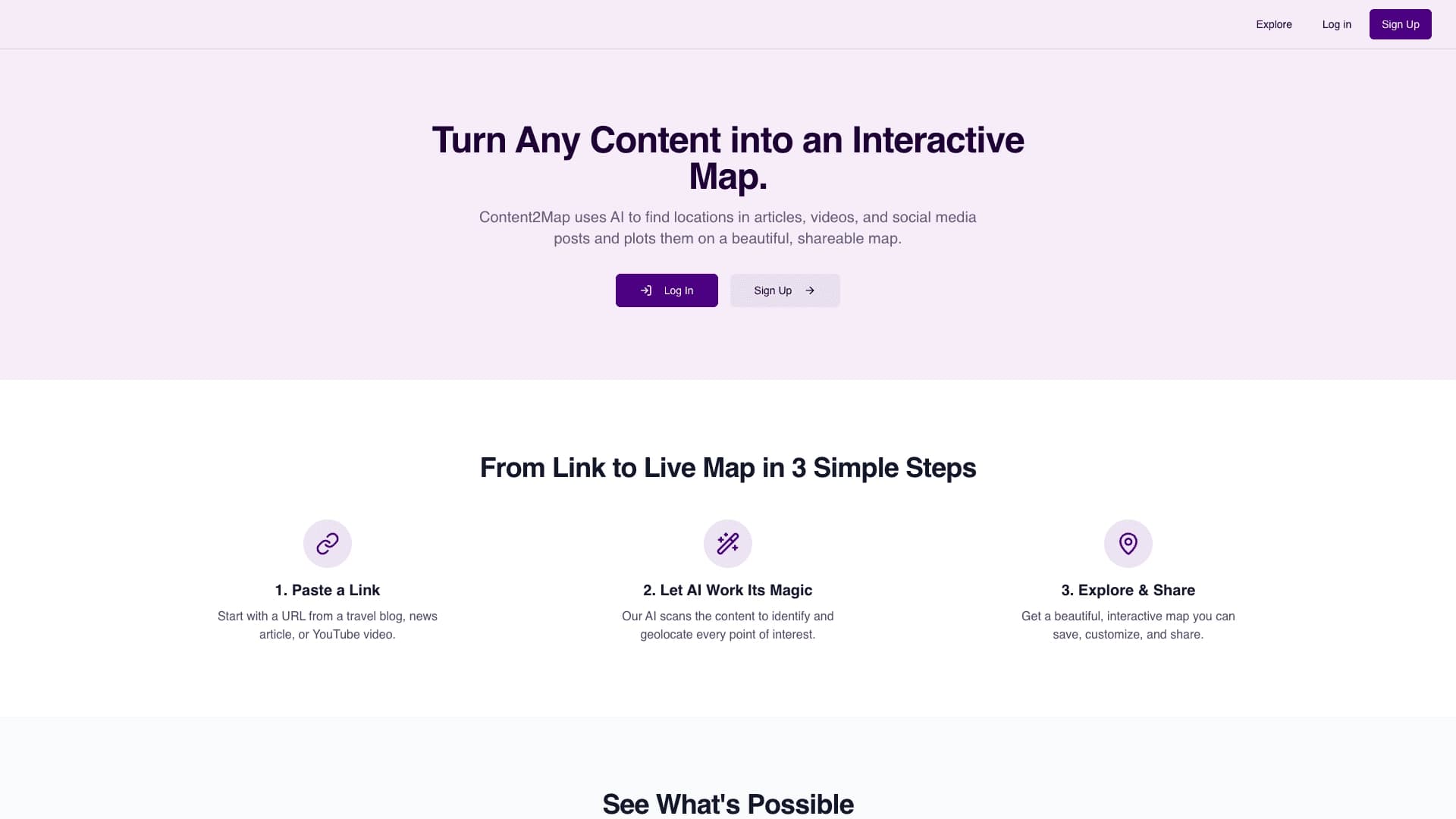
Content2Map is a specialized AI tool that automatically converts text and video materials into interactive maps. The main goal of the service is to save users from manual work of searching for and marking geographic objects. Instead, the neural network independently analyzes content, finds mentions of places, and plots them on a map with coordinates.
The working principle is extremely simple: you paste a link to an article, video, or post, and the algorithm extracts all geographic mentions from the material. Each point on the map is linked to the original context in the text, allowing you to quickly return to the relevant fragment of the material. This approach is suitable for visualizing locations in travel guides, news summaries, place reviews, and any other publications where geography matters.
Content2Map Features
| Feature | Value |
|---|---|
| Type | AI tool for creating maps |
| Category | Maps and diagrams, Travel |
| Platforms | Website (content2map.com) |
| Free plan | Not specified |
| Interface languages | Not specified |
| How to use | Paste a link to an article, video, or post |
| Pricing | Not specified |
| Availability | content2map.com |
Who is Content2Map suitable for?
Editors and content authors
The tool will be useful for journalists, bloggers, and editors of online publications who work with materials about travel, events, or infrastructure. Instead of manually creating maps for their publications, they can automatically turn ready-made text or video into a visual map.
Tourism and route specialists
For travel guide authors, travel bloggers, and route planners, Content2Map helps organize information about places. A map with points of interest created from an article can serve as ready-made visual support for readers or be used for internal work.
Marketers and website owners
For those who publish content about locations — restaurants, hotels, attractions — the tool opens up the possibility of quickly creating embeddable maps for their websites and pages. A finished map can be integrated into a web page without extra effort.
How to use Content2Map?
Step-by-step map creation process
To create a map, the user only needs to paste a link to the source material — an article, video, or post. The neural network itself analyzes the content, identifies mentioned geographic objects (cities, establishments, attractions), and matches them with real coordinates on the map. The entire process takes a few minutes.
Working with the finished map
Once the map is generated, it can be fine-tuned in detail. Viewing, zooming, point filtering, and editing of appearance and structure are available. The user can save the result, share the map via a link, or embed it into their website for publication.
Key Content2Map Features
Automatic extraction of points of interest
The neural network recognizes mentions of geographic objects in the source material — from large cities to specific establishments and attractions. Coordinates are matched to each point, and it is placed on an interactive map. Importantly, each created point is linked to the original context in the material, which simplifies navigation.
Map customization and visualization
The finished map can be customized to specific needs: change the design, structure, or display only certain categories of places. Filtering of points of interest, zooming, and viewing are supported. The tool generates a route map or a collection of places — depending on the content of the source material.
Working with maps and publishing
Created maps can be saved, edited, and reused. A sharing feature is also available: the map can be shared via a link or embedded into a website. The service includes a community gallery where you can view examples of maps created by other users for inspiration.
Content2Map Advantages
Time and effort savings
The main advantage of the tool is that there is no need to manually mark up information and search for coordinates. The map creation process takes just a few minutes even for large amounts of content. The neural network handles all the technical work of extracting and matching data.
Contextual linking of points
Each point on the map has a connection to the original text or video. This makes the map not just a set of markers, but a full-fledged navigation tool: the user can return at any time to the fragment of the material where a specific place is mentioned.
Ease of sharing
The ability to share maps via a link and embed them on websites makes the tool convenient for teamwork and publications. The created visual material can be quickly passed on to colleagues or readers without additional preparation.
Content2Map Disadvantages
No information about the service's disadvantages is available in public sources. Limitations on the volume of processed content, the accuracy of geographic object recognition in complex texts, or potential issues with ambiguous place names are also not specified. No additional data on the tool's weaknesses is currently available.
What tasks does Content2Map solve?
Automatic content visualization
The main task of the neural network is to extract geographic data from text and video materials and plot it on an interactive map. This saves the user from the routine work of searching for places and their coordinates, as well as from the need to manually create maps.
Building routes and collections of places
Based on the content of articles, videos, or posts, the tool can generate route maps and collections of geographic objects. This makes it possible to quickly turn informational material into a visual representation that is easier to perceive and analyze.
Content2Map Pricing
Information about Content2Map's pricing policy is not disclosed in available sources. It is not specified whether the service offers a free plan, a subscription system, or one-time payments. For up-to-date information on the cost of using the tool, it is recommended to contact the service's official website directly.
Content2Map Terms of Use
Official terms of use for the service are not published in public sources. Limitations on the number of maps created, requirements for the volume of source content, or possible functional limits for different user categories are unknown. Detailed information can be obtained on the official website content2map.com.
Content2Map Availability
The service is available as a web application on the official website content2map.com. Internet access and a browser are required to use the tool. Separate applications for mobile devices or desktop platforms are not mentioned in available sources.
How Content2Map differs from alternatives
Available materials do not specify exactly how Content2Map differs from similar tools. Potential competitors include Lucidchart AI, ChatFlowchart, Cloudairy AI Flowchart Generator, and Miro AI Flowchart (for creating diagrams and flowcharts), as well as Xploro — AI Travel Audio Guide and Layla AI Trip Planner (in the travel category). However, a direct comparison of Content2Map's features with these services is not provided in the sources.
Conclusion
Content2Map is a practical tool for automatically converting text and video content into interactive maps. Thanks to automatic extraction of geographic objects and their mapping to coordinates, the service allows you to quickly create visual representations without manual work. Each map point retains a connection to the original context, making the tool convenient for editors, travel guide authors, and anyone working with geolocation information in content. Finished maps can be customized, saved, shared via a link, and embedded into web pages.
Frequently asked questions
See also
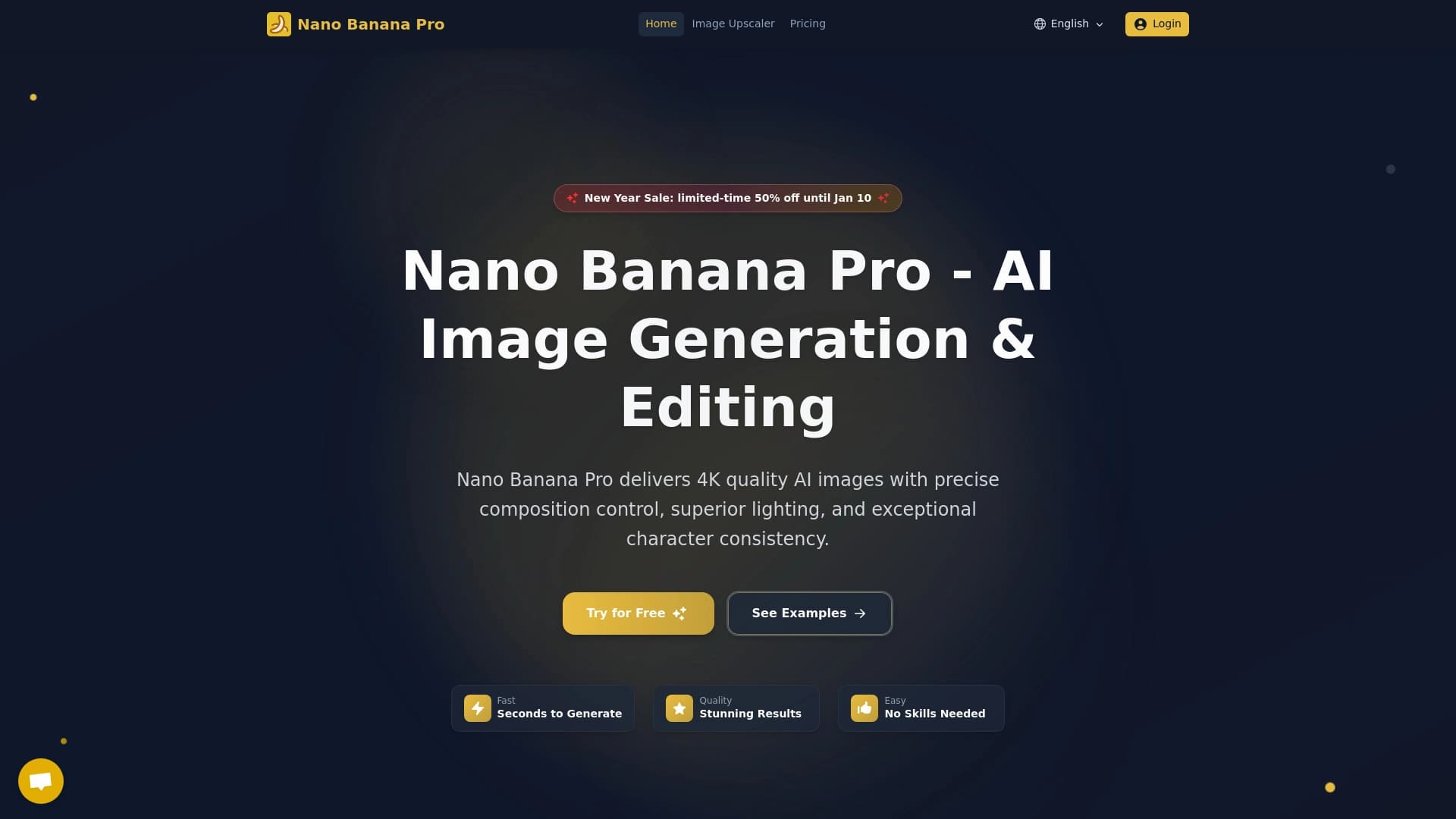

A tool for quickly generating and editing 4K images, supporting control over multiple reference images and a conversational mode.

AI website builder from Hostinger for quickly creating websites based on a business description.
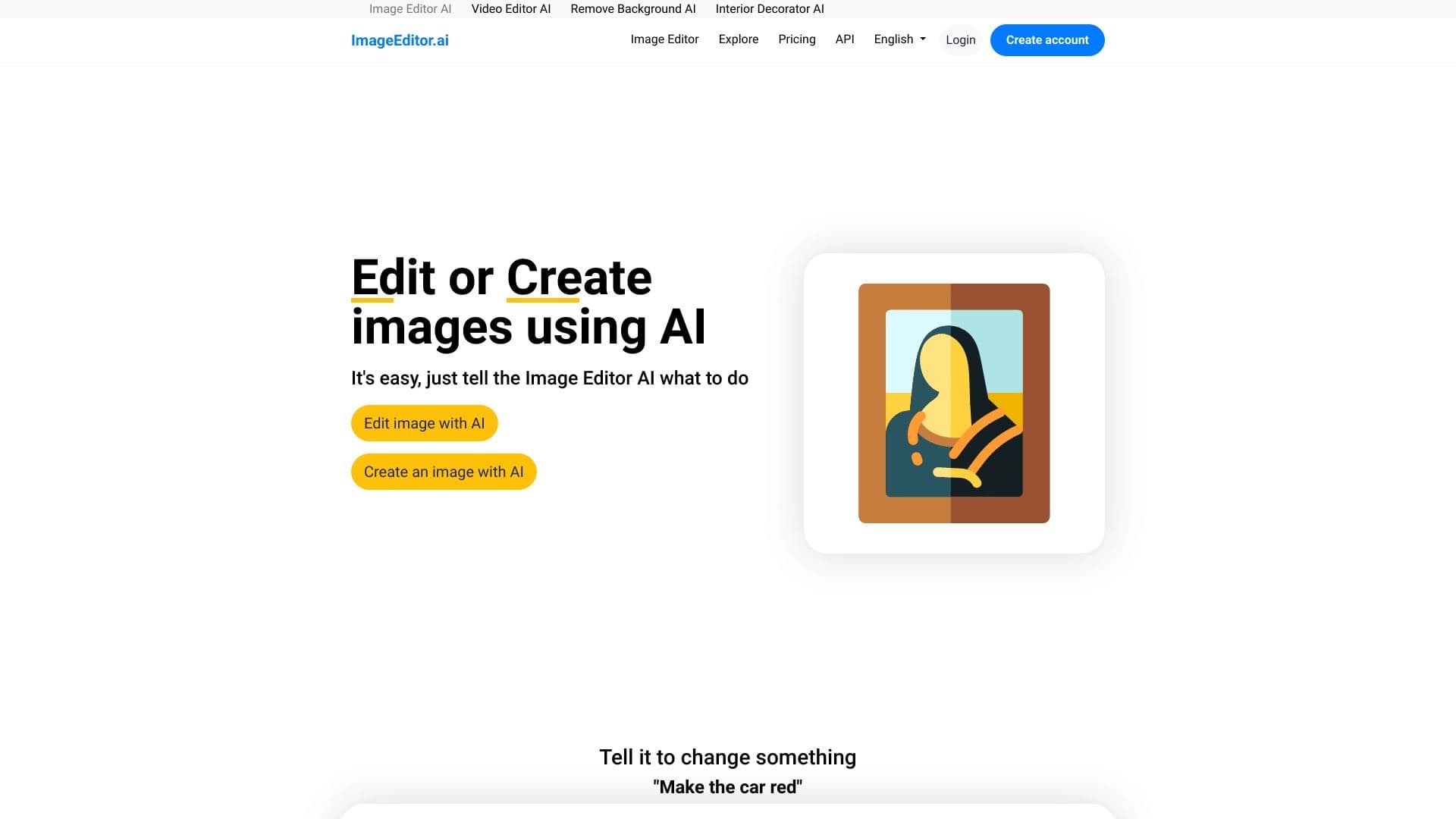

AI-powered online image editor that lets you edit photos by text description right in your browser.


Multimodal AI agents for automating customer service and sales via chat, voice, and video.

AI agent for automating customer communications and support.
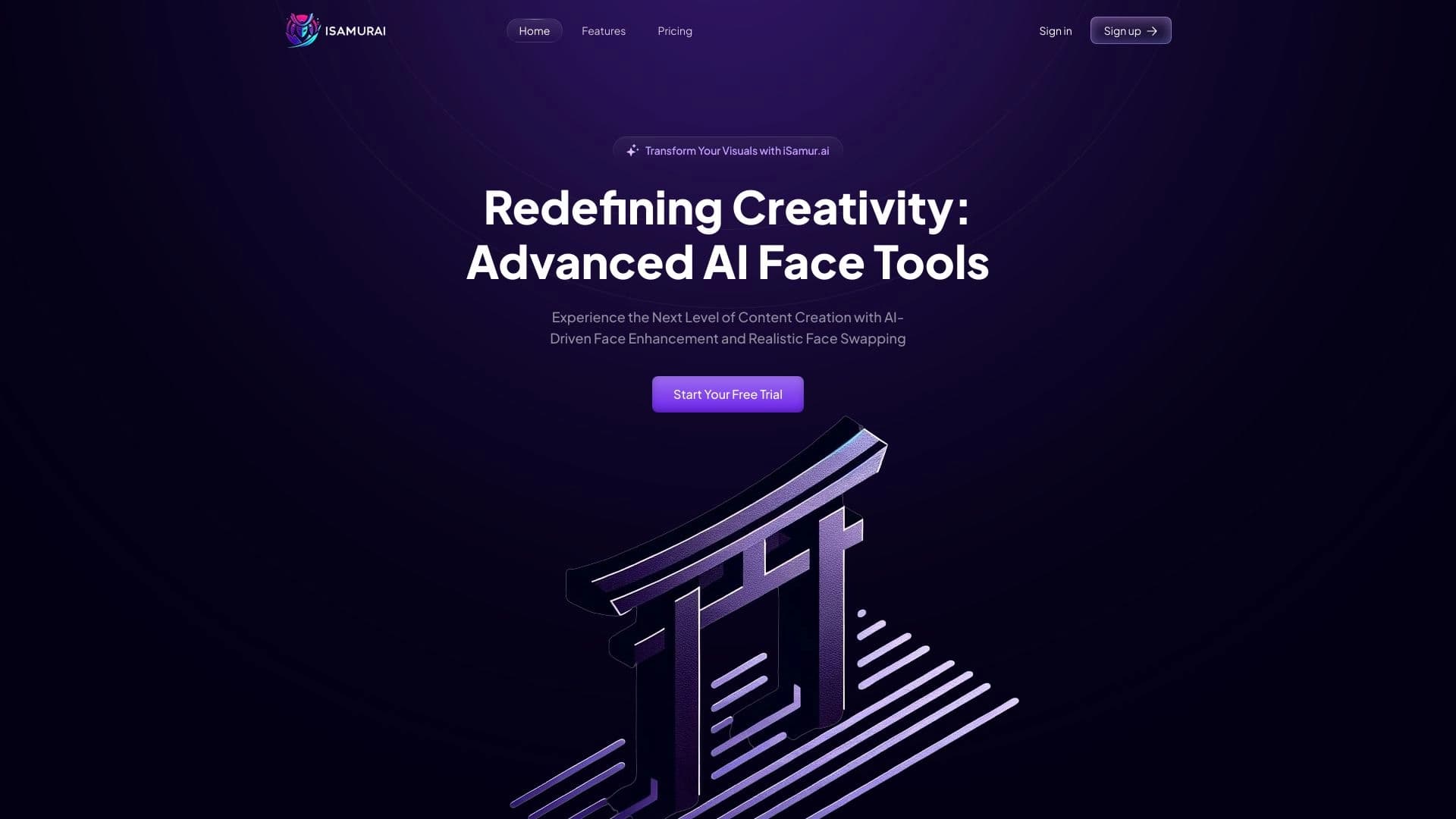

iSamurai is a set of AI tools to improve recovery replacement images and videos.

The service turns static images into animated videos based on the Google Veo 3.1 model.
Web service with a library of ready-made prompts and an interface for generating images and videos through popular neural networks.