

Image Editor
AI-র সাহায্যে অনলাইন ইমেজ এডিটর দ্বারা আপনার ব্রাউজারের মধ্যে সঠিক ছবি সম্পাদনার সুবিধা উপলব্ধ করা হয়।.
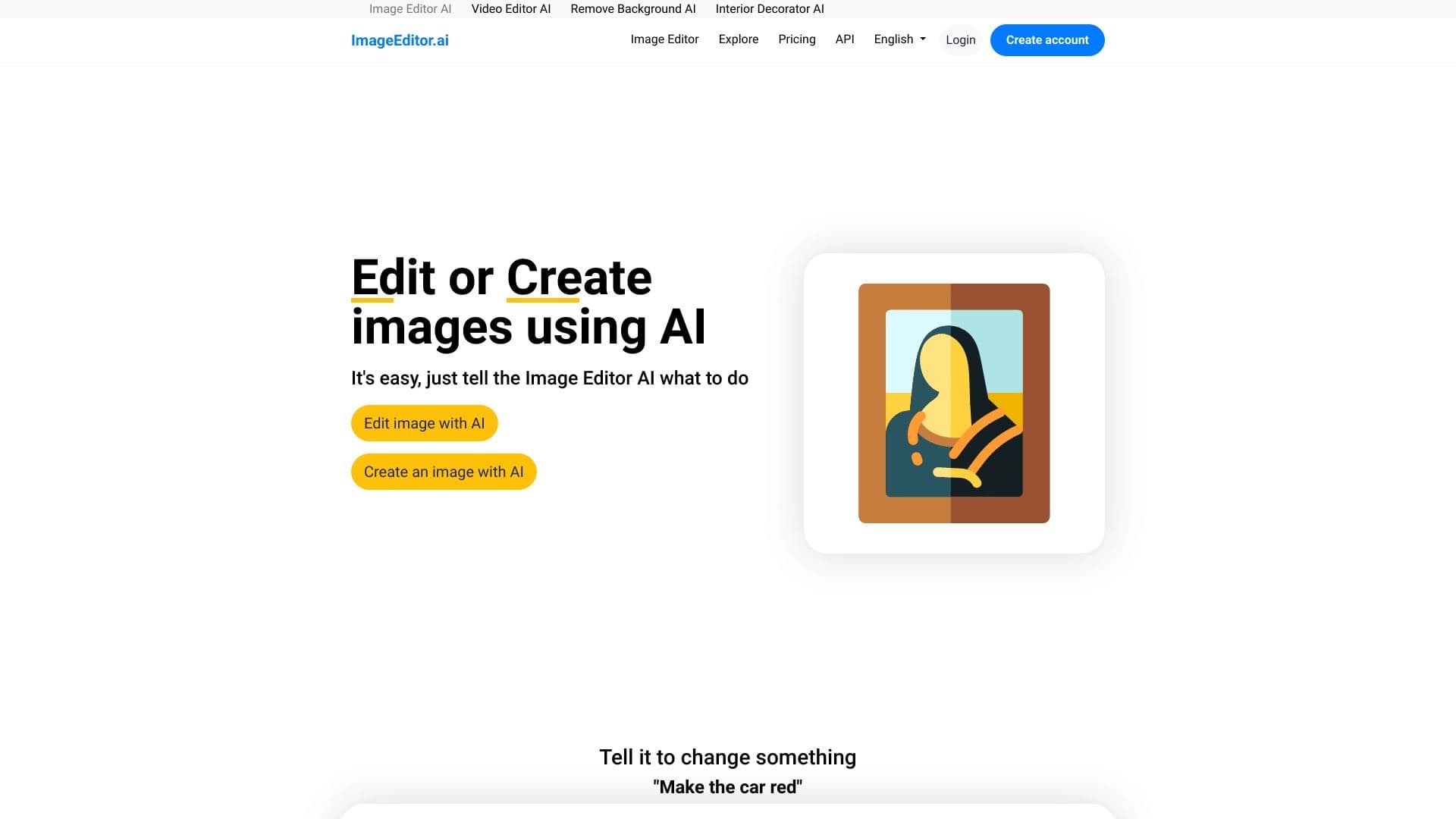
সারসংক্ষেপ
ছবি সম্পাদক কৃত্রিম বুদ্ধিমত্তা দ্বারা চালিত ফটো সম্পাদনাের জন্য একটি ওয়েব সার্ভিস। টুল-টিপ থেকে অনুসন্ধানের সামগ্রী দ্বারা নিয়ন্ত্রণ করা হয়। মুখোশ এবং স্তর দিয়ে মাস্টার কমপ্লেক্স গ্রাফিক্স সম্পাদকের প্রয়োজন নেই: শুধু একটি ছবি আপলোড করা এবং শব্দ দিয়ে বর্ণনা করা উচিত।
ব্রাউজারের মধ্যে সরাসরি পরিসেবা সঞ্চালিত হবে। আপনি একজন ব্যক্তির চেহারা পরিবর্তন করতে পারেন, কাপড় বা পটভূমি পরিবর্তন করতে পারেন, দুর্ঘটনাবশত যে বস্তুগুলোকে ফ্রেমে প্রবেশ করেছে অথবা নতুন উপাদান যোগ করতে পারেন। এই অ্যালগরিদমের উদ্দেশ্য হচ্ছে প্রাকৃতিক রূপকে পরিবর্তন করা যাতে চূড়ান্ত ফলাফল দেখা যায়, দৃশ্যত কিছু উপাদান ছাড়াই। এর ফলে অতিরিক্ত সফ্টওয়্যার ইনস্টল না করে দ্রুত দৃশ্যমান উপাদান প্রস্তুত করার জন্য এটি একটি সুবিধাজনক সমাধান।
ছবির বৈশিষ্ট্য
| বৈশিষ্ট্য | মান |
|---|---|
| ধরন | অনলাইন AI-ছবি সম্পাদক |
| শ্রেণীবিভাগ | ফটো সম্পাদনা, বস্তুর সরিয়ে ফেলুন |
| সমর্থিত বিন্যাস | জেপিজি, JPEG, PNG, আমরাবিপি |
| ফাইলের সর্বোচ্চ মাপ | ১৬ মেগাবাইট |
| Western (পশ্চিমি | প্রয়োজন নেই |
| ওয়েব-সাইট: | ছবির সম্পাদক. |
ছবি সম্পাদক কে?
SMM বিশেষজ্ঞ এবং বিষয়বস্তু নির্মাতা
টুলটি আপনাকে দ্রুত সোশ্যাল মিডিয়া পোস্টের জন্য দৃশ্যমান হতে দেয়: অবাঞ্ছিত উপাদান ব্যাকগ্রাউন্ড থেকে সরিয়ে ফেলা, পরিবর্তন অথবা অ্যাড-স্ট্রিটেশন. এটি সময় সংরক্ষণ করে যে, গ্রাফিক সম্পাদকে সম্পাদন করা হলে অন্যান্য সময়ে এটি সংরক্ষিত হবে ।
অনলাইন স্টোর মালিক
উৎপাদন তালিকার তালিকা প্রায়ই পরিষ্কার করার প্রয়োজন হয় । ছবি সম্পাদক, আপনি একটি বস্তু আলাদা করে ফেলতে পারেন এবং একটি শক্ত পটভূমি থেকে কোন বস্তু সরিয়ে নিতে পারেন অথবা কোনো পণ্যের ছবি থেকে যে কোন বস্তু মুছে ফেলতে পারেন।
সাধারণ ব্যবহারকারী
যারা বিশেষ দক্ষতা ছাড়াই ব্যক্তিগত ছবি সম্পাদনা করতে চান তাদের জন্য সার্ভিসটি উপযুক্ত। কিন্তু, আপনি যদি আপনার পরিস্থিতির পরিবর্তন করতে চান, তা হলে আপনি কী করতে পারেন?
ছবি সম্পাদককে কিভাবে ব্যবহার করতে হবে?
কাজের প্রবাহ টেক্সট কমান্ডের চারপাশে নির্মিত এবং খুব কম সময় লাগে।
- ছবি আপলোড করুন সমর্থিত বিন্যাসে একটি ফাইল নির্বাচন করুন (JPG, JPEG, PNG, baseBP)। ফাইলের সর্বোচ্চ মাপ ১৬ MB
- একটি প্রম্পট থেকে. ( ১ করি. এর ফলে পটভূমি পরিবর্তন করা যেতে পারে, কোনো বস্তু সরিয়ে ফেলা, কোনো পোশাকের পরিবর্তন করা অথবা পোশাকের জায়গায় পরিবর্তন করা যেতে পারে ।
- ফলাফল নাও। অনুরোধ% 1 ও আউটপুট সম্পূর্ণ হলে নেটওয়ার্ক প্রসেসগুলি সঞ্চালিত হবে । [ অধ্যয়ন প্রশ্নাবলি] কিছু কাজের জন্য, বিভিন্ন ধরনের AI মডেল উপলব্ধ করা হয়। আপনি বিভিন্ন বিকল্প প্রাপ্ত করতে পারেন।
ছবি সম্পাদকের বৈশিষ্ট্য
ছবির মধ্যে একজনের সাথে কাজ করা
সার্ভিসটি আপনাকে একজন ব্যক্তির চেহারা, চুল স্টাইল এবং কাপড় পরিবর্তন করতে দেয় একটি লেখা বর্ণনার উপর ভিত্তি করে। আপনি একটি ছবি দেখতে পারেন অথবা একটি চিত্রের চেহারার উন্নতি করতে পারেন, এবং একই সাথে অস্বাভাবিক ধরনের পরিব্যক্তির প্রয়োগ করতে পারেন।
পটভূমি এবং বস্তুর সঙ্গে কাজ করা
এর পরিবর্তে, এটি এমন একটি উপাদানের সাহায্যে সরিয়ে ফেলতে এবং সরিয়ে ফেলতে পারে, যা কোনো ছবি থেকে অবাঞ্ছিত বস্তু সরিয়ে ফেলতে পারে। একটি ছবিতে আবহাওয়া বদলে যেতে পারে। এই পণ্যের মূল বৈশিষ্ট্য বিশেষভাবে উল্লেখ করা যায় — এটা ক্যাটালগে প্রদর্শিত কোনো পণ্যের ছবি প্রস্তুত করতে সাহায্য করে ।
জেনারেশন ও প্রসারণ
উপস্থিত ফাইল সম্পাদনা করা ছাড়াও, নিউরাল নেটওয়ার্ক একটি লেখা বর্ণনা থেকে সম্পূর্ণ নতুন ছবি তৈরি করতে পারে। এর ফলে সৃষ্টিশীলতার আরও সম্ভাবনা দেখা দেয় এবং নতুন উপাদান তৈরি করে।
ছবির সম্পাদক সুবিধা
সহায়ক প্রযুক্তি
ব্রাউজারের মধ্যে চিহ্নিত পরিসেবা সঠিকরূপে চলছে না ও ইনস্টলেশন প্রয়োজন। নিবন্ধনের কোনো প্রয়োজন নেই । প্রধান সুবিধাটি দ্রুত সাড়া দেয়: সবচেয়ে সম্পাদনা শেষ হয় কয়েক সেকেন্ডের মধ্যে।
কোন জটিল সফ্টওয়্যার নেই
টেক্সট কমান্ডের জন্য ধন্যবাদ, ব্যবহারকারীদের ফটোশপের মতো প্রোগ্রাম সম্পর্কে জানতে হবে না। এর ফলে একটা গুণ লাভ করা যায়, কেবলমাত্র সেই আকাঙ্খিত পরিবর্তন সম্বন্ধে বর্ণনা করা — নেচারাল নেটওয়ার্ক বাকিদেরকে স্বয়ংক্রিয়ভাবে নিয়ন্ত্রণ করে ।
ছবি সম্পাদক সমস্যা
প্রাপ্তিসাধ্য সোর্স প্রতিদিন বিনামূল্যের অনুরোধের সীমা উল্লেখ করে না, সম্ভাব্য উৎসের ছবি, অথবা গতির গতির উপর নিষেধাজ্ঞা আরোপ করে। এ ছাড়া, অনুসন্ধানের ধরন অথবা পরিবর্তনের জটিলতা সম্বন্ধেও কোনো তথ্য নেই । এই সেবার নিজস্ব ওয়েবসাইটে সম্ভাব্য ফিরে আসা সম্বন্ধে বিস্তারিত তথ্য যাচাই করা উচিত।
ছবি সম্পাদক কি সমাধান করতে পারে?
এই সেবাটির লক্ষ্য হচ্ছে ব্যাপক ছবি প্রস্তুতির কাজ।
- সামাজিক মিডিয়ার জন্য ছবি প্রস্তুত করা হচ্ছে: ব্যাকগ্রাউন্ড পরিবর্তন, এলোমেলো অথবা বস্তুর সরিয়ে ফেলা, ছবি তোলার জন্য।
- পণ্যের কার্ড তৈরি করা হচ্ছে: ক্যাটালগের জন্য পণ্য সংগ্রহ করা, জল চিহ্ন অপসারণ করা, অপ্রয়োজনীয় উপাদান অপসারণ করা, সেগুলোকে পরিষ্কার পটভূমি হিসেবে রাখা।
- উপস্থাপনার জন্য ছবি প্রস্তুত করা হচ্ছে স্লাইডে প্রবেশ করার আগে দ্রুত ছবি স্পর্শ করুন।
- ব্যক্তিগত ফটো সম্পাদনা: চেহারা, কাপড়, চুল অথবা আবহাওয়ার পরিবর্তন
- বস্তুসমূহ মুছে ফেলা হচ্ছে অবাঞ্ছিত উপাদানের ছবি দেখতে পারেন।
ছবি সম্পাদক সেটিং
টুলটি বিনামূল্যেরিয়াম মডেলের মধ্যে বিতরণ করা হয়, যা মূলত: মৌলিক দক্ষতায় ব্যবহার করা হয়। বিনামূল্যের ব্যবহারের সঠিক সংজ্ঞা এবং একই সাথে বিস্তৃত বৈশিষ্ট্যসহ অর্থ সংগ্রহের পরিকল্পনার সঠিক সংজ্ঞা পাওয়া যায় না। বর্তমান ব্যক্তিগত তথ্য জানতে হলে, আপনাকে সার্ভিসের নিজস্ব ওয়েবসাইটে যেতে হবে।
ছবি সম্পাদক অভিব্যক্তি
সেবাটি ব্যবহার করে শুধুমাত্র একটি ইন্টারনেট সংযোগ এবং একটি ছবি (জেপিজি, JPEG, এনবিপি) প্রয়োজন। টুলের সাথে কোনো নিবন্ধনের প্রয়োজন নেই। সিস্টেমে কোন অনুমোদন নেই, যা এক সময় প্রবেশাধিকারকে সহজ করে তোলে।
ছবির সম্পাদন ব্যবস্থা
ছবি সম্পাদক একটি অনলাইন টুল যা একটি ব্রাউজারের মাধ্যমে কাজ করে। ওয়েবসাইটটির ছবি সম্পাদক। আপনার কম্পিউটার অথবা মোবাইল ডিভাইসের জন্য অতিরিক্ত সফ্টওয়্যার ইনস্টল করা নেই।
ছবি সম্পাদক কিভাবে বিকল্পের থেকে আলাদা
ছবি সম্পাদকের মূল পার্থক্য হচ্ছে ছবির মানুষের সাথে কাজ করার জন্য কোন নিবন্ধনের চাহিদা এবং শক্তিশালী দক্ষতা। কুইসু, পিক্সলিও প্রকোরা, ৩কোর ছবি কমবিটার, গেমিও ওয়াটারমার্কার, পেয়টল+ এবং কো- পাইলট+এর মতো বিকল্প সেবা রয়েছে। কোন প্রতিশ্রুতি ছাড়া এই সেবার প্রধান সুবিধা হচ্ছে: ব্যবহারকারীরা কোন ধরনের প্রতিশ্রুতি ছাড়া একটি ছবি আপলোড করতে এবং কোন একাউন্ট তৈরি না করেই সম্পাদনা শুরু করতে পারেন, অন্যদিকে অন্যান্য প্লাটফর্মের প্রাথমিক অনুমতি প্রয়োজন যাতে সম্পাদনা পরিচালনা করা যায় অথবা অন্য কোন উপায় ব্যবহার করা যায়।
অন্তর্ভুক্ত
AI-ছবি সম্পাদনা করার জন্য ছবি সম্পাদকটি একটি ব্যবহারিক এবং সহজলভ্য অনলাইন টুল। জটিল সফটওয়্যার না দেখে ব্যবহারকারীর দ্রুত ছবির প্রয়োজন: বস্তু সরিয়ে ফেলা এবং কাপড় পরিবর্তন করা এবং পোশাক পরিবর্তন করা। নিবন্ধন ছাড়াই এবং সরাসরি ব্রাউজারের মাধ্যমে কাজ করার ক্ষমতা একটি নির্দিষ্ট কাজ এবং নিয়মিত বিষয়বস্তু প্রস্তুতির ক্ষেত্রে একটি সুবিধাজনক সমাধান তৈরি করে, যদিও সরকারি ওয়েবসাইটে এই বিষয়ে বিস্তারিত বিস্তারিত জানতে হবে।
সাধারণ প্রশ্নোত্তর
অতিরিক্ত দেখুন
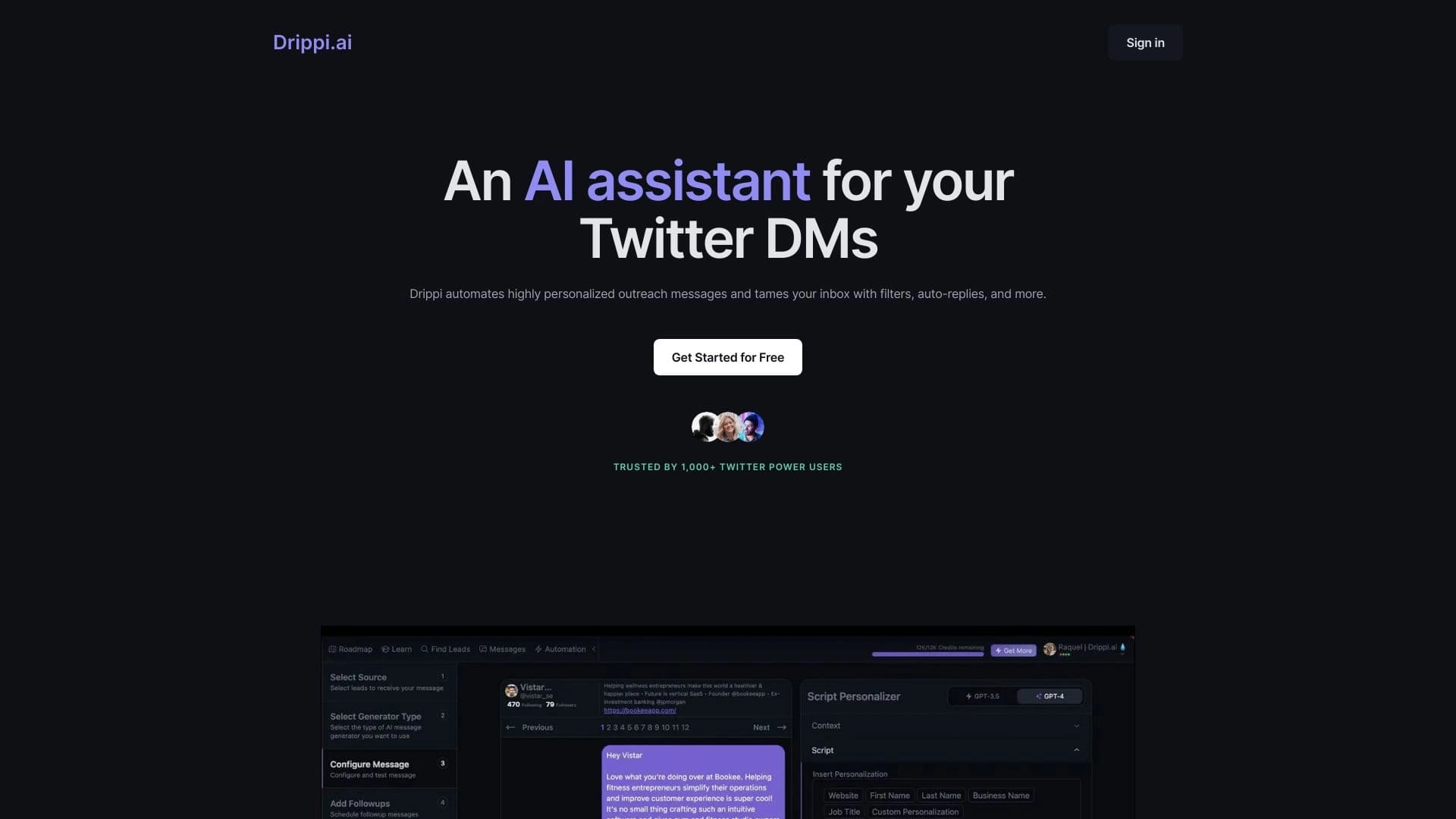

অটোমেটরা (টুইটারে) ঠান্ডা আউটর জন্য এক্স-এর জন্য ব্যক্তিগত বার্তা পাঠায় ।.

স্বয়ংক্রিয়রূপে ভিডিও সাবটাইটেল তৈরীর জন্য AI অনলাইন সার্ভিস।.


অবাঞ্ছিত বস্তু, টেক্সট এবং একটি নিউরাল নেটওয়ার্ক ব্যবহার করে ফটো থেকে দলত্যাগ করার জন্য অনলাইন সম্পাদক।.
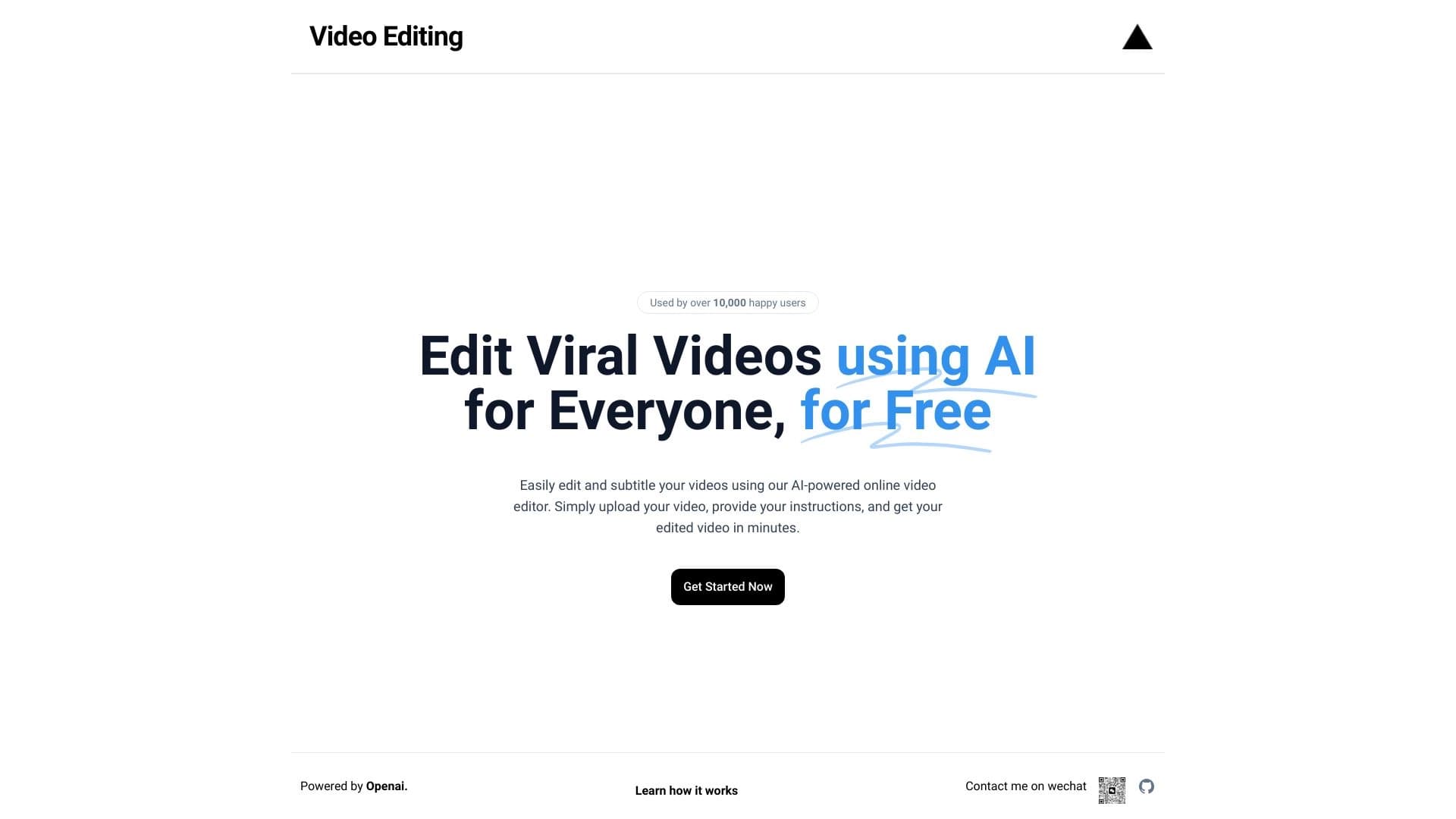
ব্রাউজার ভিত্তিক ভিডিও সম্পাদক স্বয়ংক্রিয়ভাবে ৫০টি ভাষায় সাবটাইটেল সহ অনুবাদ।.
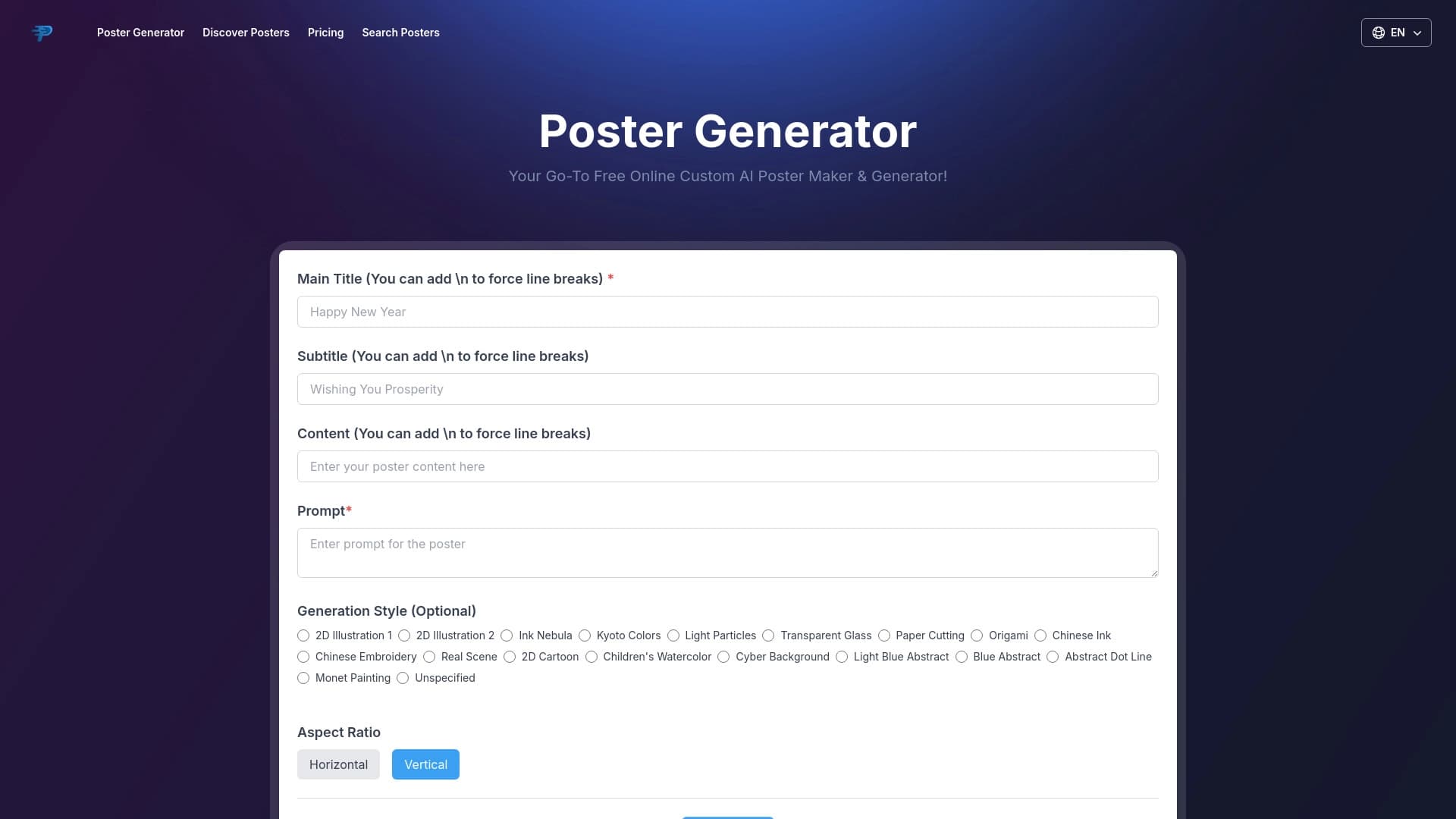
AI দ্বারা দ্রুত পোস্টার তৈরি করতে অনলাইন টুল.


চ্যাটবট এবং টিকেট সিস্টেম সহ অ্যাপ্লিকেশনের জন্য AI প্ল্যাটফর্ম।.
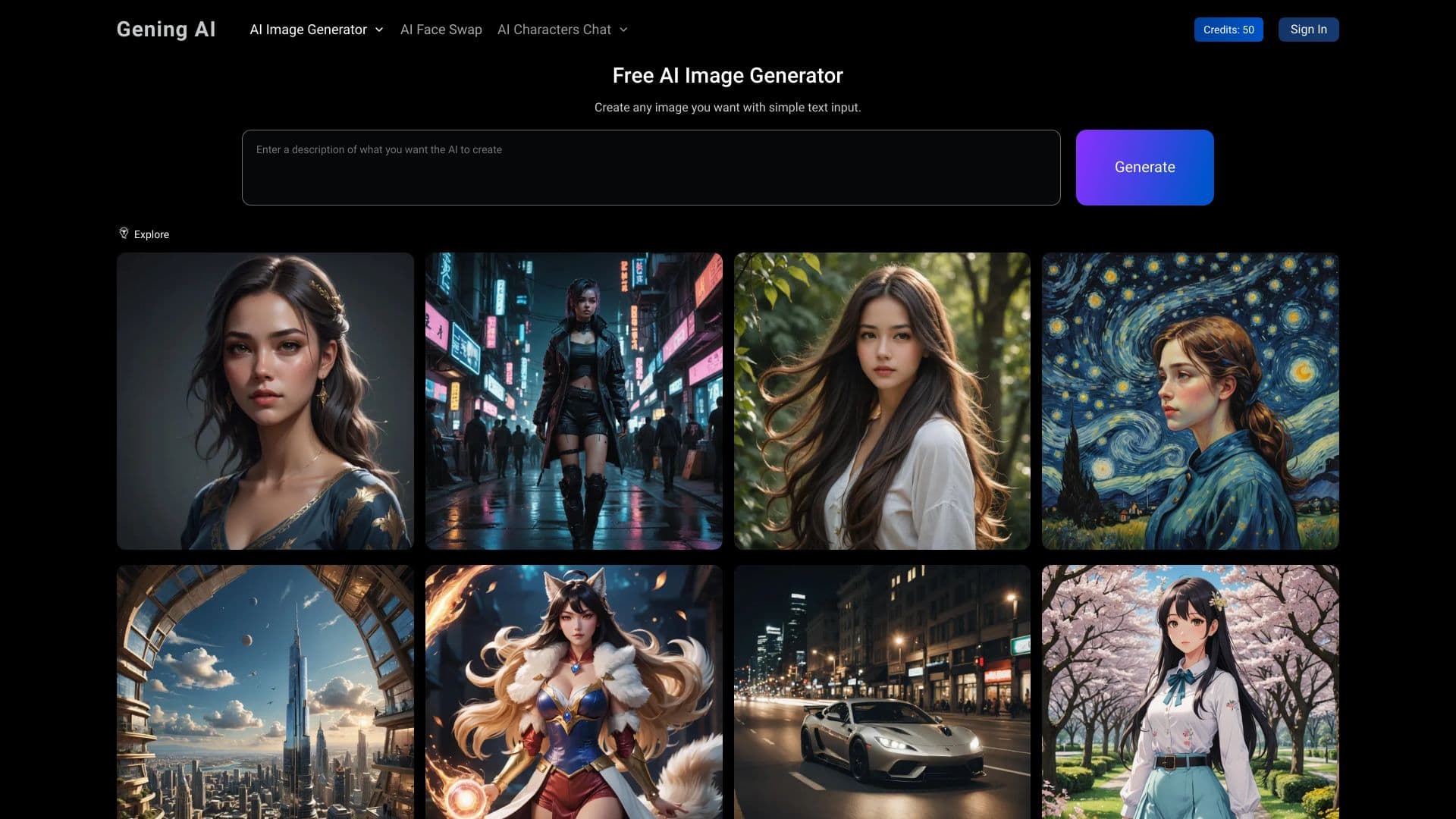

ছবির প্রজন্মের জন্য Bitingt সরঞ্জাম, মুখোমুখি হতে এবং AI অক্ষরের সাথে আলাপ করার জন্য খোলা প্লাটফর্ম।.

টেক্সট থেকে কৃত্রিম বুদ্ধিমত্তা ব্যবহার করে ছবি, ভিডিও এবং অডিওর একটি প্ল্যাটফর্ম।.