

Clearword
AI assistant for automating online meeting minutes and creating structured notes.
Overview
Clearword is an AI assistant that automates the process of documenting online meetings. It connects to video calls and captures the flow of discussion in real time, eliminating the need for participants to take manual notes. Instead of raw dialogue text, the service generates organized notes, highlighting key decisions, agreements, and responsible parties. After the meeting ends, the system can automatically prepare email drafts for distributing tasks, and all data is stored in a centralized repository for quick search across meeting history.
Core concept of the service
The product solves the problem of information loss and unstructured discussions. Instead of spending time transcribing recordings, users receive a ready-made summary with emphasis on important points. The tool integrates into familiar workflows through popular video platforms and requires no additional software installation.
Key value
The main value lies in shifting administrative burden from humans to algorithms. Clearword handles the routine: recording, analysis, structuring, and subsequent communication. This allows teams to focus directly on the content of the meeting rather than the technical details of documenting it.
Clearword Features
| Feature | Value |
|---|---|
| Type | Automation of meeting documentation and processing |
| Categories | Notes and protocols, Audio transcription, Email and communications |
| Website | clearword.com |
| Publication date | August 1, 2025 |
| Supported platforms | Zoom, Google Meet, Microsoft Teams |
| Output format | Structured notes, task lists, email templates |
Who is Clearword suitable for?
Project managers and team leads
For those who regularly hold work meetings and are responsible for task distribution. The tool automatically records agreements and tracks their completion. This reduces the risk of important assignments being forgotten or misinterpreted during handover.
Remote teams
Distributed teams using video conferencing get a unified knowledge base across all meetings. History search allows quickly finding when a specific decision was made or a particular topic was discussed. This is especially relevant when employees are in different time zones and cannot attend all calls.
Product managers and analysts
Professionals who need to gather requirements, collect customer feedback, or discuss briefs with contractors. Clearword helps systematize large volumes of information and avoid missing details that are easily lost in verbal discussions.
How to use Clearword?
Connecting to video platforms
To get started, you need to sync your Clearword account with one or more video conferencing services: Zoom, Google Meet, or Microsoft Teams. This is done through the integration settings on the website. After connecting, the assistant can automatically join calendar events.
Working with notes and tasks
During the meeting, the system creates a draft protocol that updates in real time. When the call ends, the user receives a final document with highlighted decisions and a task list. The service also offers ready-made email templates that can be sent immediately to participants to confirm agreements.
Key features of Clearword
Real-time generation of summary notes
The system listens to the conversation and generates concise, well-structured notes. It highlights main topics, decisions made, and key points. Users don't need to review the full recording — reading the finished document is enough.
Task list creation and completion tracking
The tool automatically recognizes mentions of specific actions, assigns responsible parties, and records deadlines. All tasks are collected into a separate list that can be tracked after the meeting ends.
Email preparation for follow-up actions
Based on the generated notes, Clearword creates email drafts. Email templates are adapted for different scenarios: sending the protocol to colleagues, reminding about deadlines, or requesting additional information.
Synchronization with Zoom, Google Meet, and Microsoft Teams
Support for the three largest video conferencing platforms ensures compatibility with most corporate environments. All data from different platforms is collected and stored in one space, simplifying navigation through communication history.
Clearword advantages
- Time savings: manual transcription and protocol formatting are completely eliminated.
- High accuracy: decisions and tasks are highlighted automatically, reducing reliance on human memory.
- Fast distribution: ready-made email templates speed up post-meeting communication.
- Unified database: all records and notes are in one searchable location.
- Integration with popular services: no need to change familiar tools.
Clearword disadvantages
- Dependence on internet connection: uninterrupted service operation is directly tied to network stability.
- Video platform requirements: proper operation requires support for the selected video conferencing services.
- Privacy concerns: when working with sensitive data, it is important to carefully configure security settings.
What tasks does Clearword solve?
Meeting documentation without manual notes
The main purpose of the tool is to completely replace the manual documentation process. Algorithms independently capture the flow of discussion and convert it into structured text, freeing meeting participants to actively engage.
Automated task distribution after meetings
The tool acts as a dispatcher: after the meeting ends, it helps compose emails with task lists and send them to recipients. This eliminates delays and the need to manually type emails.
Quick search for decisions and tasks across meeting history
The accumulated database of protocols enables instant search across any mentions. Users can refer to history at any time to find who made a specific decision and when, or clarify discussion details.
Reduced time on administrative tasks
By combining recording, analysis, structuring, and distribution functions, the service minimizes the time teams spend on organizational matters related to meetings.
Clearword pricing
Pricing information for the service is not disclosed on the clearword.com website. Current plans and subscription terms should be checked directly on the official website or with company representatives. No specific pricing offers were available in public sources at the time of writing.
Clearword terms of use
Technical requirements
A stable internet connection is required to use the service, as all data processing happens in the cloud. Service operation depends on video conferencing platform support — Zoom, Google Meet, or Microsoft Teams must work correctly on your device.
Security and privacy policy
When working with confidential data, users are advised to carefully review privacy settings. The service requires access to meeting content for processing, so it is important to ensure that the selected settings comply with your organization's internal information protection requirements.
Clearword availability
The tool is aimed at users of popular video conferencing services. Availability is determined by compatibility with the official interfaces of the listed platforms. Since the data has been publicly available since August 1, 2025, the service is considered active. No information about geographic restrictions or mobile operating system support is mentioned in the source data.
How Clearword differs from alternatives
The main difference of Clearword lies in the complete isolation of its ecosystem: all meeting records are collected into a single space, allowing a comprehensive communication history for the company to be built. Unlike many solutions that provide only raw transcripts, this service immediately delivers adapted documents with highlighted semantic blocks. Also worth noting is the deep development of the "meeting — notes — email" scenario, where after a call the system not only saves information but also assists with next steps by offering message templates. This comprehensive approach to the full communication cycle makes the tool convenient for teams focused on improving meeting productivity.
Conclusion
Clearword is an AI tool for automating online meeting workflows that connects to video calls, captures discussions, and creates structured notes, highlighting key decisions and tasks. The service helps teams reduce time spent on administrative processes, improve control over agreement execution, and organize a unified repository of meeting information. Thanks to integrations with leading video platforms, it easily fits into existing workflows, requiring only a stable internet connection and careful attention to privacy settings from the user.
Frequently asked questions
See also
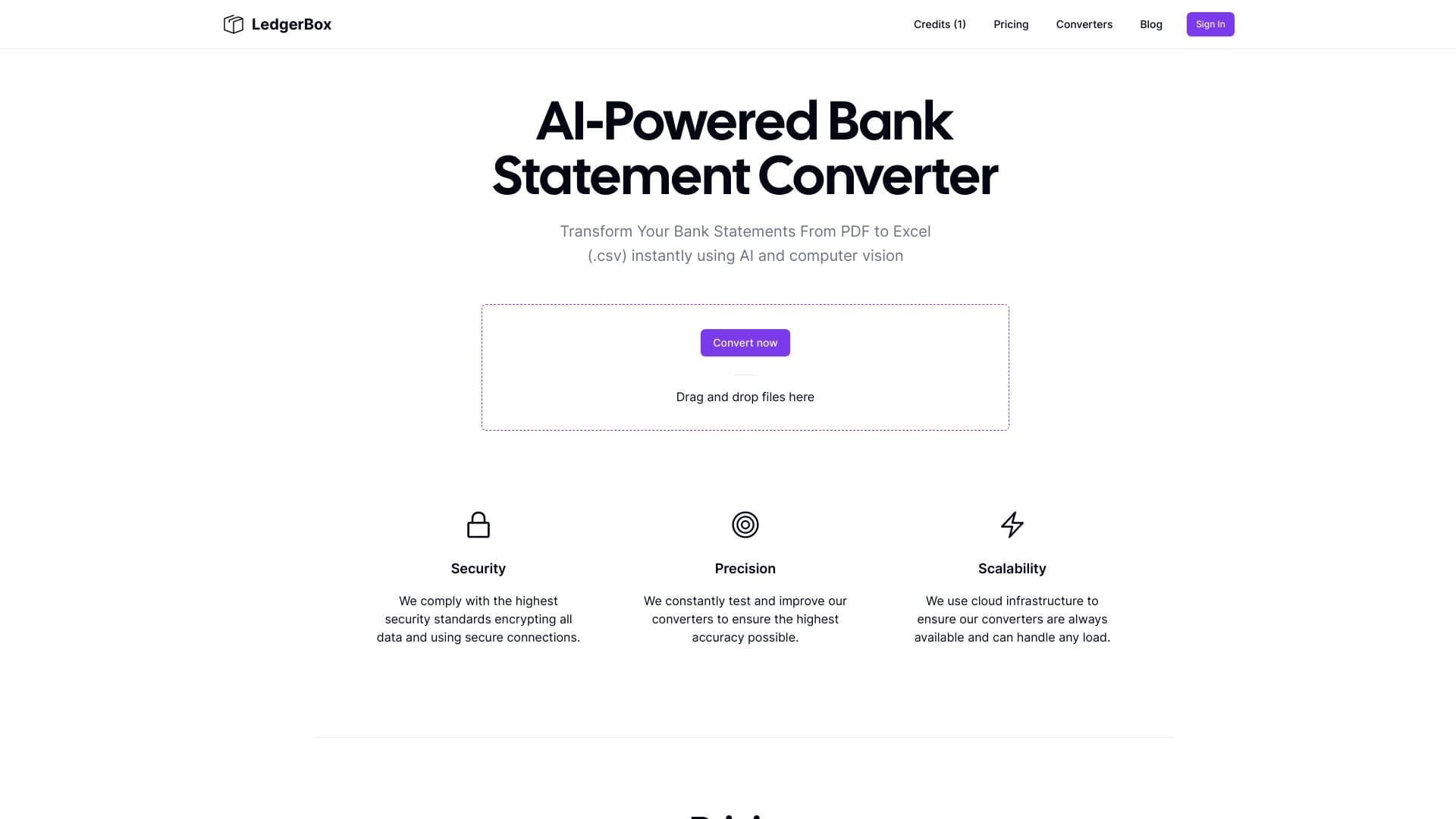
Automatically extract financial data from PDF documents and convert it to Excel or CSV.


Platform for automating client acquisition and personalized email campaigns with data enrichment from over 150 sources.
Yandex's multimodal voice assistant powered by the YandexGPT neural network that answers questions, generates texts and images, analyzes files, and controls the smart home.


AI assistant for checking grammar, spelling, and style of English text, available as a browser extension and web editor.
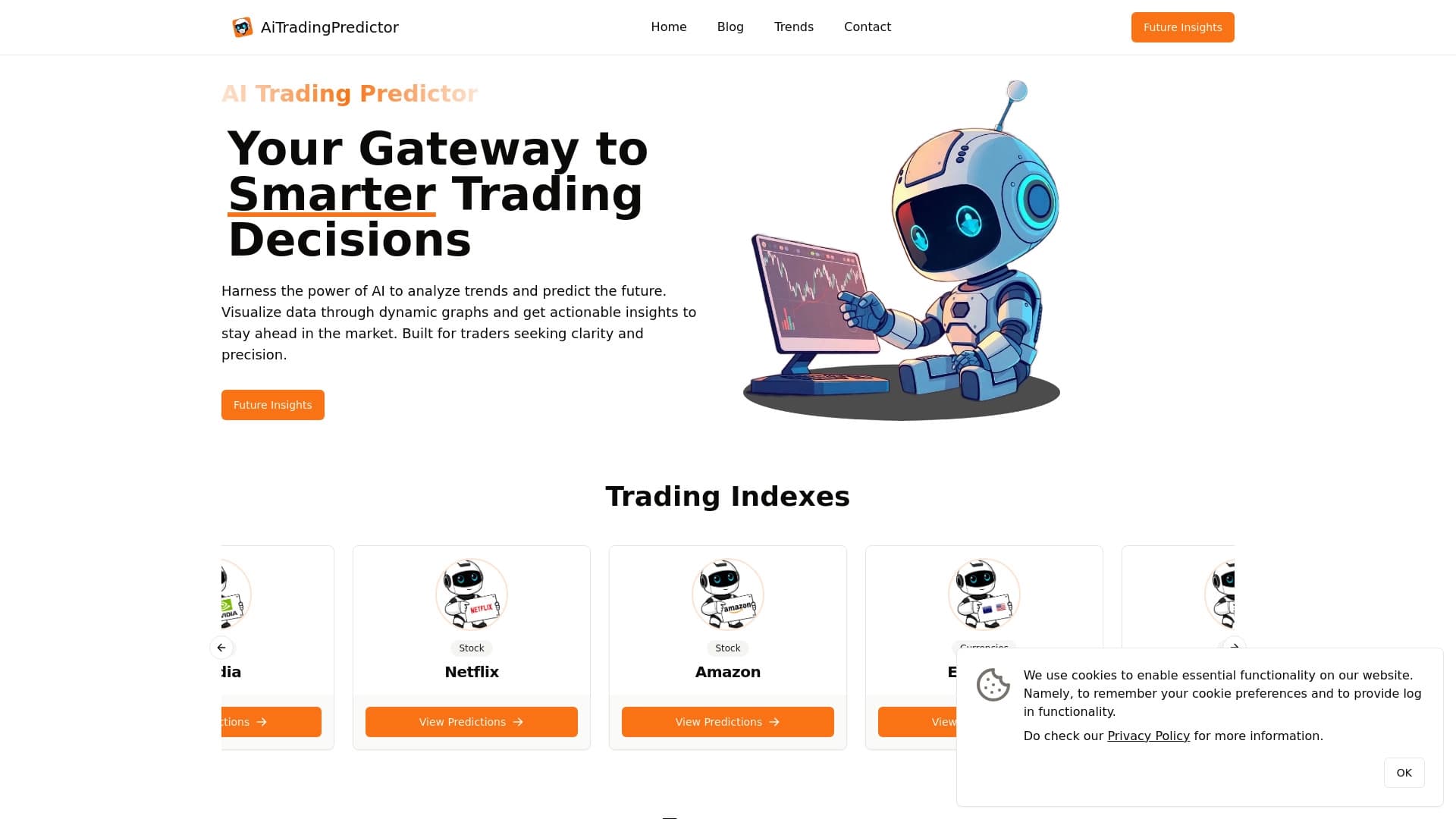
Free AI service for forecasting price movements of stocks, cryptocurrencies, and commodities.


Aggregator platform that brings together various AI tools and language models with pay-as-you-go pricing.


Platform for automatic work time tracking and team productivity analysis.


A platform for chatting with virtual AI characters with image generation during the conversation.