
ClassPoint AI
A tool for PowerPoint that automatically generates quiz questions based on slide content.

Overview
ClassPoint AI Neural Network Description
ClassPoint AI is an intelligent plugin for Microsoft PowerPoint that handles the routine part of preparing lessons: it automatically turns your slide content into quiz questions. Instead of manually writing tests for every presentation, you simply open a ready-made file, and the neural network analyzes the text and elements on the slides, creating knowledge-check assignments based on them.
The tool is positioned as an all-in-one solution for interactive learning. It not only generates questions, but does so in different formats—from simple answer options to more complex structures. Importantly, ClassPoint AI works right inside PowerPoint, so you don’t need to switch between program windows: a quiz can be created and run in the familiar presentation environment. In addition, the plugin supports several languages, which makes it useful for international audiences and language teachers.
Characteristics of ClassPoint AI
Below are the key parameters of the neural network, based on data from public catalogs and reviews.
| Characteristic | Value |
|---|---|
| Rating | 4.4 ★★★★☆ |
| Editor’s Score | 9.1 out of 10 according to NeuroFolder criteria |
| Category | Education, Quizzes, Universal |
| Who it’s for | Teachers, All activity types |
| Platforms | Web (within PowerPoint) |
| Distribution model | Freemium (free + paid plans) |
Who is the ClassPoint AI neural network for?
Teachers and school instructors
The main audience is educators who regularly conduct quizzes and knowledge checks. ClassPoint AI saves their time by removing the need to manually prepare assignments for every lesson. This is especially useful for teachers who handle several classes with different curricula.
University instructors and business trainers
The tool is also useful for lecturers running university seminars and for corporate trainers. They can quickly add gamification and material comprehension checks to their presentations, making them more interactive and engaging for the audience.
Anyone who works with PowerPoint
Because ClassPoint AI works with any slides, it can also be used by professionals not directly involved in education—for internal training, project presentations, or feedback from colleagues. The wording “for all activity types” in the catalog description confirms the versatility of the approach.
How to use the ClassPoint AI neural network?
Preparing a presentation
You need a ready-made PowerPoint file with your material. The tool does not require any special setup: you just need slides with text that the neural network can analyze.
Launching generation
After installing the plugin and opening a presentation, you activate ClassPoint AI and it automatically processes the slide content. As a result, you get generated quiz questions in your chosen format. The whole process happens right inside PowerPoint, without switching to external services.
Working with the results
The generated questions can be used immediately in slideshow mode or edited before the lesson. The tool lets you adjust the difficulty of assignments depending on the students’ level.
Key Features of ClassPoint AI
Turning slides into questions
The core of the service is converting any text-based slide into a full quiz question. The neural network analyzes the content and identifies the most important points.
Support for formats and Bloom’s taxonomy
The tool can generate questions in various formats, including multiple choice and others. It also supports Bloom’s taxonomy levels, which makes it possible to create tasks of varying difficulty—from simple fact recall to analysis and evaluation.
Multilingual support
ClassPoint AI works with several languages, expanding its audience and making it possible to create quizzes for students with different language backgrounds.
Advantages of ClassPoint AI
The main benefit is a significant simplification of the question-creation process. Teachers no longer spend hours thinking up tests: the neural network does it in seconds. This is especially valuable when preparing for large courses or repeated lessons.
The second important advantage is the built-in Bloom’s taxonomy. It helps ensure that questions vary in difficulty, so you can check not only factual knowledge but also how deeply students understand the material. Seamless integration with PowerPoint makes the tool intuitive to use, while multilingual support adds flexibility for different audiences.
Disadvantages of ClassPoint AI
Unfortunately, the provided data does not contain information about explicit drawbacks of the tool. However, the freemium model implies limitations in the free version—such as limits on the number of generations or functions—though the exact numbers are not specified in the sources.
What tasks does ClassPoint AI solve?
Automating quiz creation
The main task is to save teachers from the routine work of composing tests. Instead of manually entering each question, the neural network handles the whole process based on the slide content.
Generating assignments at different levels
Thanks to Bloom’s taxonomy, the algorithm can create questions of varying difficulty. This allows the same presentation to be used for different purposes—quick knowledge checks, progress assessment, or final exams—simply by changing the difficulty level of the generated tasks.
ClassPoint AI Pricing
Exact pricing information for ClassPoint AI plans is not available in the provided sources. It is only known that the distribution model is freemium. This means there is a free version with basic features and paid subscriptions with more advanced options. We recommend visiting the official website for current pricing details.
Terms of Use for ClassPoint AI
Using the tool requires PowerPoint. The description does not specify whether registration on the service website is mandatory. However, as with most similar plugins, an account will likely be needed to sync data and save history.
ClassPoint AI Availability
ClassPoint AI is a web platform integrated into PowerPoint. This means you need Microsoft PowerPoint installed on your computer and an internet connection to activate the neural network’s functions.
How ClassPoint AI Differs from Alternatives
Among the direct competitors to ClassPoint AI, the following tools stand out: КонспектGPT, FibonacciKu, ДелайКурс, ИИ-учитель Jojo AI, Corgi AI, Buddy AI, and Sistemma.
The main difference of ClassPoint AI is its deep integration with PowerPoint. While many alternatives offer separate web interfaces for creating tests, ClassPoint AI works directly inside slides, allowing quizzes to be run in real time without switching context. Another advantage is the use of Bloom’s taxonomy to automatically determine the difficulty level, which not all competitors offer. However, an alternative like “КонспектGPT” may be more flexible when working with text, and “ДелайКурс” is focused on building full-fledged training programs rather than just quizzes.
Conclusion
ClassPoint AI is a practical tool for educators who want to save time preparing lessons and make their presentations interactive. The neural network automatically converts PowerPoint slides into quiz questions, supports various assignment formats, and uses Bloom’s taxonomy to adjust difficulty. It is a reliable assistant for creating engaging and effective knowledge checks.
Frequently asked questions
See also

Chrome extension that helps you win in the educational game Blooket by suggesting answers and automating actions.


ComicLLM is an AI tool for creating comics from text descriptions or ready-made templates.

A multimedia AI toolkit for editing and enhancing photos, videos, and PDF documents.


AI Slide Studio is an AI-powered service for quickly creating customizable presentations on a given topic.


A multifunctional AI assistant for chat, text and image generation, translation, and programming help.
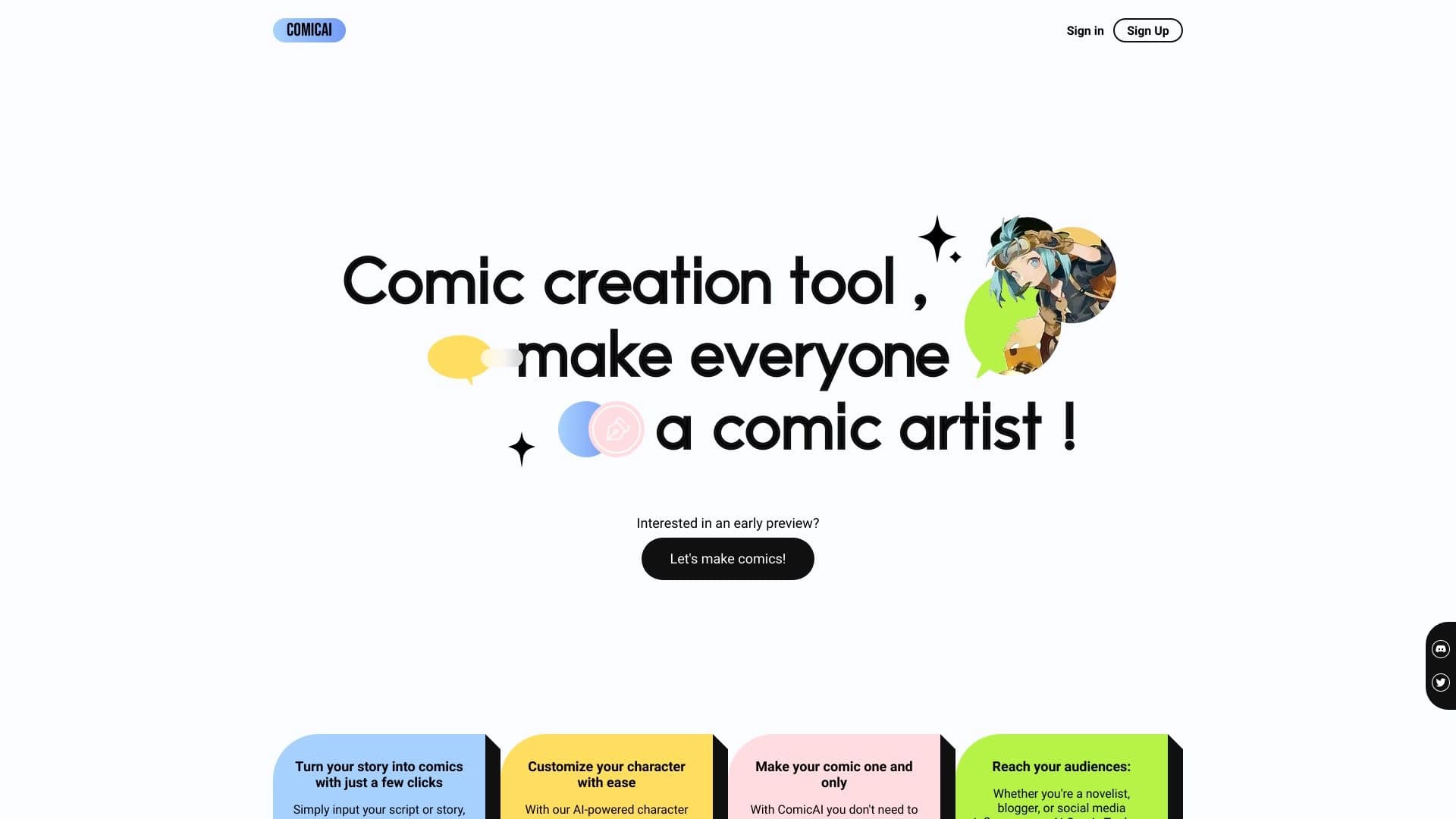
AI tool for automatically creating comics and manga from text scripts and stories.


AI assistant for checking grammar, spelling, and style of English text, available as a browser extension and web editor.
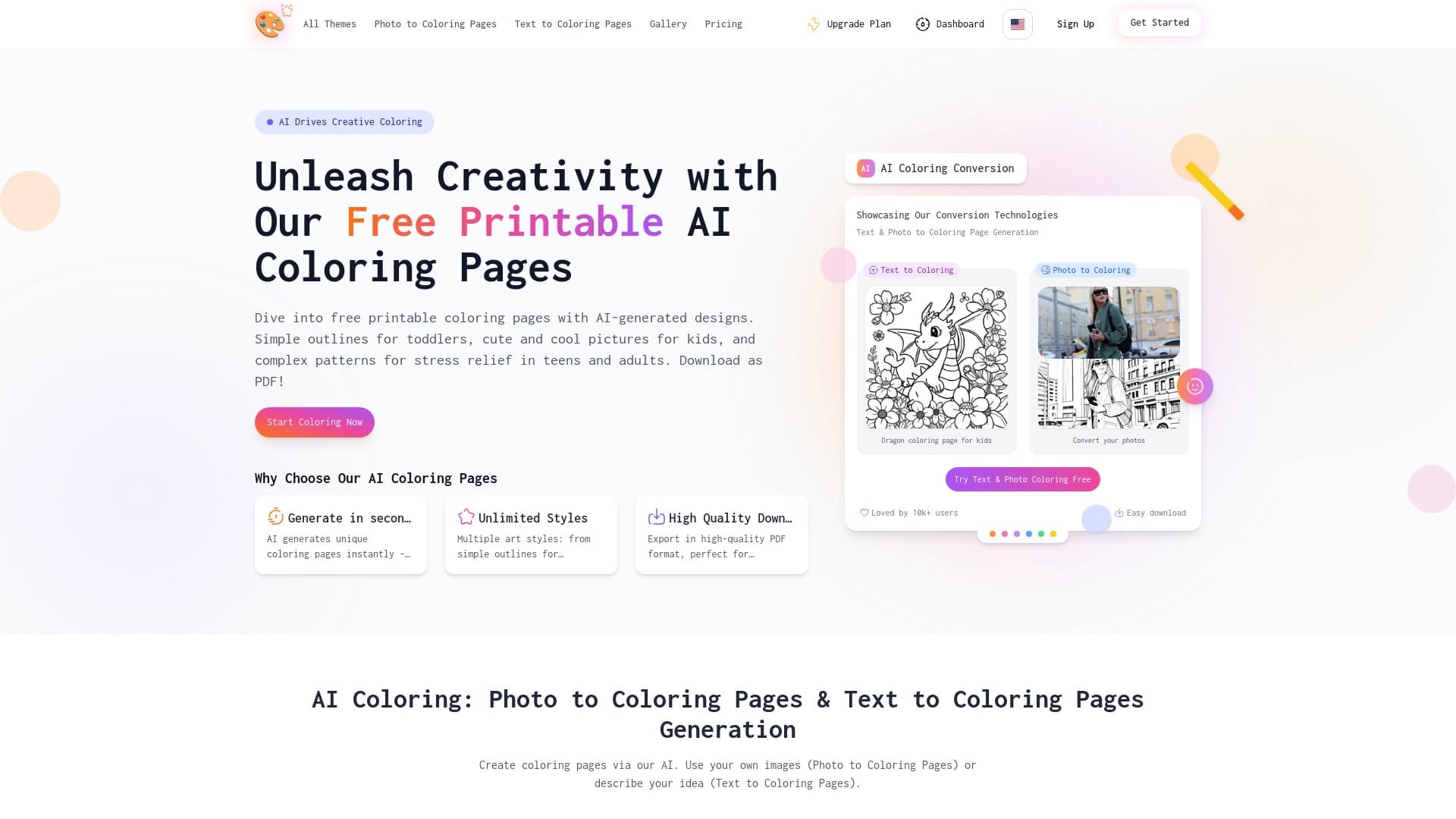

AI-powered coloring book generator that creates pages from text descriptions or uploaded images.