

ChatCSV
A tool for analyzing tabular data that lets you ask questions about CSV files in natural language.
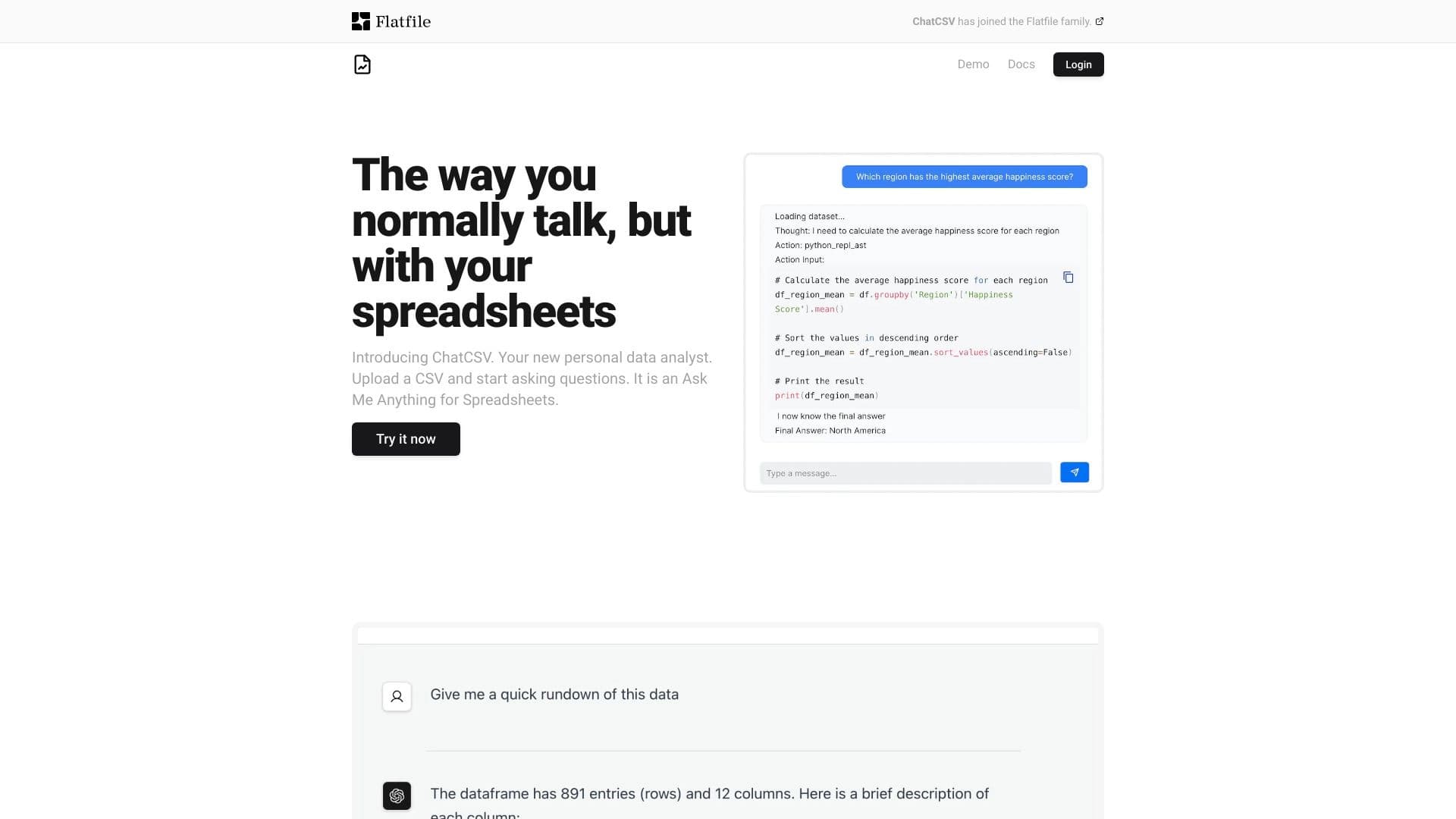
Overview
ChatCSV Neural Network Description
ChatCSV is a specialized tool for working with tabular data that allows you to analyze CSV files using natural language queries. Instead of manually scanning rows and columns or writing complex formulas, users can simply ask a question — and the service provides an answer based on the uploaded data.
The service operates as a web platform: the user uploads a file, asks a question, and the neural network processes the table's contents and returns the result. In addition to text responses, ChatCSV offers data visualization and collaboration features, making it a versatile tool for data exploration.
A key feature of ChatCSV is that it requires no deep technical knowledge. Working with data becomes accessible to a wide range of users, not just those who are proficient in programming languages or complex analytical platforms.
ChatCSV Characteristics
| Characteristic | Value |
|---|---|
| Type | Personal data analysis tool |
| Categories | Data and analytics, Data analysis, Spreadsheets, Universal |
| Platforms | Web |
| Editorial rating | 9.2 out of 10 |
| User rating | 4.7 out of 5 |
Who is ChatCSV suitable for?
Data Analysts
The primary target audience for the service is analysts who regularly work with large volumes of tabular information. ChatCSV allows them to quickly get answers to questions about data without writing complex queries, saving time and simplifying routine operations.
Professionals Without a Technical Background
The tool is also useful for professionals from various fields who need to analyze spreadsheets — from marketers to project managers. Thanks to the ability to ask questions in natural language, any employee can independently explore data without involving analytics specialists.
Data-Driven Teams
Thanks to its sharing feature, ChatCSV is suitable for workgroups that need to collaboratively work with the same datasets. Shared access to analytics simplifies decision-making and information exchange within the team.
How to Use ChatCSV?
Step 1: Registration and Login
To get started with the service, you need to register on the chatcsv.co website. This is necessary to create a personal account and save your file work history.
Step 2: Uploading a CSV File
After logging in, the user uploads their file in CSV format. The service accepts the file and prepares it for analysis — this process requires no special technical skills and takes minimal time.
Step 3: Formulating Questions
Once the data is uploaded, the user asks questions about the table's contents in plain language. For example, you can ask about average values, find patterns, or get a sample based on specific criteria. The neural network processes the query and returns an answer based on the data in the file.
Step 4: Analyzing and Visualizing Results
The answers received can be further explored using visualization tools, and results can be shared with colleagues through the collaboration feature.
Key ChatCSV Features
CSV File Upload
The upload feature is the starting point for all work with the service. Users can upload a file of any reasonable size and start analyzing it without prior setup or conversion.
Natural Language Data Queries
The service's central feature is the ability to formulate queries to tabular data in plain words. The neural network interprets the question, finds relevant data, and generates an answer without requiring the user to know SQL or other query languages.
Data Visualization
ChatCSV not only provides text answers but also presents data visually in the form of charts and graphs. This significantly simplifies the understanding of complex information and helps identify trends faster.
Collaboration
The service supports collaboration features, allowing users to share analysis results with team members. Colleagues can view the same data and query results, improving communication within a project.
ChatCSV Advantages
Ease of Use
The service's main advantage is that there is no need to write complex queries or formulas. Simply ask a question in plain language to get an answer.
High Expert and User Ratings
The tool has received a score of 9.2 out of 10 from the editorial team and 4.7 out of 5 from real users. This speaks to the high quality of the service and its reliability in everyday use.
Versatility
ChatCSV combines data analysis, visualization, and collaboration in one place. This eliminates the need to use several separate programs for related tasks.
Broad Applicability
The tool is suitable not only for professional analysts but also for users from other fields who deal with tabular data.
ChatCSV Disadvantages
Registration Required
To use the service, you need to create an account on the website. Some users may find this inconvenient, especially if they prefer quick one-off use without creating a personal account.
Limited Data Format
The tool is designed to work with CSV files, which may limit its use for those who work with other spreadsheet formats, such as Excel or Google Sheets.
What Tasks Does ChatCSV Solve?
Data Analysis
The service's primary task is analyzing tabular data. Users can ask questions, get summary metrics, identify anomalies, and explore relationships within the data.
Working with Spreadsheets
The tool simplifies everyday work with spreadsheets: instead of manual review and calculations, users can quickly get the information they need through questions.
Data Exploration Without Deep Knowledge
ChatCSV allows data exploration without writing complex program code or understanding database specifics. This makes analytics accessible to a wide range of users.
ChatCSV Pricing
Based on available data, there is no information about ChatCSV's pricing policy. It is unknown whether the service is completely free or offers paid plans with extended functionality. It is recommended to check current pricing information on the service's official website.
ChatCSV Terms of Use
To get started, registration on the chatcsv.co website is required. Creating an account is necessary for user authorization and saving their working files. Additional details about the user agreement, data storage terms, or privacy policy are not disclosed in available sources.
ChatCSV Availability
Web Platform
The service operates as a web application, so using it requires a browser and a stable internet connection. No additional software installation is required.
How ChatCSV Differs from Alternatives
Comparison with Similar Services
Several tools on the market perform similar functions. Among ChatCSV's alternatives are X-Ray Contact, Datalytica, IndexBox, AI Surge Cloud, and Rows. Each of these services has its own specifics and feature set, but ChatCSV stands out for its narrow specialization in CSV files and its simplified interface for working with them.
Key Differences
The key difference between ChatCSV and many alternatives is its focus on maximum simplicity when working with tabular data. The tool requires no technical knowledge from the user and offers an intuitive approach to data analysis through natural language queries. The combination of a high editorial rating (9.2 out of 10) and positive user reviews (4.7 out of 5) confirms the service's competitiveness.
Conclusion
ChatCSV is a convenient and functional tool for analyzing CSV files that allows users to get answers to questions about data without programming skills. High user and editorial ratings confirm the quality of the service. Support for data visualization and collaboration makes it valuable for both professional analysts and specialists from other fields working with spreadsheets. Overall, ChatCSV is a worthy choice for those looking for a simple and effective solution for tabular data analysis.
Frequently asked questions
See also

AI agent for integrating data from various sources and managing knowledge within organizations.

TensorStax is an AI agent for management model-cycle machine learning simplifying theirs deployment and monitoring.
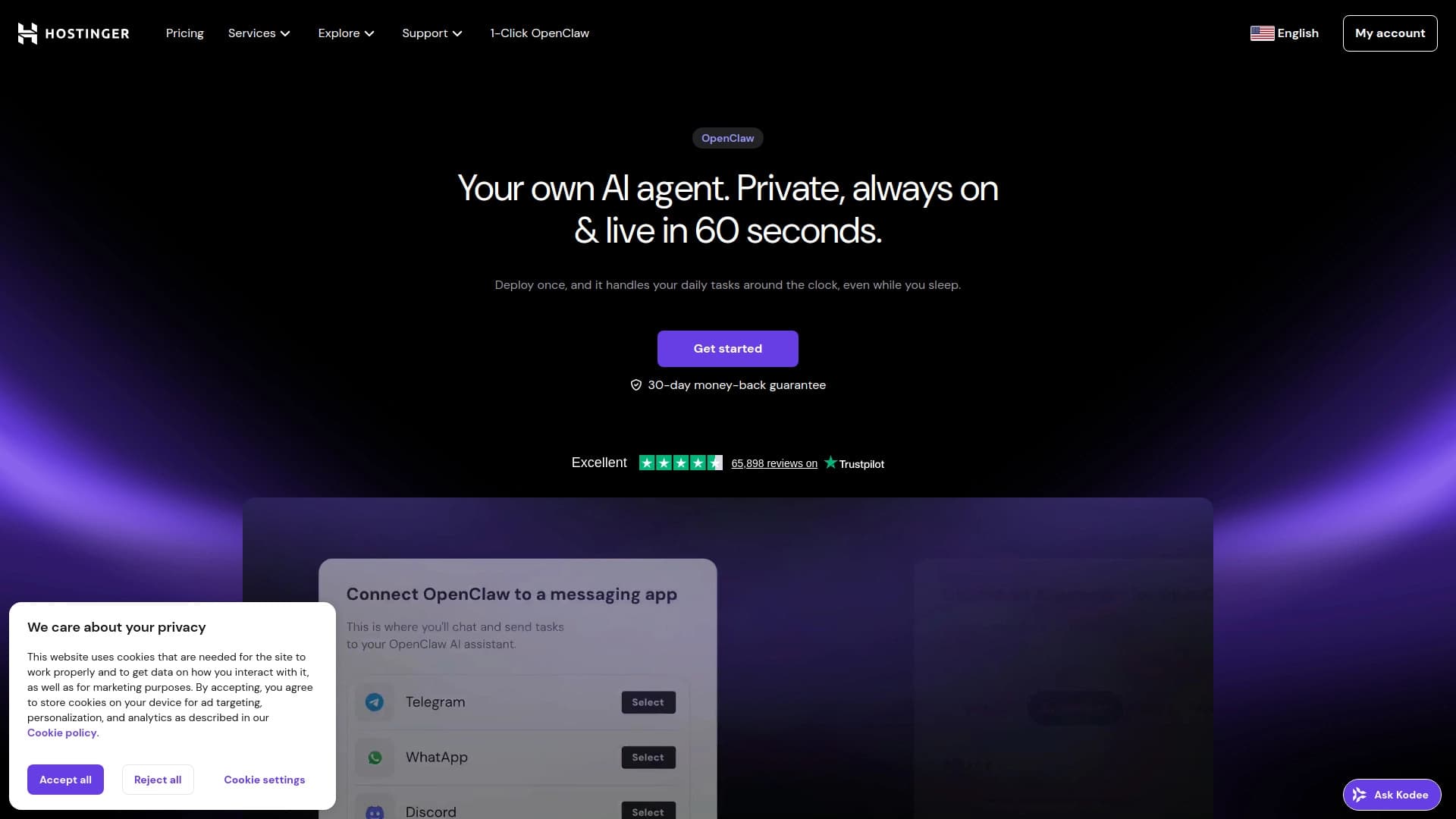
AI website builder from Hostinger for quickly creating websites based on a business description.
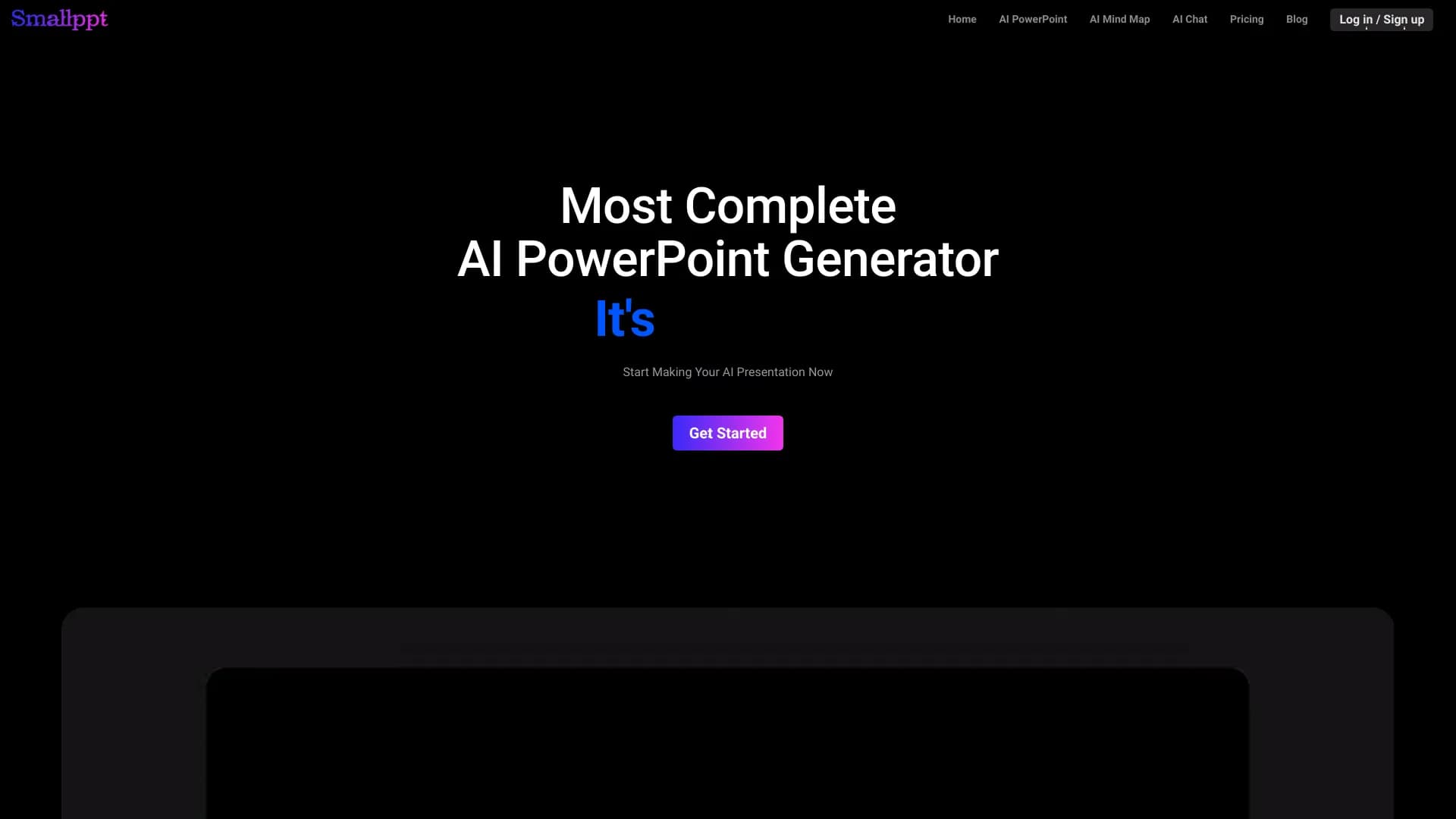
AI service Automatically create presentations and slideshows on a topic or brief description.

AI assistant for business that helps manage tasks and automate routine through dialogue.

AI agent for automating customer communications and support.
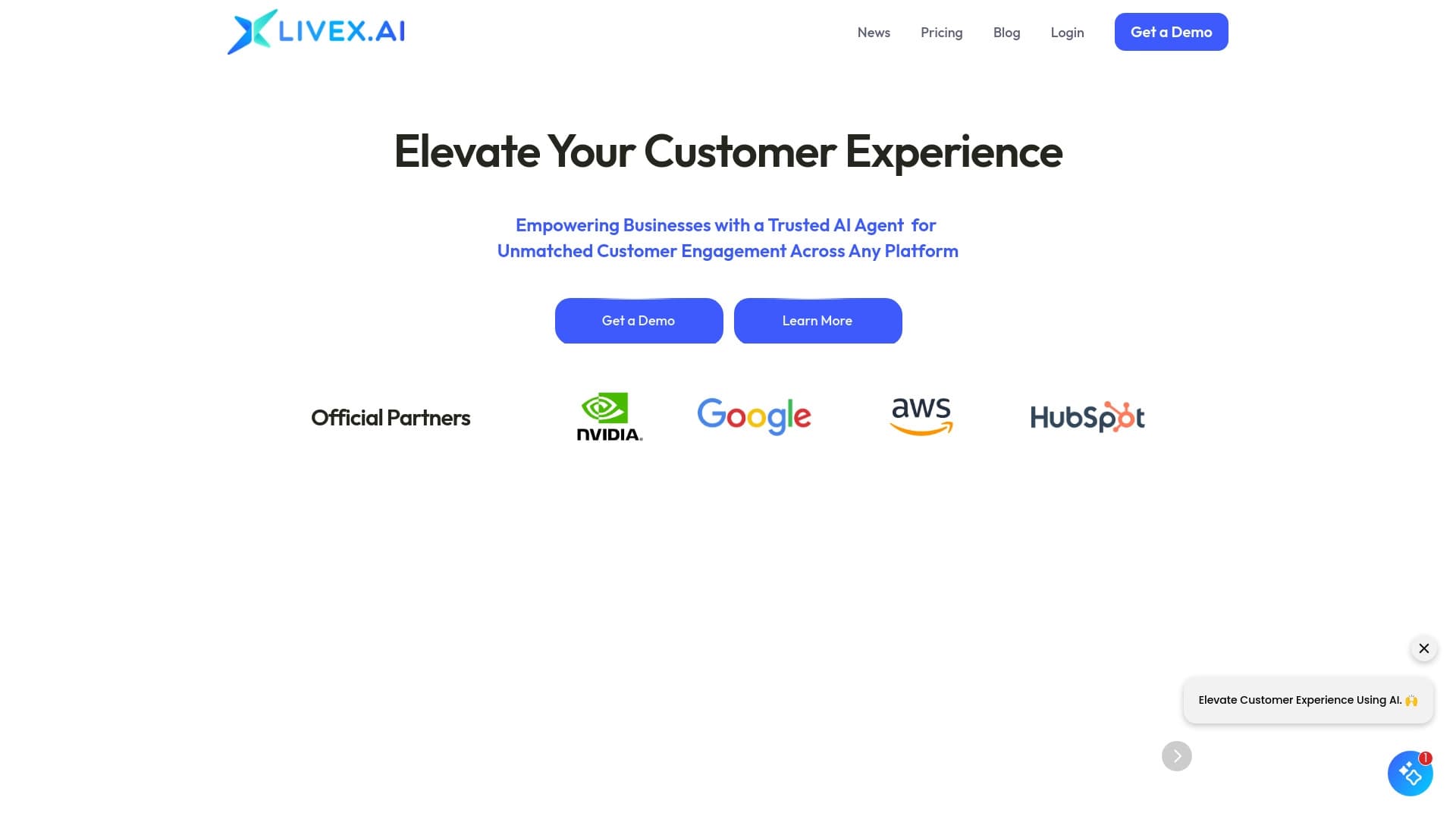

Multimodal AI agents for automating customer service and sales via chat, voice, and video.


Desktop AI assistant for macOS, Windows, and Linux that launches via hotkey above all windows and combines multiple language models in one interface.