

Carepatron
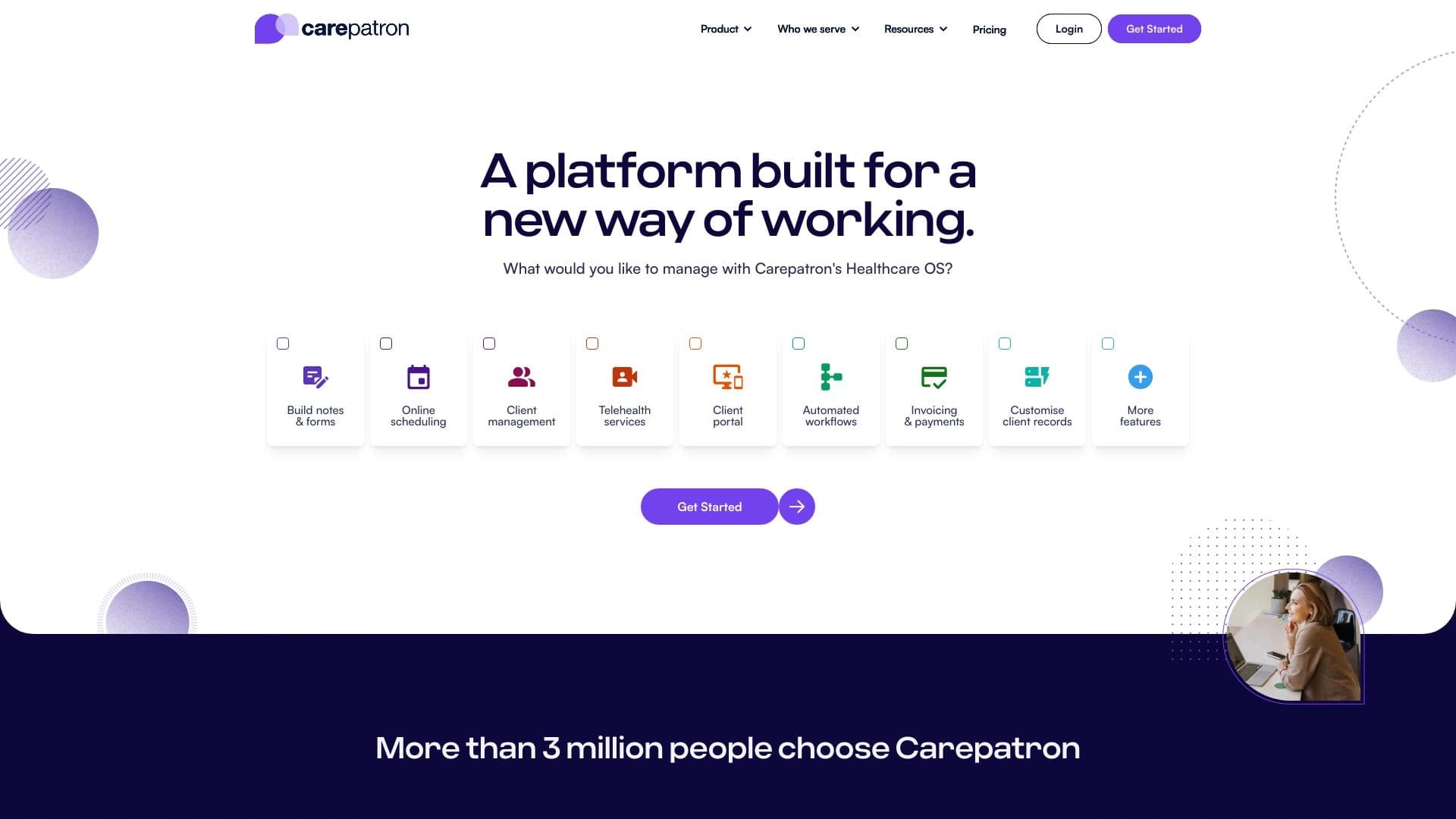
Carepatron is a comprehensive practice management software for healthcare professionals that automates administrative tasks.
Ranked in
Overview
Carepatron is a cloud-based software solution designed to manage the administrative side of healthcare professionals' work. The platform is positioned as a unified workspace that brings together key operational tasks: patient appointment scheduling, client database management, invoicing, and document storage.
Instead of using several disparate programs for scheduling, finances, and notes, a professional gets access to a single interface. Carepatron's main goal is to reduce time spent on routine tasks and lower the cognitive load on staff. This allows doctors, therapists, and other practitioners to focus on direct patient interaction rather than on paperwork or transferring data between systems.
The product is available under a freemium model, meaning there is a free tier with a basic set of features and paid extensions for more complex workflows.
Carepatron Features
| Feature | Value |
|---|---|
| Product Type | Practice Management Software |
| Target Audience | Healthcare professionals, specialists in the healthcare sector |
| Primary Purpose | Automation of administrative tasks |
| Key Modules | Appointment scheduling, client management, invoicing, documentation |
| Distribution Model | Freemium (free basic tier + paid subscriptions) |
| Work Format | Cloud platform (unified workspace) |
Who is Carepatron suitable for?
Individual Practitioners
Carepatron will be useful for private practice doctors, psychologists, physiotherapists, and other specialists who run their own practice. For them, the system replaces manual tracking of appointments and finances, freeing up time for patient care.
Small Medical Clinics
Small facilities without a dedicated administrative department will also benefit from implementing the platform. Combining the schedules of multiple specialists and a shared client database simplifies team coordination.
Allied Health Professionals
Beyond doctors, the tool suits dietitians, speech therapists, chiropractors, and other professionals whose work involves managing a client base and appointment schedules.
How to use Carepatron?
Getting Started and Basic Setup
To begin, you need to register on the platform and create a practice profile. At this stage, core parameters are configured: working hours, the list of services, and the types of appointments that will be used for scheduling.
Organizing Daily Operations
In day-to-day work, a specialist uses the system to manage the schedule: creating new appointments, rescheduling, or canceling visits. At the same time, data on visits and documents is recorded in the client's profile. Invoicing is generated based on the created appointments, linking financial records to the services actually provided.
Core Features of Carepatron
The platform focuses on five key areas of administrative work:
- Appointment Scheduling — centralized calendar, management of time slots and visit statuses.
- Client Management — maintaining a patient database, storing contact information and interaction history.
- Invoicing — generating financial documents based on services provided.
- Documentation Management — storing and organizing medical records and notes in one place.
- Unified Workspace — consolidating all administrative tools into a single interface.
Advantages of Carepatron
Time Savings on Administrative Tasks
The main advantage is reducing routine work. A doctor spends less time on record-keeping and more time with patients.
Data Integrity
Since all information (schedule, clients, documents, invoices) is in one system, the risk of errors associated with syncing between different programs is reduced.
Simplified Document Workflow
Centralized document storage simplifies access to medical histories and administrative records. This makes the workflow more transparent and organized.
Disadvantages of Carepatron
Based on available data, the main limitation is its dependence on the distribution model: the functionality of the free tier is likely to be limited compared to paid versions. Users who need advanced features will have to switch to a subscription.
Additionally, since the product is a comprehensive solution, new users may need time to adapt and migrate existing client and schedule data to fully master it.
What problems does Carepatron solve?
The primary problem the platform solves is eliminating administrative chaos. Carepatron takes over the management of key processes:
- Schedule Organization — eliminates confusion from double bookings and lost appointments.
- Financial Tracking Optimization — simplifies tracking services rendered and generating invoices.
- Information Structuring — removes the need to store client and document data in multiple places (notebooks, Excel, separate folders).
- Reducing Staff Workload — allows healthcare professionals to focus on their direct professional duties.
Carepatron Pricing
Exact pricing figures for the subscription plans are not available in public sources. It is known that the product operates on a freemium model, which implies a free tier with a basic set of features.
For current information on paid subscription costs and plan comparisons, it is recommended to visit the official Carepatron website, where detailed terms and a price list are provided. Pricing typically depends on the number of users (practitioners) and the set of required modules.
Carepatron Terms of Use
Specific legal terms, such as medical licensing requirements, patient data privacy policies, or contract durations, are not disclosed in the provided source data.
Presumably, like most SaaS platforms, Carepatron offers a standard license agreement. Users should consider data protection and medical information regulations when using cloud software; however, detailed terms should be confirmed directly upon registration.
Carepatron Availability
Information about the platform's geographic availability and language support is not mentioned in the source data. Given that it is cloud-based software, access is provided through a web browser from any device with an internet connection.
For accurate information about availability in a specific region, supported interface languages, and the presence of mobile apps, it is best to visit the official website or contact Carepatron support.
How is Carepatron different from alternatives?
Carepatron's key differentiator lies in its comprehensive approach. Instead of focusing on a single narrow task (for example, only client scheduling), the platform combines several critical administrative aspects into a unified ecosystem.
Many alternatives require integrations with other programs for invoicing or documentation. Carepatron, however, offers a ready-made set of tools "out of the box," simplifying and speeding up implementation without the need to configure connections between multiple services. For small practices, this consolidation of functions is a significant factor when choosing software.
Conclusion
Carepatron is a practical solution for healthcare professionals and small clinics looking to streamline their administrative routine. By combining scheduling, client management, documents, and finances in one place, the platform helps reduce time costs and minimize errors. With its freemium model, the product will appeal to those seeking a budget-friendly option for automating basic processes, with the ability to expand functionality as the practice grows.
Frequently asked questions
See also


A set of more than 200 ready-made prompts for business and SEO, adaptable to ChatGPT, Claude, and Gemini.

A web service that automates job search using artificial intelligence.
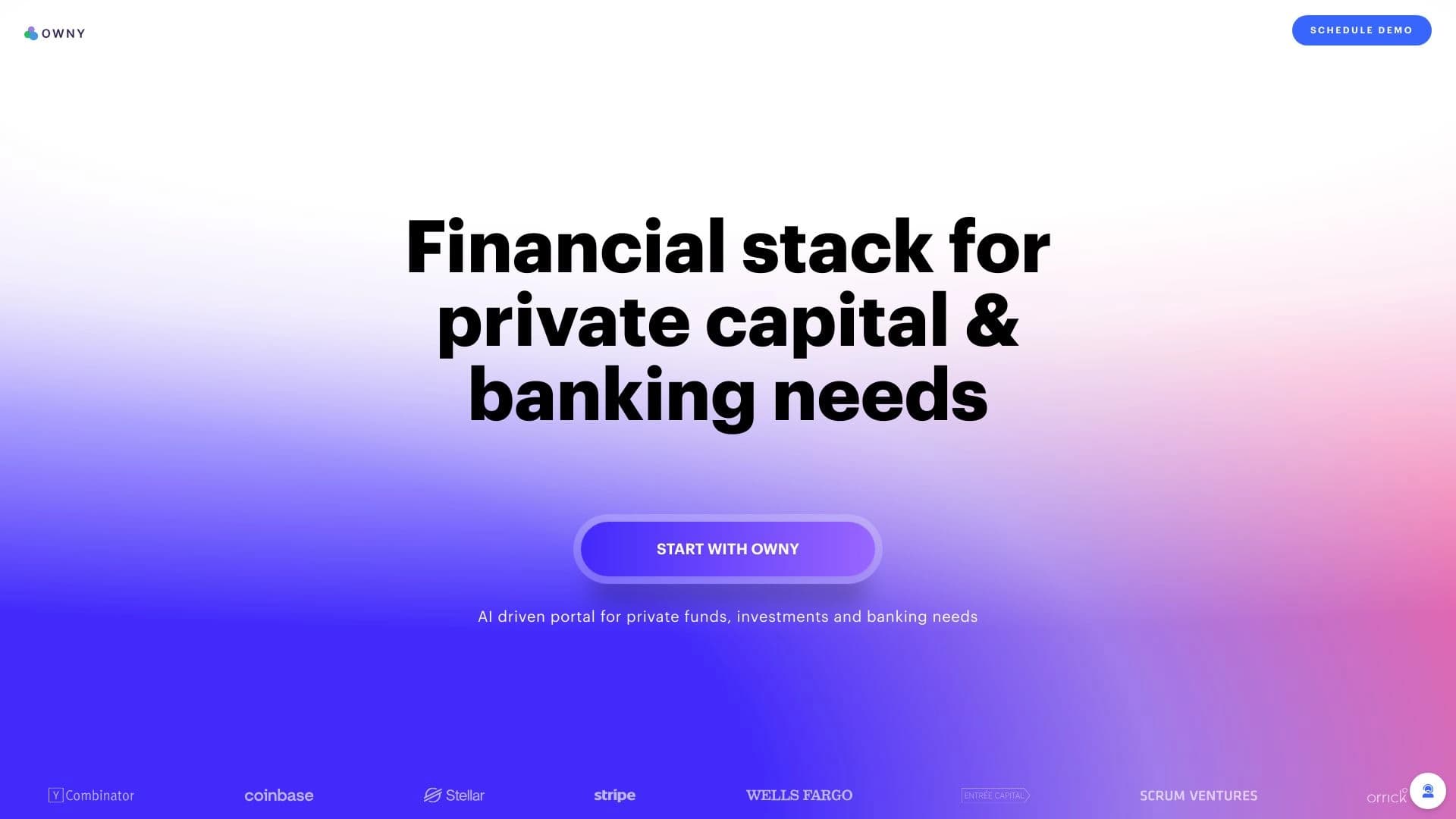
AI-powered platform for managing capital, investments, and treasury operations.
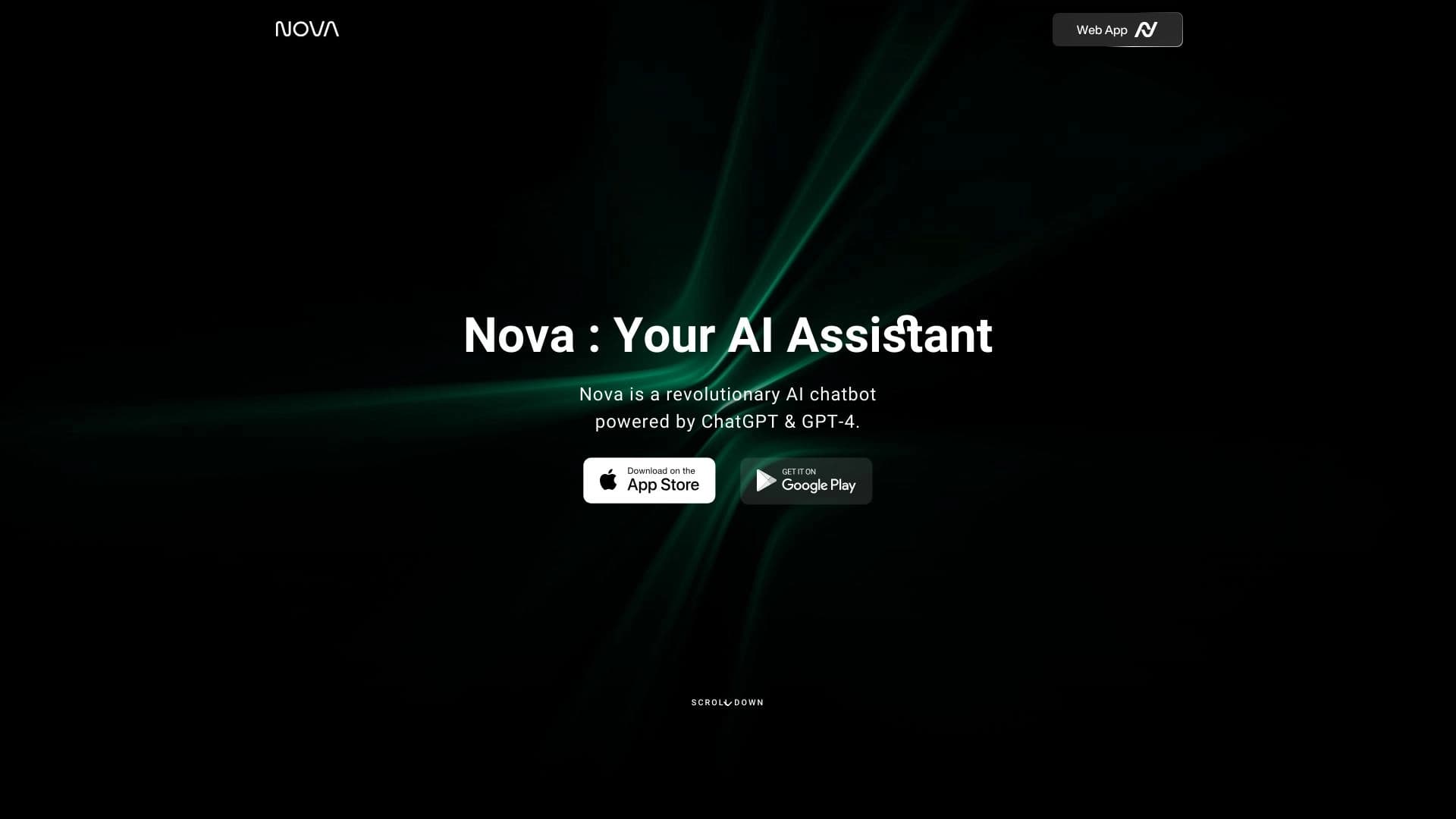
A multilingual chatbot powered by GPT-4 and Gemini for writing texts, analyzing data, and solving tasks.

SDK suite for identity verification with face recognition, liveness detection, and ID document scanning.


Universal AI assistant that analyzes videos and web pages, answers questions, and creates summaries.

AI assistant for automating retail tasks and optimizing call center operations.

AI tool for automatic data extraction from financial documents and integration with accounting systems.