

Camp
Online tool for creating “smart” screenshots.
Overview
Camp
Camp Neural Network Description
Camp is a web service designed for creating "smart" screenshots. Instead of simply saving an image from the screen, the tool helps turn an ordinary capture into a clear and structured visual fragment, emphasizing key details.
The core idea of the service
The essence of Camp is to make screenshots more informative and easier to perceive. A screen capture becomes more than just an image — it turns into a comprehensible fragment that can be sent immediately to a colleague, client, or friend without additional explanations.
Use cases
The tool covers both work scenarios and personal use. At work, it helps with discussing interfaces and preparing bug reports, while in everyday life — for saving fragments of conversations, posts, and other useful information from the screen.
Additional features
In addition to processing screenshots, the app lets you easily save and organize the resulting images, making it a useful tool for tidying up visual notes.
Camp Characteristics
| Characteristic | Value |
|---|---|
| Type | Online tool for smart screenshots |
| Categories | Document photos and passports, Photo editing |
| Website | www.getcamp.xyz |
| Publication date | December 30, 2025 |
| Availability | Online, via browser |
Who is Camp suitable for?
Camp is designed for a wide audience — from technical professionals to everyday users.
Designers and developers
For these specialists, the tool becomes a convenient assistant in work processes. It allows quickly turning interface screenshots into clear materials that are easy to discuss with the team, record feedback on, and pass along to colleagues.
Product managers
For product specialists, the service helps structure visual information when discussing functionality, setting tasks, and preparing materials for the team or client.
Regular users
For everyday use, Camp suits those who want to save fragments of conversations, instructions, social media posts, or any other data from the screen. The simple interface makes the service accessible to people without specialized training.
How to use Camp?
Working with Camp is built on a simple and straightforward approach — you can get a ready-made visual fragment in just a few steps through your browser.
Creating a screenshot
The first step is to take a regular screen capture of the information you want to save. Camp uses this source material as the basis for further processing.
Processing and structuring
Next, the tool helps highlight the main points and structure the content in the capture. The screenshot becomes a clear fragment in which key elements are more visible and understandable.
Sending and saving
The finished image can be sent right away to colleagues, clients, or friends. At the same time, the app allows saving and organizing screenshots so that the visual information you need is always at hand.
Key Features of Camp
The service combines image processing and organization of saved materials.
Turning screenshots into clear fragments
Camp's main function is turning an ordinary screen capture into a structured visual element. The image becomes more informative and easier to grasp.
Highlighting the essential
The tool lets you emphasize key elements in the screenshot, helping the viewer immediately focus on what matters most in the image.
Preparation for sharing
The finished result can be forwarded to others right away — work colleagues, clients, or friends. The image requires no extra explanation and is ready for use in communication.
Saving and organization
The app also lets you save screenshots and organize them, simplifying the management of visual information.
Advantages of Camp
Among the service's key strengths are ease of use and versatility.
Minimalist interface
Camp's design is minimalist and simple, allowing you to focus on the task without being distracted by unnecessary elements. You can get the hang of the tool quickly, even without reading instructions.
Fast information capture
The service offers a quick way to capture the information you need from the screen. This saves time when creating materials for discussion or saving data.
Versatility of use
Camp is equally useful in work and personal scenarios. The same service functions suit both professional tasks and everyday saving of information fragments.
Disadvantages of Camp
Since the tool has been around for a relatively short time, publicly available information about its limitations is scarce. Data on supported languages and available regions is currently not specified, so the range of countries where the service can operate in full remains unclear. Information about possible limits on screenshot processing or the availability of a free plan is also not disclosed, which is worth checking on the official website when getting familiar with the service.
What tasks does Camp solve?
Camp covers several typical scenarios related to working with visual information.
Work conversations and interface discussions
The tool helps create smart screenshots for work conversations and interface discussions. Materials become clear and understandable for everyone involved in the communication.
Bug reports
The service is convenient for preparing bug reports — structured screenshots let you clearly show the problem, making it easier to communicate and understand for specialists.
Visual notes
Camp is suitable for creating visual notes — saving fragments of information from the screen in a convenient and clear form for later use.
Camp Pricing
Current information about the cost of using Camp is not disclosed in available sources. The official website of the service likely presents pricing plans and payment terms, but specific figures and the availability of a free mode are not indicated in the source data. It is recommended to visit the website www.getcamp.xyz for up-to-date pricing information.
Camp Terms of Use
Detailed terms of use for the service, including registration requirements, policies regarding uploaded images, and data processing rules, are currently not described in available sources. Since Camp is an online tool that works through a browser, using it requires an internet connection. Detailed terms of service should be clarified directly on the official website.
Camp Availability
Camp works as an online tool and is available through a browser, so no additional software installation is required to use it.
Devices and regions
The service is available on any device with a modern browser. However, information about specific interface languages and supported regions is not specified in the source data.
Work format
Since Camp is distributed as a web application, users can start working right after opening the website. For detailed information about availability in a specific country, it is recommended to visit the official resource www.getcamp.xyz.
How Camp differs from alternatives
There are a number of similar image-processing tools on the market, but Camp has its own distinctive features.
Focus on smart screenshots
Unlike universal image processing services, Camp is focused specifically on working with screenshots. Its main task is to turn screen captures into structured and clear fragments rather than providing a broad set of graphic tools.
Simplicity and minimalism
Among similar tools such as Kolors by Kuaishou, Pixlio AI, AI Image Combiner, Gemini Watermark Remover, Phygital+, and Copilot+ PCs, Camp stands out with its minimalist and simple approach. It is not overloaded with extra features and is geared toward getting results quickly without a long learning curve.
Dual focus
The service successfully combines professional and personal use — the same functionality suits both work tasks like bug reports and everyday saving of information from the screen, making it more flexible than narrowly specialized competitors.
Conclusion
Camp is a minimalist online tool for creating smart screenshots that makes screen captures more informative and convenient for sharing. It suits both professional tasks, such as discussing interfaces and preparing bug reports, and personal use — saving fragments of conversations and posts. Thanks to its simple interface and the ability to organize saved images, the service becomes a useful assistant for designers, developers, product managers, and regular users who want to quickly and clearly capture information from the screen.
Frequently asked questions
See also
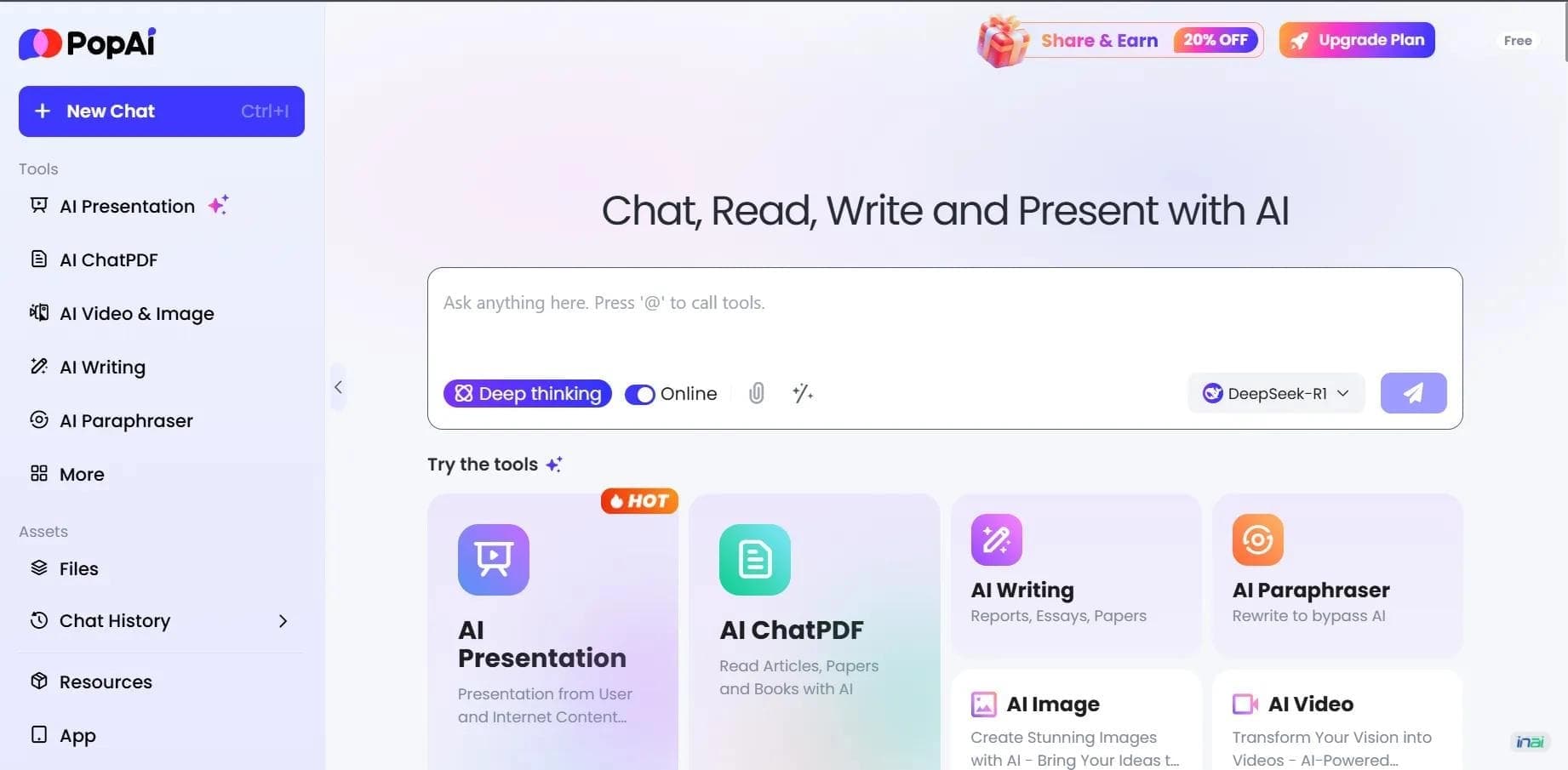

AI platform for working with documents, creating presentations, and generating images.
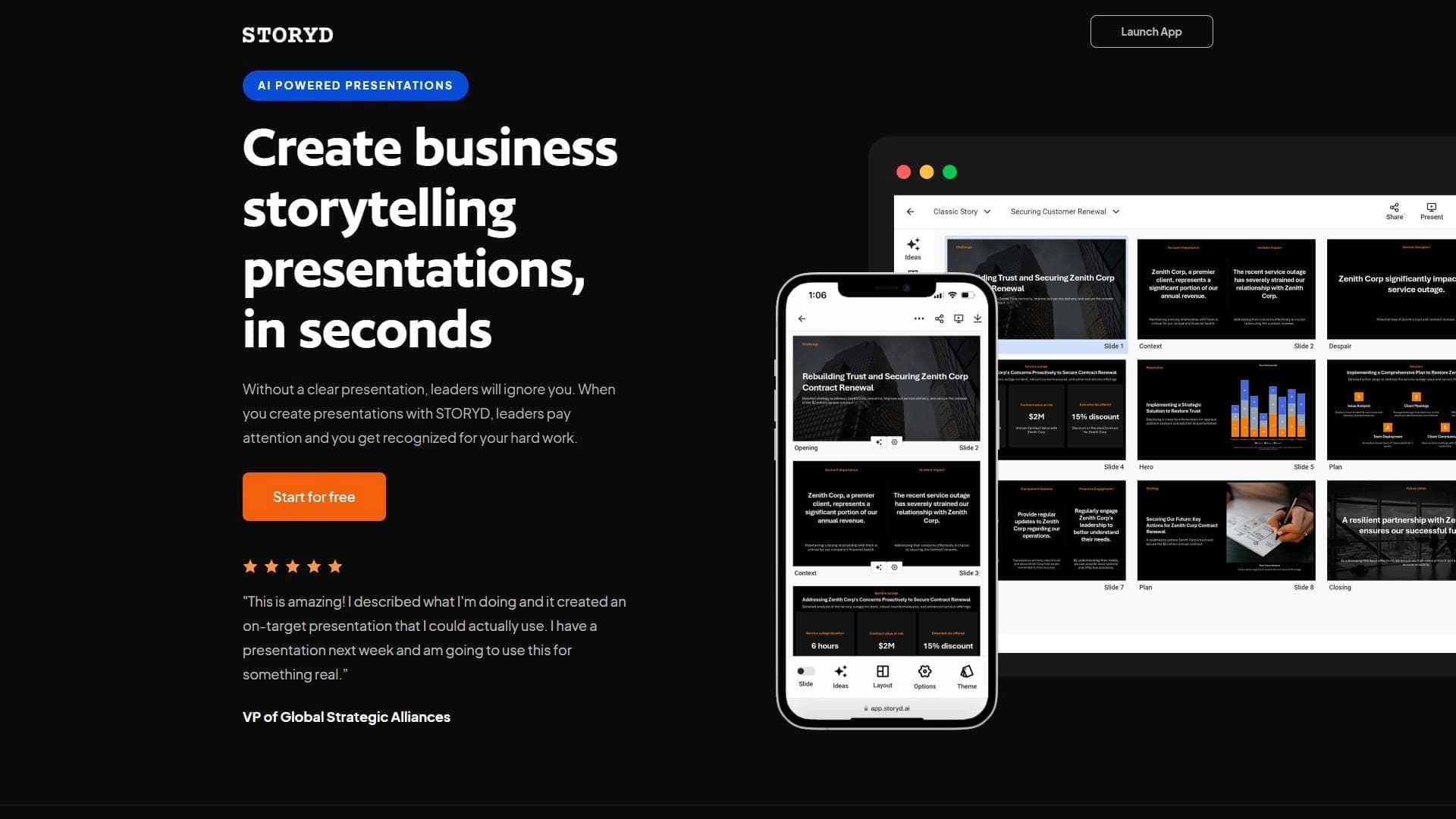

An AI-powered service that turns a brief topic description or bullet points into a structured business presentation in seconds.
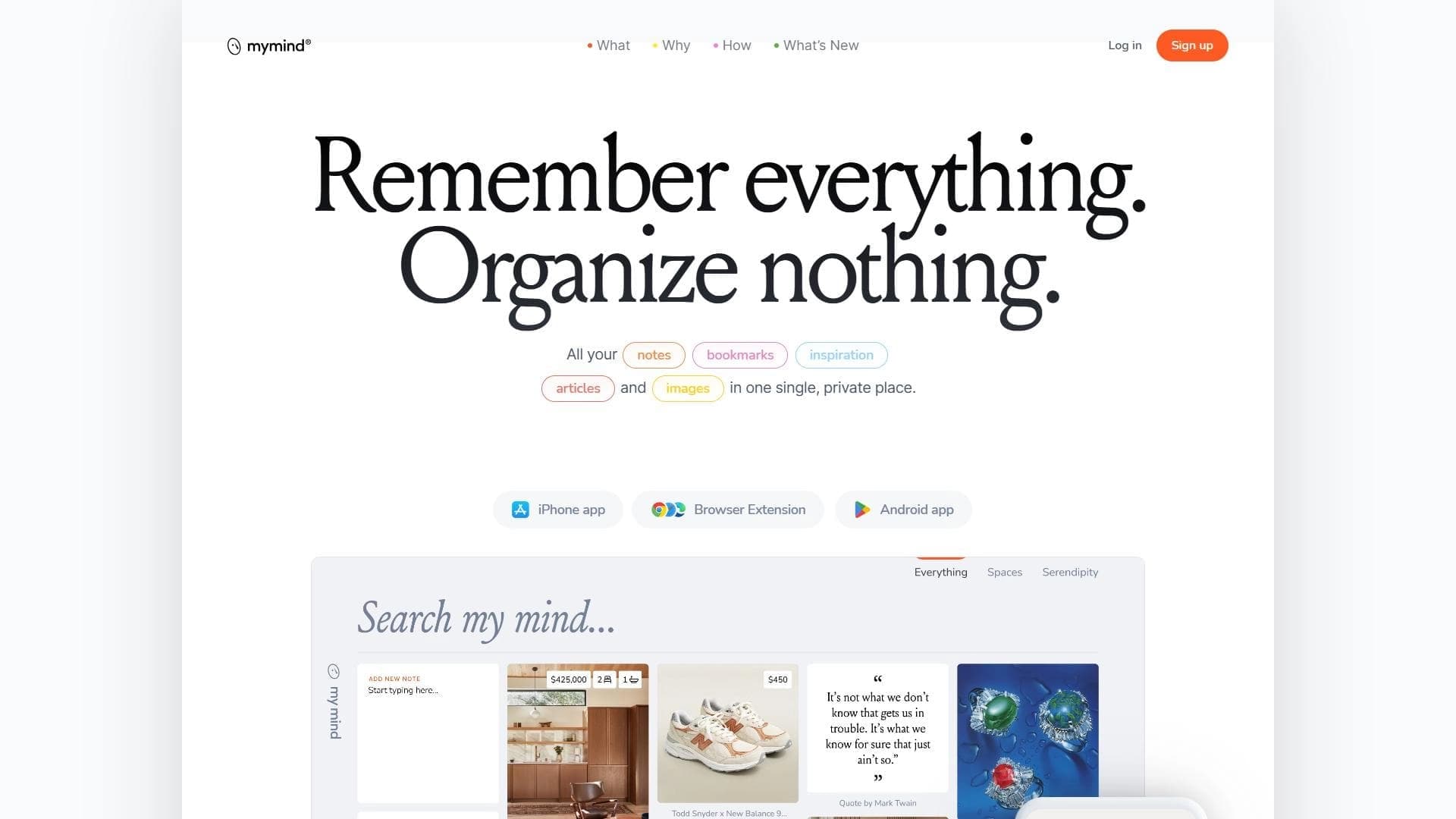

A service for storing and organizing digital information with automatic neural network-based sorting.
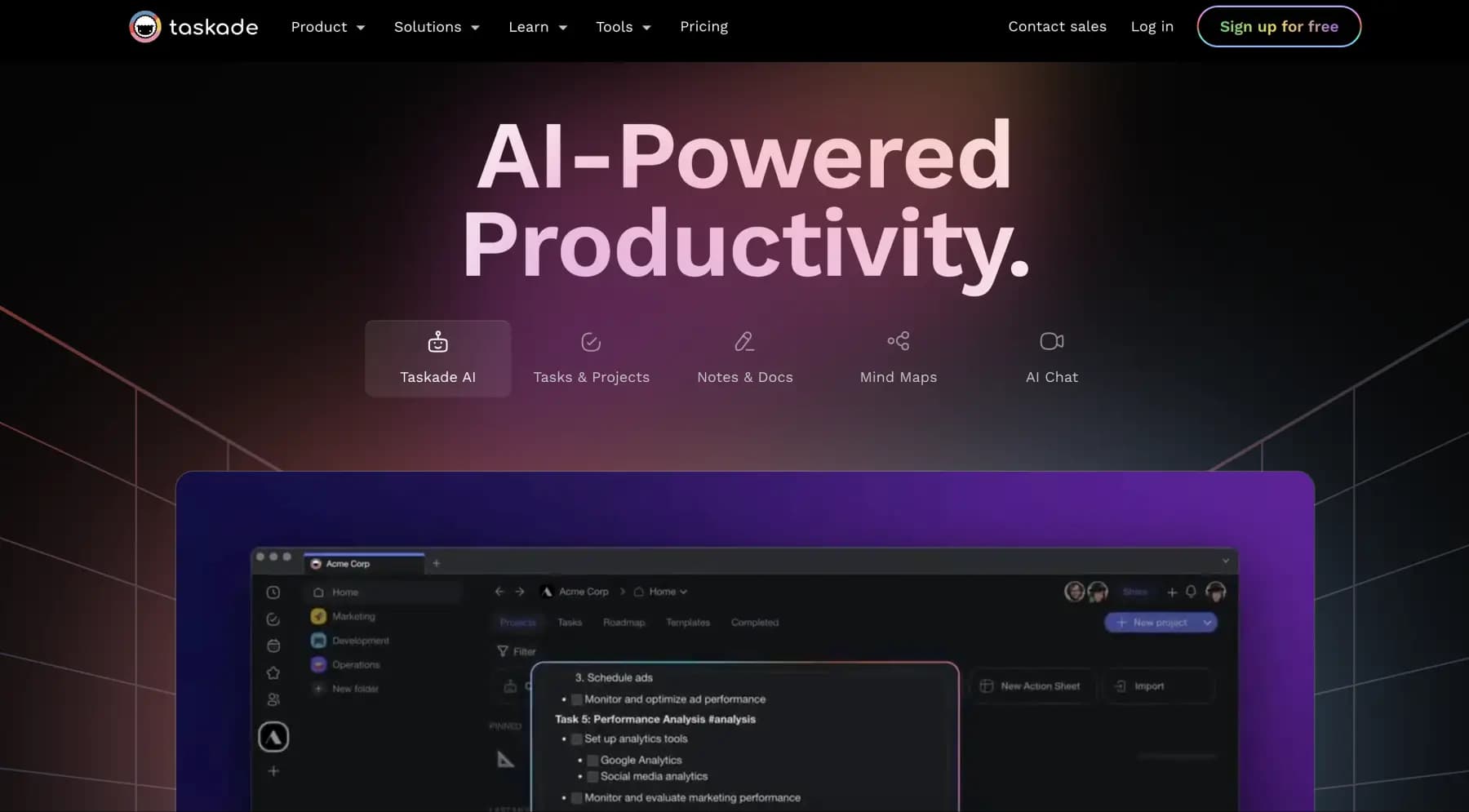
A platform for managing projects and tasks with built-in AI agents and visualization of work in various formats.


AI email assistant that helps quickly draft messages, adapting to the user's style.

A web service that automates job search using artificial intelligence.

An AI assistant for working with email that automates message sorting and helps quickly compose replies.


Free online platform with over 150 AI tools for working with PDFs, images, videos, and text.