

BlogToVideo
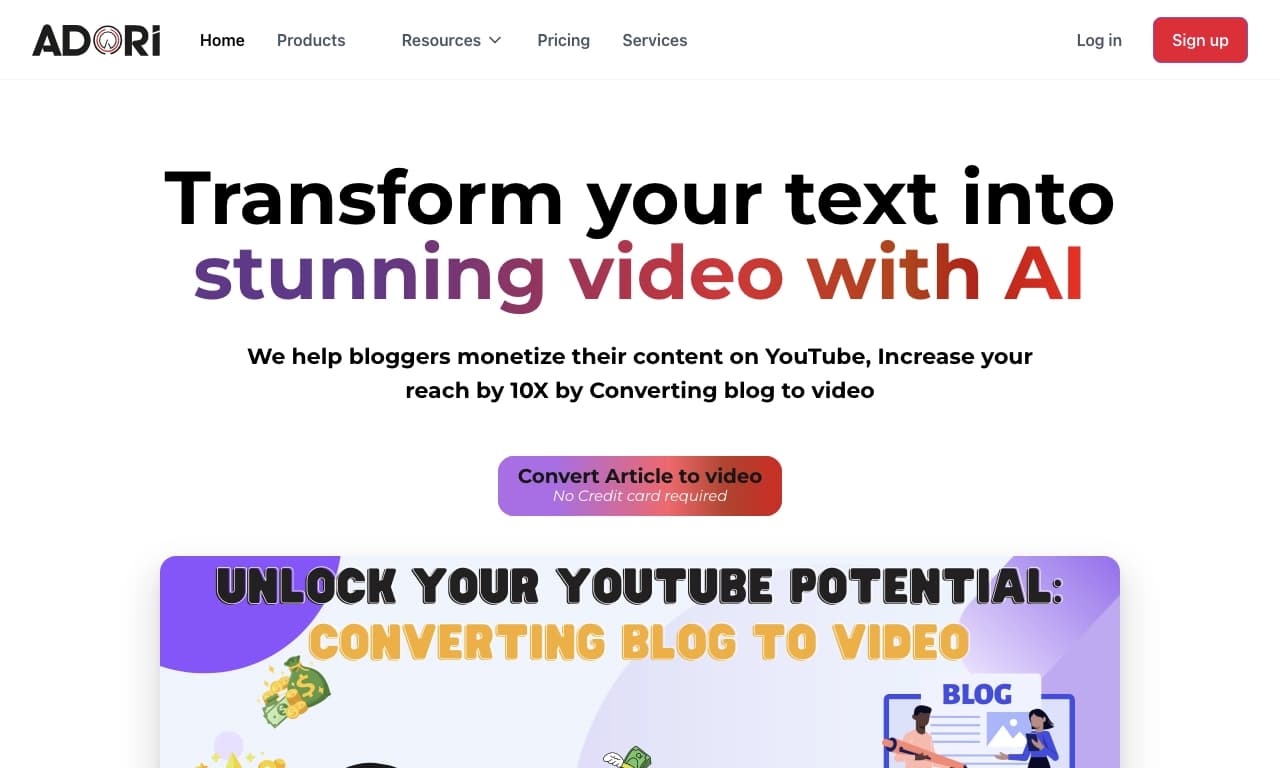
BlogToVideo automatically turns text articles and blogs into ready-made videos with voiceover and visual scenes.
Overview
BlogToVideo AI Description
BlogToVideo is an AI-powered tool that automatically converts text articles and blogs into ready-made videos. The neural network analyzes the source text, identifies key ideas, and creates visual scenes with images, video clips, and smooth transitions based on them. At the same time, the service generates voiceover, turning the article into a full-fledged video. The result can be exported in various formats and published on YouTube, social media, or your own website. The main goal of the service is to enable bloggers and content managers to expand their audience through video format without manual editing or specialized skills.
BlogToVideo Features
| Feature | Value |
|---|---|
| Type | Text-to-video generator |
| Categories | Video, Content Creation, Blogging, SEO Optimization, Content Repurposing, Advertising |
| Platforms | Web service (website) |
| Developer | Adorilabs |
| Editorial Rating | 8.5 out of 10 |
| User Rating | 4.8 out of 5 |
| Starting Plan | Free (3 videos) |
| Premium Plan | $10 per month |
| Professional Plan | $20 per month |
| Enterprise Plan | Custom, on request |
| Monthly Visits | 67.4K |
Who Is BlogToVideo For?
Bloggers and Content Creators
Bloggers who run text-based blogs or write articles can quickly adapt their materials for video format. This is especially relevant for those looking to expand their audience on YouTube and social media without spending hours on editing. The tool allows repurposing existing content rather than creating videos from scratch.
Content Managers and Marketers
Content professionals can use the service to regularly produce videos from existing text materials: articles, news, reviews, tutorials. The tool is suitable for filling content plans, marketing newsletters, and advertising campaigns without hiring video editors.
Users Without Video Editing Skills
BlogToVideo is designed for those who have never worked with video editors. The entire process is automated: users only need to paste a link to an article or upload text, and the AI handles the rest — scene breakdown, media selection, and voiceover. There are no restrictions on the field of activity — the tool is positioned as a universal solution.
How to Use BlogToVideo?
Connecting Source Material
To get started, paste a link to an article or blog into the corresponding field on the service's website. The system automatically loads the text and analyzes it. You can also use your own text if you need to repurpose unpublished material.
Automatic Generation and Customization
The AI breaks the text into logical scenes and selects appropriate images, video clips, and transitions for each. Users can modify visual elements, choose a voiceover voice from the built-in library, or upload their own audio track. Note that adding custom music is not supported in the current version.
Export and Publishing
The finished video can be downloaded in the desired format or published directly to YouTube. Paid plans include HD-quality export without watermarks. The entire process of creating one video takes about five minutes.
Key Features of BlogToVideo
Text-to-Video Conversion
The service's main function is automatically converting articles and blogs into videos. The neural network analyzes the source text, highlights key points, and turns them into a sequence of visual scenes with voiceover.
Media Selection and Script Generation
The AI independently selects images, video clips, and smooth transitions based on text analysis. The built-in generator can also create scripts and images if source materials are insufficient.
Voiceover and Design Customization
Users can choose a voiceover voice from the voice library or upload their own audio file. Flexible customization of video visual design and export format is available to adapt to specific platform requirements.
YouTube Publishing
The service has a built-in feature for automatically publishing the finished video to YouTube, simplifying the content distribution process.
BlogToVideo Advantages
The key advantage is the high speed of video creation: no more than five minutes per video. This is achieved through automated editing: the AI handles the selection of all visual elements, leaving users only to fine-tune the result. The service has received high ratings from the editorial team (8.5 out of 10) and users (4.8 out of 5), indicating stable performance and output quality. Another plus is ease of use: the interface doesn't require learning complex video editors, and flexible settings allow adapting videos to a blogger's or company's brand style. When used properly, the tool helps improve SEO metrics and expand audience reach through additional video content.
BlogToVideo Disadvantages
The main drawback is the potential uniformity of generated videos. Since the AI uses automatic visual selection, videos may lose individuality and look templated. The neural network can also occasionally make mistakes in image selection and fail to capture nuances of the source text, which may lead to inaccurate visual correspondence with the content. The quality of the final video heavily depends on the quality of the source article: if the text is poorly structured, the video may turn out disjointed. It's also worth noting that the built-in library doesn't allow adding custom music, which limits options for creating unique audio accompaniment.
What Problems Does BlogToVideo Solve?
Fast Content Conversion
The tool solves the problem of quickly converting text content into video format. This helps attract new audiences on platforms where video is the primary consumption format, without additional time spent on editing.
Improved SEO and Reach
Creating video versions of articles helps improve website search optimization and expand audience reach. Video content can be published on YouTube, social media, and website pages, attracting viewers who prefer watching over reading.
Accelerated Video Production
For marketers and content managers, the service speeds up the overall video production process. Automation relieves the editing department and frees up time for other strategic tasks, including preparing materials for advertising campaigns and newsletters.
BlogToVideo Pricing
The service offers several pricing plans, including a free option for getting familiar with the functionality:
| Plan | Price | Included |
|---|---|---|
| Free | $0 | 3 videos (with watermarks, no HD) |
| Premium | $10 per month | 10 videos, HD quality, no watermarks |
| Professional | $20 per month | 30 videos, HD quality, no watermarks |
| Enterprise | Custom | For businesses, terms on request |
The free plan allows testing the service and evaluating output quality. Paid subscriptions expand video creation limits and remove watermark restrictions.
Terms of Use for BlogToVideo
Registration on the website is required to use the service. The free plan includes three videos with watermarks. To remove restrictions and increase limits, a paid subscription is required. Information about legal aspects of usage and user data processing is not disclosed based on available data.
BlogToVideo Availability
BlogToVideo operates as a web service and is accessible through the official website of the developer company Adorilabs. A browser and internet connection are required; no additional software installation is needed. The service receives approximately 67.4 thousand monthly visits, indicating a stable user base.
How BlogToVideo Differs from Alternatives
The key difference between BlogToVideo and competitors is full process automation with an emphasis on the speed of creating a single video. While similar services require deeper manual configuration and control, BlogToVideo handles the main work for the user within a limited time (up to five minutes per video). Unlike many competitors, it features a built-in script and image generator, allowing visual content creation even with insufficient source media. Another significant difference is the ability to upload custom voiceover — many alternatives only offer built-in voices. However, the limitation on adding music and the potential templated nature of output may be deciding factors when choosing between services. In its basic configuration, BlogToVideo focuses on web format and YouTube publishing, while some alternatives offer extended integration with other video platforms and social networks.
Conclusion
BlogToVideo is a practical tool for automatically converting text articles and blogs into videos. It will be especially useful for bloggers, content managers, and marketers who want to expand audience reach through video format without spending time on manual editing or needing specialized skills. The service offers a clear pricing structure with a free tier, AI-based automatic visual and voiceover selection, and direct YouTube publishing. However, the quality of the neural network's output depends on the quality of the source text, and the videos themselves may turn out similar to each other. Nevertheless, the high generation speed, ease of use, and positive user ratings make BlogToVideo a viable solution for rapid video content production based on existing materials.
Pricing
Frequently asked questions
See also
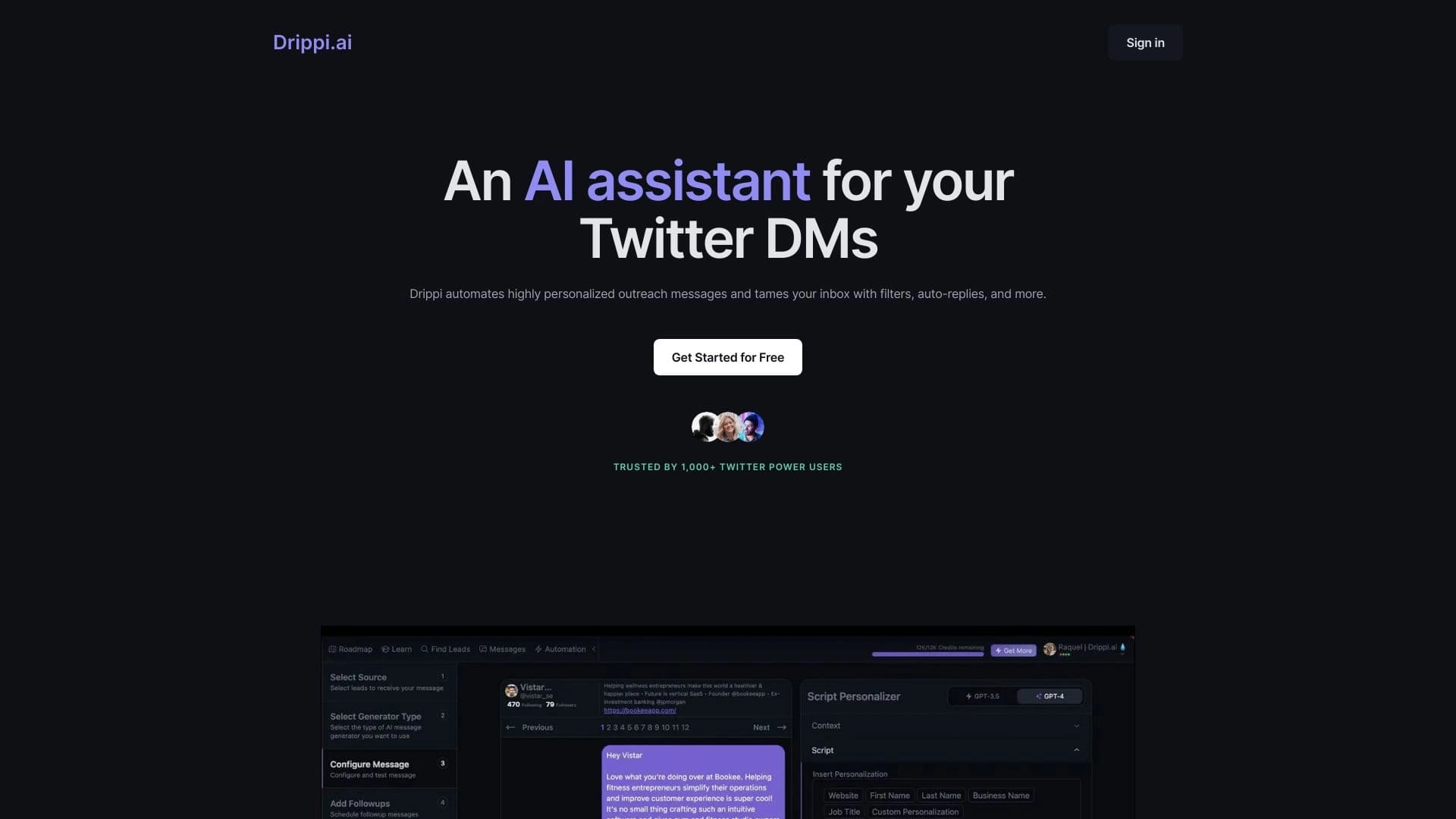

Automates sending personalized direct messages on X (Twitter) for cold outreach.


AI service for automatically selecting music to match the mood of videos, images, or text, with legal licenses.


Platform for organizing live chat and communicating with website visitors, offering a free chat widget for customer support.

A customer support automation platform that analyzes inquiries and helps operators respond faster.

AI platform for voice synthesis and cloning that converts text into realistic speech.

Service for animating photos and creating videos with digital avatars using artificial intelligence.
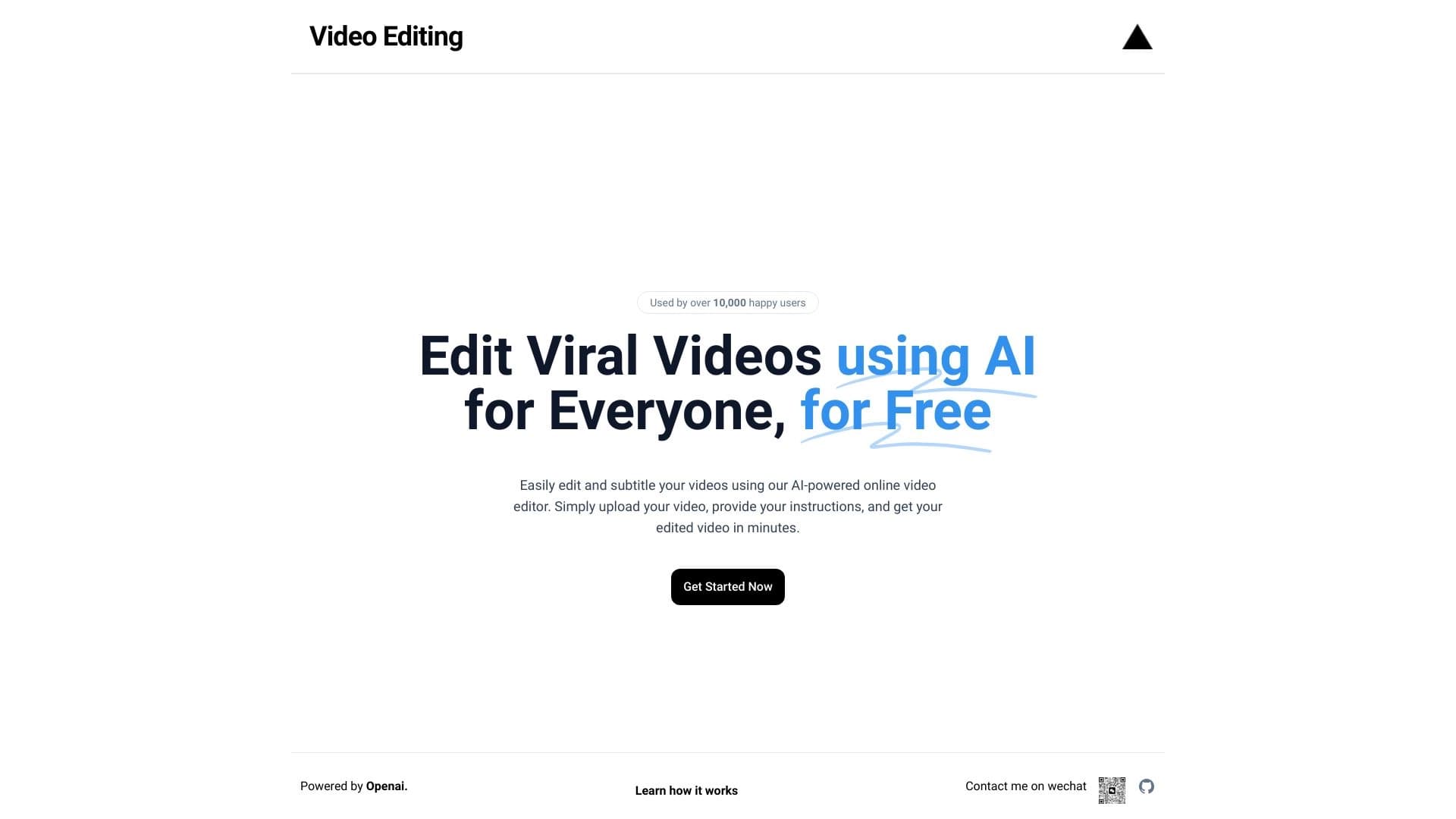
Browser-based video editor with automatic subtitles in 50+ languages and content translation.

A multimedia AI toolkit for editing and enhancing photos, videos, and PDF documents.