
BiRead
Browser extension for translating any web content into a bilingual format using AI.
Overview
BiRead AI Description
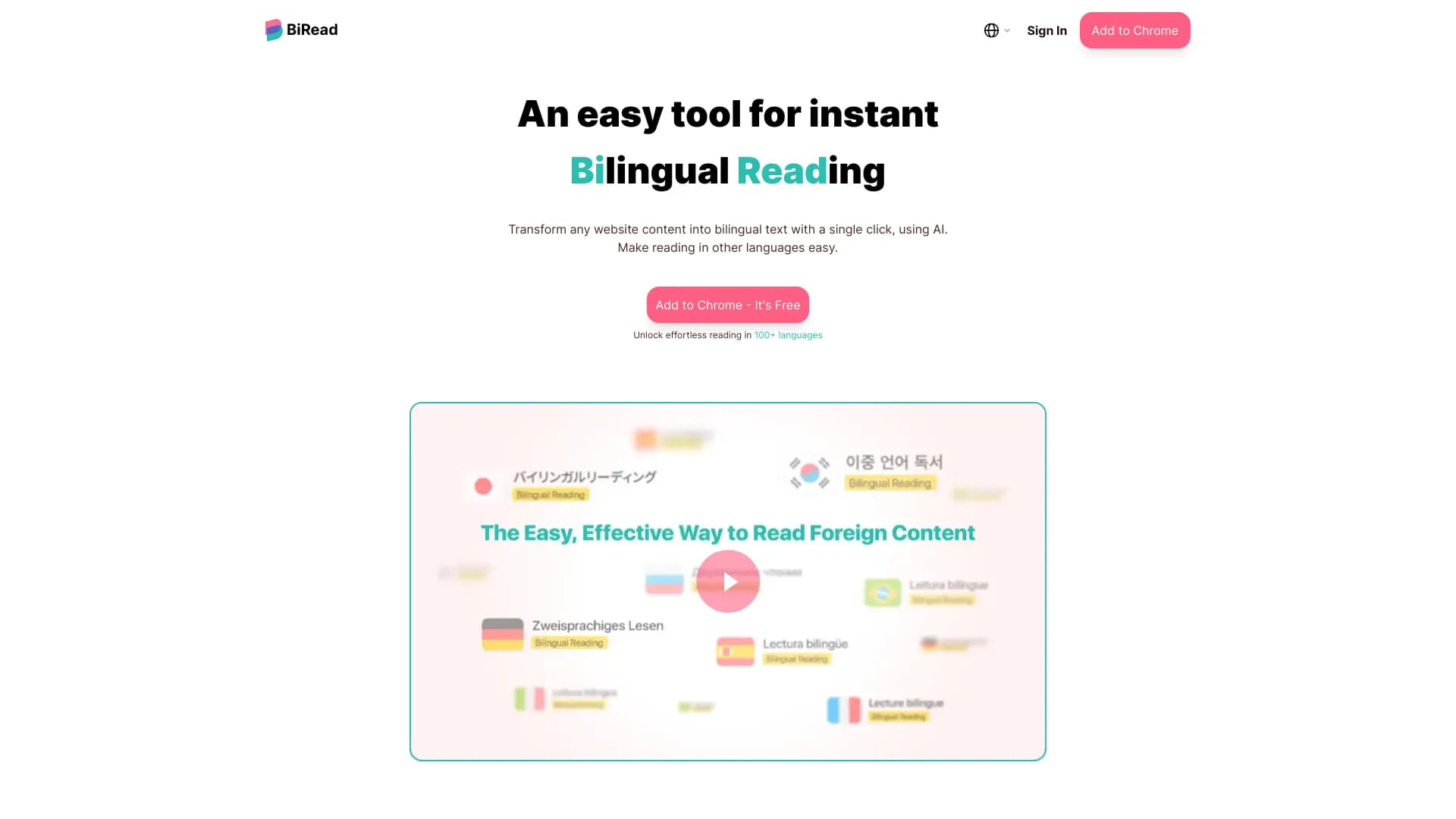
BiRead is a browser extension that uses artificial intelligence to turn any website into a bilingual interface. Instead of copying text into a separate translator, you stay on the original page: the original content and its translation are displayed side by side, allowing you to read foreign materials without losing context.
The tool's key feature is instant text processing right on the page. One click — and an article, news story, blog, or web interface becomes understandable in any of over 100 supported languages. The original page formatting is preserved, making reading comfortable and natural.
Translation is performed online on the service's servers, so BiRead requires a stable internet connection to work. The extension is aimed at those who regularly encounter foreign-language content and want to understand it quickly, without switching between tabs and windows.
BiRead Features
| Feature | Value |
|---|---|
| Type | Browser extension |
| Category | Translation tools |
| Developer | BiRead |
| Language support | Over 100 languages (paid plans), 32 languages (free plan) |
| Translation engine used | Google Translate (free plan), AI translation (paid plans) |
| Distribution model | Paid with a free plan and trial access |
| Connection requirements | Constant internet access |
Who is BiRead AI suitable for?
Students and language learners
BiRead is especially useful for those learning foreign languages. Displaying the original and translation simultaneously allows you to compare phrasing, memorize new words, and constructions right in context. This turns the reading process into a learning tool without needing to consult a dictionary.
Translators and professionals working with foreign texts
Professional translators and anyone working with multilingual websites will appreciate BiRead's speed. Instead of copying large chunks into third-party services, the extension instantly processes the entire page, allowing you to quickly grasp the meaning of a document or message.
Readers of foreign news and blogs
People who regularly follow foreign media, blogs, or communicate in international chats can read content in any language without delays. BiRead is also suitable for comfortably visiting sites with unfamiliar interfaces — for example, online stores or banking services.
How to use BiRead AI?
To start using BiRead, just follow a few simple steps:
- Install the BiRead extension in your browser from the official extension store.
- Go to any website written in a foreign language.
- Click the extension icon — and the text on the page automatically converts to a bilingual format.
- The original and translation will be displayed side by side, preserving the page's original layout.
No complex settings or additional actions are required. The whole process takes a few seconds and doesn't require switching between tabs or copying text.
Key BiRead features
Reading text in two languages simultaneously
BiRead's main function is turning any web content into bilingual text. The original and translation are displayed in parallel, allowing you to see both versions on one page without losing context or site formatting.
Instant translation between languages
The extension works with one click. You don't need to select text, copy it, and paste it into a translator — BiRead processes the entire page in seconds. Translation is supported from any language to any other, including rare languages on paid plans.
Web content localization
The tool is suitable for localizing interfaces, articles, and any other materials. It converts text into a bilingual format while preserving the structure and layout of the original page.
BiRead advantages
Saving time and effort
Bilingual text appears instantly — no need to manually copy content into a translator. This is especially important when working with large volumes of information: articles, reports, or correspondence.
Wide language coverage
On paid plans, BiRead supports over 100 languages, including rare and in-demand ones. The free plan offers 32 languages, which already covers the basic needs of most users.
Preserving page layout
The extension integrates directly into the site without breaking the layout or design. This makes reading comfortable and natural, and also allows you to preserve visual context — for example, image captions or table formatting.
Helping with language learning
Displaying the original and translation simultaneously provides a clear comparison of texts. This speeds up memorizing new words and grammatical constructions, which is highly valued by students and polyglots.
BiRead disadvantages
Possible translation inaccuracy
Like any automatic translator, BiRead doesn't always handle complex texts — for example, idioms, cultural allusions, wordplay, or subtle humor. In such cases, the meaning may be conveyed approximately or distorted.
Dependence on the internet
The extension performs translation online on the service's servers, so without a network connection or with a poor connection, BiRead stops working or starts to noticeably lag.
Privacy concerns
Page content is sent to the service's servers for processing. For users working with confidential or sensitive data, this factor can become a significant limitation.
What problems does BiRead solve?
Translating web pages on the fly
BiRead solves the main task — fast and convenient translation of any web pages while preserving the original. This eliminates the need to switch between translator tabs and the site.
Learning foreign languages
The tool provides a clear comparison of original and translated texts, which helps in language learning. The user sees how specific phrases are translated into their native language and memorizes vocabulary faster.
Quickly understanding foreign materials
With BiRead, you can quickly get acquainted with news, blogs, and articles in any language. This expands your information horizon and makes sources accessible that were previously unavailable due to the language barrier.
Working with multilingual chats and websites
The extension is useful for reading correspondence, comments, and interfaces in different languages — from forums to corporate systems.
BiRead pricing
BiRead offers several pricing plans with different feature sets:
- Free plan — powered by Google Translate, supports 32 languages, includes basic bilingual translation features.
- "Advanced AI translation" — includes a 7-day free trial period, access to over 100 languages, and AI translation.
- "Premium" — offers advanced tools and custom settings for teams and organizations.
The free plan is available immediately after installation, and paid subscriptions can be purchased on the service's official website.
BiRead terms of use
BiRead requires a modern browser that supports installing extensions and a stable internet connection. Installing the extension is free, but the full functionality with AI translation is only available on paid plans.
The service provides a free plan with basic functionality and a trial period for paid subscriptions, allowing you to test the tool's capabilities before making a payment.
BiRead availability
BiRead is available as a browser extension and is installed from the official add-on store. The service supports translation from over 100 languages on paid plans and from 32 languages on the free plan.
Since translation is performed online, a constant internet connection is required for the extension to work correctly. With a weak signal, translation speed may decrease, and with a complete lack of network — the service becomes unavailable.
How BiRead differs from alternatives
The main difference between BiRead and other web translation tools is the simultaneous display of the original and translation right on the same page. You don't need to switch between windows and tabs, copy text, or open separate applications.
The second important advantage is full control over the translation. The user always sees the source text, not just the translated version, which is especially important when learning languages and working with professional terminology. Preserving page layout and working with 100+ languages make the tool a universal solution for students, translators, and anyone who regularly encounters foreign texts.
Compared to classic web translators such as Google Translate or browser auto-translation, BiRead offers a more flexible format — text is not replaced but supplemented, which preserves context and makes it easier to perceive.
Conclusion
BiRead is a practical browser extension for bilingual reading of web pages that simplifies working with foreign texts. It is equally useful for language learning and for quickly understanding foreign content. The tool has a clear free plan, but paid subscriptions unlock broader language coverage and AI translation. Key limitations are dependence on the internet and possible inaccuracies when translating complex texts. Nevertheless, for most everyday tasks, BiRead works quickly, conveniently, and clearly.
Frequently asked questions
See also


Video editor with neural network support for video editing on Windows and Mac.


AI-based service for automatic generation of text content in various formats.

AI assistant that analyzes uploaded study documents, identifies questions, and provides detailed explanations.

AI-powered online service for automatically generating video subtitles.


Open neural network for solving complex problems in mathematics, programming, and logic.


Side AI panel that helps answer questions, work with documents, and generate images.


AI service for automatically selecting music to match the mood of videos, images, or text, with legal licenses.


AI email assistant that integrates with Gmail and Outlook.