

Biggles
Voice assistant for programmers, embedded in the code editor, allowing you to control writing and editing programs using voice or text commands.
Overview
Biggles is a voice assistant designed specifically for developers. It integrates directly into the code editor and allows programmers to control the process of writing and editing programs using voice or text commands. The tool is focused on speeding up routine operations: instead of manually typing lines, a developer can dictate the needed fragment or describe the desired change, and the assistant will complete the task.
Biggles' key feature is two-way work with code. The system supports both inserting new code at the cursor position and modifying already selected fragments. This makes the tool a versatile assistant for writing new functions as well as for refactoring or changing existing logic.
Biggles Characteristics
| Characteristic | Value |
|---|---|
| Type | Voice assistant for code |
| Categories | Code assistants, Speech recognition |
| Integration | Embeds into the code editor |
| Control | Voice and text commands |
| Target audience | Programmers |
Who is Biggles suitable for?
Programmers working with voice control
Biggles will be useful for developers who want to write and edit code using voice commands. This is especially relevant for those who, for various reasons, cannot or do not want to use the keyboard at certain points during work.
Specialists who value prototyping speed
The tool suits programmers who aim to reduce time spent on typing and focus on logic. Rapid prototyping of ideas and experimental code is noticeably faster with voice input.
Developers looking for input flexibility
The assistant is designed for those who want to switch between voice and text control depending on the situation and environment. The flexibility in choosing the input method makes the tool convenient across different work scenarios.
How to use Biggles?
Voice input
To activate voice mode, press the key combination CMD+M (for macOS) or CTRL+M (for Windows and Linux). After that, the developer can dictate a description of the code to be inserted or changed. Biggles will process the command and perform the action at the cursor position.
Text query
If voice input is not practical — for example, in a noisy environment or when working in a team — text mode is used. It is launched with the combination CMD+ALT+M or CTRL+ALT+M. A description of the task is entered into the opened field, after which the assistant either inserts new code or modifies the selected section.
Key features of Biggles
Voice control of code
This feature is activated by pressing CMD+M or CTRL+M. The developer speaks a command or dictates a description of the code to be added or changed.
Code insertion and modification by description
Biggles works in two modes: inserting new code at the cursor position and modifying pre-selected fragments. The request can be made either by voice or text.
Text command support
For cases where voice input is unavailable, a full-featured text interface is provided using the hotkeys CMD+ALT+M or CTRL+ALT+M.
Advantages of Biggles
Hands-free operation
The tool allows working with code without using the keyboard when hands are occupied with other tasks. This reduces strain and makes it possible to switch between activities without losing context.
Faster prototyping
Voice input significantly speeds up the creation of draft code and experiments with new ideas. The developer moves from concept to a working prototype more quickly.
Fewer distractions from typing
Since most input happens through voice or short text commands, the programmer is less distracted by mechanically typing characters and maintains better focus on the task at hand.
Input flexibility
Simultaneous support for voice and text control allows choosing the most suitable method for each specific situation.
Disadvantages of Biggles
Public sources do not mention any explicit disadvantages or limitations of the tool. There is no information about supported programming languages, hardware requirements, speech recognition setup, or compatibility with specific code editors. Potential limitations may relate to the quality of speech recognition across different languages, as well as to specifics of operation on various operating systems, but these aspects are not officially documented.
What tasks does Biggles solve?
Writing code by voice command
A programmer can dictate a description of the required code block, and the assistant will create the corresponding implementation at the specified position.
Editing and refactoring existing code
Biggles allows making changes to already written fragments. By selecting a section of code and issuing a change command, the developer can quickly refactor without manual rewriting.
Adding new logic to code
The tool helps extend existing functionality by adding new conditions, handlers, or modules based on voice or text descriptions.
Biggles pricing
Information about Biggles' pricing policy is not disclosed in available sources. The distribution model is also undefined. For up-to-date details on subscription costs or one-time purchase, please refer to the project's official channels or the tool's developers.
Biggles terms of use
Detailed terms of use for Biggles have not been published in available open materials. There is no data on the license agreement, activation procedure, registration requirements, or restrictions on commercial use. It is recommended to clarify the terms directly with the project before starting work.
Biggles availability
Information about the delivery format of Biggles is marked as unknown in official catalogs. It is not specified whether the product is commercial, shareware, open-source, or available through closed beta testing. To obtain information about availability and ways to get the tool, it is necessary to follow official announcements from the developers.
How Biggles differs from alternatives
The main difference between Biggles and other code assistants is the combination of voice and text control in a single tool with a focus specifically on voice input. Most existing solutions are oriented either toward code autocompletion (like Claude API) or speech-to-text transcription, but do not offer direct editor control via voice.
Unlike specialized speech recognition services such as Voice Gecko, Biggles does not simply convert speech into text but performs actions directly in the code editor: it inserts, replaces, or modifies fragments based on the command context. This makes it not a dictation utility but a full-fledged assistant embedded in the development environment.
Browser-based or context tools like browse.sh or Stagehand work with web interfaces and action automation, whereas Biggles belongs to the category of code assistants and is aimed at developers working in an editor.
Conclusion
Biggles is a niche voice assistant for programmers that integrates into the code editor and allows controlling its content through voice or text commands. The tool's core value lies in accelerating development by minimizing keyboard use and enabling work with code in situations where hands are occupied. The assistant supports inserting code at the cursor position and modifying selected areas, covering basic writing and editing scenarios. However, the lack of public information about pricing, terms, and distribution model creates uncertainty for potential users. The tool is worth considering for developers actively seeking ways to optimize the code typing process through voice.
Frequently asked questions
See also

Anakin.ai is a low-code platform that combines various AI models for content creation and workflow automation without coding.


Averi is a marketing platform that brings campaign planning, content creation, and analytics together in a single interface.


A platform for automating software development using a visual builder for AI agents.


Service for automatic transcription of audio and video into text with support for over 100 languages.
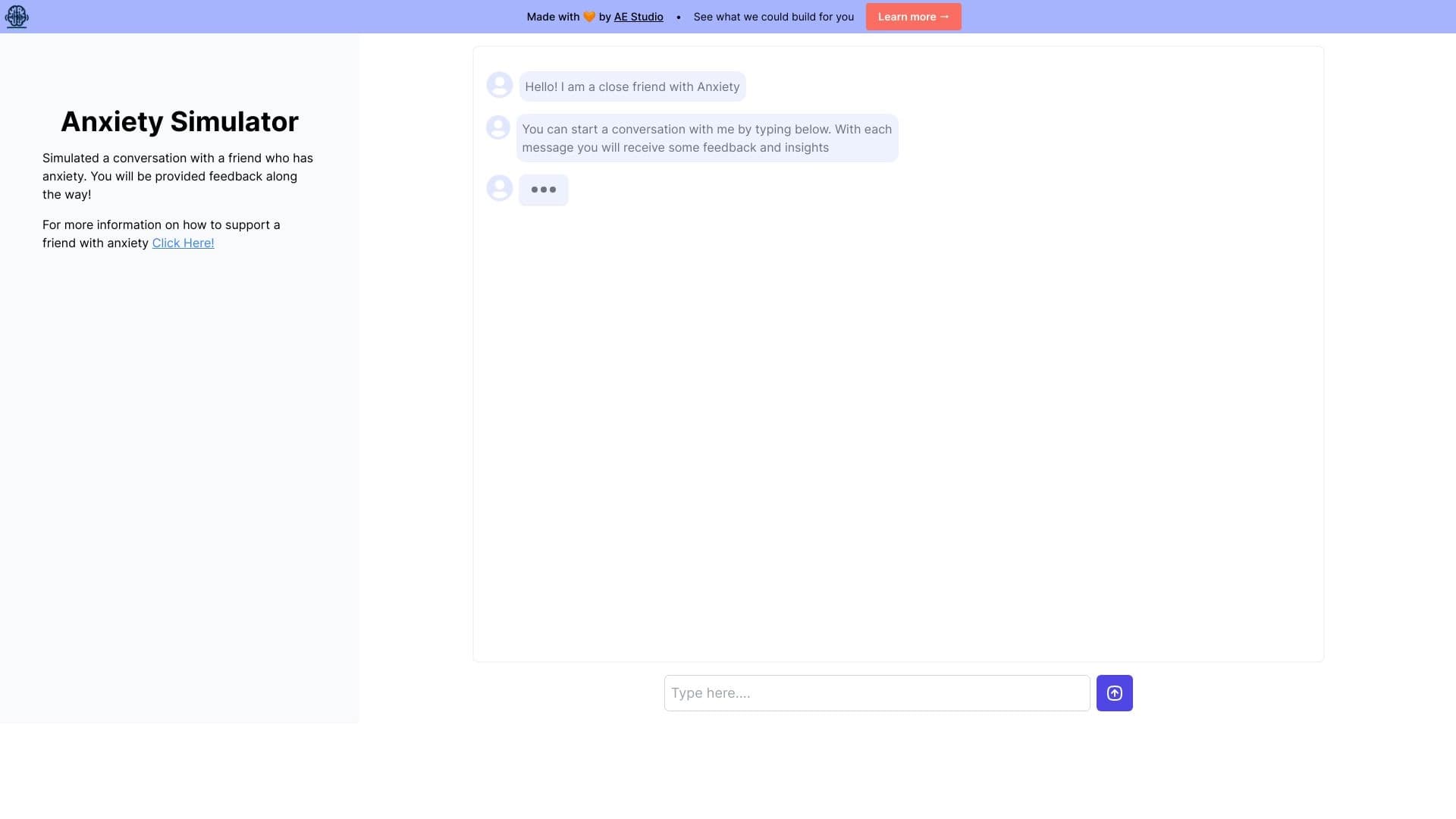
Web simulator for practicing supportive communication with a person experiencing anxiety.

Online service for creating a realistic voice clone from a short audio recording and text-to-speech.


Chrome extension that helps manage tabs, history, and bookmarks with an AI assistant.

Terminal AI agent for programming that dynamically adapts to developer tasks.