
BetterPic - Chrome Extension
Chrome extension that turns ordinary photos into professional 4K portraits using AI.
Overview
BetterPic - Chrome Extension AI Description
BetterPic is a Chrome browser extension that uses artificial intelligence algorithms to turn ordinary amateur snapshots into high-quality professional portraits. Instead of going to a photo studio, users can upload several of their photos, choose a suitable style and background, and then receive finished images in 4K resolution.
The service is focused on fast results: after processing, the finished portraits are delivered to the user's email. The tool is suitable for creating images for resumes, social media profiles, and professional platforms such as LinkedIn, as well as for any other tasks that require a presentable photo. The core value of BetterPic is saving time and money on professional photographers and retouchers.
BetterPic - Chrome Extension Features
| Feature | Value |
|---|---|
| Type | Chrome browser extension |
| Categories | Photo editing tools, Selfie and portrait generators, Profile photo generators, Image and photo generators, Photo enhancement tools, Image enhancement tools |
| Developer | BetterPic |
| Free plan | Yes (basic generation features) |
| Image quality | 4K |
| Monthly visits | 9.8K |
| Time to receive results | Up to one hour |
| Number of styles and backgrounds | Over 150 options |
| Availability | Chrome browser extension |
Who is BetterPic - Chrome Extension for?
Job seekers and professionals updating their resumes
BetterPic is a useful tool for people who are looking for a job or planning to update their professional profile. A quality portrait photo plays an important role in candidate review, and the service allows users to get a presentable shot without booking a photo studio or waiting a long time.
Active social media users
For those who want to maintain a current and attractive image on social media, the extension offers a quick solution. It can be used to update an avatar on LinkedIn, Facebook, Instagram, or other platforms by choosing a style that best matches the user's personal brand.
Busy professionals
People with tight schedules who find it hard to make time for a photo shoot can save hours by using AI. The process requires minimal involvement: just choose the looks and upload photos, and the algorithm does the rest.
How to use BetterPic - Chrome Extension?
The workflow with BetterPic is built on a few simple steps and requires no special technical skills. Let's look at the main stages.
Step 1: Choosing a look and background
First, the user is offered a choice of desired style from an extensive catalog that includes many outfit, hairstyle, and background options. The library contains over 150 different combinations, making it possible to find a suitable option for a specific purpose — a business resume or a casual avatar.
Step 2: Uploading source photos
After choosing a style, the user needs to upload several of their photos. It's important to note that the quality of the source images directly affects the final result: blurry, dark, or poorly taken shots can lead to a low-quality portrait.
Step 3: Receiving finished portraits by email
The final stage is waiting. The system processes the uploaded images, and within an hour, finished AI portraits arrive at the specified email address. If the user is not satisfied with the result, the service allows them to submit a request for a free image revision.
Key features of BetterPic - Chrome Extension
Generating professional 4K portraits
The service's key function is creating studio-quality portraits that are visually hard to distinguish from photos taken by a professional photographer. The 4K resolution ensures high detail and sharpness, which is important for printing or viewing on large screens.
Extensive library of styles and backgrounds
Users have access to over 150 style and background options. These can range from formal business looks for official documents to more relaxed options for social media. The catalog is regularly updated, allowing users to find a current look.
Fast processing speed
A distinctive feature of BetterPic is the speed at which results are delivered. Unlike many similar services where waiting can take several days, here portraits arrive by email within an hour of photo processing.
Free result revisions
The service doesn't require users to accept the result immediately. If the generated portrait doesn't meet expectations, the user can submit a request for a free revision or a complete redo of the image until the desired result is achieved.
Advantages of BetterPic - Chrome Extension
Professional photo studio effect
BetterPic's main advantage is its ability to create portraits that look as if they were taken in an expensive studio with professional lighting and equipment. Users get visually appealing images with smooth skin and accurate color reproduction.
Quick delivery of finished photos
Speed is another significant advantage of the service. The average wait time for a result is about an hour, allowing users to solve tasks "here and now" — for example, urgently updating a profile before important negotiations or submitting a job application.
Flexible customization options
A wide selection of over 150 styles and backgrounds allows users to experiment and find a look that best highlights their personality. Everyone can choose an option for a specific task.
Disadvantages of BetterPic - Chrome Extension
Template-based results and limited uniqueness
Since the service uses fixed sets of styles and backgrounds, there is a risk of getting a result that looks templated. Fine-tuning for unique facial features or specific user preferences is limited by the available options.
Dependence on source photo quality
The final portrait quality directly depends on the quality of the uploaded photos. Blurry, darkened, or low-detail images will result in a low-quality portrait that is unlikely to meet user expectations.
Incomplete transparency on data security
Users may encounter a lack of information about how the service processes and stores uploaded photos. Questions about privacy and the use of personal images remain not fully clarified, which may raise legitimate concerns.
What problems does BetterPic - Chrome Extension solve?
Quick resume photo creation
BetterPic allows users to get a quality professional photo in a short time, making a great addition to a resume. Instead of finding a photographer and booking a studio, the user gets the finished result within an hour.
Updating avatars for social media and professional platforms
The tool is ideal for creating attractive avatars for LinkedIn, Facebook, and other social networks. The chosen style can convey seriousness, friendliness, or a creative approach depending on the selected look.
Getting studio portraits without visiting a photo studio
The service removes the main barrier — the need to spend time and money on studio rental and photographer services. Any user with internet access can get a quality portrait without leaving home.
BetterPic - Chrome Extension Pricing
The service offers several pricing plans that differ in the set of available features and the quality of the final images.
The free plan provides access to basic portrait generation features. It allows users to get familiar with the service's capabilities and receive their first image, though the quality and style selection on this plan may be limited.
The starter plan is priced at 499 rubles per month. Subscribing to this plan unlocks high-quality generation and a wide selection of styles, making it suitable for regular use of the tool.
The premium plan, costing 999 rubles per month, includes all the service's features, including 4K image generation and advanced processing settings. This plan is aimed at users who need maximum quality and flexibility.
BetterPic - Chrome Extension Terms of Use
When using the extension, it's worth noting that users can use the generated portraits for any commercial purposes without license restrictions. This is a fairly important nuance, as many similar services impose restrictions on the commercial use of content.
If the user is not satisfied with the generation result, the service guarantees a free revision or redo of the image. This allows users to achieve the desired result without additional financial investment, reducing the risks of using paid plans.
BetterPic - Chrome Extension Availability
The BetterPic tool is available as a Chrome browser extension. This means that to use the service, users need to install the extension from the Chrome Web Store. Browser integration provides convenient access to the tool while working on a computer, and the portrait creation process itself doesn't take much time.
How BetterPic - Chrome Extension differs from alternatives
Focus on portrait images
Unlike universal AI image generators such as Leonardo.ai, Midjourney, or Flux.1, BetterPic has a clear specialization. The service is built for one specific task — creating portrait photos. This allows the tool to achieve higher quality in its niche, while universal generators may require complex prompts and fine-tuning.
Speed and ease of use
BetterPic features an intuitive interface and predictable task completion time. Unlike tools like Kandinsky or Yandex Art, where configuring generation parameters can be complex, BetterPic works on the principle of "choose a style — upload a photo — get a result in an hour." This makes it more accessible to users without specialized knowledge of working with AI.
Browser integration
A key difference between BetterPic and services like Nano Banana or Midjourney is its implementation as a Chrome extension. This provides quick access to the tool's features directly from the browser, while many alternatives require separate applications or web interfaces with the need to switch context.
Conclusion
BetterPic is a practical tool for anyone who needs quality professional portraits without going to a photo studio. The service's main strengths are speed (up to an hour per generation), high 4K resolution, and a wide selection of styles. However, it's important to note that the quality of the result directly depends on the source photos, and due to the limited set of templates, portraits may look similar to one another. The service stands out from universal image generators with its simplicity and specialization, and the availability of a free plan and revision options helps reduce risks when trying it for the first time. If you need to quickly and effortlessly get a presentable photo for a resume, social media, or business profile, BetterPic is a sensible choice.
Frequently asked questions
See also
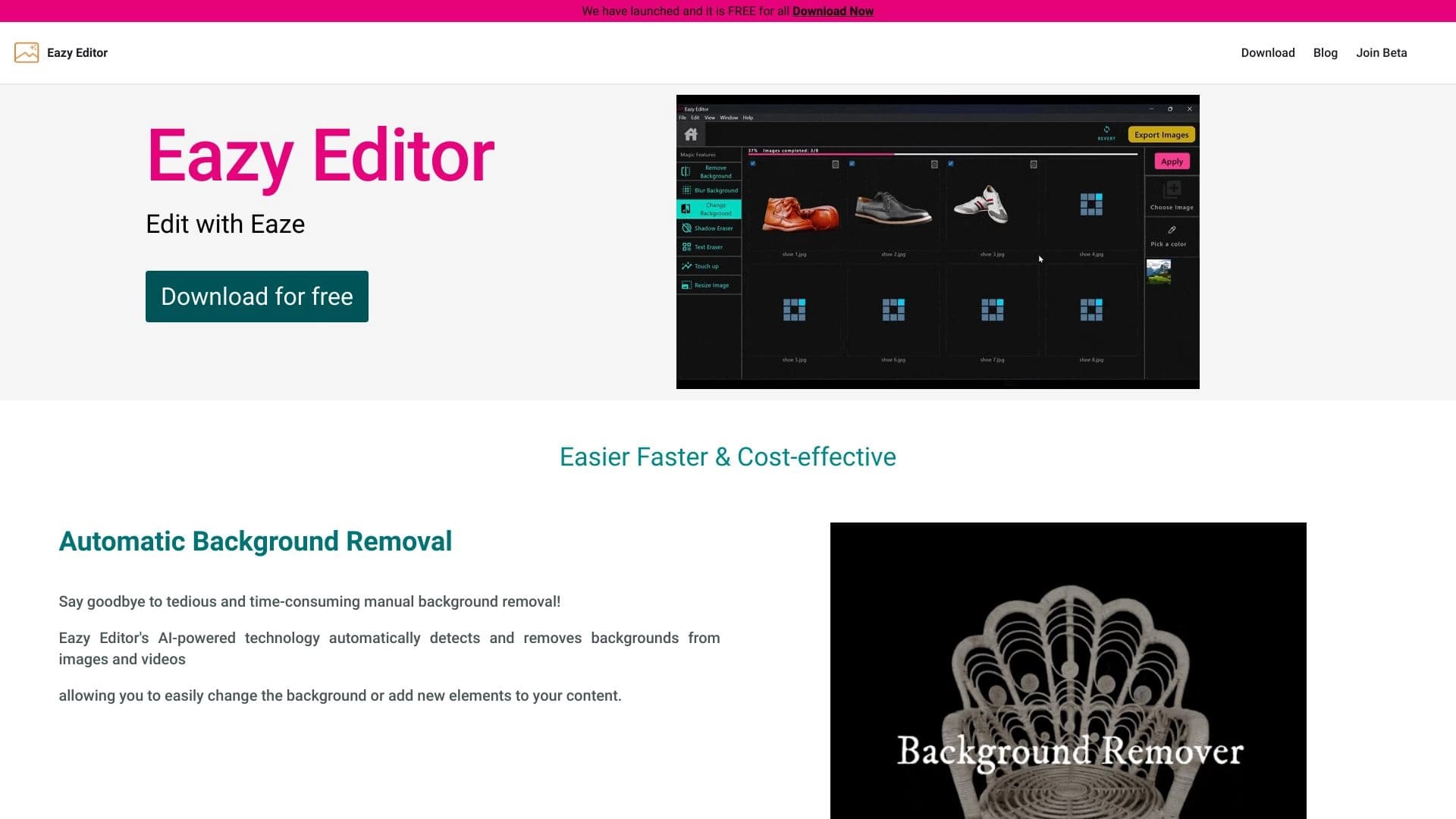
Simple and easy-to-use photo editor with an intuitive interface.


AI assistant for quickly creating and editing texts in various formats.


A multifunctional AI assistant for generating texts, images, and audio.


An open platform for generating images and other visual content from text descriptions using AI.

Mobile app for photo editing and creating stylized avatars using AI.

A tool for creating diagrams and mind maps from text descriptions in natural language.

Online tool for swapping faces in photos, videos, and GIFs without registration or watermarks.


Chrome extension that helps manage tabs, history, and bookmarks with an AI assistant.