
Bashful
A set of AI plugins for Photoshop that expands the possibilities of digital art.
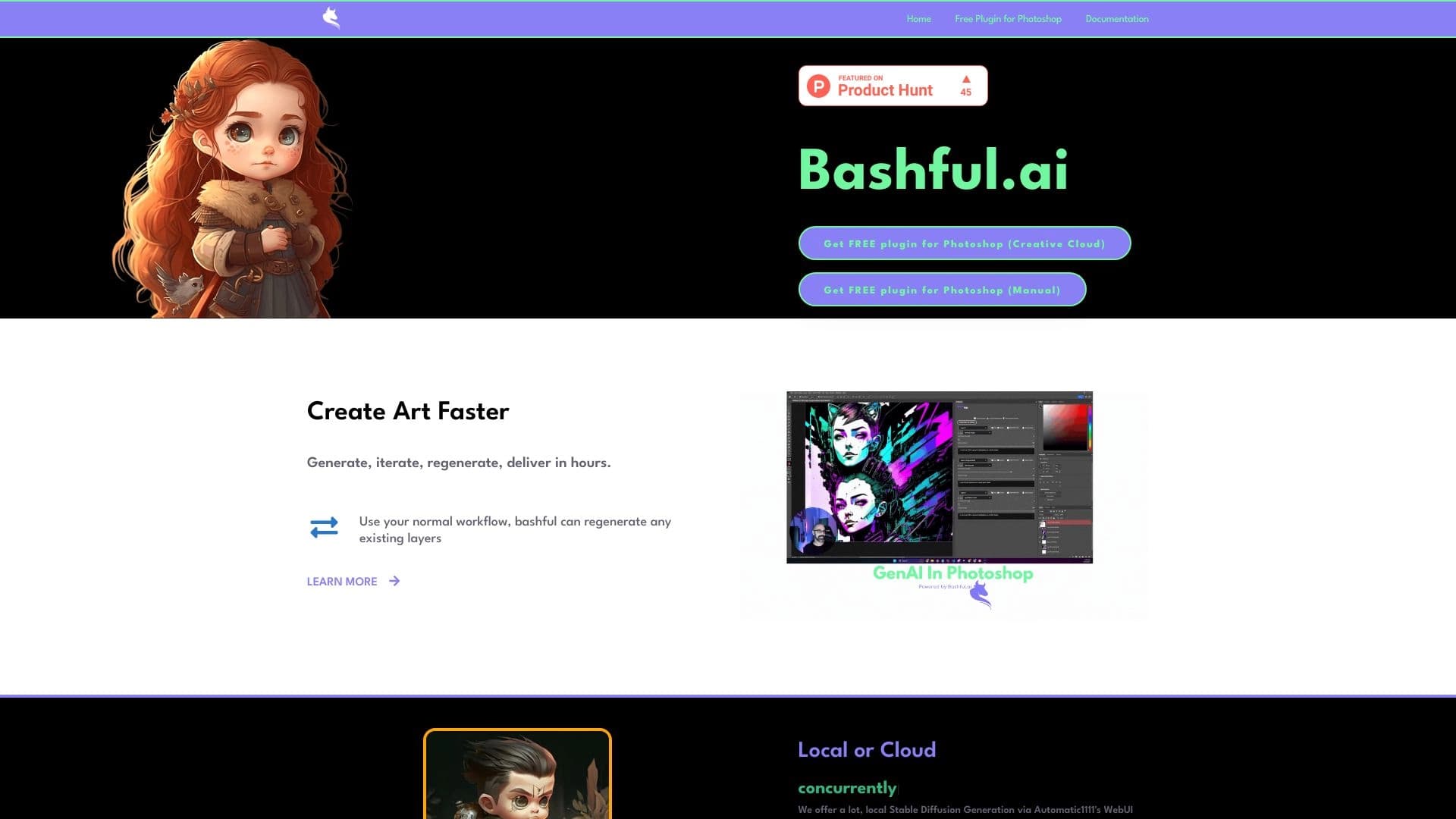
Overview
Bashful is an AI-powered plugin suite designed to extend the capabilities of Adobe Photoshop. The tool is positioned as a solution for artists and designers who want to integrate modern machine learning algorithms into their familiar workflow without leaving the editor.
Unlike many standalone image generators, Bashful integrates directly into the Photoshop interface, allowing users to work with AI features in the context of an existing project. The plugins automate routine operations, assist with editing, and offer intelligent tools for generating visual content. The main goal of the suite is to accelerate the creative process and offload mechanical work from the artist, leaving more time for the creative part itself.
Bashful Characteristics
| Characteristic | Value |
|---|---|
| Type | AI plugin suite for Adobe Photoshop |
| Category | Digital art tools, AI plugins |
| Platform | Adobe Photoshop (plugin) |
| Distribution model | Not specified |
| Target audience | Professional artists and designers |
Who is Bashful suitable for?
Professional artists and illustrators
Bashful is aimed at professionals who work in Adobe Photoshop daily and want to speed up repetitive tasks. Automating routine operations allows them to focus on the artistic part of the project rather than technical details.
Designers and creative professionals
Graphic designers working on commercial projects can use the plugins to quickly create image variations, process photos, and prepare materials for publication. The tool fits into an existing workflow without requiring retraining on a new platform.
Studios and agencies
Teams handling large volumes of visual content can standardize part of their processes with AI tools. The plugins help reduce time spent on routine tasks and accelerate the production cycle.
How to use Bashful?
Installation and integration
To get started, you need to install the plugin in Adobe Photoshop. After installation, Bashful tools appear in the editor interface and become available for use in any project.
Working in a familiar environment
All operations are performed directly in Photoshop, eliminating the need to switch between applications. The artist continues working in a familiar environment, and AI features are invoked through the plugin panels as needed.
Process automation
The user activates the desired AI tool, sets parameters, and gets a result in the form of a processed or generated image. The plugins handle routine operations that were previously done manually.
Key features of Bashful
Intelligent image generation
The plugins allow creating new visual elements based on text descriptions or existing images. This is useful for generating textures, backgrounds, or supporting composition elements.
Editing automation
Routine operations such as retouching, object removal, and detail enhancement can be performed automatically using machine learning algorithms. This reduces image processing time.
Integration with the Photoshop workflow
All features are available directly in the Photoshop interface, allowing users to combine AI tools with traditional editing methods without losing context.
Bashful advantages
Accelerating the creative process
Automating routine tasks allows artists to move faster from idea to finished result, reducing time spent on technical implementation.
Working inside Photoshop
No need to switch between different applications is one of the key advantages. The entire process, from file loading to final export, happens in a single environment.
Accessibility for professionals
The tool targets users who already know Photoshop and want to expand its capabilities without learning new complex interfaces.
Bashful drawbacks
Limited product information
Public sources lack sufficient data on the exact functionality, system requirements, and compatibility with various Photoshop versions, making it difficult to evaluate the product before purchase.
Tied to Adobe Photoshop
The plugins can only be used within the Photoshop ecosystem. Artists working in other editors will not be able to use these tools.
Unclear distribution terms
There is no information about the distribution model, creating uncertainty about how the plugins are purchased and updated.
What tasks does Bashful solve?
Speeding up image processing
The plugins automate operations for enhancing, retouching, and modifying images that are performed manually, using AI algorithms.
Generating additional content
Artists can create textures, backgrounds, and environment elements with AI, saving time on searching for or drawing supporting materials.
Optimizing the creative process
The tool helps reduce mechanical work, allowing the specialist to focus on artistic tasks, which is critical in commercial work with deadlines.
Bashful pricing
No information about plugin pricing is available in public sources. It is unknown whether the suite is distributed via subscription or offered as a one-time purchase. The availability of a free tier or trial period is also not specified.
Bashful terms of use
An installed Adobe Photoshop is required — the plugins only work within this program. Other terms of use, including registration requirements, internet access, or licensing restrictions, are not disclosed in public sources.
Bashful availability
The tool is implemented as a plugin for Adobe Photoshop. Information about compatibility with specific editor versions, operating system support (Windows or macOS), and available interface languages is not available in public sources.
How Bashful differs from alternatives
Deep integration with Photoshop
The key difference is working directly inside Photoshop, whereas many similar solutions offer separate web interfaces or desktop applications. This approach keeps the creative process uninterrupted and allows working with AI tools in the context of the current project.
Focus on professional users
The plugin suite is designed for people who already have professional Photoshop skills and do not need training in basic editor principles. This sets Bashful apart from universal generators aimed at a broader audience.
Niche focus
Instead of covering a wide range of tasks, Bashful focuses specifically on extending Photoshop's functionality, allowing for deeper development of specific use cases in digital art.
Conclusion
Bashful is a specialized AI plugin suite for Adobe Photoshop, designed for artists and designers who want to integrate artificial intelligence into their workflow. The tool's key advantage is working directly inside the popular editor, which reduces time spent on routine operations and allows focusing on the creative part. However, the lack of public information about the product — exact specifications, pricing, and terms of use — makes it difficult to fully assess its capabilities. Potential users are advised to carefully review available materials and clarify details before deciding to use it.
Frequently asked questions
See also

A catalog that organizes AI tools and services by category for quick search.

An intelligent assistant for lawyers that accelerates the search and analysis of legal information.


Web service for generating images from text descriptions and communicating with virtual characters.


Google's flagship model (Gemini 3 Pro Image) for generating and editing high-resolution images with precise adherence to prompts.


Bleepify automatically detects and bleeps out profanity in video and audio.

AI-powered service that simplifies technical documents of cryptocurrency projects for a broad audience.


AI toolkit for video generation and editing, including avatars, lip-sync, and voice cloning.
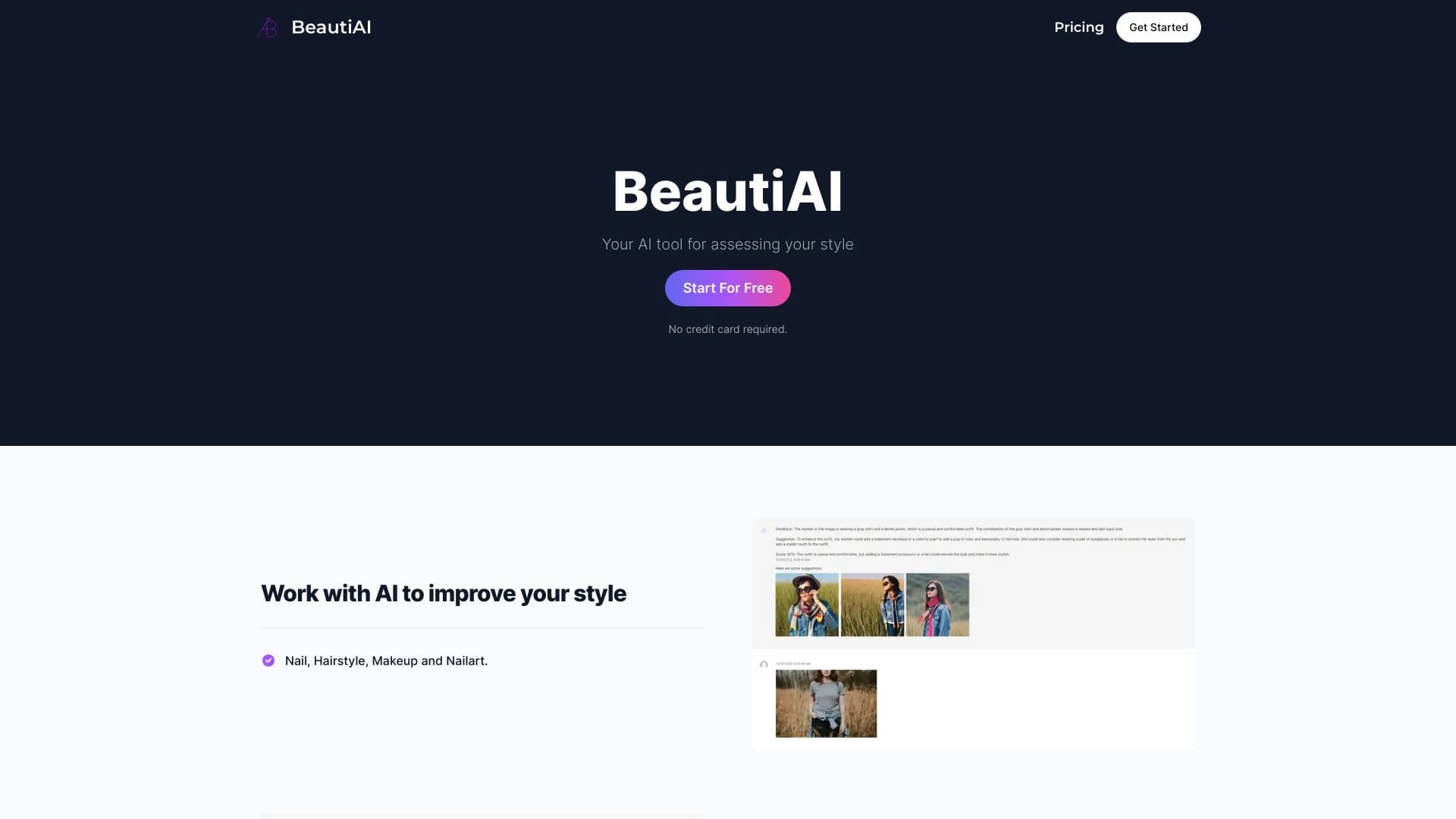
Service analyzes photos of your appearance and clothing, providing personalized style advice.