

Backdrop
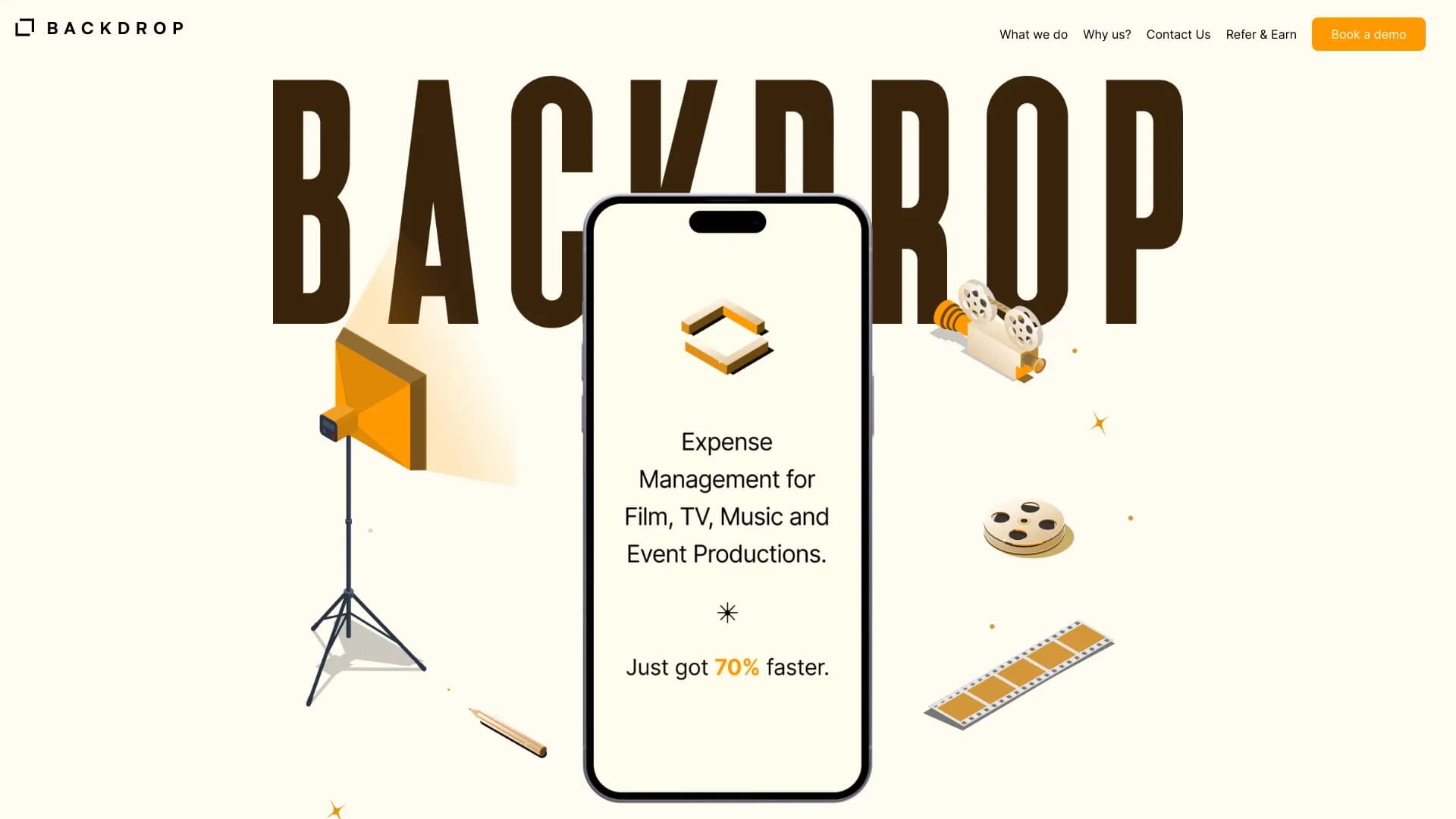
Service for automating financial accounting and expense management in creative and event productions.
Overview
Backdrop AI Description
Backdrop is a specialized financial accounting automation platform built for creative industries and event production. The service addresses the needs of producers, accountants, and project managers in film, music, and event organization, where budget control is often complicated by a large number of small expenses, scattered receipts, and the need to report promptly to management or tax authorities.
Instead of keeping records manually in spreadsheets and collecting paper documents, Backdrop users get a unified digital workspace. The system automatically recognizes uploaded receipts, aggregates data across all payments, and generates structured reports. Essentially, the platform handles routine banking and accounting operations, allowing the team to focus on the creative side rather than hunting for lost receipts. Particular emphasis is placed on issuing virtual cards for employees and accelerating tax refunds (VAT/GST), which is critical for project-based activities.
Backdrop Features
| Characteristic | Value |
|---|---|
| Type | Automated financial accounting |
| Category | Accounting services |
| Platforms | Website (web application) |
| Developer | Twig Tech Inc. |
| Monthly visits | 22.2K |
| Free tier available | Yes ("Basic") |
| Publication date | November 7, 2025 |
Who is Backdrop AI for?
Producers and production crews
The tool is designed for those managing budgets for films, TV series, music videos, or concerts. Producers can issue accountable funds to crew members via virtual cards and see where the money goes without waiting for receipt photos in messengers.
Accountants for creative projects
For accounting professionals, the platform saves hours of manual work: instead of reconciling paper documents, they get a ready-made transaction feed with attached receipts. This simplifies preparing reports for tax authorities and communicating with studio management.
Teams of any size
The service scales from small independent projects with one or two employees to large productions where dozens of people work simultaneously. For small groups, the free tier is sufficient, while larger teams can use extended limits and control features.
How to use Backdrop AI?
Managing receipts and documents
To record an expense, simply photograph a paper receipt and upload the image to the system. The AI recognizes the data, automatically extracts the amount, date, and expense category, and then attaches the image to the corresponding transaction. This eliminates the need to store paper receipts in folders.
Issuing virtual cards
A producer can create virtual cards for team members in a couple of minutes. Individual spending limits are configured for each card right away. Colleagues use the cards to pay for day-to-day needs (props, transportation, on-set meals), and all transactions automatically flow into the project's overall report.
Generating reports
All expense data from cards and cash is aggregated into a single dashboard. Users can compile a project report for any period in a few clicks and send it to an accountant or manager. A dedicated supplier payment workflow also allows for quick payments while preserving supporting documents.
Key Backdrop Features
- Virtual cards for productions: cards for employees are issued in minutes, with limits and restrictions configured instantly.
- Unified expense dashboard: all card and cash expenses are displayed in one interface, providing a complete picture of fund movements.
- Automated financial tracking: artificial intelligence categorizes transactions and reconciles data against bank statements.
- Instant report generation: financial documentation for a project is created in minutes, not hours of Excel work.
- Receipt and invoice attachment: every payment can be accompanied by a scan or photo of the document — the system stores them linked to the transaction.
- Real-time online monitoring: management sees the remaining budget and current spending without waiting for interim reports from subordinates.
Backdrop Advantages
Reduced workload and errors
AI automates calculations and data transfer, virtually eliminating the "human factor" when reconciling amounts. Teams stop maintaining parallel spreadsheets, and the risk of losing a receipt or forgetting a payment is minimized.
Speed and transparency
Financial reports appear in the system within minutes of a request. Managers don't need to wait for accountants to gather data — all information is available in the dashboard. For project participants, transparency means they always see the budget status.
Centralized document storage
Receipts, invoices, and acts are stored in one place, linked to specific expenses. This simplifies audits and reduces the risk of losing financial documents, which is especially important during long production cycles.
Backdrop Disadvantages
- Complexity of adapting to non-standard accounting: if a company or project has unique internal accounting rules or complex cost allocation schemes, the platform may not be flexible enough to accommodate them.
- AI recognition errors: the neural network is not perfect — sometimes it incorrectly identifies the amount on a receipt, the expense category, or the text. Users must manually verify and correct data, which partially offsets the benefits of automation.
- Internet dependency: a stable connection is required for the service to work reliably. Without network access or with low speed, the system slows down, which is critical when working at remote locations or while traveling.
What problems does Backdrop solve?
The platform addresses four key challenges in project financing:
- Accounting automation in creative projects: the full cycle from recording an expense to generating a report runs without manual intervention.
- Real-time team expense control: managers always know who spent what and how much, and can respond promptly to limit overruns.
- Faster document workflow: reports for tax authorities and management are generated automatically from templates, speeding up document submission and approval of closing acts.
- Simplified approval of small expenses and tax refunds: built-in workflows allow quick approval of minor expenses, while integration with accounting procedures supports timely VAT/GST refunds.
Backdrop Pricing
The service operates on a subscription model and offers three pricing plans:
| Plan | Price | Target audience |
|---|---|---|
| Basic | Free | Small creative projects with minimal accounting needs |
| Plus | $22/month | Teams that need advanced accounting and extended features |
| Premium | $33/month | Professional studios and large projects with high transaction volumes |
The choice of plan depends on team size and the intensity of virtual card and reporting usage.
Backdrop Terms of Use
To get started, registration on the official service website is required. After creating an account, users gain access to a personal dashboard where they can connect bank accounts, issue cards, and start uploading receipts. Subscriptions to paid plans (other than Basic) are activated after payment of the subscription fee. The service does not provide detailed public information about the legal aspects of the offer agreement, but a standard requirement is a stable internet connection for full platform functionality.
Backdrop Availability
Backdrop works as a web application and is accessible through a browser on any device — desktop computers, laptops, and tablets. The official service page does not specify the list of countries where registration is available or the supported interface languages. A stable internet connection is required for all features (receipt recognition, online monitoring, card issuance) to function correctly.
How Backdrop differs from alternatives
The main difference between Backdrop and universal financial services or "smart assistant" products (such as Gemini, ChatGPT, or Fireworks) is its narrow industry focus. Backdrop doesn't try to be a general-purpose tool for all business sectors; it's tailored to the specifics of creative productions and the events industry. While ChatGPT is a conversational AI for text generation, and Rationale or SigmaChat handle data analysis and communications, Backdrop takes on specific financial control functions: issuing virtual cards for production crews, recognizing and storing receipts, and automatically generating reports linked to tax refunds.
Compared to services like Polymer (data analytics) or Fireworks (content generation), Backdrop stands out with real banking functionality and accountable funds mechanics. It's not just an accounting program but a full-fledged project budget management tool that combines payment infrastructure with accounting logic. For a producer, this means they can issue a card, pay for props with it, and see that transaction in a tax report — without using several disparate programs.
Conclusion
Backdrop is a specialized AI service for automating financial accounting in the film, music, and event industries. It solves the main problem of creative projects — chaos in expenses and documents — through virtual cards, instant receipt recognition, and automated report generation. The system suits both small independent teams on the free tier and large studios on the Premium plan. At the same time, users should consider the limited flexibility for configuring complex accounting schemes and potential AI recognition errors that require manual verification. Overall, Backdrop is a practical solution for producers and accountants who want to move away from Excel and speed up budget control, while being willing to accept dependence on a stable internet connection.
Frequently asked questions
See also

Anakin.ai is a low-code platform that combines various AI models for content creation and workflow automation without coding.


Side AI panel that helps answer questions, work with documents, and generate images.
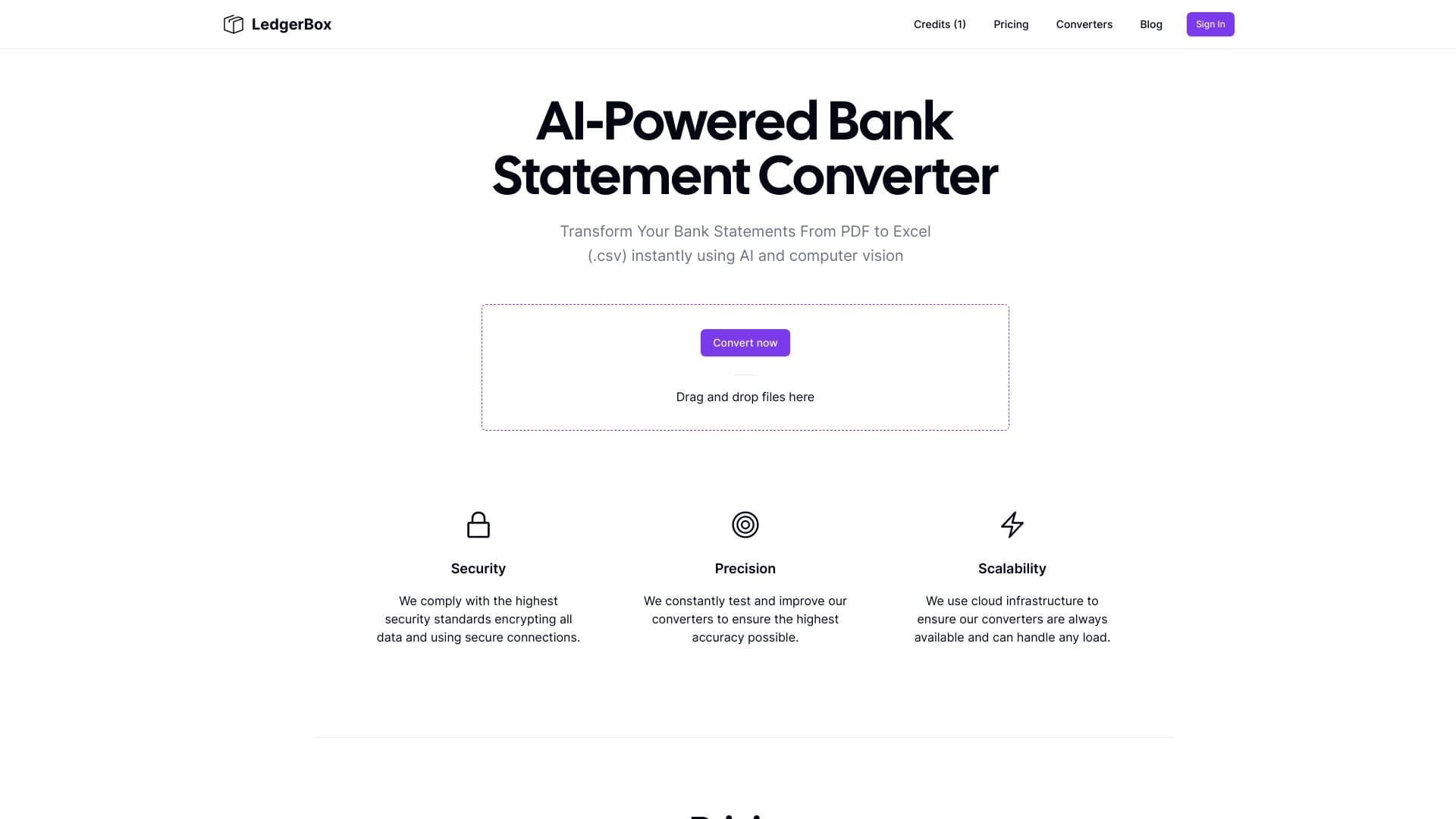
Automatically extract financial data from PDF documents and convert it to Excel or CSV.


AI-based service for automatic generation of text content in various formats.


Platform for creating multi-agent AI systems and chatbots to automate customer support and lead generation.


AI-powered platform for automated video clip creation, editing, and translation.
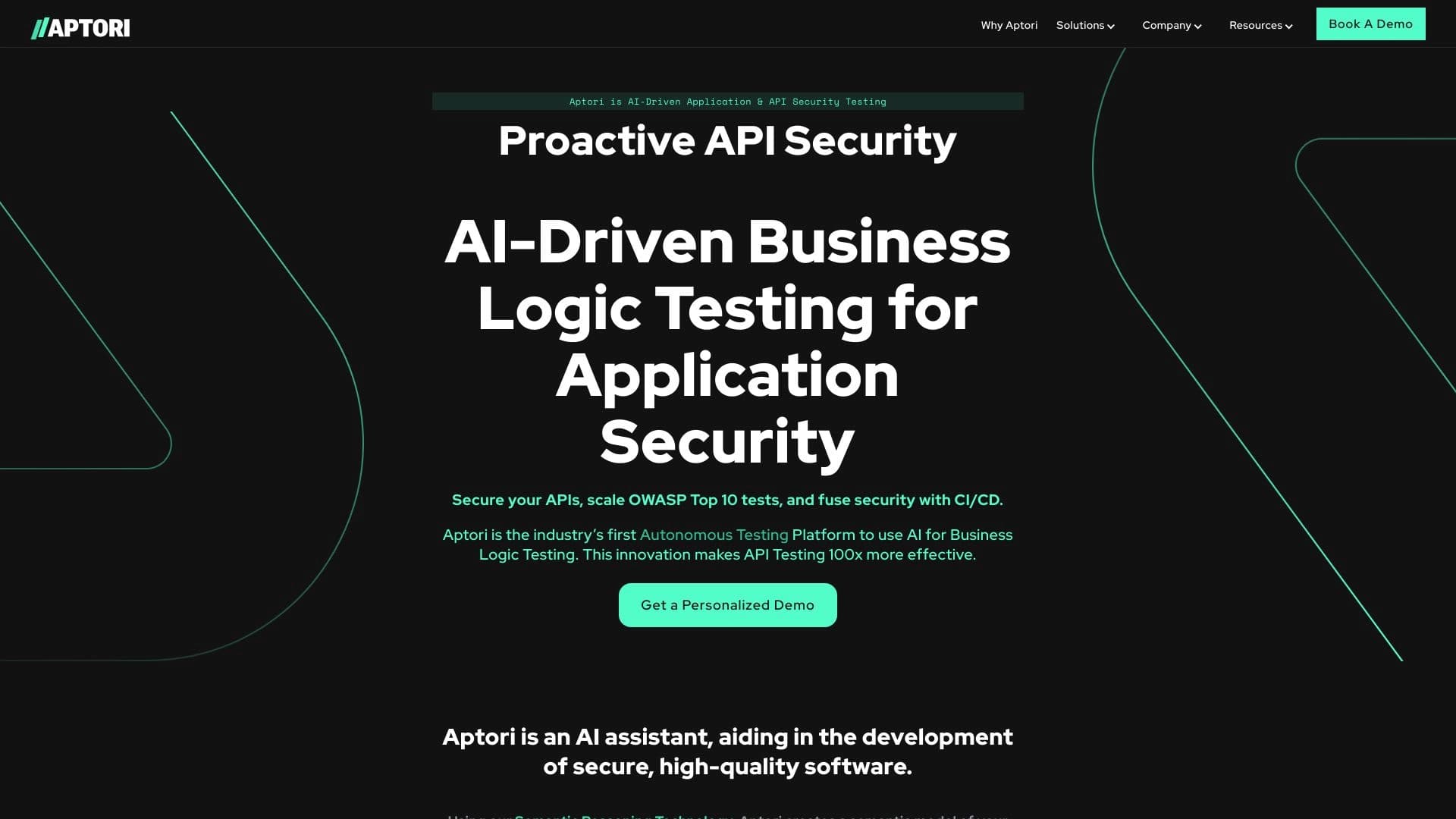

AI-powered platform for automated API security testing and vulnerability discovery in code and cloud infrastructure.

AI platform for fast resume screening that helps recruiters select suitable candidates.