
Avatarly
Mobile app for iOS that creates avatars from a single photo in various styles and with different emotions.

Overview
Avatarly AI Description
Avatarly is a mobile app for Apple devices that lets you create avatars and profile images from a single photo. Instead of spending time editing photos yourself or hiring a designer, you simply upload one photo and get several ready-made image options.
The core idea of the service is maximum simplicity and speed. The app works for both personal use and professional tasks. For example, you can quickly update your social media photo or create a consistent corporate style for your company's employees. The interface is designed for people without special skills: no complex settings or professional editors — just pick a template and a result.
Avatarly Features
| Feature | Value |
|---|---|
| Type | Avatar generator |
| Category | Profile photo generators, digital art generators, AI avatar generators, anime and cartoon character generators |
| Platform | iOS (app) |
| Developer | Avatarly |
| Monthly visits | 388.9K |
| Free plan available | Yes (free plan for testing) |
| Publication date | November 7, 2025 |
| Distribution model | Freemium (free with in-app purchases) |
Who is Avatarly AI for?
Social media and messenger users
The app is aimed at those who want to quickly get a bright and memorable avatar for their personal profile. Bloggers, gamers, content creators, and regular messenger users can find an image that stands out from standard photos. With a wide range of styles, everyone can find an option that reflects their personality or current mood.
Companies and teams
Avatarly is also useful for businesses. You can create corporate avatars for all employees, making the brand more recognizable and giving company pages a uniform look. This is especially relevant for teams that actively manage social media or work in messengers. Consistent stylized photos help you stand out in a professional environment and increase customer trust.
Users without design skills
The service is designed for people who don't know how to use graphic editors and don't want to spend time learning. The whole process comes down to uploading a photo and choosing a template you like — the app does the rest automatically.
How to use Avatarly AI?
Uploading a photo
The process starts with uploading a single image. You don't need to prepare the photo in any special way or take multiple shots — one good-quality photo is enough for the AI to work with.
Choosing a style and emotions
After uploading the photo, a catalog with thousands of ready-made templates opens. You can choose the image style, facial expression, emotions, color palette, and background. For example, you can create a formal business portrait or a creative cartoon look. The settings let you experiment with details so the final result matches your personal preferences or corporate requirements.
Getting the result
Generation is fast and doesn't require a long wait. The result is several avatar options at once, from which you pick the best one. If a look doesn't work, you can regenerate or try a different template.
Key Avatarly Features
Generating multiple avatars from one photo
The app's key capability is creating several image variations from a single upload. You don't need to re-upload the photo — just browse the generated options and pick the ones you like for social media or work.
Style and emotion customization
Avatarly lets you change avatar styles and emotions. You can choose a fun look, a business portrait, or a creative stylization. You can also adjust color, emotions, and facial expression — from strict corporate to casual and vibrant.
Ready-made template library
The app includes a large collection of templates that is regularly updated. Each template lets you change the background, visual style, and overall look of the image. This variety helps you create unique avatars for different platforms — from professional social networks to gaming accounts.
Avatarly Advantages
Many looks from a single upload
The main advantage is saving time. Instead of finding an artist or editing photos yourself, you get a whole set of avatars after uploading one image. This is convenient for anyone who wants to quickly refresh their online look.
Flexible settings
The app lets you fine-tune the result: choose color, emotions, facial expression, and style. This allows you to create both formal business avatars and casual creative images that fit specific tasks.
Boosting your online profile
A high-quality, unusual avatar attracts attention, makes your profile look modern, and increases trust from clients or followers. For companies, it's also a way to stand out from competitors.
Ease of use
No design skills are required to use the app. Just upload a photo and choose a template — all the technical work is done automatically.
Avatarly Drawbacks
Inaccurate facial feature rendering
In some cases, the AI doesn't always accurately capture facial features, so the result can look too generic and not resemble the original.
Repetitive results
With frequent use of the same photo, generated avatars can repeat. This limits variety if you regularly create new images.
Style distortions
Sometimes the chosen style can "drift": colors or emotions get distorted, and the final result looks odd. In such cases, several regenerations may be needed to get a quality image, which can take extra time.
What problems does Avatarly solve?
Quickly creating avatars for social media
The app lets you get several ready-made images for profiles on social networks, messengers, and gaming accounts in a short time. You don't need to figure out complex editors or wait for a designer's response.
Creating a corporate style for a company
Avatarly helps create corporate avatars for your team. A consistent style for employee images makes the brand recognizable, and company pages look cohesive and professional.
Refreshing your online image
The service solves the problem of updating your visual image without lengthy work in photo editors. You can quickly cycle through different styles and emotions to find the option that best reflects your personality or mood.
Avatarly Pricing
Avatarly operates on a freemium model. Several pricing plans are available:
- Free plan — designed for testing and getting familiar with the app.
- Basic plan — includes expanded generation capabilities and additional styles.
- Premium plan — unlocks unlimited avatar creation and access to all exclusive features.
The app is distributed free with in-app purchases, allowing users to get started without upfront costs and expand functionality as needed.
Avatarly Terms of Use
To use the app, you need an iOS device (iPhone or iPad). You need to upload a photo, after which you can start generating avatars. The page doesn't specify whether registration is required. No specific region or language requirements are stated either. No VPN is needed to access the service. The app is available for download on the App Store.
Avatarly Availability
Avatarly is available exclusively as a mobile app for the Apple ecosystem — iPhone and iPad. No web version or versions for other platforms are announced. No regional or language restrictions are listed on the page. This means the app is available to a wide range of iOS users without additional setup.
How Avatarly differs from alternatives
Avatarly positions itself as an extremely simple tool for quickly generating avatars. The key difference is the mobile format and focus on users without design experience. Instead of complex interfaces and professional settings, the app offers an intuitive process: upload a photo, choose a template, get a result. This approach sets the service apart from more complex generators that take time to learn. The app also emphasizes regularly updating its template collection, keeping generated images current.
Conclusion
Avatarly is a practical mobile solution for quickly creating avatars from a single photo. The app is designed for a wide audience: from bloggers and gamers to companies looking to unify employee profiles. Ease of use and a free plan make the service accessible for trying out, while a flexible settings system lets you get both business and creative images. At the same time, users should keep in mind possible style distortions and the need for regeneration to achieve the perfect result.
Frequently asked questions
See also
Intelligent assistant from Microsoft, built into the Bing search engine and Edge browser, powered by GPT-4.
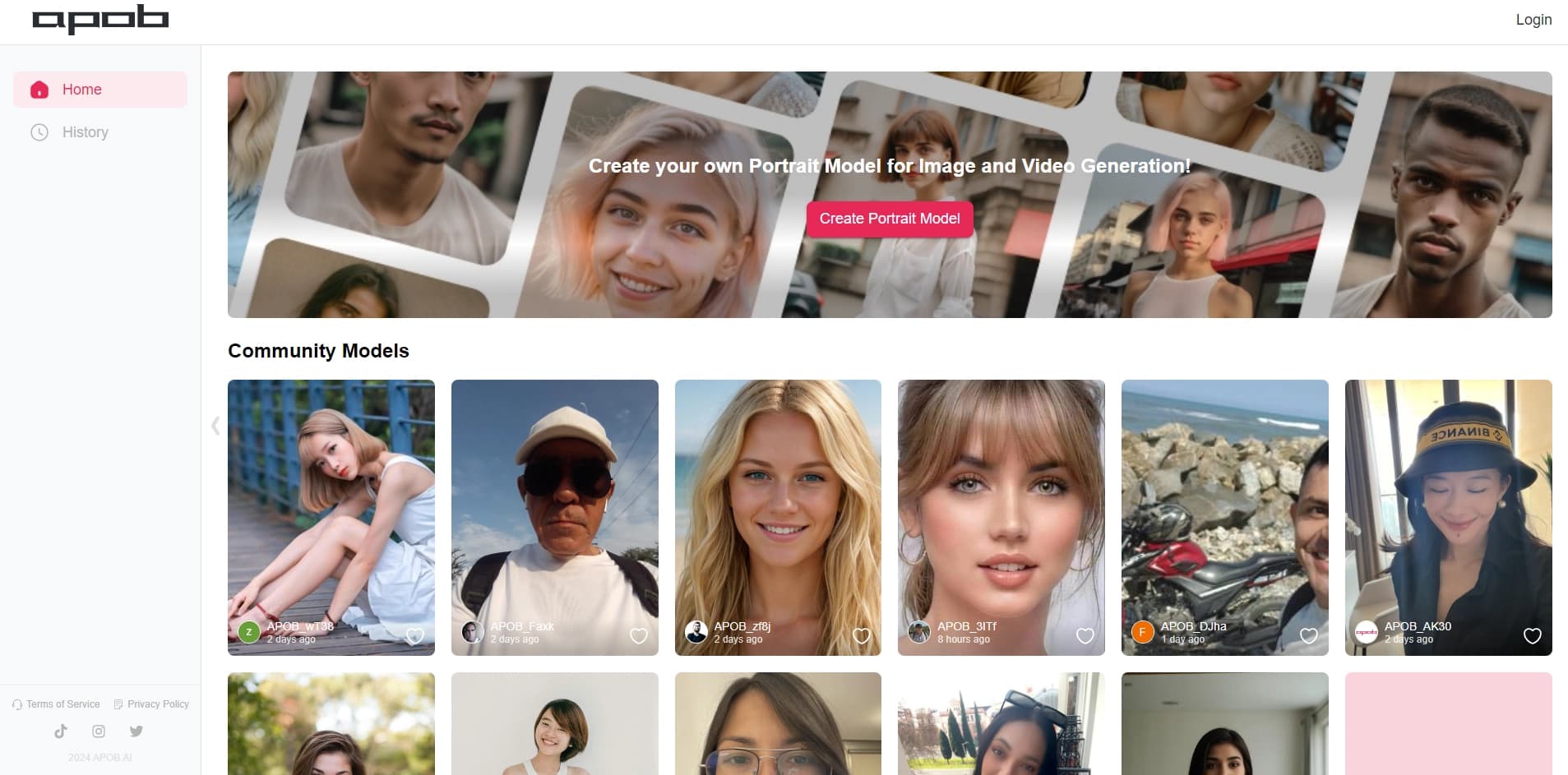

Platform for creating digital avatars and virtual influencers using AI.


Video editor with neural network support for video editing on Windows and Mac.


AI-powered platform for generating and editing images and videos.
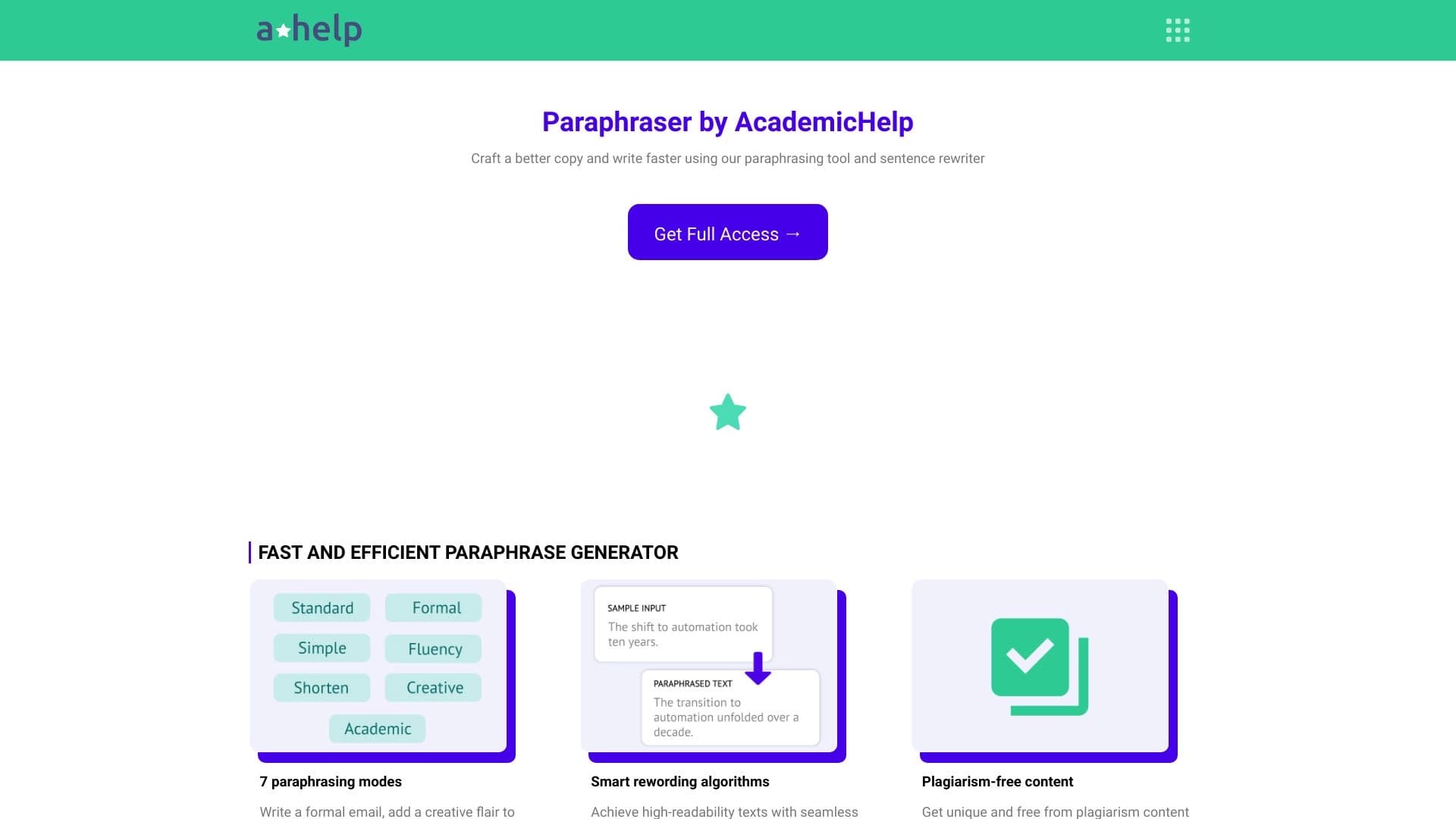

Online service for text paraphrasing with seven modes, helping you create unique content.


Free web tool from Google that uses machine learning to turn rough sketches into neat icons and illustrations.

Platform for generating videos, images, and digital avatars using AI.


A neural network for generating short videos from text descriptions or images.