
AI Image Translator
Outil pour traduire du texte directement en images tout en préservant le design original.
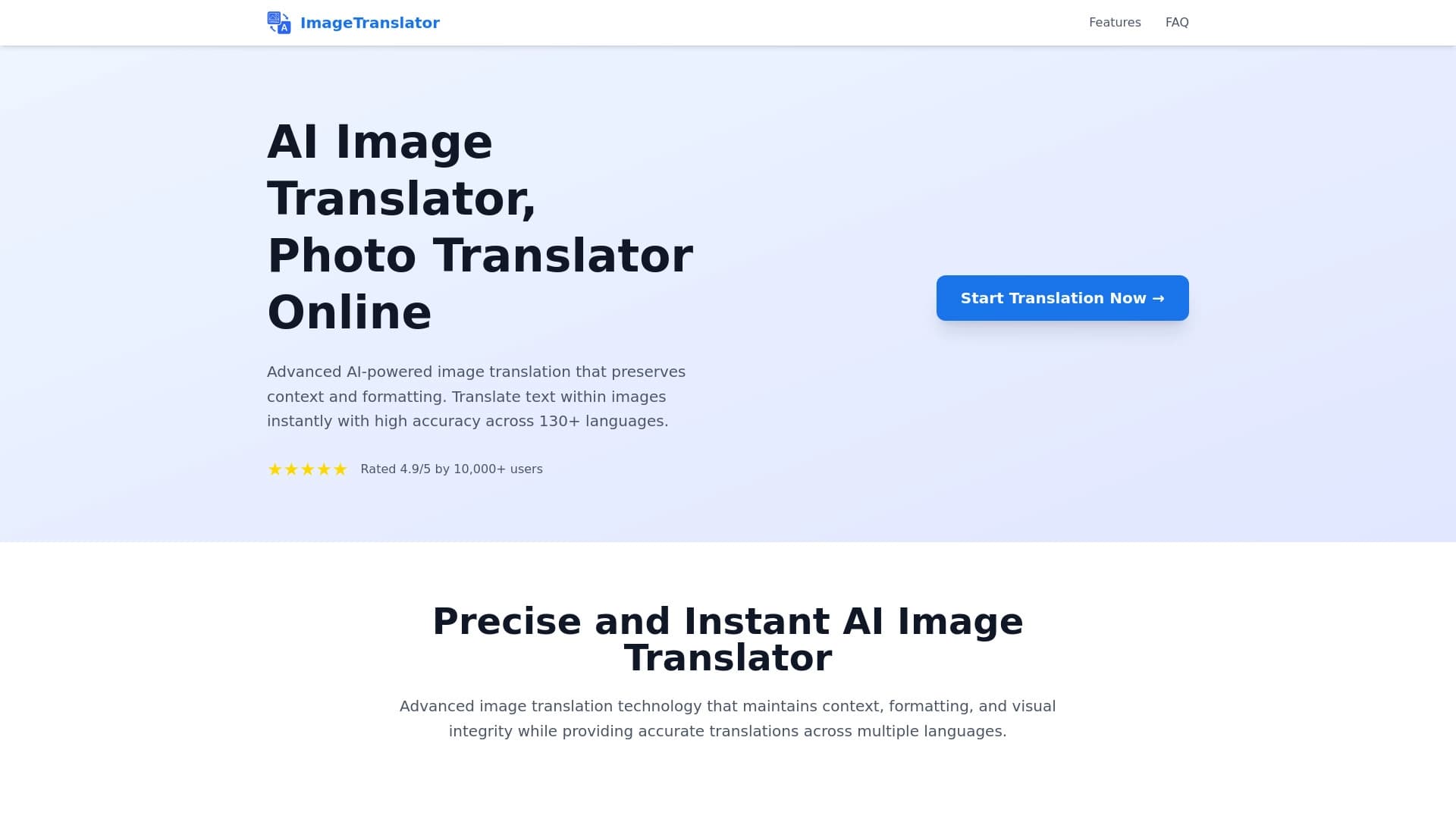
Aperçu général
Description du traducteur d'images AI
AI Image Translator est un outil en ligne spécialisé qui résout un problème non trivial : il remplace le texte dans une image d'une langue à l'autre sans détruire la composition originale. Au lieu de simplement donner à l'utilisateur une transcription ou une traduction du texte de l'image, service retourne une image prête où le texte étranger a déjà été remplacé par la traduction, tandis que la mise en page, la taille de police et la conception globale restent presque identiques à l'original.
Techniquement, cela fonctionne en deux étapes. Premièrement, le système reconnaît le texte dans l'image téléchargée en utilisant la technologie de reconnaissance optique des caractères (OCR). Puis, la traduction en réseau neuronal entre en jeu : elle traite le texte reconnu , et les algorithmes graphiques générateurs "adapter" soigneusement les phrases traduites à la place des originaux, en choisissant la taille appropriée et la face de type. Cette approche permet de traduire non seulement des mots individuels, mais des blocs sémantiques entiers avec contexte pris en compte.
Caractéristiques du traducteur d'image AI
| Fonctionnalité | Valeur |
|---|---|
| Type d'outil | Traduction texte en ligne dans les images en utilisant OCR |
| Technologies | Reconnaissance de texte (OCR) + traduction automatique du réseau neuronal |
| Formats pris en charge | JPG, JPEG, PNG, BMP, WEBP |
| Taille maximale du fichier | 10 Mo |
| Nombre de langues soutenues | Plus de 130 |
| Catégories | Traduction d'images, reconnaissance textuelle (ROC) |
| Site Web | imagetranslator.com |
| Modèle de distribution | Non spécifié |
Pour qui est le traducteur d'images d'IA?
L'outil s'adresse à trois grands groupes d'utilisateurs qui travaillent régulièrement avec du matériel visuel en langue étrangère.
Voyageurs
Les touristes rencontrent souvent des situations où ils doivent comprendre rapidement le contenu d'un panneau, d'un menu de restaurant, d'un panneau directionnel ou d'une plaque informative dans une langue inconnue. AI Image Translator leur permet de photographier un tel objet et d'obtenir une image avec du texte déjà traduit, ce qui simplifie grandement la navigation dans un pays étranger.
Étudiants et chercheurs
Les personnes travaillant avec des sources multilingues traitent souvent des scans de livres, d'articles et de documents. La possibilité d'obtenir rapidement une image traduite avec formatage conservé permet d'économiser du temps sur la réécriture manuelle ou le renvoi croisé du texte original avec une traduction séparée.
Sociétés de localisation
Les entreprises qui adaptent le contenu visuel à différents marchés doivent traduire des infographies, des présentations et du matériel publicitaire. L'outil permet d'automatiser une partie de ce processus, en sauvegardant les concepteurs d'avoir à redessiner manuellement les mises en page ou à assortir les polices aux nouveaux textes.
Comment utiliser AI Image Traducteur?
Le processus de travail avec le service est conçu pour une simplicité maximale et ne nécessite aucune compétence particulière.
Téléchargement d'une image
L'utilisateur doit télécharger un fichier dans l'un des formats pris en charge. Le système accepte JPG, PNG, BMP et WEBP, et la taille du fichier ne doit pas dépasser 10 Mo. Cela permet de travailler avec des photos et des documents numérisés.
Choisir une paire de langues
L'étape suivante consiste à spécifier la langue source du texte dans l'image et la langue cible dans laquelle il doit être traduit. Le service prend en charge plus de 130 langues, donc trouver la bonne paire est facile.
Obtenir le résultat
Après traitement, le système renvoie une image prête à l'emploi dans laquelle le texte original a été remplacé par la traduction. L'utilisateur n'a besoin que de télécharger le résultat — le texte sera équipé de la mise en page originale, des polices et du positionnement des éléments conservés, ce qui permettra une utilisation ultérieure.
Principales caractéristiques du traducteur d'images AI
La fonctionnalité du service couvre le cycle complet de travail avec le texte en images.
OCR et traduction automatique
La fonction clé est de reconnaître le texte dans l'image téléchargée suivie d'une traduction instantanée du contenu reconnu. Le système utilise deux étapes de traitement : d'abord, le reconnaissanceur optique identifie les blocs de texte, puis le traducteur réseau neuronal les convertit en langue cible.
Préserver la disposition originale
La qualité la plus précieuse de l'outil est sa capacité à préserver la mise en page originale. Après la traduction, les polices, leurs tailles, leur schéma de couleurs et le positionnement des blocs de texte dans l'image restent pratiquement inchangés. Visuellement, le résultat ressemble à une image créée à l'origine dans la langue cible.
Travailler avec divers types de contenu visuel
Le service traite les documents numérisés, les pages manga et webtoon, ainsi que les photos des panneaux de rue, des infographies et des documents de présentation avec une efficacité égale.
Avantages du traducteur d'images AI
Vitesse de traitement
L'un des principaux avantages est d'importantes économies de temps. Traduire du texte directement dans l'image se produit automatiquement, sans avoir besoin de redessiner manuellement des éléments, de faire correspondre des polices ou d'intégrer le texte dans une mise en page.
Précision de conception
Contrairement aux simples traducteurs OCR qui produisent seulement un résultat texte, AI Image Traducteur préserve l'intégrité visuelle du document. Le positionnement des éléments et le style du texte restent aussi proches que possible de l'original, ce qui est critique pour les présentations, infographies et autres matériaux avec des mises en page soigneusement conçues.
Inconvénients du traducteur d'images AI
Comme les informations officielles sur le service sont limitées, il est difficile de dresser une liste complète des inconvénients. Néanmoins, des limites évidentes peuvent être notées en fonction de la description. Premièrement, il y a une limite de taille de fichier allant jusqu'à 10 Mo, ce qui peut être insuffisant pour travailler avec des scans à haute résolution lourds. Deuxièmement, il n'y a aucune information sur les paires de langues supportées « hors de la boîte » - il est seulement clair qu'il y a plus de 130 langues, mais la qualité de la traduction pour les langues rares peut varier. Il n'existe pas non plus d'information sur les régimes gratuits ou payants, ce qui rend difficile l'évaluation de l'accessibilité du service pour différentes catégories d'utilisateurs.
Quels problèmes le traducteur d'images d'IA résout-il?
La gamme d'applications pratiques est assez large — des situations quotidiennes aux tâches de localisation professionnelle.
Traduire des panneaux de rue et des infographies
Les voyageurs peuvent traduire rapidement les panneaux routiers, les vitrines et les cafés. Les professionnels utilisent ce service pour adapter les infographies et les présentations aux publics parlant une autre langue.
Travailler avec des documents et du matériel d'étude
Les scans de documents, de pages de manuels et de matériel pédagogique peuvent être rapidement traduits sans perdre de structure. Cela est particulièrement utile lorsqu'on travaille avec la littérature étrangère et des articles universitaires.
Localisation de Manga et Webtoons
L'une des applications les plus en demande est la traduction des pages manga et webtoon. Traditionnellement, ce processus exige un travail manuel minutieux : relecture du texte, suppression des bulles de parole et adaptation à la traduction. AI Image Traducteur automatise ce processus, le rendant attrayant pour les groupes de traduction et les éditeurs travaillant avec des bandes dessinées asiatiques.
Localisation du contenu visuel sans redessiner manuel
Les entreprises peuvent télécharger des mises en page prêtes à l'emploi et obtenir leurs versions traduites, en évitant le processus à forte intensité de main-d'œuvre de redessiner et de redessiner dans les éditeurs graphiques.
Prix du traducteur d'images AI
Aucune information sur la politique de tarification du service n'est disponible dans les sources publiques, et il n'y a pas non plus de données sur la disponibilité de un plan gratuit. Le site Web n'énumère pas les tarifs ni les frais d'abonnement, de sorte que les utilisateurs potentiels doivent vérifier les conditions actuelles sur la ressource officielle elle-même avant de commencer à utiliser le service.
Conditions d'utilisation du traducteur d'images AI
Les conditions d'utilisation détaillées ne sont pas divulguées dans les sources publiques. On sait que les utilisateurs doivent respecter la limite de taille du fichier : le poids maximal de l'image est de 10 Mo. En outre, une condition nécessaire au bon fonctionnement est l'utilisation de fichiers dans les formats pris en charge — JPG, JPEG, PNG, BMP, ou WEBP. Il est recommandé d'examiner attentivement l'entente d'utilisateur et la politique de confidentialité directement sur le site Web du service avant de télécharger des documents confidentiels ou commerciaux.
Disponibilité du traducteur d'image AI
Le service est disponible via une interface web sur imagetranslator.com, ce qui permet de l'utiliser depuis n'importe quel appareil connecté à Internet sans installer de logiciel supplémentaire. Aucune information sur les applications mobiles ou les versions de bureau n'est disponible dans les sources publiques. L'outil peut être utilisé dans les navigateurs sur les ordinateurs, tablettes et smartphones, offrant une flexibilité pour travailler dans différentes conditions — du bureau au voyage.
Comment le traducteur d'images d'IA diffère des alternatives
La principale différence entre le traducteur d'images AI et la plupart des traducteurs OCR est son approche globale de la tâche. Les services standard fournissent seulement du texte reconnu ou sa traduction séparément, laissant l'utilisateur intégrer manuellement les phrases traduites dans l'image tout en préservant la conception.
La plupart des traducteurs d'images standard travaillent sur un schéma simplifié : ils produisent une traduction de texte mais ne préservent pas la mise en page, les polices ou le positionnement des éléments. AI Image Translator, en revanche, est positionné comme un outil à cycle complet — de la reconnaissance au résultat final sous la forme d'une image prête à l'emploi qui ne nécessite aucun traitement ultérieur dans un éditeur graphique.
Une autre différence importante est l'adaptation à des formats de contenu spécifiques. La possibilité de travailler avec des mangas et des webtoons distingue le service des traducteurs universels qui ne sont pas conçus pour des fonctionnalités spécifiques à la bande dessinée telles que le texte vertical ou les longs inserts de dialogue. Pour les voyageurs, la différence clé est la vitesse d'obtention du résultat — pas de reconnaissance de texte séparé et traducteur séparé sont nécessaires; tout fonctionne dans une seule interface.
Conclusion
AI Image Traducteur est un outil pratique en ligne pour traduire du texte directement en images en utilisant OCR et la traduction automatique neuronale. Le service permet d'obtenir un résultat prêt avec la mise en page originale, les polices et le positionnement des éléments préservés, ce qui le rend utile pour les voyageurs, les étudiants et les entreprises impliquées dans la localisation de contenu. L'outil prend en charge plus de 130 langues et formats d'images populaires, y compris JPG, PNG, BMP et WEBP. Malgré une information publique limitée sur les prix et les conditions d'utilisation, la fonctionnalité du service résout un problème important : gagner du temps sur le redessin manuel et l'adaptation des matériaux visuels, en particulier dans les niches telles que la traduction de manga, les webtoons et les scans de documents.
Foire aux questions
Voir aussi
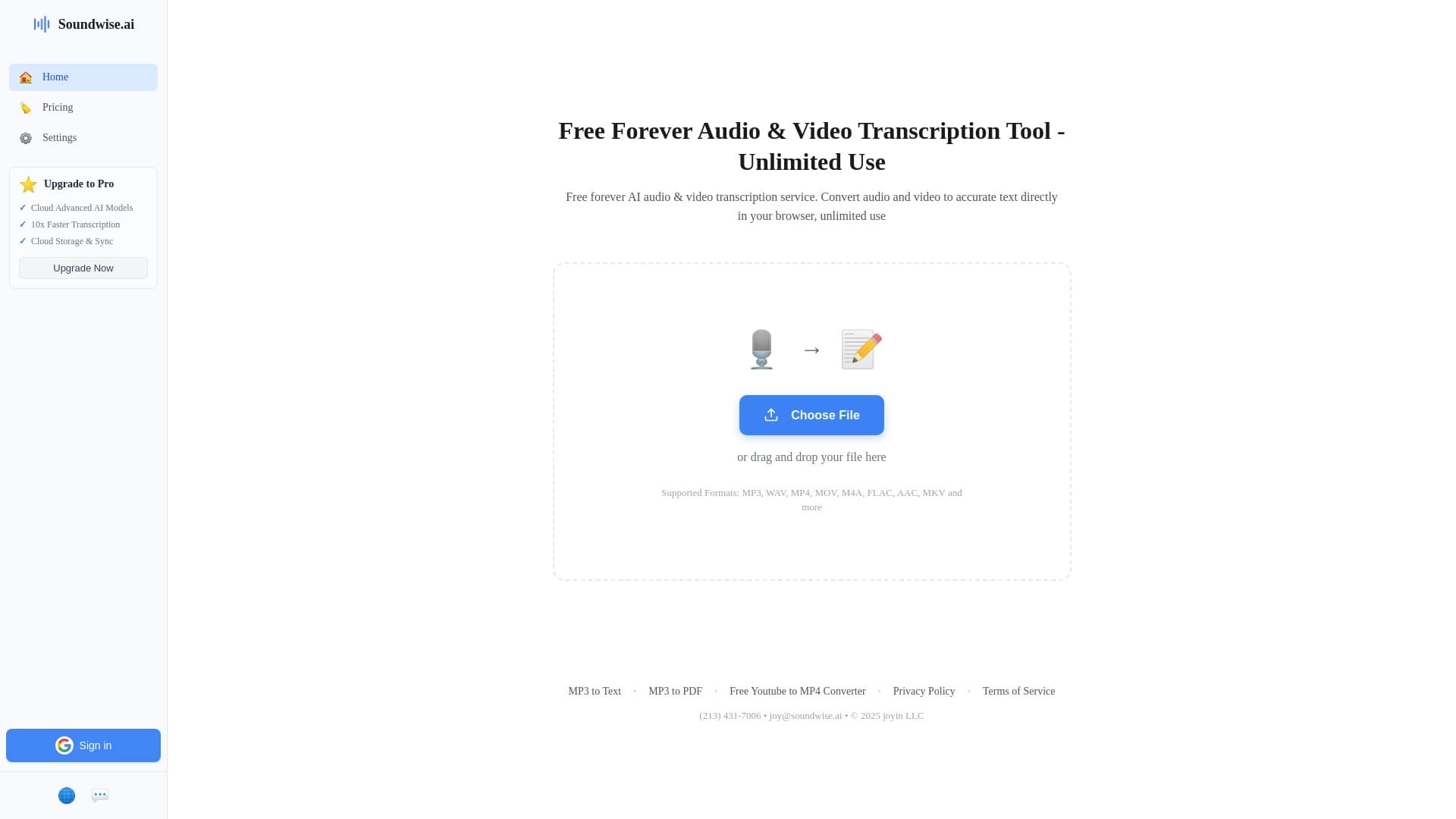

Un service en ligne pour transcrire audio et vidéo en texte directement dans le navigateur.

Plate-forme Cloud pour la création de vidéos utilisant des avatars AI, la synthèse de la parole et la traduction automatique de clips dans des dizaines de langues.
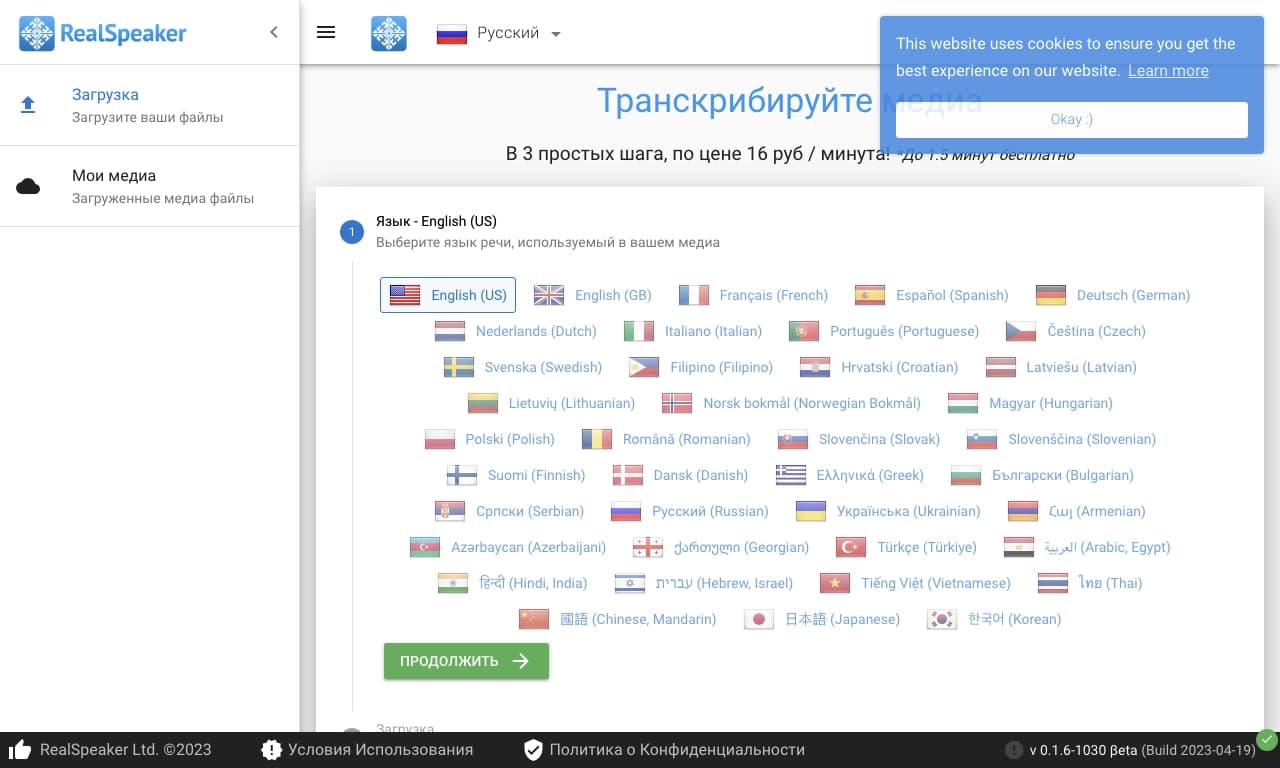
Une plateforme d'IA multilingue pour transcrire audio et vidéo en texte.
Un chatbot multilingue alimenté par GPT-4 et Gemini pour écrire des textes, analyser des données et résoudre des tâches.


Un service en ligne qui reconnaît le texte sur les pages manga et manhwa, le traduit dans différentes langues, et l'intègre dans l'image sans endommager l'œuvre originale.
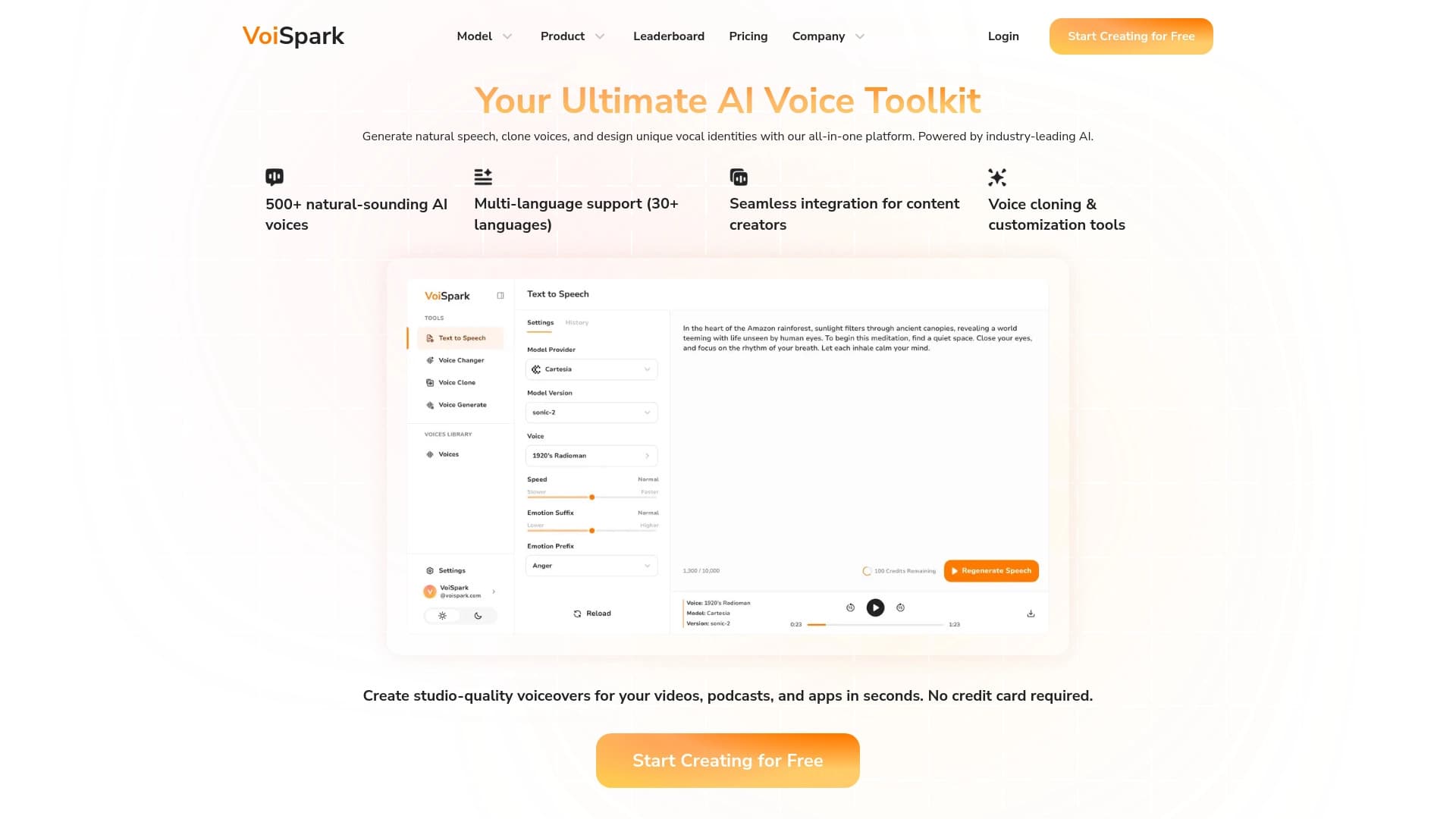
Outil en ligne basé sur la génération d'IA clonage et modifications vocales.
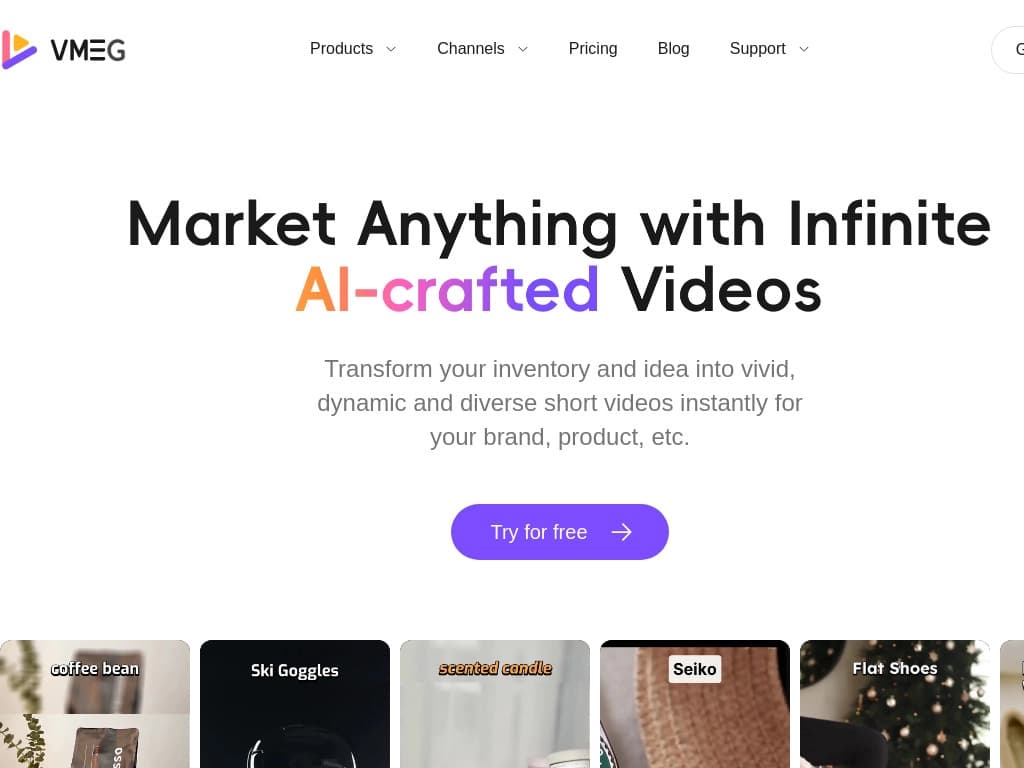
Service en ligne pour la traduction automatique et le doublage de vidéos différentes langues.

Plateforme d'IA multifonctionnelle pour la création de contenu, combinant synthèse vocale, génération de texte, création d'avatar et montage vidéo.