
ASKWay
ASKWay is a browser extension that adds a sidebar with GPT-4 features for working with any tab.

Overview
ASKWay Neural Network Description
ASKWay is a browser extension that embeds GPT-4 capabilities directly into the Chrome interface. The tool's core idea is to eliminate the need to switch between tabs and external services. Instead, a sidebar appears on the right where you can chat with the language model without leaving your current page.
The solution works as a personal assistant: you can highlight a text fragment on a website and ask the AI to translate, correct, or condense it. The panel is also suitable for searching information, generating ideas, writing code, and creating marketing materials. Installing the extension takes a couple of minutes, requires no registration, and is immediately ready to use.
ASKWay Features
| Feature | Value |
|---|---|
| Type | Browser extension |
| Category | Miscellaneous |
| Tags | #Browser extension |
| Developer | HONG KONG PEACH TECHNOLOGY LIMITED |
| Monthly visits | 388.9K |
| Free tier available | Yes (free) |
| Premium tier price | 499 RUB per month |
| Business tier price | 1499 RUB per month |
| Interface language | Not specified |
| Platforms | Browser (Chrome, via Chrome Web Store) |
Who is ASKWay suitable for?
Marketers and copywriters
ASKWay suits those who regularly work with texts: creating ads, social media posts, product descriptions, or articles. The sidebar lets you quickly draft, rewrite a paragraph in a different tone, or come up with a headline without interrupting your workflow.
Students and researchers
For students, the extension is useful for writing essays, term papers, and preparing for classes. You can instantly translate fragments of foreign-language articles, look up explanations of complex terms, or ask the AI to structure your notes.
Developers and technical specialists
The tool helps with writing small code snippets, finding errors, and explaining syntax. Developers don't need to leave the browser — everything happens within the context of the current tab.
How to use ASKWay?
Installing the extension
To get started, go to the Chrome Web Store and find the ASKWay extension. Installation takes a couple of minutes — no registrations, email confirmations, or account creation required. The extension becomes available in your browser right away.
Working with the sidebar
After installation, a panel for chatting with GPT-4 appears on the right side of the window. You can ask it questions, request rewrites of highlighted text, or generate new content. Responses appear instantly, right while you browse websites, so there's no need to switch to third-party services.
Key ASKWay features
Sidebar chat with GPT-4
The extension's key feature is a full-fledged dialogue with the language model. Users can ask follow-up questions, return to previous requests, and get detailed answers without leaving the current page.
Text processing and translation
ASKWay can fix spelling and grammar errors, edit wording, improve style, and translate text fragments into other languages. This is handy when reading foreign publications or corresponding with international colleagues.
Content generation and coding assistance
The tool is suitable for creating marketing texts, product descriptions, post ideas, and email newsletters. It also helps with programming: it can suggest syntax, write a small function, or explain someone else's code.
Search and PDF viewing
The extension includes advanced information search and PDF file viewing support. This lets you work with documents without opening separate applications.
ASKWay advantages
Full browser integration
The main benefit is not having to switch between websites and services. The AI is always at hand, saving time and keeping your workflow intact.
Speed and versatility
Responses appear instantly, and the functionality covers a wide range of tasks: from fixing typos and translating to generating texts and writing code. The extension is useful for both professionals and regular users.
Ease of getting started
ASKWay requires no registration or connection to ChatGPT/OpenAI. Install the extension — and you're ready to go, including on the free tier.
ASKWay drawbacks
Inaccurate answers
Like other tools based on language models, ASKWay sometimes produces outdated or unreliable data. The model can mix up facts, so critical information should be double-checked against official sources.
Internet requirement
The extension is fully dependent on the network — without an internet connection, it's useless. It's not suitable for offline work or unstable connections.
Data security concerns
All text you enter into the panel is sent to the cloud for processing. The developers do not recommend using ASKWay for sensitive or confidential information.
What tasks does ASKWay solve?
- Quick information search without switching between websites.
- Editing and improving texts: fixing errors, changing style, condensing or expanding paragraphs.
- Translating text fragments into different languages.
- Generating marketing materials: ad copy, descriptions, headlines.
- Programming assistance: writing code snippets, finding errors, analyzing other people's scripts.
ASKWay pricing
ASKWay offers three pricing plans. The first — free — includes core features without restrictions. The premium tier costs 499 RUB per month and unlocks access to GPT-4. For teams and corporate users, there's a business tier at 1499 RUB per month with additional options.
ASKWay terms of use
No registration is required to install the extension. Just go to the Chrome Web Store and add the extension to your browser. A separate ChatGPT/OpenAI registration is also unnecessary — the tool works right after installation, even without an OpenAI account.
ASKWay availability
ASKWay is available exclusively as a browser extension for Chrome and is installed via the Chrome Web Store. Exact information about supported interface languages and availability regions is not specified in the source data.
How ASKWay differs from alternatives
ASKWay stands out from other similar solutions due to its versatility and ease of entry. Unlike standalone web services that require switching tabs, this extension works within the context of the current page — you don't need to leave the site to get AI assistance. The lack of mandatory registration and the presence of a free tier make the tool accessible to a mass audience. At the same time, like direct competitors (Blureasy, Blumo AI, Chat Privacy Extension, and others), the main issues are potential inaccuracies in answers and the need for a constant internet connection.
Conclusion
ASKWay is a practical GPT-4-based browser extension that simplifies working with text, search, and code right while browsing. It removes the barrier of switching between websites, offers a free tier, and requires no registration. However, the tool depends on the internet, may produce inaccurate data, and is not suitable for processing confidential information. For everyday tasks — text editing, translations, quick references, and content generation — it's a convenient and easy-to-learn assistant.
Frequently asked questions
See also
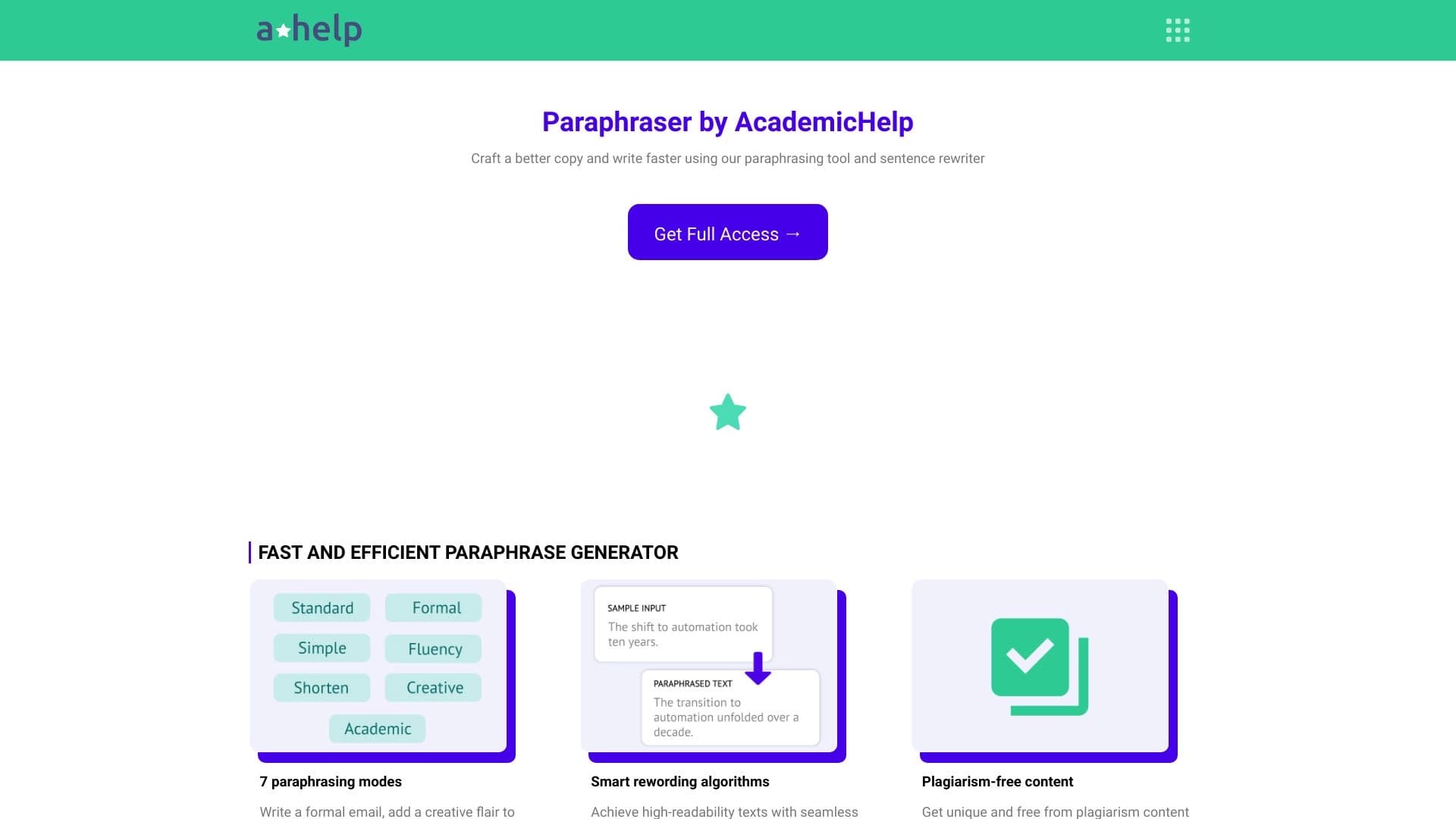

Online service for text paraphrasing with seven modes, helping you create unique content.


Platform for organizing live chat and communicating with website visitors, offering a free chat widget for customer support.
Online platform for creating interactive AI twins based on the user's biography, personality, and personal experience.
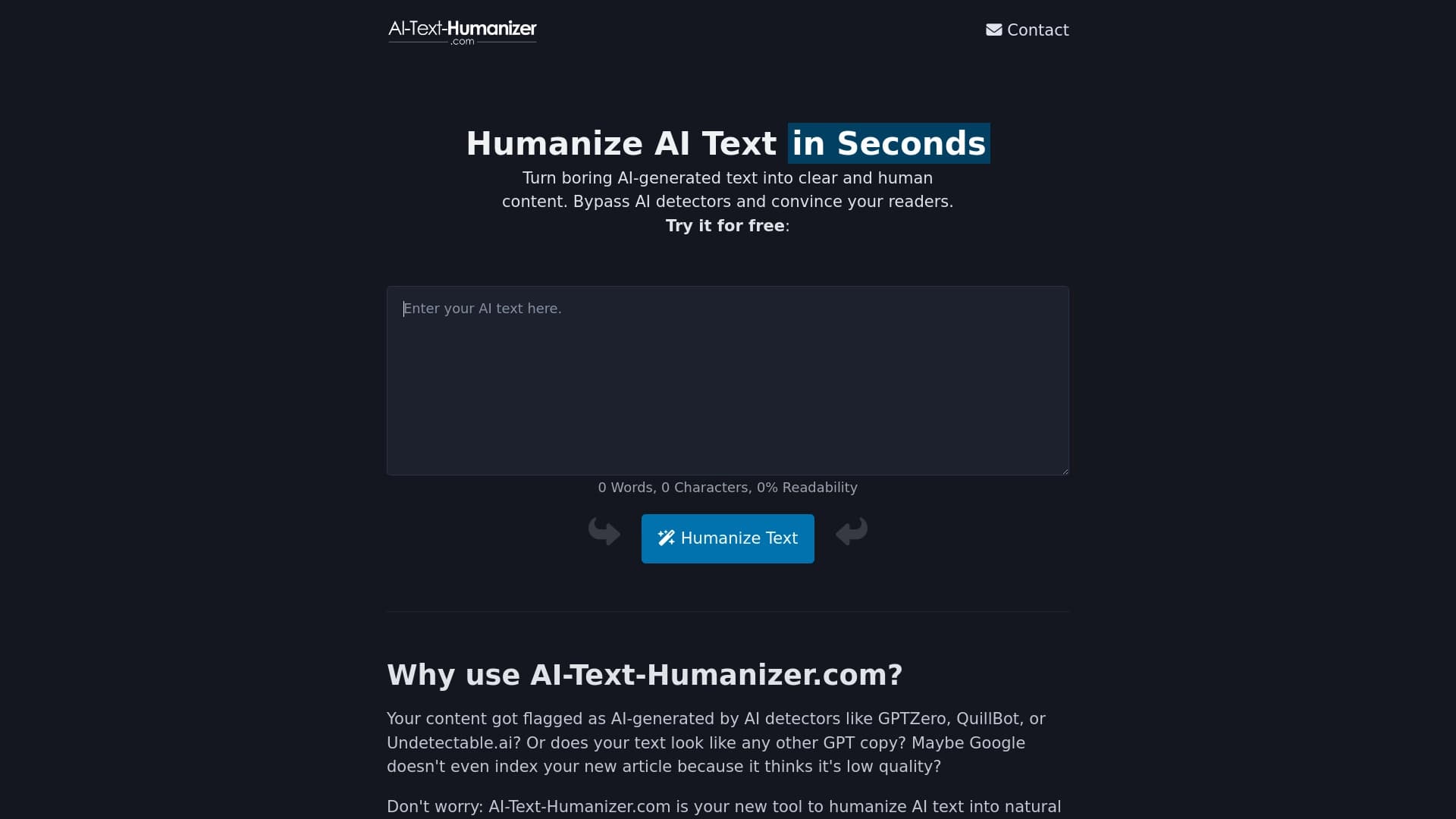
An online service that reworks text created by a neural network to make it sound natural and undetectable by AI detectors.
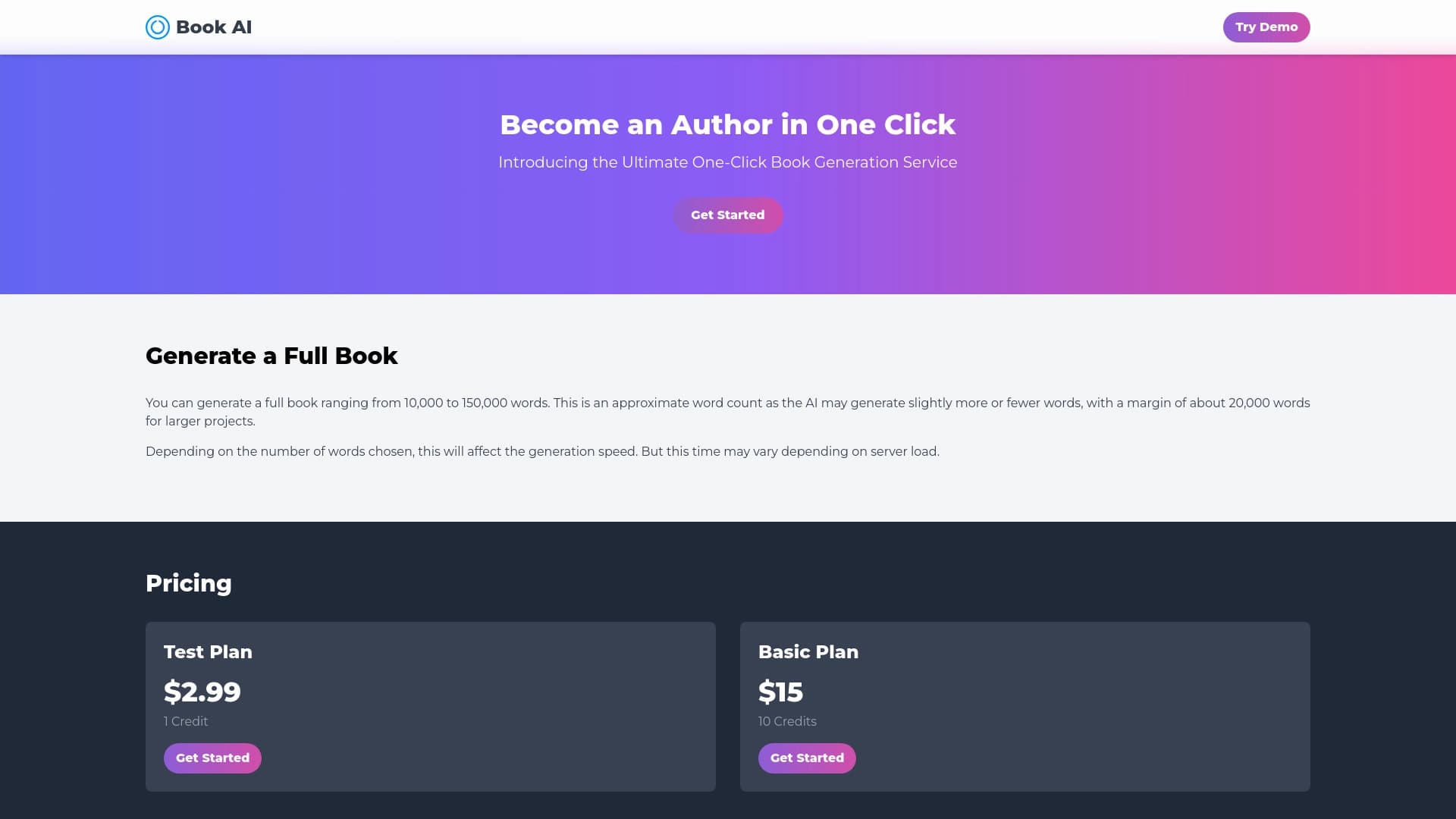

Online service for generating full book texts from a single request.

AI platform for creating text and visual content, oriented toward marketing tasks.

Diagram and chart generator from uploaded data based on a natural language text description.


Service for creating music track covers based on audio analysis.