
ASKWay - Chrome Extension
AI browser extension for working with text, search, and translation.
Overview
ASKWay AI Description - Chrome Extension
ASKWay is a browser extension for Google Chrome that integrates a sidebar powered by the GPT-4 language model into the browser. The tool's main goal is to eliminate the need to switch between tabs and external services when working with text, searching for information, or translating.
The panel opens with one click or a hotkey, after which a set of AI tools becomes available: analysis of selected text, translation, rewriting, content generation, and answering questions. The extension works not only with regular web pages but also with PDF files opened in the browser.
ASKWay uses a freemium model: a basic set of features is available for free, while more advanced scenarios and increased limits require a paid subscription.
ASKWay AI Characteristics - Chrome Extension
| Characteristic | Value |
|---|---|
| Type | Browser extension based on GPT-4 AI |
| Categories | Translation tools, text processing, intelligent search, chatbot creation |
| Platforms | Google Chrome (extension) |
| Free plan | Yes (with limitations) |
| Developer | ASKWay AI Solutions |
| Monthly visits | 388.9K |
| Publication date | November 7, 2025 |
Who is ASKWay AI - Chrome Extension suitable for?
ASKWay is designed for users who regularly work with textual information in the browser and want to automate routine operations.
Text-focused professionals
Copywriters, editors, translators, and marketers can use the extension for quick paraphrasing, shortening, translation, and generating draft versions of texts without leaving their working tab.
Researchers and students
Those who read a lot online or study PDF documents get a tool for instantly obtaining content summaries, translating unfamiliar passages, and finding answers to questions directly in the context of the material being viewed.
Users who value speed
The sidebar, invoked via hotkey, allows performing typical text and search operations without switching windows, saving time during intensive browser work.
How to use ASKWay AI - Chrome Extension?
Installation and first launch
To get started, install the extension from the Chrome catalog. After installation, the ASKWay icon will appear in the browser, and the sidebar itself is invoked with a keyboard shortcut: Cmd+i on Mac or Ctrl+i on Windows.
Working with text on a page
Simply select any text fragment on a website or in a PDF file, and the panel will offer available operations: translation, rewriting, shortening, analysis, or follow-up questions about the content. The processing result appears in the sidebar and can be copied or used further.
Main features of ASKWay AI - Chrome Extension
Sidebar chat and intelligent search
The extension includes a chat interface based on GPT-4 where you can ask questions and receive detailed answers. The built-in smart search delivers meaningful results with explanations rather than just a list of links like a typical search engine results page.
Text and PDF processing
ASKWay allows translating, rewriting, shortening, and generating texts of any length. Thanks to PDF support, users can process the contents of documents opened in the browser just as fully as regular web pages.
Internet access
Unlike many isolated AI tools, the extension has network access, allowing it to retrieve up-to-date information during searches and question answering, without being limited to static model data.
Advantages of ASKWay AI - Chrome Extension
Unified workspace
All key operations — search, translation, editing, chatbot communication — are concentrated in a single sidebar available on any page. This eliminates the need to keep multiple services open and switch between tabs.
Quick access and convenience
Instant access via keyboard shortcut (Cmd+i / Ctrl+i) and contextual processing of selected text make the workflow intuitive. Meaningful search answers save time on analyzing results.
Broad text processing capabilities
Translation, rewriting, shortening, and content generation are available in one place. Users can choose the appropriate processing format for a specific task without needing to use different applications.
Disadvantages of ASKWay AI - Chrome Extension
Language limitations
The extension may work inaccurately with rare languages: translation may be missing or contain errors, which reduces the tool's versatility.
Internet dependency
ASKWay requires a stable network connection to work — offline mode and result caching are not provided.
Free plan limitations
A significant portion of features and increased limits is only available via paid subscription. The free version is suitable for basic tasks but has restrictions on the number of requests.
What tasks does ASKWay AI - Chrome Extension solve?
Getting smart answers during search
Users can enter queries in the sidebar and receive structured, substantive answers that can be used immediately without navigating to third-party sites.
Translation and text processing on websites or in PDFs
The extension handles content localization, style adaptation for specific tasks (e.g., formal or conversational tone), shortening lengthy materials, and creating new text based on selected fragments.
ASKWay AI - Chrome Extension pricing
Free plan
Provides access to the extension's core features but with a limit on the number of requests. Suitable for getting familiar with the tool and performing occasional tasks.
Standard plan
Expands capabilities: increases request limits and unlocks access to additional text processing features.
Premium plan
Removes restrictions on using all features, provides unlimited access to tools, and priority user support.
Terms of use for ASKWay AI - Chrome Extension
To get started, install the extension in the Google Chrome browser. The free version includes a limit on the number of requests, and removing these restrictions requires subscribing to one of the paid plans. Detailed information about permitted usage scenarios and the privacy policy is available on the extension's page.
Availability of ASKWay AI - Chrome Extension
ASKWay is distributed as an extension for Google Chrome. A constant internet connection is required to use it. The extension's page contains no information about regional restrictions or the need for a VPN, suggesting the service is available to most users regardless of their geographic location.
How ASKWay AI - Chrome Extension differs from alternatives
The main difference between ASKWay and similar solutions (e.g., Botmother, Aimylogic, SaleBot, Botpress, Botsify) lies in its format as a narrowly specialized browser extension focused on contextual text work. Most of the listed competitors are platforms for creating chatbots and automating communications, whereas ASKWay is a personal AI assistant embedded directly in the browser.
The extension's key feature is deep interaction with the current page's content: users select text and instantly get its translation, rework, or analysis without leaving the page or moving data to external services. This makes ASKWay more convenient for targeted, everyday text processing and information search tasks than full-featured bot-building platforms.
Conclusion
ASKWay is a practical Chrome extension based on GPT-4 that concentrates search, translation, text work, and a chat interface in a single sidebar. It will appeal to users looking to speed up everyday text operations in the browser, especially when working with web pages and PDFs. At the same time, limitations should be considered: incomplete support for rare languages, the requirement for a constant internet connection, and the need for a paid subscription for full access to functionality.
Pricing
Frequently asked questions
See also


Russian-language GPT-based AI chatbot for information retrieval and text generation.

A platform for conversations with AI characters, including pre-made and user-created ones.

AI agent for automating routine browser actions, such as filling out forms and collecting data.


AI-based service for automatic generation of text content in various formats.

AI assistant for automating retail tasks and optimizing call center operations.


A tool for automated SEO content creation with keyword research and long-form text generation.
Catalog of free video editors without watermarks for creating and editing videos.
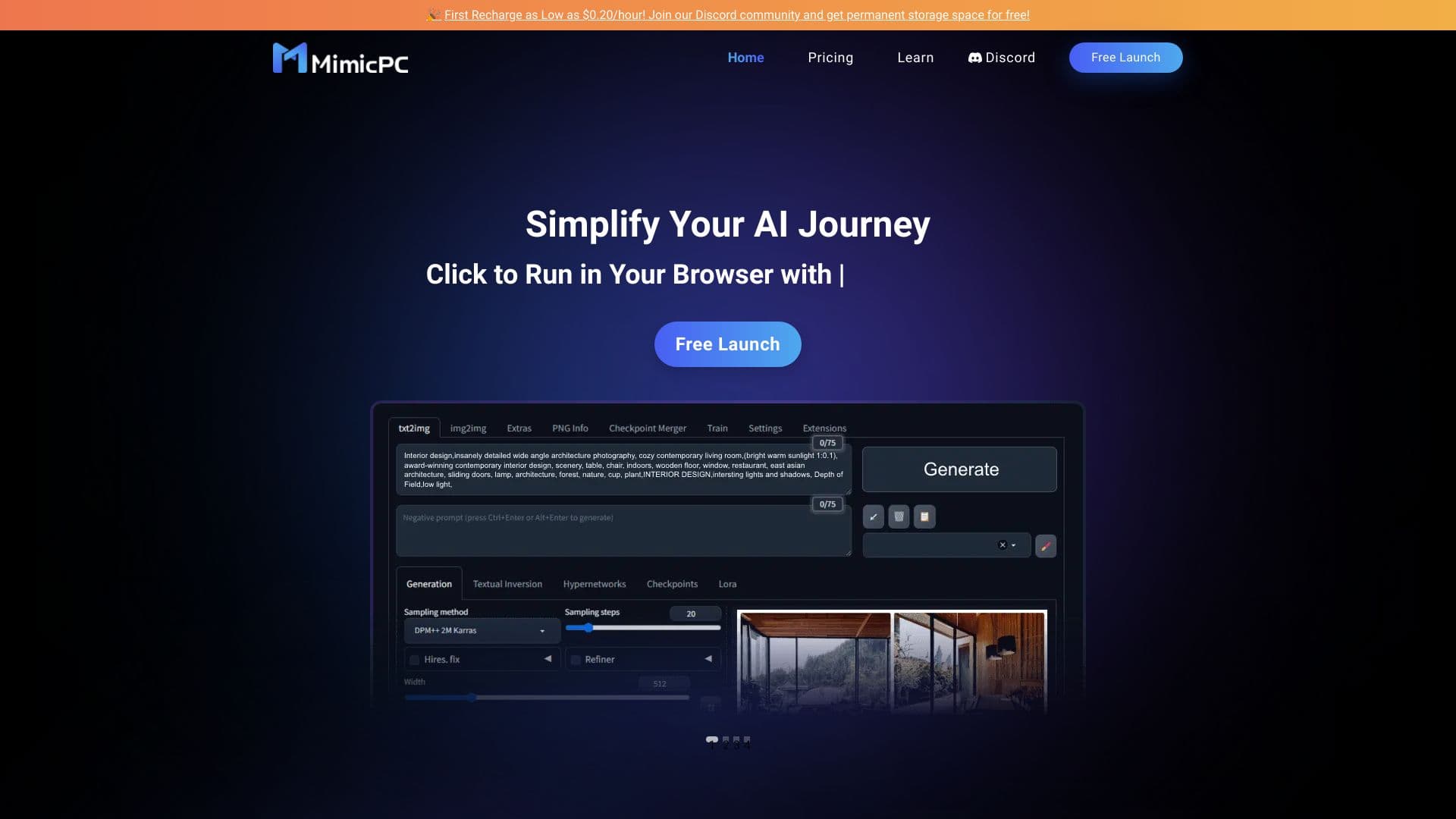
Cloud platform for launching AI applications directly in the browser without installation.