
ArtAny Image to Video AI
Service for turning still images into short animated videos using AI.

Overview
ArtAny Image to Video AI is a specialized online service that turns still images into short animated video clips. Instead of manually creating motion in a video editor, users simply upload a picture and describe in words what should happen in the frame. The neural network independently generates smooth transitions, object movement, and overall narrative dynamics.
How the service works
The workflow is built on a simple scheme: an image is fed into the neural network along with a text instruction (prompt). The model analyzes the frame's content and interprets the description, creating a sequence of frames based on it. The result is a short video clip that preserves the original composition while adding motion to it.
Sequence animation capability
In addition to single images, the service can work with pairs of pictures. By uploading the first and last frame of a future clip, users can ask the neural network to fill in the intermediate frames. This makes it possible to create smooth morphings and transitions between two different visual states.
ArtAny Image to Video AI Features
| Feature | Value |
|---|---|
| Type | AI tool for animating images into video |
| Categories | Image to Video, Video Generation |
| Website | artany.ai |
| Work format | Online service, no software installation required |
| Technology foundation | Wan AI 2.2 model (Variational Autoencoders and Diffusion Transformers) |
| Key feature | Video generation from one or two images based on a text description |
Who is ArtAny Image to Video AI suitable for?
The tool is aimed at professionals who regularly work with visual content and need to quickly create dynamic materials.
Designers and creators
For designers, the service opens up the possibility of quickly bringing concept art, mockups, and drafts to life. Instead of a static presentation of an idea, you can show a client a short animated clip demonstrating what a future product or scene will look like.
SMM specialists and marketers
Content for social media requires constant variety. ArtAny allows you to turn ordinary photos and banners into stories and promo clips without hiring a video editor, saving time and resources.
Content makers and authors
Blog and channel authors can use the service to create transitions between frames or bring illustrations for their materials to life. This is especially useful when creating videos based on static images.
How to use ArtAny Image to Video AI?
The process of working with the service is fairly straightforward and requires no special video editing skills.
Preparing and uploading an image
The first step is uploading the source image to the service. This can be a single picture for animation or two pictures for creating intermediate frames. It's important that the source image is of sufficient quality, as this directly affects the final result.
Configuring generation parameters
After uploading, you need to set a text prompt — a description of what motion or changes should occur in the frame. At this same stage, the user configures the duration of the future clip, resolution, and the degree of "smart expansion" of the frame — a parameter that determines how far the neural network can go beyond the boundaries of the original image.
Launching generation
Once all parameters are set, all that remains is to press the start button and wait for the animation generation to complete. The service handles all the computational work, and the user receives a finished video clip that can be immediately used in their projects.
Key features of ArtAny Image to Video AI
The service's functionality is focused on solving specific image animation tasks.
Turning static images into animation
The basic scenario is uploading a single picture and getting a short animated clip with one click. The text description allows you to control the nature of the motion.
Generating intermediate frames
The service can create a smooth transition between two uploaded images. This feature is convenient for creating complex transitions in stories or video clips.
Flexible output settings
Users can control the duration of the generated video, choose the resolution, and adjust the degree of frame expansion, providing a certain level of control over the final result.
Safety module
The service includes a content safety check module that filters potentially undesirable images and descriptions.
Advantages of ArtAny Image to Video AI
The tool offers a number of practical advantages for those who regularly create visual content.
Speed of results
Instead of spending hours in a video editor, users get finished animation in a short time. This is critical for marketing tasks with tight deadlines.
No editing required
The service fully automates the animation process. No knowledge of keyframe setup, timeline work, or applying effects is required from the user.
Versatility of use
The resulting clips are suitable for a wide range of purposes: stories, promo materials, concept art, idea visualization, and testing advertising creatives.
Disadvantages of ArtAny Image to Video AI
Like any other AI tool, the service has certain limitations worth considering.
Unpredictable results
Despite the quality of generation, the neural network does not always interpret the text description with perfect accuracy. The result may differ from what was intended, requiring several generation iterations to achieve the desired effect.
Limited video length
The service is focused on creating short clips. It is likely not suitable for producing full-length long-form video content.
Lack of pricing information
At present, detailed information about pricing policy and available subscription plans is not provided in public sources.
What tasks does ArtAny Image to Video AI solve?
The main purpose of the service is to automate the process of creating animation from static images.
Creating animated content for social media
Quickly turning photos and graphics into dynamic stories and posts. This is especially relevant for brands that maintain active accounts on Instagram and other visual platforms.
Preparing materials for presentations
Animated images look more impressive in presentations than static slides. The service allows you to add dynamics to slides without resorting to complex tools.
Accelerating creators' workflows
The generation speed and visual variety allow creators and marketers to produce and test different content variations faster, positively impacting overall productivity.
Idea visualization
The tool helps quickly form a clear picture of how a particular concept might look in motion, which is useful when discussing ideas with a client or team.
ArtAny Image to Video AI Pricing
Current information about prices and subscription plans for ArtAny Image to Video AI is not disclosed in available sources. The official website of the service likely presents terms of use; however, details on cost and service packages are only available upon direct visit to the resource. Users interested in commercial use are advised to visit artany.ai themselves to get up-to-date information on pricing.
Terms of Use for ArtAny Image to Video AI
Detailed terms of use for the service are not published in open access within the available data. It is only known that the service includes a content safety check module, indicating the presence of certain moderation of uploaded images and text queries. Presumably, standard terms of use include a prohibition on creating unlawful or harmful content, but the exact wording and rules are available directly on the service's website.
Availability of ArtAny Image to Video AI
The service is fully accessible via a web browser on the official website artany.ai. No special software installation on a computer is required to work with the tool. As it is a cloud service, it is available on any device with internet access and a modern browser. No geographic availability restrictions follow from the available sources.
How ArtAny Image to Video AI differs from alternatives
The main difference of ArtAny Image to Video AI lies in its specialization in the "image to video" task. While many other video generation models focus primarily on creating clips from text descriptions, ArtAny prioritizes animating already existing static frames.
Built-in sequence processing
The ability to upload two images for generating intermediate frames is a non-standard feature. It sets the service apart from tools that work only with a single image or only with text.
Level of parameter control
Adjusting duration, resolution, and frame expansion degree gives the user more control over the result than many simple animation tools that operate as a "black box."
Use of the modern Wan AI 2.2 model
The service's technological foundation is the advanced Wan AI 2.2 model, built on the architecture of Variational Autoencoders and Diffusion Transformers. This ensures high generation quality and the ability to create complex visual effects, competing with larger and more well-known platforms.
Conclusion
ArtAny Image to Video AI is a practical tool for quickly animating images, useful for designers, marketers, SMM specialists, and anyone who regularly creates visual content. The service allows you to turn a static picture into a short dynamic clip in one click, following a text description, and also supports creating smooth transitions between two images. Thanks to its intuitive interface and process automation, ArtAny helps significantly speed up content preparation for social media, presentations, and advertising tests without the need for complex video editing tools.
Frequently asked questions
See also

A multimedia AI toolkit for editing and enhancing photos, videos, and PDF documents.
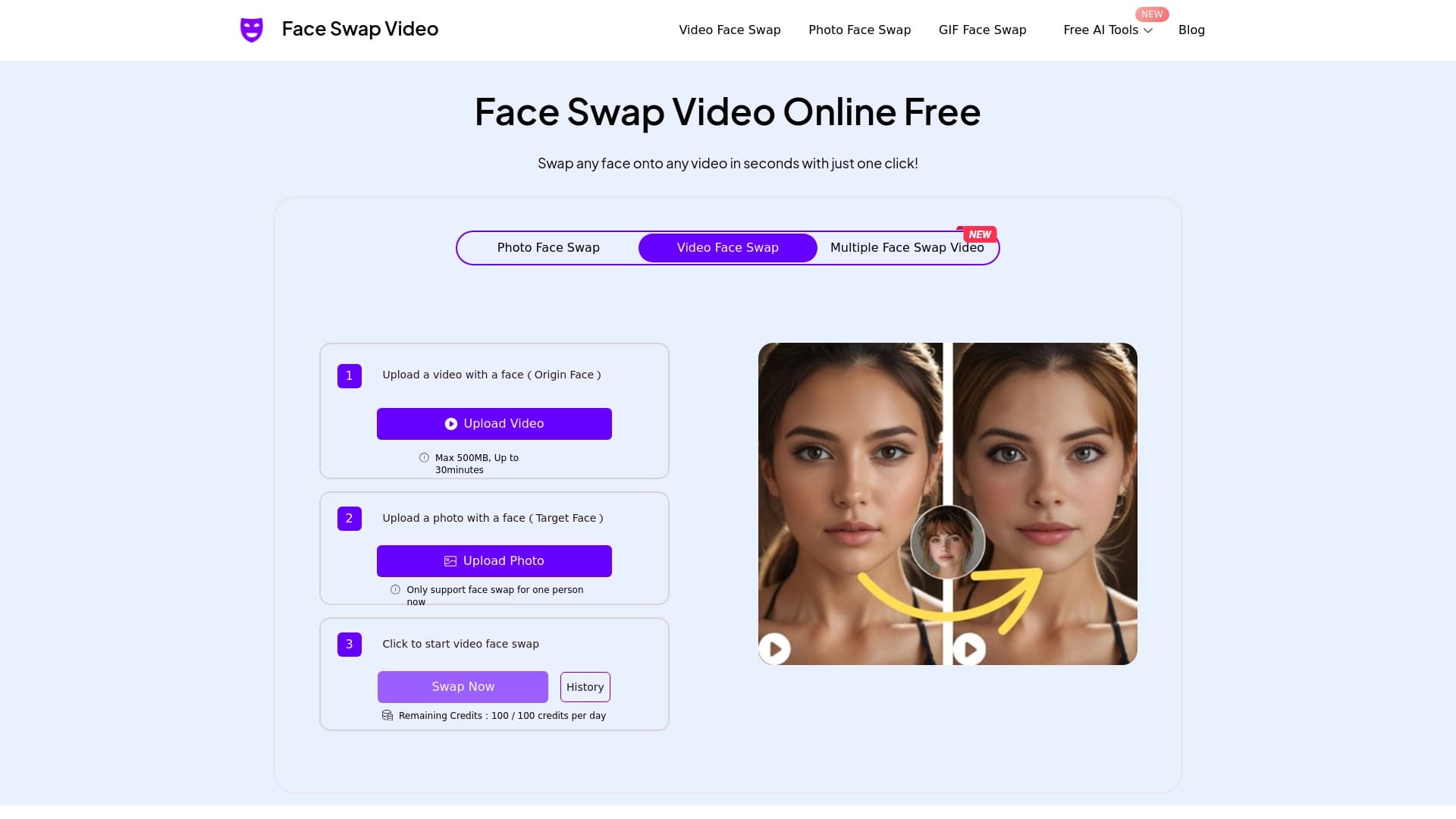

Online tool for fast and realistic face replacement in videos.

Multifunctional AI platform for content creation, combining speech synthesis, text generation, avatar creation, and video editing.
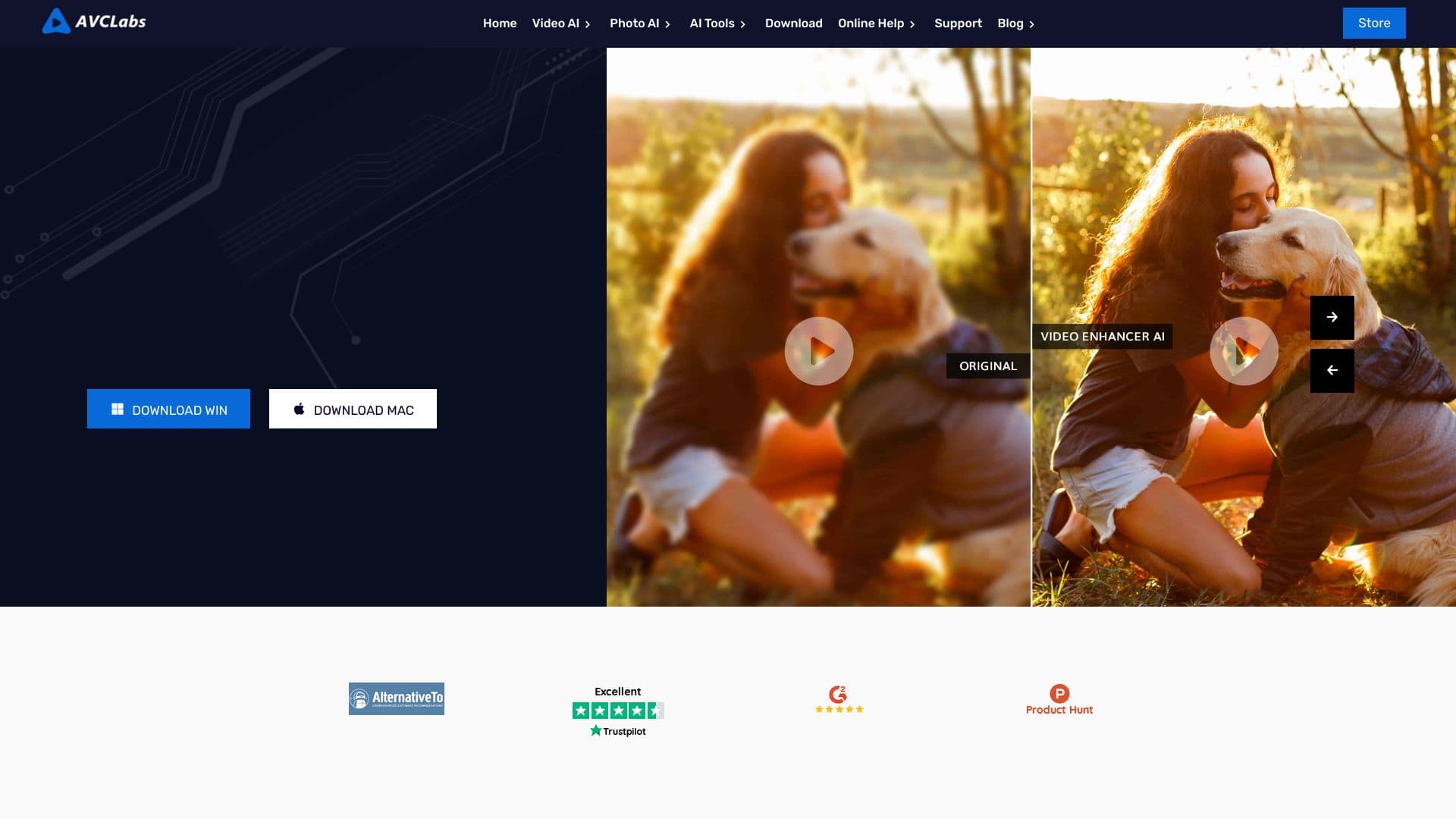

Desktop application for Windows that upscales video resolution to 4K/8K and enhances the quality of old recordings using AI.

Cabina AI is a unified platform for working with various generative neural networks, enabling you to create texts, images, and videos.


AI toolkit for video generation and editing, including avatars, lip-sync, and voice cloning.

Cloud platform for creating videos using AI avatars, synthesized speech, and automatic translation of clips into dozens of languages.


Online AI tool for creating deepfakes and editing images.