
Archsense
Archsense automatically builds software architecture diagrams based on code.

Overview
Archsense Neural Network Description
Archsense is a neural network designed for automatic visualization of software architecture. The tool analyzes a project's source code and builds clear diagrams based on it, showing the system's structure, relationships between modules, and event flows. The main value of the service is that it frees developers from manually creating and updating architecture diagrams — everything is built automatically and always matches the current state of the code.
In addition to building diagrams, Archsense helps ensure that the actual architecture matches the planned one. The system tracks changes in the codebase, compares new versions against the approved plan, and instantly flags any discrepancies. This simplifies team communication, speeds up the review process, and helps identify deviations from architectural standards early in development.
Archsense Features
| Feature | Value |
|---|---|
| Type | Neural network for software architecture visualization |
| Categories | Code explanation tools, diagram generators, AI developer documentation services, AI development tools, programming assistants |
| Platform | Website |
| Developer | Archsense, Inc. |
| Free tier | Yes (basic functionality) |
| Monthly visits | 27.3K |
| Publication date on site | September 23, 2025 |
Who is Archsense for?
Developers
Archsense is useful for programmers working with large and complex codebases. The tool makes it easy to understand even an unfamiliar project: just connect the neural network to the CI system, and it will build a clear diagram that shows which modules exist and how they relate to each other.
Architects and technical leads
For software architects and team leads, the service becomes a control tool. It can be used to verify that the actual implementation matches the approved architecture, track deviations, and make informed decisions about refactoring or system evolution. Clear diagrams also simplify communication: discussing changes is easier when the whole team sees a unified visual picture.
How to use Archsense?
Connecting to a CI system
The first step is integrating Archsense with the project's continuous integration (CI) system. Once connected, the neural network automatically analyzes the source code with every repository update. This is a key requirement for the service: it needs constant access to the current version of the codebase.
Working with architecture in the interface
After Archsense builds the project diagram, you can make changes to the architecture in the interface: add new features, link them to existing services, submit changes for review, and get feedback from colleagues. All edits are discussed directly in the context of the visual diagram, making the approval process significantly faster.
Tracking changes
Archsense continuously monitors the state of the code and compares it against the architecture plan. If proposed changes conflict with the actual code, the system reports it immediately. This helps catch inconsistencies early, before bugs or architectural issues surface in production.
Key Archsense Features
Automatic architecture diagram generation
The neural network independently analyzes source code and generates visual diagrams of the project structure. Manual work on creating and updating diagrams is completely eliminated — diagrams always match the current state of the code.
Displaying dependencies and events
The service shows relationships between modules and the events they exchange. This provides a complete picture of how the system is organized and which components affect each other.
Interactive editing and discussion
Users can make changes to the architecture directly in the interface, link new elements to existing ones, submit edits for review, and receive comments from the team. The entire discussion process happens in a single visual space.
Feedback on inconsistencies
Archsense automatically compares proposed changes against the actual code and instantly notifies about conflicts. This helps prevent deviations from architectural standards and saves time on error hunting.
Archsense Advantages
One of Archsense's main strengths is the full automation of diagram generation. The project architecture is visualized on its own, without manual work, saving significant time and eliminating the risk of outdated diagrams. The team always sees the current state of the system.
The service noticeably simplifies teamwork. A unified visual representation of the architecture helps synchronize understanding of the system across all project participants and reduces time spent on approvals. Finally, instant feedback on mismatches between proposed changes and actual code helps identify problems early and avoid costly fixes down the road.
Archsense Limitations
Integrating the tool into an existing project can be a non-trivial task. Setup and configuration take time, and team members need training to work with the service effectively. With poorly documented or sloppily written code, the visualization may contain errors or be incomplete, reducing the value of the generated diagrams.
In addition, Archsense offers limited diagram display options. If a project needs non-standard or exotic diagram types, the built-in capabilities may not be enough, and you'll need to look for additional tools to create them.
What problems does Archsense solve?
The tool helps quickly understand the structure of a complex system and the relationships between modules — this is especially valuable when working with unfamiliar or legacy code. Instead of spending a long time studying source files, you can simply look at the automatically generated diagram to get a general understanding of the project structure.
Archsense also addresses the challenge of ensuring the actual implementation matches the intended architecture. The system compares the state of the code against the plan and identifies deviations early, helping maintain the project's architectural integrity. Finally, thanks to clear diagrams, discussing changes within the team becomes easier and more productive.
Archsense Pricing
Archsense offers three pricing plans. The free plan includes basic functionality and is available to everyone. The starter plan provides expanded analysis and integration features. The professional plan is designed for teams: it includes collaborative support and advanced reporting.
Archsense Terms of Use
Exact terms of use, including limits on the number of projects, users, or the volume of analyzed code per plan, are not specified in the source data. Detailed service terms are likely available on the official website. For complete information about rules and restrictions, it is recommended to consult the Archsense documentation.
Archsense Availability
Archsense is available as a web service at archsense.dev. A browser and internet connection are required. Information about supported interface languages and regions where the service is available is not provided in the source data.
How Archsense differs from alternatives
The key difference between Archsense and tools like GitHub Copilot, Tabnine, or Replit lies in its specialization. Most popular AI coding tools focus on code generation, autocompletion, or bug detection. Archsense, on the other hand, solves a fundamentally different problem — visualizing architecture and ensuring it matches the plan.
The closest analogues in the traditional sense are tools like AskCodi or Cursor AI, but they too focus on helping write code. Archsense occupies its own niche: it doesn't suggest how to write code, but shows how the system is organized as a whole. This makes it a valuable complement to a developer's core tools, not a replacement for them.
Conclusion
Archsense is a specialized tool for automatically generating software architecture diagrams. It is useful for developers and architects working on complex systems, helping them quickly understand project structure, verify that the implementation matches the intended architecture, and simplify team collaboration. At the same time, the service requires clean code and time for integration, and has limitations on diagram customization. Overall, Archsense solves an important problem that previously fell almost entirely on developers' shoulders, and it does so quite effectively.
Frequently asked questions
See also


Aggregator platform that brings together various AI tools and language models with pay-as-you-go pricing.


Platform for creating multi-agent AI systems and chatbots to automate customer support and lead generation.
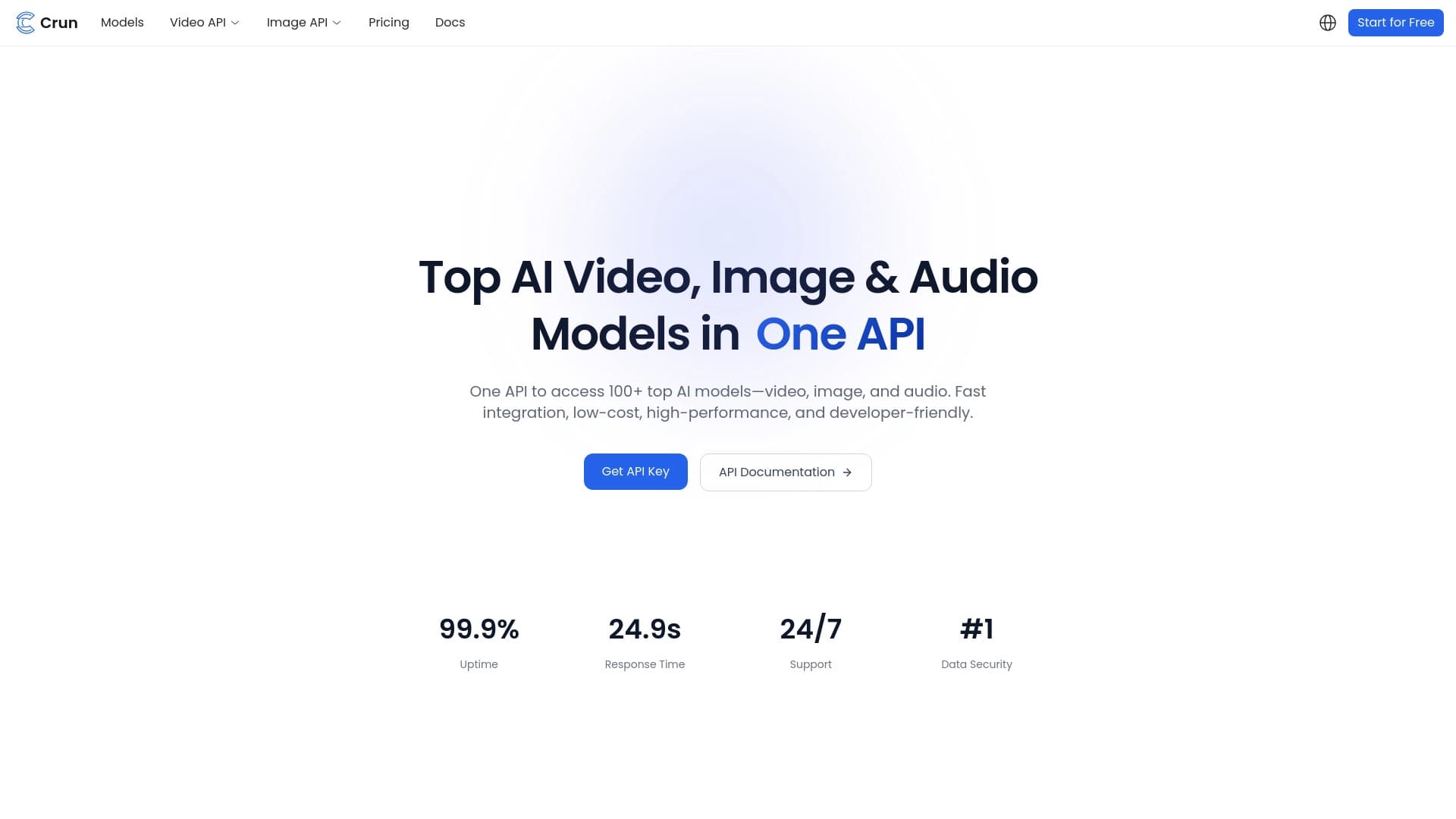
Unified API for accessing over 100 popular AI models for developers.

Online service for creating a realistic voice clone from a short audio recording and text-to-speech.

Anakin.ai is a low-code platform that combines various AI models for content creation and workflow automation without coding.
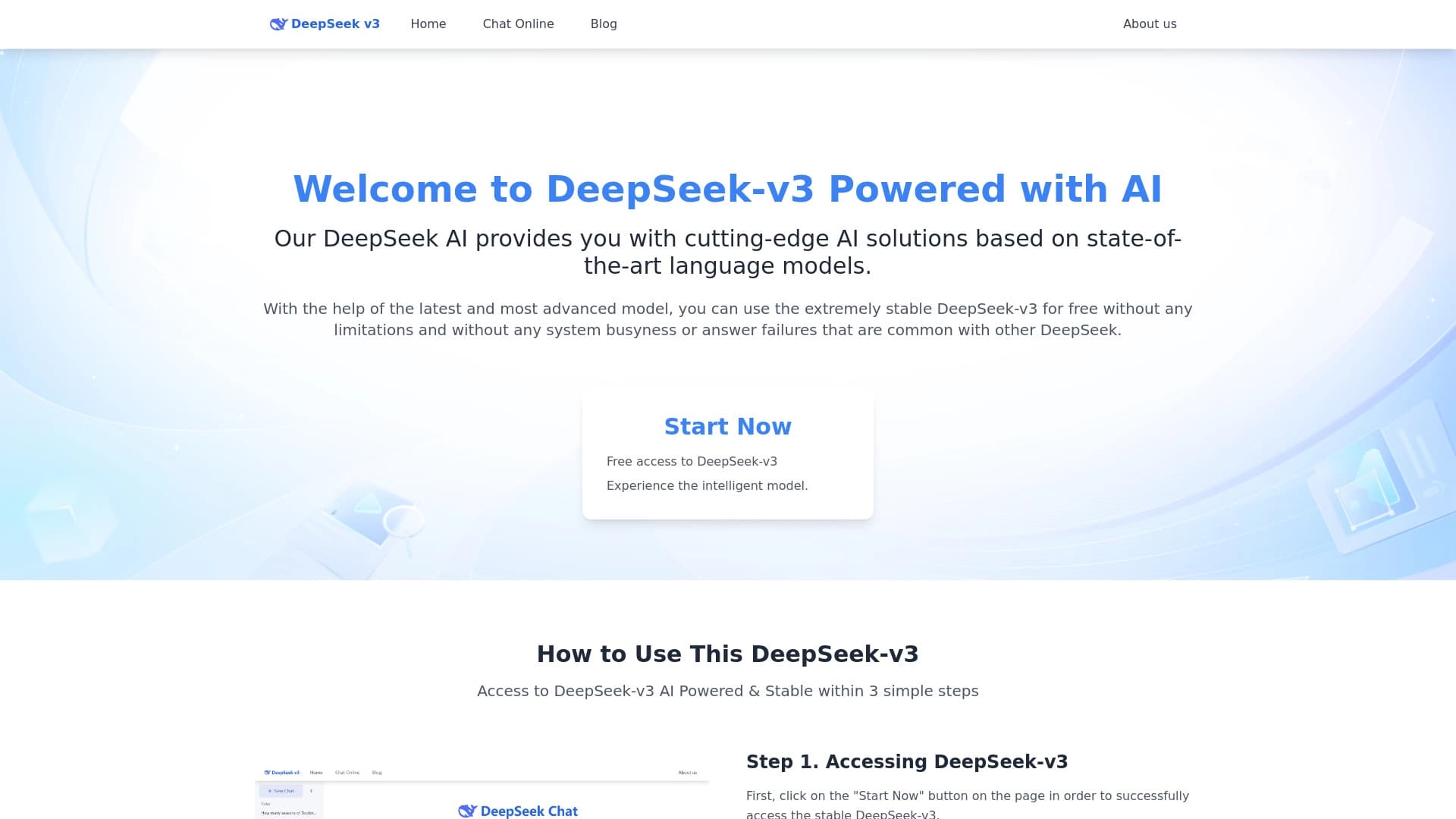
Free open-source language model specializing in reasoning, mathematics, and programming.


Chrome extension that helps manage tabs, history, and bookmarks with an AI assistant.


Project management platform with task assignment, time tracking, and employee workload monitoring features.