

AppSlap
AI-powered service for quickly creating mobile interface prototypes from text descriptions.
Overview
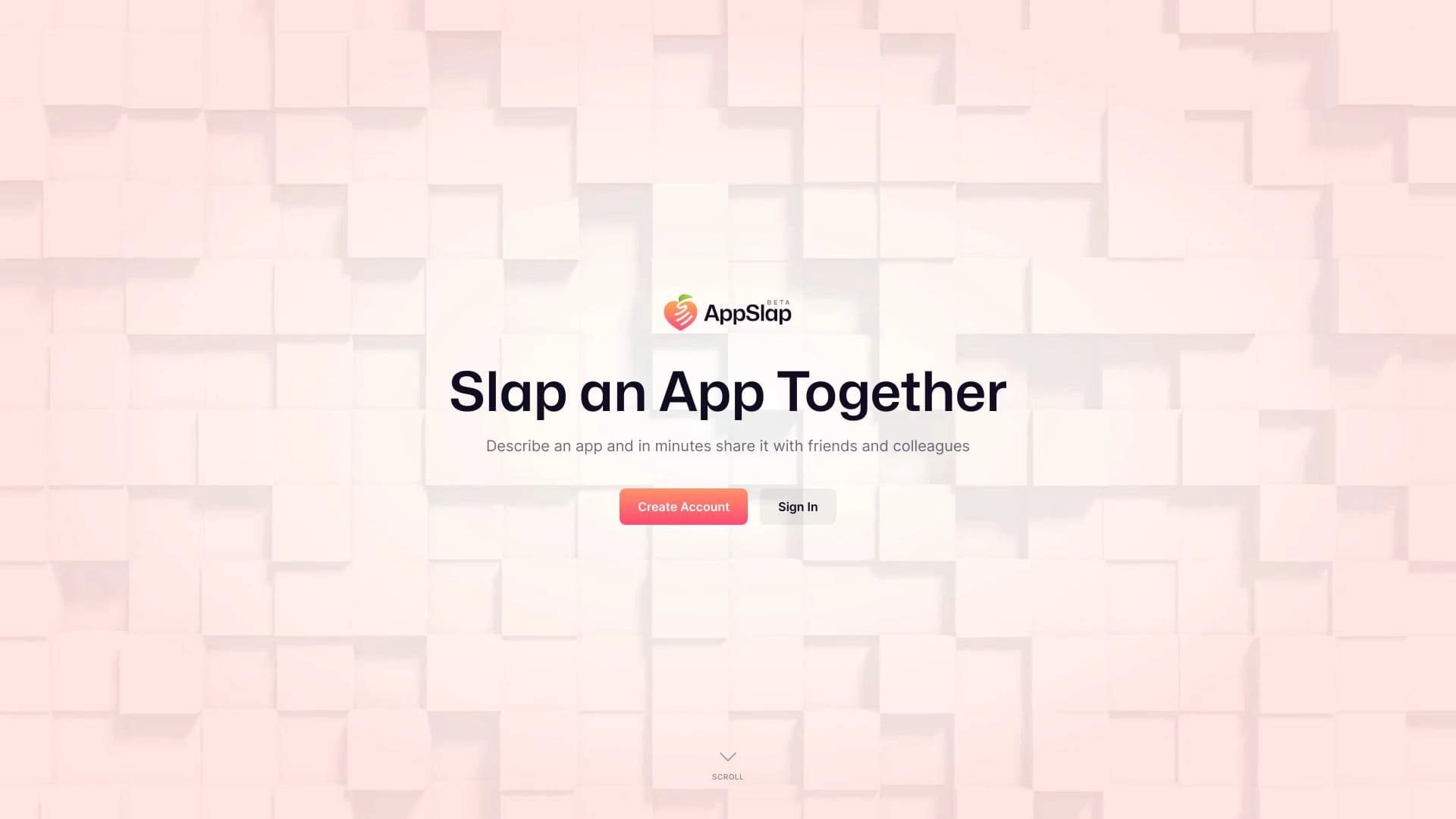
AppSlap is an online platform that uses generative algorithms to create visual prototypes of mobile applications. The core idea of the service is simple: the user describes in words what app they want, and the neural network responds by generating a ready-made interface layout. This approach reduces the time from defining the task to the first working prototype to just a few minutes. The service is designed to remove technical barriers in development, allowing users to focus on the idea and its visual realization. The result can be viewed as a draft version of the interface that is easy to refine: rearrange elements, choose colors, and adjust details for specific needs. The finished prototype can be easily shared with a team, clients, or friends — just send a link to the project.
AppSlap Features
| Feature | Value |
|---|---|
| Type | Design generators, Digital art generators |
| Developer | Multiverse LLC |
| Monthly visits | 102.5K |
| Free plan | Yes (access to basic features) |
| Paid plans pricing | Starter — from 399 RUB/month, Premium — from 999 RUB/month |
| Primary purpose | Rapid creation of interface prototypes from text descriptions |
Who is AppSlap suitable for?
Beginners and non-programmers
AppSlap is a solution for those who have no background in programming or design. To get the first layout, there is no need to learn complex tools or write code. The whole process comes down to formulating an idea and describing it to the neural network. This allows people without a technical background to visualize their app concepts.
Experienced developers and designers
Professionals can also benefit from using AppSlap. For them, the service acts as an accelerator at the initial stage of work. Instead of drawing rough sketches by hand, a developer gets a basic prototype in minutes. This makes it possible to quickly test several ideas and focus on refining details rather than building a framework from scratch.
Teams and presentations
The platform is well-suited for collaboration. Since a finished project can be easily shared via a link, it is convenient for internal alignment of ideas within a team. In addition, AppSlap is useful for entrepreneurs and startup founders who need to quickly demonstrate their product concept to potential investors or clients without lengthy preparation or investing in full-scale development.
How to use AppSlap?
Step 1: Describe your idea
The initial stage is the most important. The user needs to formulate as precisely as possible what app they want to create. You can specify the purpose, style, mood, and key elements. The quality of the final layout directly depends on the quality of this description. The more detailed and specific the request, the better the neural network will understand the task.
Step 2: Get the result
After entering the description, the neural network launches the generation process. The system processes the request and, within a short time (literally a few minutes), creates a modern interface. The user does not need to click many buttons or figure out settings — the result appears automatically.
Step 3: Edit and share
The resulting layout is not a static image. The interface can be edited: move elements, change the color scheme, add or remove details. This allows the result to be adapted to your needs. Once the prototype is ready, it can be saved and a link sent to colleagues, friends, or clients for feedback.
Key features of AppSlap
Text-to-interface generation
AppSlap's key capability is turning a text description into a ready-made visual layout. The feature is powered by a neural network that processes the request and offers a design solution matching the requested style and structure. This makes the prototyping process extremely fast and requires no special skills.
A platform for rapid app creation
AppSlap is positioned not just as an image generator, but as a full-fledged platform for assembling the visual part of an app. It provides tools for creating a turnkey interface at the initial stage. The user gets not just an abstract image, but a working layout with the main functional blocks arranged, which can be used as a foundation.
Flexible element customization
The generated prototype is not a final product. The platform allows detailed refinement of the layout by changing the properties of individual elements. This makes it possible to fix inaccuracies that arise after the initial generation and adapt the interface for specific tasks or a brand.
AppSlap advantages
Unique interfaces tailored to the user's style
The service allows moving away from standard solutions. When describing their idea, the user can indicate preferences in style, colors, or atmosphere. The neural network takes this into account and generates a layout that tries to match the request. This helps create interfaces that differ from typical templates.
High speed of operation
One of the main advantages is the huge time savings. Instead of spending several hours or days creating a draft version, the user gets it in minutes. This is especially valuable in the early stages of a project, when you need to quickly test the viability of an idea or provide material for discussion.
Flexible customization for specific tasks
Despite the fact that the interface is generated by AI, the final decision remains with the user. Any element of the layout can be changed, moved, or removed. This flexibility allows turning a rough sketch into a more polished design that meets the specific requirements of the user or a particular project.
AppSlap disadvantages
Template-like results and lack of originality
AppSlap's algorithms, like many other AI generators, sometimes produce overly similar or standard solutions. Users may find that generated layouts look generic and lack the unique "spark" that a professional designer can offer. This can be a problem for a recognizable and memorable style.
Difficulties with brand identity
AI finds it hard to convey subtle brand identity and specific elements of a company's corporate style. The neural network often relies on popular templates and general trends, so conveying a unique corporate style in a layout can be very challenging. The result may require significant rework to meet brand guidelines.
Dependence on description quality
The final result heavily depends on how accurately and thoroughly the user formulates their description. Vague or insufficiently specific requests will lead to an irrelevant or overly generic prototype. Users will need to learn how to properly "communicate" with the neural network to get good layouts.
What tasks does AppSlap solve?
AppSlap solves two main tasks. First, it allows assembling the visual part of an app from scratch, even if the user has no coding or design skills. Second, for experienced professionals, the service serves as a tool to speed up the prototyping process. It allows quickly turning a text-based idea into a clear graphical representation that can be used for further work, presentations, or discussions. The finished layout can serve as a basis for a technical specification for developers or as a starting point for refinement by a professional designer.
AppSlap pricing
The service offers a flexible pricing system so users can choose the appropriate level of access. Detailed information about specific plans is provided below:
- Free plan. Provides access to the platform's basic features. This allows users to evaluate the service's capabilities and create their first prototypes without any investment.
- Starter plan. This plan offers expanded access to tools and templates, which is useful for more regular work on projects.
- Premium plan. This plan unlocks access to all features, includes priority support, and gives users access to new capabilities before others.
Terms of use for AppSlap
AppSlap's terms of use involve working through a web interface. The user will need a stable internet connection and any modern browser to get started. The service allows creating projects without installing special software. All work happens in the cloud, providing access to the project from any device. There is no data on specific restrictions, such as regional blocks or operating system requirements, in the provided sources. The main requirement to start is having an account and a desire to describe your idea.
AppSlap availability
The service is available online, and its monthly traffic is approximately 102.5 thousand visits, which indicates sufficient popularity and stable operation. Since it is a web platform, it is not tied to a specific operating system. Users can work with it from computers running Windows, macOS, or Linux, as well as from tablets and smartphones via a browser, ensuring wide accessibility for various categories of users. There is no data in the source materials on whether the service supports a mobile application.
How AppSlap differs from alternatives
The main difference between AppSlap and tools like Midjourney, Stable Diffusion, or Kandinsky lies in its narrow specialization. While most AI generators create images based on prompts, AppSlap is focused on a specific task — creating mobile app interfaces. It attempts to understand the app's logic and screen structure, rather than just drawing a pretty picture. This makes it closer to UI/UX design tools. Unlike AutoDraw, which also creates graphics, AppSlap works at a higher level, generating complete layouts with navigation elements. The closest alternatives are platforms that also try to automate the creation of user interfaces, but AppSlap emphasizes maximum ease of use and accessibility for non-professionals.
Conclusion
AppSlap is a practical AI-based tool for accelerated creation of visual prototypes of mobile applications. Its main strengths are speed and accessibility, allowing anyone, even without programming skills, to turn a text idea into a visual interface. The service will be useful both for beginners testing concepts and for experienced designers and developers looking to speed up the initial stages of work. However, it is worth noting that generation results can be template-like and may require additional manual refinement, especially if design uniqueness or strict adherence to brand identity is important.
Frequently asked questions
See also


Online neural network service that transforms ordinary photos into stylized artistic portraits and avatars.


Online service for creating anime images from a text description in seconds.


Online AI tool for creating deepfakes and editing images.


AI platform for fast website creation and small business process management.

Cabina AI is a unified platform for working with various generative neural networks, enabling you to create texts, images, and videos.


Online editor for removing unwanted objects, text, and defects from photos using a neural network.

Service for creating personalized avatars and photo shoots using AI based on uploaded selfies.

A neural network-powered cloud service for generating 3D models, textures, and animations from text descriptions or images.