
AppReview - Chrome Extension
Chrome extension that automatically analyzes Microsoft Power Apps projects and provides a detailed code breakdown.
Overview
AppReview - Chrome Extension Description
AppReview is a specialized extension for the Google Chrome browser designed for automated analysis of projects built on the Microsoft Power Apps platform. The tool loads an application archive and quickly generates a detailed breakdown of the codebase: screen structure, variables, formulas, test scripts, and other key project components.
The main purpose of the extension is to relieve developers of the routine burden of manual code review. The artificial intelligence built into AppReview independently assesses the quality and security of the application, identifying potential errors and vulnerabilities. Analysis results are displayed on a single page, allowing you to see the full picture of the project's state without switching between different tabs and tools.
In essence, AppReview acts as an automatic auditor and reviewer: it checks the application's logic, connection correctness, access settings, and generates a consolidated report for subsequent work on code improvement.
AppReview - Chrome Extension Features
| Feature | Value |
|---|---|
| Type | Chrome Extension |
| Category | Code Explanation Tools, Data Analysis Tools |
| Developer | AppReview Technologies |
| Platforms | Chrome (browser extension) |
| Free Tier | Yes |
| Monthly Visits | 42.7K |
| Publication Date on Site | September 23, 2025 |
| Interface Language | Russian |
Who is AppReview - Chrome Extension for?
Power Apps Developers
The tool is primarily aimed at developers who work with Microsoft Power Apps on a daily basis. The extension significantly speeds up the process of reviewing their own code before delivering a project to a client or rolling out updates. Instead of spending hours manually reviewing formulas and settings, you can simply upload an archive and receive a structured report.
Testers and Auditors
Quality assurance specialists and independent auditors will also find the tool useful. AppReview helps quickly assess third-party code for compliance with quality and security standards. This is especially relevant when reviewing a large number of projects, where it is physically impossible to devote enough time to each application.
Technical Leads and Architects
Development managers and technical architects can use the extension for regular monitoring of the state of projects in their portfolio. Automated analysis helps identify systemic issues in code at early stages and make decisions about necessary improvements based on objective data.
How to Use AppReview - Chrome Extension
Uploading a Project
To start working with AppReview, you need to prepare an archive with a Power Apps solution. The extension accepts a project file and uploads it to its analytical module. It is important that the archive is complete and correctly formed — the accuracy of the subsequent analysis directly depends on this.
Analysis and Breakdown
After upload, the artificial intelligence begins automatically breaking down the project structure. The extension extracts settings, screen logic, variables, formulas, data sources, test scenarios, and other significant elements. All extracted information is structured and displayed on a single page for convenient viewing.
Getting Results
Upon completion, the user receives a comprehensive report on the application's state. The report contains security check results, code quality assessments, and flags and notes in places with potential errors or risks. Based on this report, the developer can make decisions about necessary fixes and improvements.
Key Features of AppReview - Chrome Extension
Automatic Code Review
The extension fully automates the process of analyzing Microsoft Power Apps code. The artificial intelligence independently checks environment settings, screen logic, and the correct use of variables and formulas. The system requires no manual configuration and starts immediately after the archive is uploaded.
Comprehensive Project Structure Analysis
AppReview analyzes a wide range of application components: screens, variables, formulas, connections, data sources, tables, and test scripts. In addition to simply listing elements, the extension builds a screen diagram that clearly shows the application's navigation structure.
Scoring and Flagging System
The built-in scoring and notation system allows you to instantly identify problem areas in the code. Each potential error or risk is accompanied by a visual marker, helping the developer quickly focus on fragments that require attention. This approach eliminates the need to manually review the entire codebase in search of flaws.
Access Control Verification
A separate feature of the extension is checking access rights to connections and data sources. This is a critical aspect of application security auditing, as incorrectly configured permissions can lead to confidential data leaks or unauthorized access.
Advantages of AppReview - Chrome Extension
Significant Time Savings
The most obvious advantage is a substantial reduction in code review time. When working with a large project portfolio, manual analysis of each application can take hours or even days. AppReview handles this task in minutes, which is especially valuable for teams under heavy workload where every developer minute counts.
Deep Analysis Without Manual Effort
The extension's artificial intelligence meticulously hunts for bugs, flaws, and potential security issues that the human eye might miss when tired or rushed. The depth of review remains consistently high regardless of code volume or project complexity.
Single Page for All Information
All project information is collected on one page: structure, components, variables, review results, and graphical diagrams. The developer doesn't need to keep dozens of tabs open and switch between them — all data is available in an organized form in one place.
Disadvantages of AppReview - Chrome Extension
Limitations with Non-Standard Code
The extension does not always correctly handle rare or custom code. Complex non-standard components written using specific approaches may go unnoticed by the algorithms. In such cases, the developer will still need to perform additional manual analysis.
Demanding on Source Code Quality
Accurate analysis requires a complete and correct source archive of the application. Corrupted archives, missing components, or damaged files lead to incorrect results or incomplete reports, which reduces the value of automated review.
Data Privacy Concerns
When using the extension, source code is uploaded to an external service for processing. For some companies with strict security policies, this may be an insurmountable obstacle, as transferring code outside the corporate infrastructure is prohibited by internal regulations.
What Tasks Does AppReview - Chrome Extension Solve
Automating Code Quality Control
The main task of the tool is automating code quality review for Power Apps projects. The extension takes on the labor-intensive revision process, allowing developers to focus on fixing found issues rather than searching for them.
Automatic Code Revision
The second important task is conducting regular automatic code revisions without manual work. The extension can be used as part of a regular quality control process, ensuring that no application update goes into production without prior automated checking for errors and vulnerabilities.
AppReview - Chrome Extension Pricing
The extension offers three pricing plans:
- Free — includes a basic set of features for getting acquainted and using in small projects.
- Professional — paid subscription — expands the tool's capabilities with additional analysis tools and report export functionality.
- Business — paid subscription — aimed at teams, includes team access to tools and priority user support.
Exact details about the features included in the "Professional" and "Business" plans need to be clarified on the developer's official website, as they are not disclosed in detail in the source data.
Terms of Use for AppReview - Chrome Extension
Detailed terms of service are not disclosed in the source data. It is known that the extension is available for free use with a limited set of basic features. Access to advanced capabilities requires a paid subscription.
Users uploading application code to the service should note that data is transferred to external servers for processing. Before starting to use the service, it is recommended to review the privacy policy and data processing terms on the developer's official website, especially if the project contains sensitive information.
Availability of AppReview - Chrome Extension
The extension is available for installation in the Google Chrome browser. The interface is presented in Russian, making the tool convenient for Russian-speaking developers and auditors. The extension is primarily aimed at users working with Microsoft Power Apps projects.
How AppReview - Chrome Extension Differs from Alternatives
The main difference between AppReview and tools such as AskCodi, Polymer, Julius AI, Jasper AI, Albert AI, or Powerdrill AI lies in its highly specialized focus. While the listed alternatives are universal AI platforms for working with data, generating code, or analytics, AppReview is created exclusively for auditing Microsoft Power Apps projects.
Thanks to this focus, the extension provides a deeper understanding of the internal structure of Power Apps applications: specific components, environment variables, formulas, and test scenarios. Universal AI tools cannot provide the same level of analysis detail without additional configuration and customization for a specific platform.
In addition, AppReview offers a ready-made scoring and visual flagging system that requires zero setup from the user. While configuring universal tools for Power Apps auditing tasks requires time and technical expertise, AppReview works immediately after installation.
Conclusion
AppReview is a highly specialized Chrome extension for automated auditing of Microsoft Power Apps projects that addresses developers' need for fast and high-quality code review. The tool extracts the application structure, analyzes settings, variables, formulas, and connections, and produces a unified structured report with quality and security assessments. By automating routine checks, the extension saves team time and helps maintain a consistently high level of code, though when working with non-standard components and sensitive data, it is worth considering the limitations and risks associated with uploading source code to external services.
Frequently asked questions
See also


AI toolkit for video generation and editing, including avatars, lip-sync, and voice cloning.
Unified API access to more than 500 AI models, including GPT-5 and Claude 4.5, with the ability to save on costs.


An open-source AI development agent that helps generate, refine, and debug code directly in the IDE.


AI assistant for creating short summaries of videos, PDF documents, and web pages.


A platform for automating software development using a visual builder for AI agents.

A neural network-powered cloud service for generating 3D models, textures, and animations from text descriptions or images.
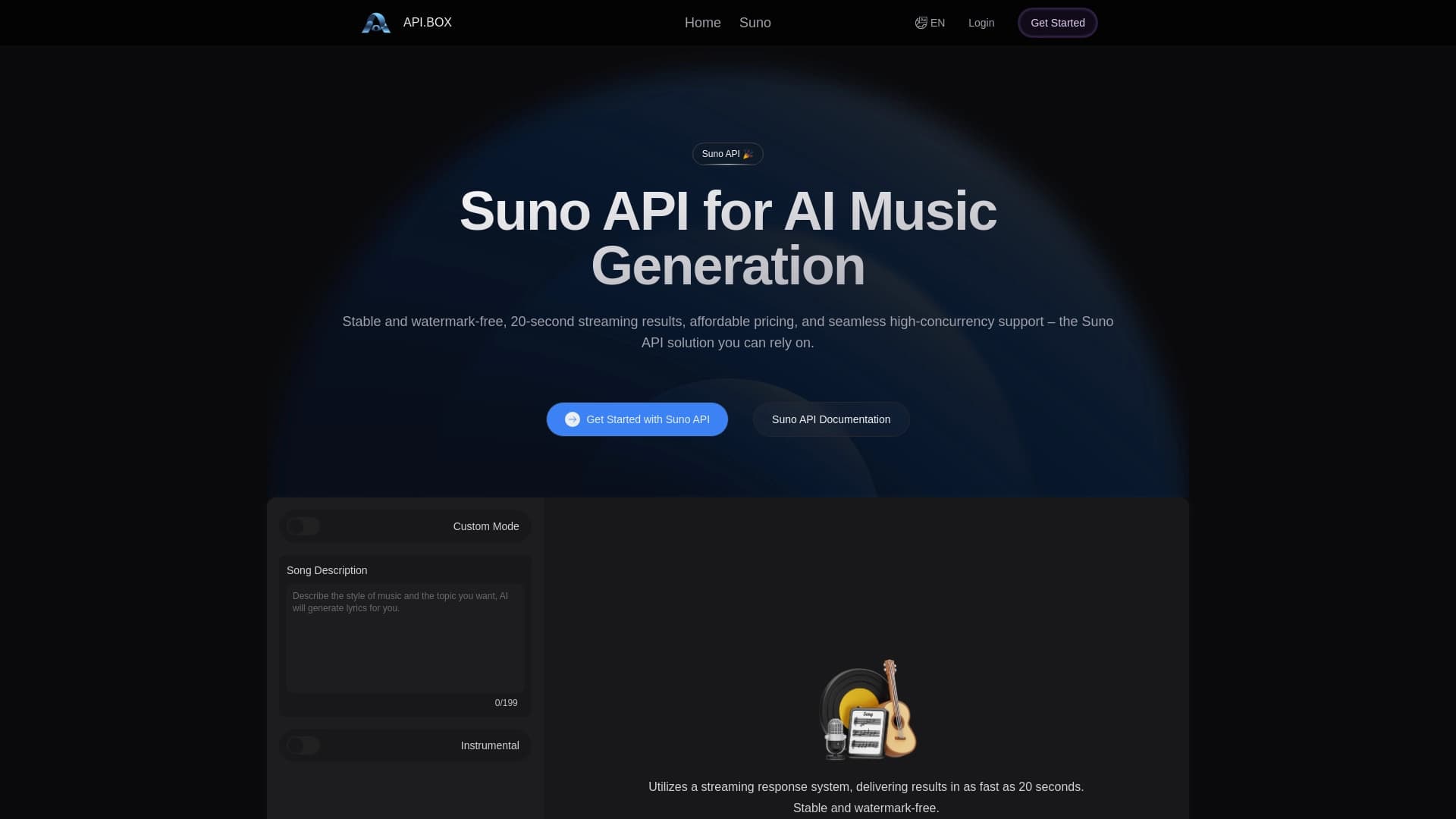
Unofficial API access to Suno AI for music generation and integration into applications.


Online AI speech synthesis platform that allows generating audio with voices of famous characters and celebrities.