
AIChangeHair
Try on different hair colors and haircuts using a photo of a person.
Overview
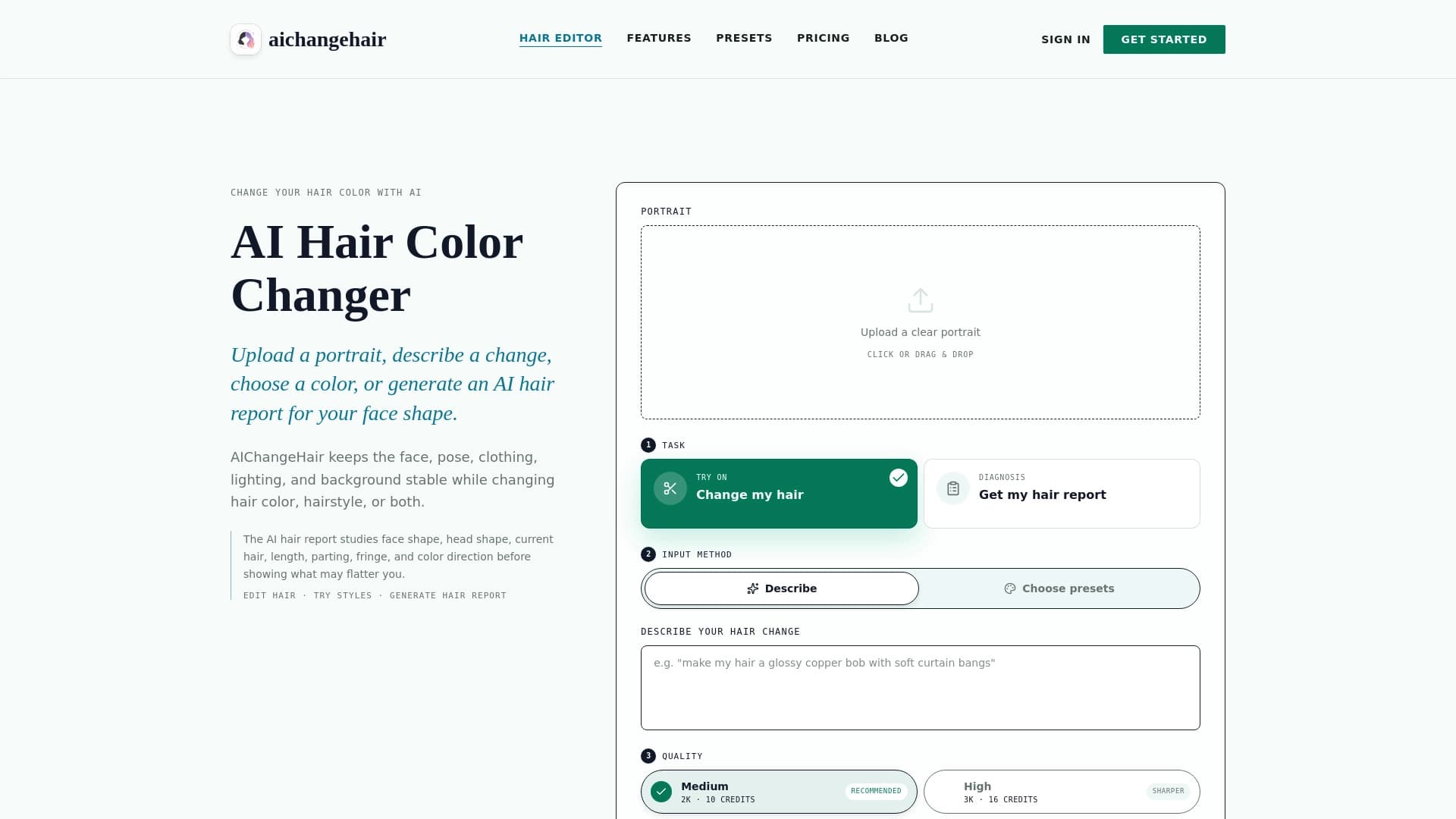
AIChangeHair is an AI-powered service that lets you try out different hairstyles and hair colors using just one portrait photo. The tool solves a practical problem: users don't need to visit a salon or use complex photo editors to figure out whether a new look suits them. Simply upload a photo, and the neural network will generate a realistic preview of your transformed appearance.
The technology works with an existing image: it doesn't require a series of shots or video footage — a single high-quality portrait is enough. The algorithms analyze facial features, head shape, and hair structure, then generate a version with a new color or cut, aiming to preserve naturalness and photographic authenticity. This makes the service a convenient, fast tool for preliminary assessment of an image change.
AIChangeHair Features
| Feature | Details |
|---|---|
| Purpose | Trying on hair colors and hairstyles on photos |
| Basic input format | A single portrait photo |
| Technology used | Neural networks for realistic appearance changes |
| Core function | Generating previews of new looks |
| Target audience | Broad: from everyday users to professionals |
| Availability | Available online |
| Distribution model | Not specified |
Who Is AIChangeHair For?
People Planning an Image Change
The tool is a real find for those thinking about dyeing their hair or getting a new haircut but afraid of making the wrong choice. Instead of relying on pictures from the internet or a stylist's verbal advice, users can see themselves with a specific color or hairstyle before visiting the salon. This reduces the risk of a failed experiment and helps make an informed decision.
Beauty Industry Professionals
Hairdressers, stylists, and colorists can use AIChangeHair as a supporting tool when working with clients. Showing possible coloring options on a portrait photo helps visually discuss the future look, agree on details, and avoid misunderstandings. This cuts consultation time and boosts client satisfaction with the results.
Content Creators and Bloggers
Content creators who want to show their audience different looks or experiment with their appearance without making real changes can use the service to generate photos. The neural network quickly produces multiple versions of one portrait with different cuts and colors, which can be used in posts, stories, or videos.
How to Use AIChangeHair
Uploading a Source Photo
The first step is to prepare a high-quality portrait shot. Ideally, the face in the photo should be well-lit and in focus. The sharper the source image, the more realistic and neat the neural network's output will be. Users simply upload the file to the service.
Choosing Options to Try On
After uploading the photo, users select the options they're interested in: a new hair color or a specific haircut. The tool lets you cycle through different choices to see how each one looks on your particular face. The system processes the request and displays the modified image with the hairstyle and color naturally "settling" onto the portrait.
Viewing and Comparing Results
AIChangeHair outputs processed images showing the person with the new look. Users can compare the results with each other and with the original photo. This is a convenient way to assess which option looks most harmonious and make a final decision about changing their image.
Key Features of AIChangeHair
Realistic Hair Color Change
The service's core function is hair coloring on photos. The neural network selects a shade that naturally complements skin tone, eye color, and the overall style of the portrait. The process accounts for shadows and highlights on the original hair, achieving a photorealistic effect rather than a simple color fill.
Trying On Different Haircuts
In addition to color, AIChangeHair can model haircut changes. Users can virtually "try on" a different hair length, bangs shape, or styling type. The algorithm adapts the chosen hairstyle's geometry to the face's features, creating the impression that the person actually got a haircut.
Working with a Single Portrait
The service only needs one photo to work fully. This sets it apart from more complex tools that require multiple angles or additional settings. The simplified approach delivers quick results without wasting time on preparing materials.
Advantages of AIChangeHair
Speed and Ease of Use
The main advantage is the fast, intuitive process. There's no need to learn complex software or have retouching skills. The entire journey from uploading a portrait to getting the result takes minimal time, making it convenient for users of any technical skill level.
Quick Look Assessment
The tool delivers visualization immediately, without salon visits. Instead of long deliberation and browsing other people's photos, users get a personal preview. This saves time and effort, helping you settle on a desired look faster.
Lower Risk of Mistakes
Seeing yourself with a new hair color or cut in advance significantly reduces the risk of a failed experiment. Instead of leaving things to chance, you make a conscious choice — especially important before truly radical appearance changes.
Drawbacks of AIChangeHair
Information about the service's functional limitations has not been officially disclosed. As with many similar tools, output quality can directly depend on the source portrait's quality: poor lighting, low resolution, or an unusual angle can lead to a less realistic transformation. However, detailed data on the platform's exact shortcomings is not available in public sources.
What Problems Does AIChangeHair Solve?
Choosing a Hair Color
The service addresses the need of someone who wants to dye their hair but is unsure about the shade. AIChangeHair clearly shows how a tone will suit their appearance, helping compare dark, light, vibrant, or pastel options and settle on the best one.
Selecting a Haircut
Users looking to update their hairstyle can use the neural network to pick a shape. Instead of abstract ideas about fashion, the tool lets you try specific cuts on your own photo, immediately ruling out those that don't suit your face type.
Deciding Before Real Action
The tool's fundamental purpose is to give users confidence before visiting the hairdresser. With a preview, it becomes easier to commit to radical changes — or, on the contrary, to skip them after seeing an unflattering result on yourself. This saves not only time but also money that might have been spent fixing a bad dye job.
AIChangeHair Pricing
Specific pricing plans and usage costs for the AIChangeHair neural network have not been published in available sources. No information is available about free access, trial periods, or various paid subscriptions. It is recommended to visit the service's official website for up-to-date pricing and available payment options.
AIChangeHair Terms of Use
Detailed rules for using the service, including image upload conditions, privacy policy, and restrictions on commercial use of results, are not provided in public data. Users planning to work with AIChangeHair should review the official documents and offers on the product's website to clarify all legal aspects of use.
AIChangeHair Availability
AIChangeHair is presented as an online tool, indicating it can be used via a web browser on various devices — desktop computers, laptops, and mobile gadgets. However, no information is available about mobile apps for iOS or Android, or regional access restrictions. Most likely, all you need to use the service is a stable internet connection and a modern browser.
How AIChangeHair Differs from Alternatives
AIChangeHair's main difference lies in its specialized focus: it's a "single portrait" tool. Unlike universal photo editors with a host of parameters, the service solves one specific task — trying on hairstyles and colors — with maximum realism. It also stands out for its simplicity: users don't need to understand masks, layers, or selection tools like in professional software.
A key competitive advantage is the deep adaptation of results to individual facial features. Instead of roughly overlaying someone else's hairstyle, the algorithm modifies the hair structure on the specific portrait while preserving the person's identity. This makes the result as close as possible to how the person would actually look after a real visit to a stylist.
Conclusion
AIChangeHair is a practical, simple tool that solves the important task of visualizing an image change. Based on a single uploaded portrait, the neural network lets you see yourself with a different haircut and hair color with a high degree of realism. The service will be a useful assistant both for people planning a salon visit and for stylists who want to visually show clients their future transformation options. Despite the lack of public information about pricing and usage details, the service's core concept — fast, visual trying on of new looks — appears in-demand and convenient.
Frequently asked questions
See also


Online neural network service that transforms ordinary photos into stylized artistic portraits and avatars.
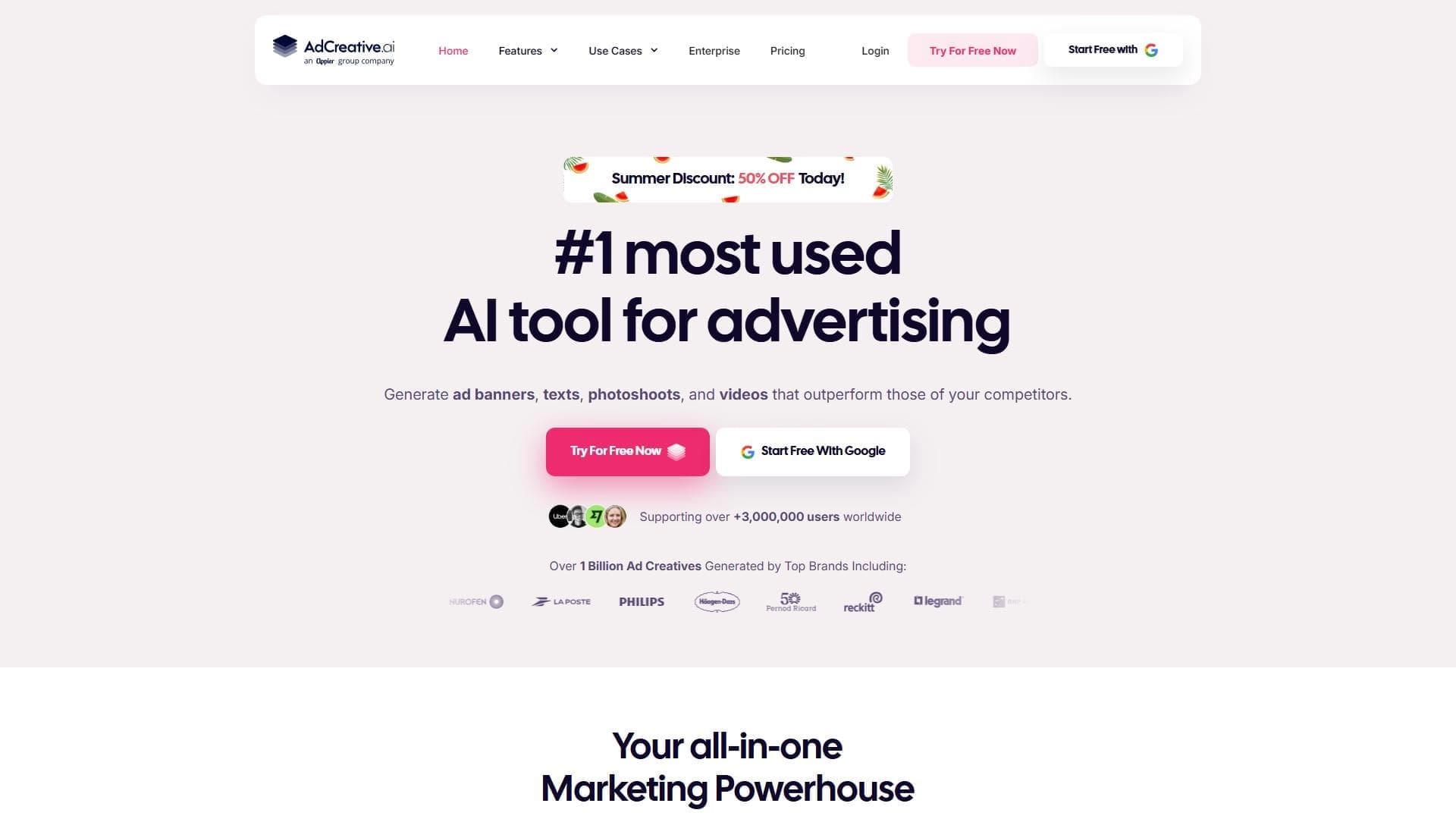

AI-powered platform for automatically generating ad banners, texts, and videos optimized for conversion.
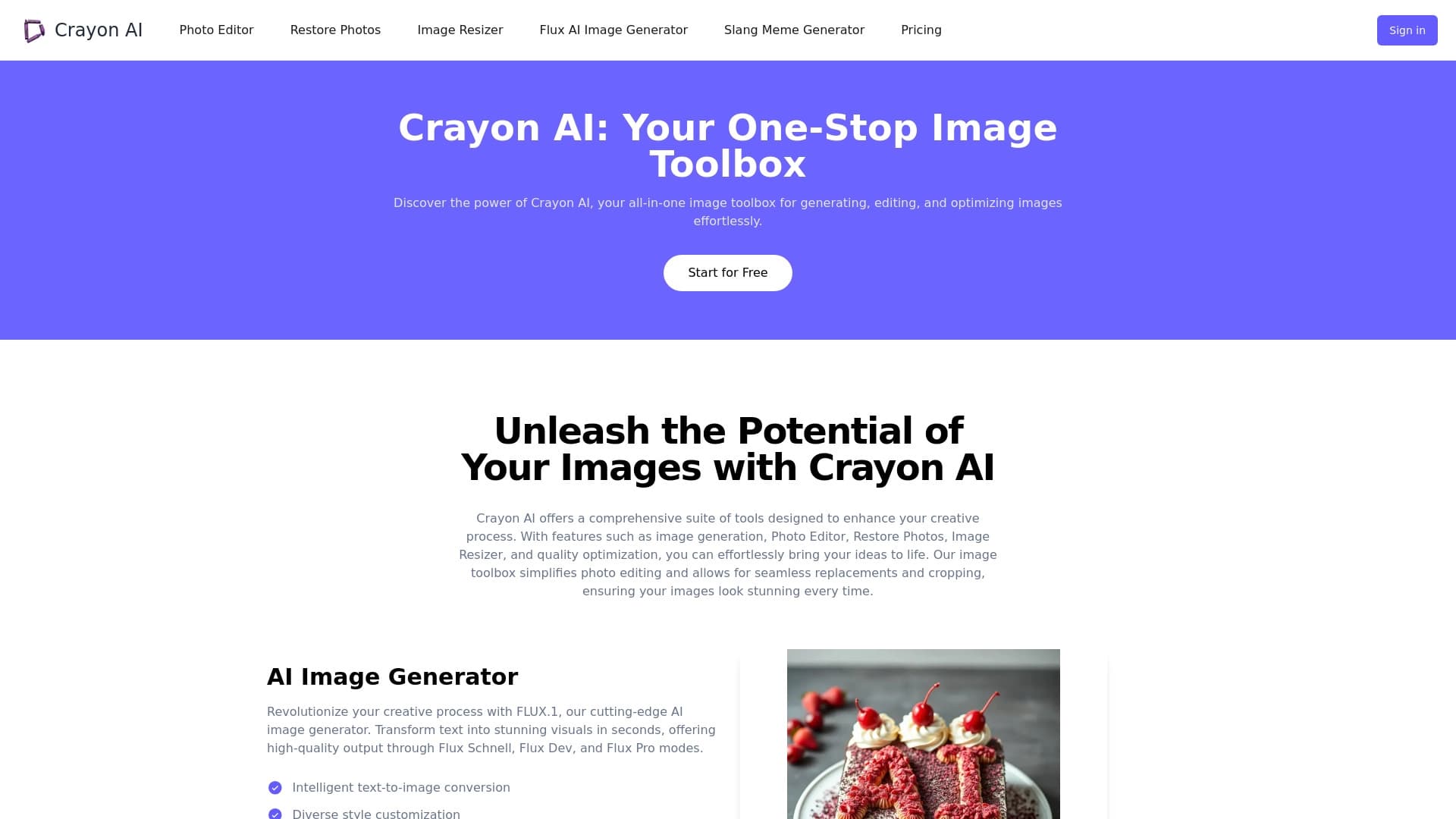
AI-powered online photo editor for creating, editing, and enhancing images directly in your browser.


Neural network for generating images and short videos from text descriptions.
AI tool for automatically removing backgrounds from images right in the browser.

Platform for generating videos, images, and digital avatars using AI.
Cloud platform for launching AI applications directly in the browser without installation.

Catalog of neural networks and online tools for generating images, animations, and videos.