
Aiarty Image Matting
Alat AI untuk menghapus secara otomatis latar belakang dari gambar tepat di peramban.
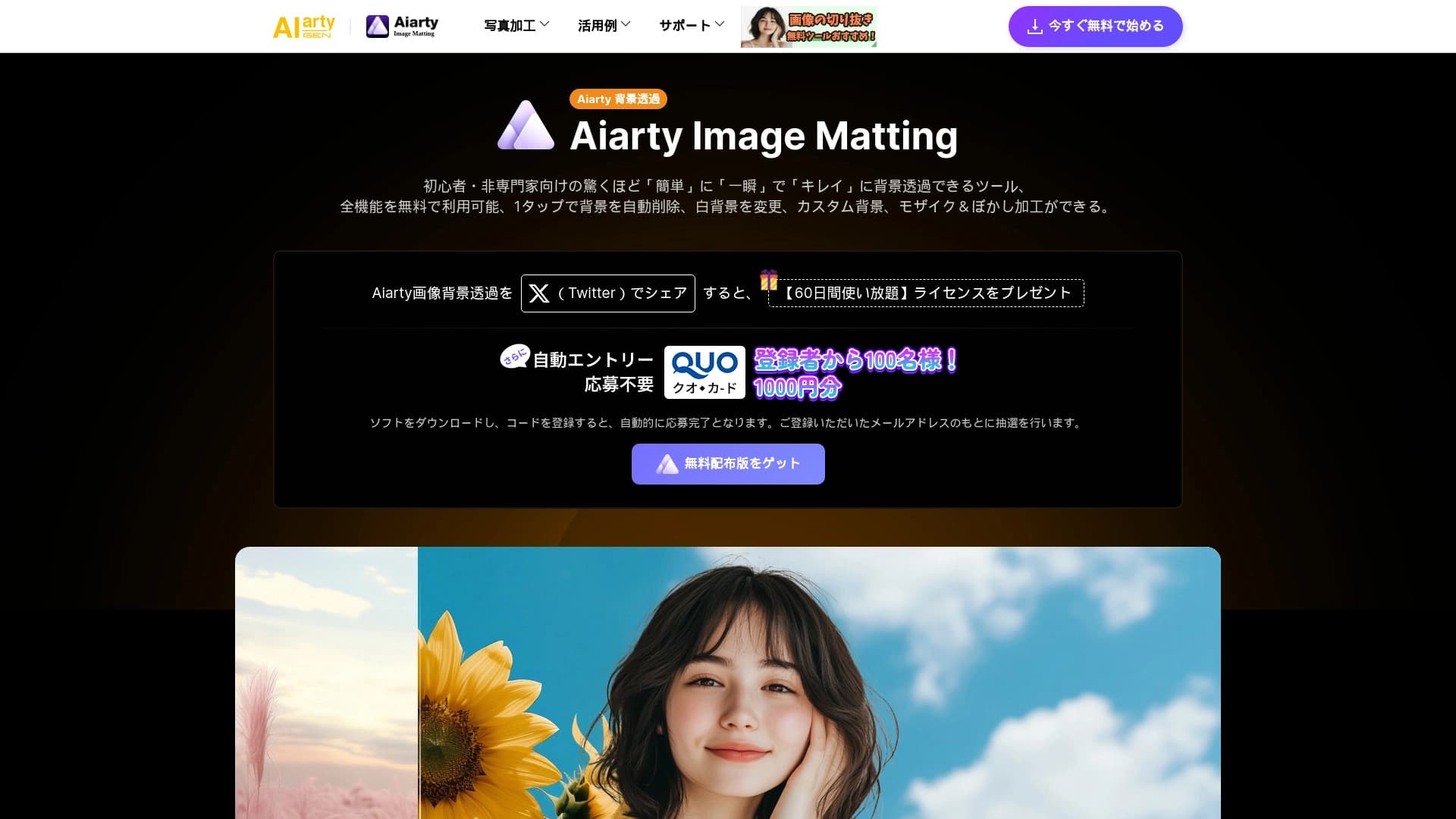
Tinjau
Gambar Aistra Matting adalah layanan online gratis yang didukung oleh kecerdasan buatan yang secara otomatis menghapus latar belakang dari foto dan melakukan peningkatan kualitas gambar dasar. Layanan ini dikembangkan oleh Digiartial Software, Inc dan bekerja langsung di peramban - tidak perlu instalasi perangkat lunak.
Alat ini diposisikan sebagai solusi untuk cepat dan akurat pemrosesan foto. Diklaim bahwa latar belakang dihapus hampir seketika - dalam hitungan detik, sementara sisi objek diproses cukup bersih bahkan di daerah yang kompleks. Selain penghapusan sederhana, layanan dapat menggantikan latar belakang dengan putih, mengunggah gambar Anda sendiri sebagai latar belakang, atau menerapkan efek buram.
Salah satu diferensiasi kunci dari Gambar Aistra Matting adalah pemrosesan batch: Anda dapat mengunggah dan memproses sampai 3000 gambar sekaligus, yang sangat nyaman untuk populasi toko-toko online atau katalog.
Fitur Pencocokan Gambar
| Fitur | Nilai |
|---|---|
| Tipe | Layanan berbasis-online gratis untuk penghapusan latar belakang dan peningkatan gambar |
| Pengembang | Perangkat lunak digital, Inc. |
| Kategori | Alat penyuntingan foto, peningkatan foto, penghapusan latar belakang |
| Platform | Situs web (peramban, tidak ada instalasi) |
| Rencana gratis | Ya, fungsionalitas sepenuhnya bebas tersedia |
| Kunjungan bulanan | 388.9K |
| Dukungan pemrosesan batch | Ya, sampai 3000 gambar secara bersamaan |
Siapa yang cocok dengan gambar Aiartial?
Pemilik toko online
Mereka yang mengelola katalog produk terus-menerus perlu memotong produk dari foto dan menempatkan mereka pada latar belakang putih atau padat. Gambar Aistra pencocokan otomatis ini dan memungkinkan pemrosesan sejumlah besar gambar sekaligus - hingga 3000 sekaligus. Ini menghemat waktu ketika mengisi toko.
Fotografer dan spesialis potret
Untuk pemrosesan potret, penting untuk hati-hati memisahkan seseorang dari latar belakang sementara menjaga tepi rambut yang bersih dan kontur pakaian. Jaringan saraf menangani tugas ini dengan cepat, dan hasil akhir dapat digunakan segera - mengganti latar belakang, tetap putih, atau menambahkan kabur.
Pengguna reguler
Layanan juga dirancang untuk mereka yang hanya perlu dengan cepat menghapus latar belakang dari foto pribadi - misalnya, gambar hewan peliharaan atau foto untuk media sosial. Tak ada pengetahuan khusus atau instalasi perangkat lunak yang diperlukan: unggah gambar, dapatkan hasilnya, unduh.
Bagaimana cara menggunakan "Aicony Image Matting"?
Langkah 1: Unggah gambar
Upload foto ke situs layanan. Tidak ada pembatasan pada jenis gambar - foto produk, potret, gambar hewan, dan gambar lain di mana latar belakang perlu dihapus semua pekerjaan.
Langkah 2: Pilih sebuah model
Setelah mengunggah, pilih model yang sesuai untuk penghapusan latar belakang. Layanan ini menawarkan beberapa pilihan yang disesuaikan dengan berbagai jenis obyek dan kondisi penembakan.
Langkah 3:
Tunggu untuk pemrosesan (biasanya butuh waktu sebentar) dan simpan hasilnya. Jika diperlukan, Anda dapat menyesuaikan latar belakang - tetap putih, upload Anda sendiri, atau menambahkan kabur. Pemrosesan batch dari beberapa berkas juga tersedia - semua gambar diproses secara bersamaan.
Fitur kunci dari Pencocokan Gambar Aiartitas
Satu-klik penghapusan latar belakang
Fungsi utama layanan adalah mematikan objek otomatis dan penghapusan latar belakang. Jaringan saraf menganalisis gambar dan memisahkan latar depan dari latar belakang tanpa pilihan manual.
Kualitas dan peningkatan ketajaman
Selain penghapusan latar belakang, alat ini melakukan peningkatan gambar dasar - meningkatkan ketajaman dan kualitas gambaran secara keseluruhan.
Proses batch
Layanan mendukung pemrosesan gambar massal - hingga 3000 berkas dalam satu pergi. Ini sangat berguna ketika bekerja dengan katalog produk besar.
Pengaturan latar belakang
Setelah menghapus latar belakang, pengguna dapat memilih apa yang harus ditempatkan di belakang subjek: latar belakang putih, gambar mereka sendiri, atau efek kabur.
Keberhasilan Pencocokan Gambar Aistold
Kecepatan pemrosesan tinggi
Latar belakang dihapus hampir seketika - dalam satu detik. Tidak perlu menunggu pemrosesan kompleks atau ulasan hasil menengah - semuanya terjadi dalam satu klik.
Pemrosesan tepi bersih
Gambar keluar tajam, dan jaringan saraf menangani tepi kompleks (rambut, bulu, rincian halus) baik. Hal ini penting jika hasilnya digunakan dalam katalog atau di situs web.
Kemudahan penggunaan
Semuanya bekerja secara online, tanpa instalasi atau kebutuhan untuk mencari tahu pengaturan kompleks. Antarmuka jelas, dan semua fungsionalitas dari versi bebas tersedia dengan segera.
Disadvantages of Aiconty Image Matting
Kemampuan penyuntingan terbatas
Alat ini hanya dapat menghapus dan menggantikan latar belakang dan meningkatkan ketajaman. Untuk penyuntingan profesional kompleks (retouched, color koreksi, layer work), layanan tidak cocok.
Ketergantungan pada kualitas foto sumber
Hasil pemrosesan langsung tergantung pada sumber bahan. Blurry, kecil, atau buruk tembakan ringan dapat menghasilkan ketidaksempurnaan ketika memisahkan objek dari Latar belakang.
Gambar saja
Layanan tidak mendukung video atau berkas PDF - hanya gambar raster.
Tugas apa yang Dipecahkan oleh Gambar Aistra?
- Menghapus latar belakang produk untuk toko-toko online dan pasar.
- Mengganti latar belakang di potret untuk memenuhi standar dokumen atau media sosial.
- Pemrosesan foto Batch untuk katalog dan daftar harga.
- Meningkatkan kualitas gambar sebelum menerbitkan.
Harga Pencocokan Gambar
Rencana gratis
Layanan ini memiliki rencana bebas sepenuhnya yang mencakup fitur inti: penghapusan latar belakang dan peningkatan gambar. Tidak ada subscriptions atau pilihan dibayar tersembunyi dalam versi bebas - semua fungsi dinyatakan tersedia segera.
Rencana berbayar
Untuk skenario diperpanjang, rencana dibayar tersedia:
- Standar - $7 / mo. Tambahan kemampuan dan pengolahan batch.
- Premium - $16 / mo. Kualitas maksimum, pemrosesan prioritas, dan kemampuan penyuntingan yang luas.
Ketentuan penggunaan bagi Pencocokan Gambar Aistra
Layanan ini bekerja sepenuhnya online, dan tidak diperlukan instalasi perangkat lunak tambahan. Semua fungsionalitas dari versi bebas tersedia segera, tanpa mendaftar untuk berlangganan. Untuk menggunakan rencana dibayar, Anda perlu membayar untuk rencana yang dipilih. Tidak ada pembatasan pada jenis gambar diproses - foto produk, potret, dan gambar hewan semua bekerja.
Ketersediaan Gambar AimartName
Pencocokan Gambar Aistra tersedia sebagai layanan web - semua yang Anda butuhkan adalah browser dan akses internet. Halaman layanan tidak menentukan informasi tentang bahasa antar muka yang didukung, pembatasan regional, atau kebutuhan untuk menggunakan VPN.
Bagaimana Gambar Aistra Matting berbeda dari alternatif
Perbedaan utama antara gambar Aistra sesuai dengan berbagai alat yang sama adalah adanya rencana bebas dengan semua fitur dasar. Layanan lain biasanya hanya memberikan periode percobaan bebas terbatas atau mengurangi kualitas hasil tanpa berlangganan.
Pemrosesan batch juga layak dicatat: kemampuan untuk mengunggah sampai 3000 gambar secara bersamaan tidak tersedia dari semua pesaing, yang membuat layanan nyaman untuk penggunaan komersial.
Akhirnya, Pencocokan Gambar Aistra bekerja langsung di browser tanpa instalasi, sementara beberapa alternatif membutuhkan menginstal aplikasi atau ekstensi. Pada saat yang sama, penting untuk memahami bahwa layanan hanya melakukan satu tugas - penghapusan latar belakang dan penggantian - sehingga tidak cocok untuk editing komprehensif.
Kesimpulan
Gambar Aistra Matting adalah alat online sederhana dan cepat untuk penghapusan latar belakang dan peningkatan gambar dasar. Kekuatan layanan termasuk kecepatan pemrosesan, tidak diperlukan instalasi, dan sepenuhnya bebas akses ke fungsi inti. Batas terkait dengan kurangnya alat penyuntingan yang kompleks, ketergantungan pada kualitas foto sumber, dan dukungan untuk gambar raster saja. Secara keseluruhan, itu adalah pilihan yang baik untuk pemilik toko online dan pengguna biasa yang harus cepat mendapatkan hasil yang bersih tanpa menghabiskan waktu dan uang.
Pertanyaan yang sering ditanyakan
Lihat juga


Layanan untuk pelacakan merek disebutkan dalam respon AI generatif.


Platform yang didukung oleh sumber daya untuk pembuatan video otomatis, penyuntingan, dan terjemahan.
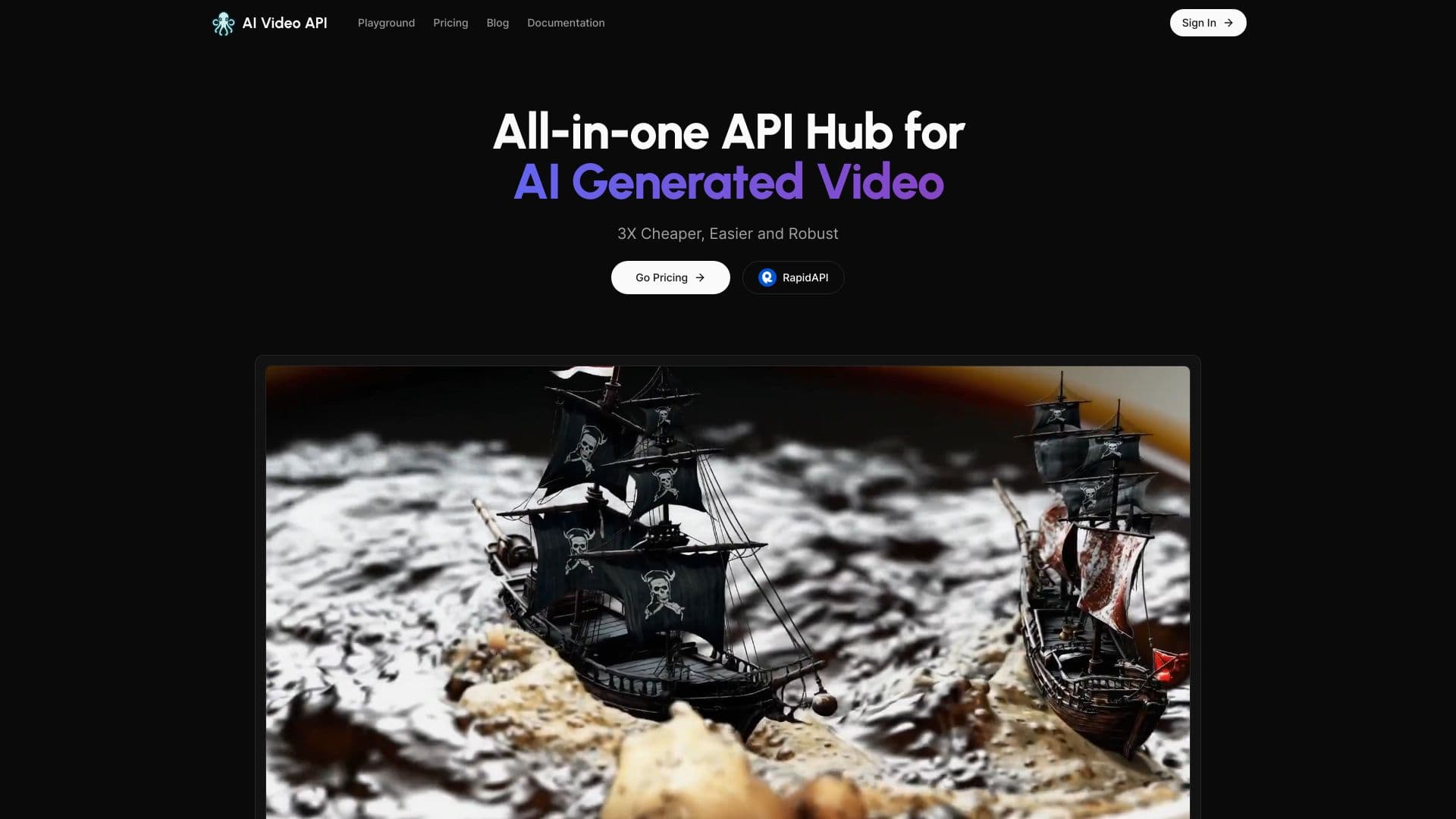

Layanan untuk menghasilkan video vertikal pendek menggunakan jaringan saraf melalui API atau aplikasi mobile.
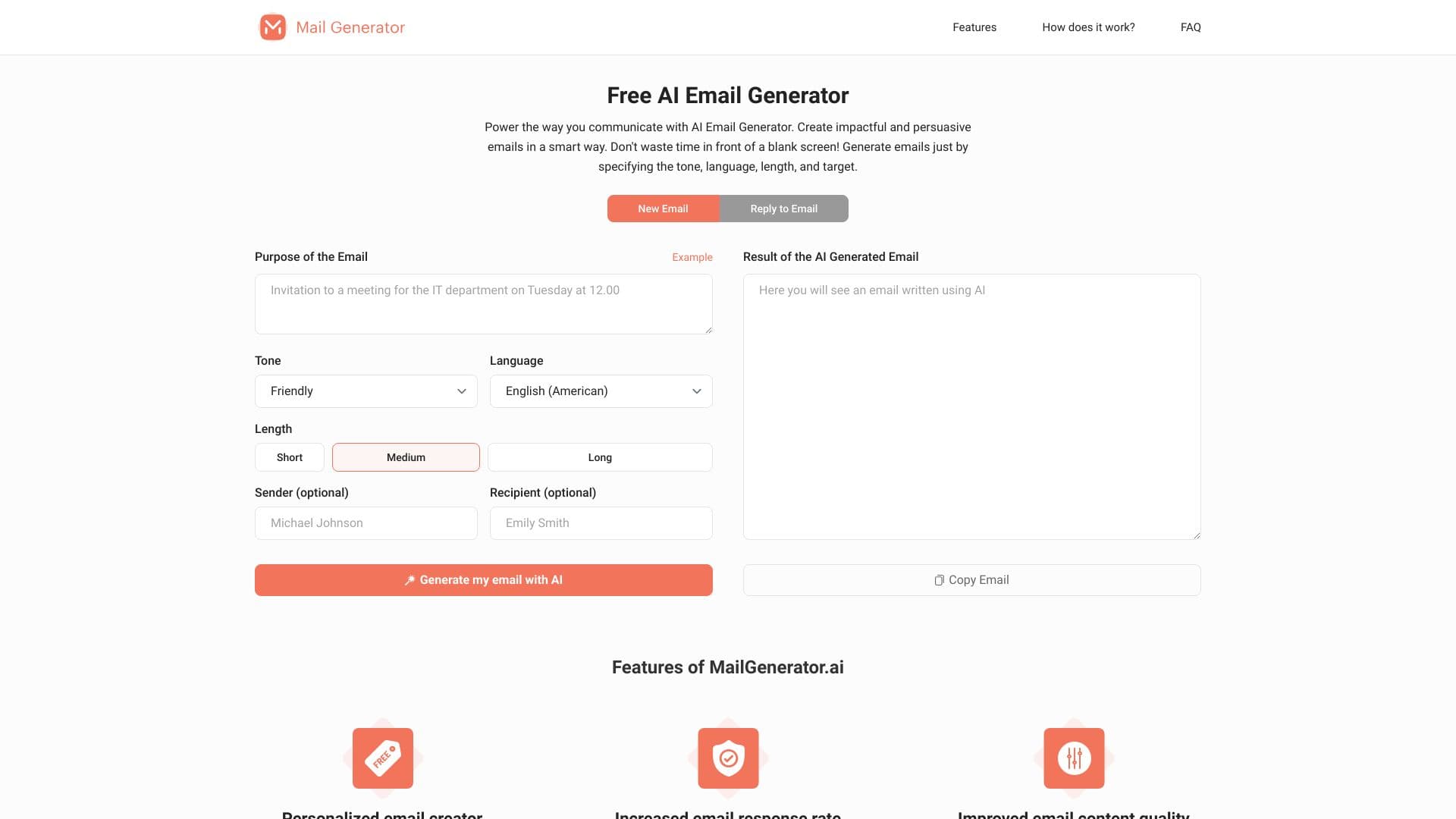

Layanan online bertenaga-untuk menghasilkan huruf pribadi untuk berbagai tujuan dan nada.


Jaringan saraf untuk menghasilkan video pendek dari deskripsi teks atau gambar.


Layanan online dengan kecerdasan buatan yang secara otomatis menciptakan presentasi pada topik yang diberikan.
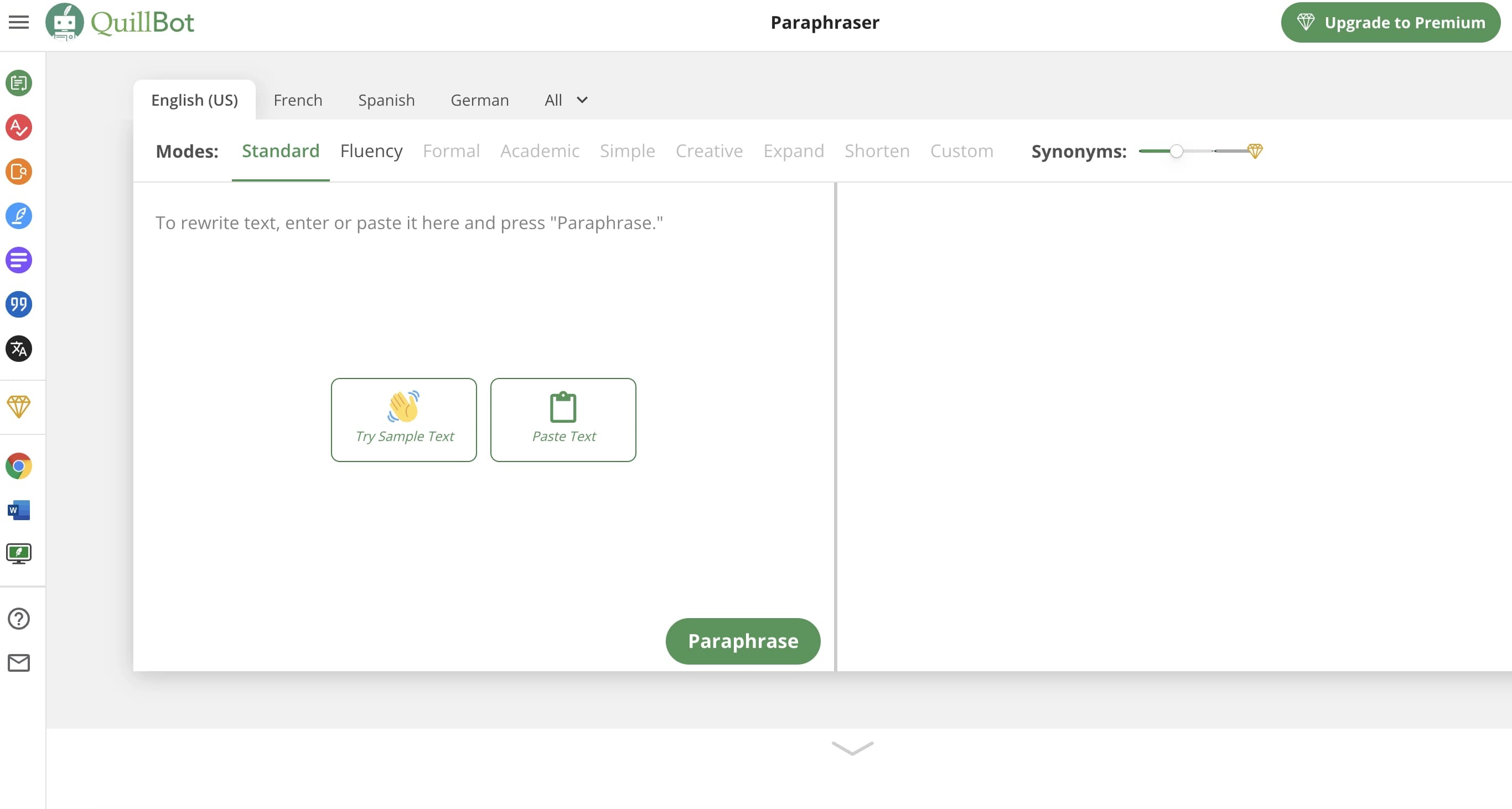
Asisten AI untuk paraphrase Verifikasi tata bahasa dan rangkuman teks.


Alat AI untuk membuat konten multibahasa SEO- teroptimasi.