
AI Notebook
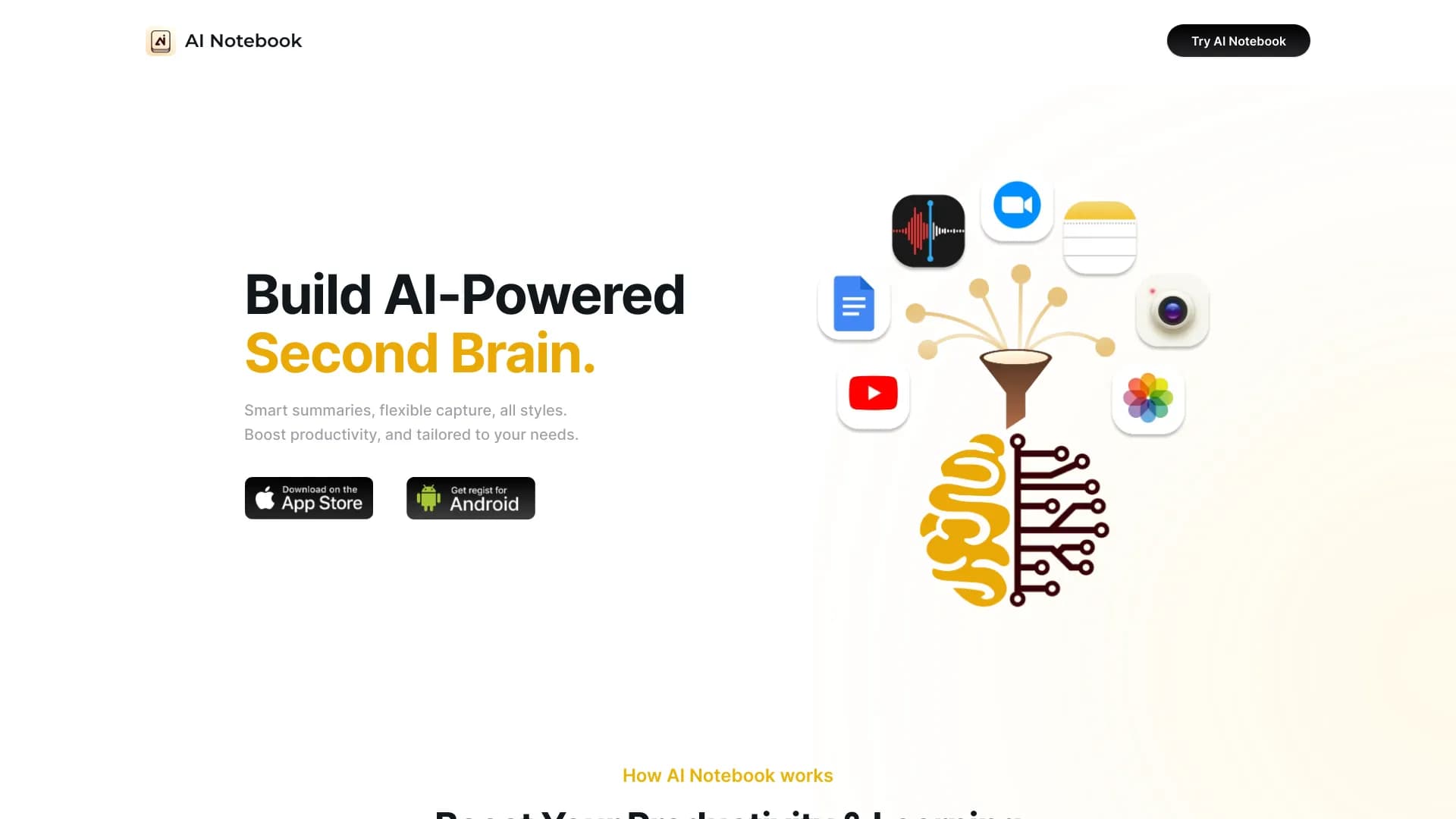
AI Notebook is a smart note-taking and organizing app that uses artificial intelligence to process text, audio, images, and video.
Overview
AI Notebook Neural Network Description
AI Notebook is an intelligent application for creating and managing notes that goes far beyond a regular text editor. The service lets you save information in any format — from plain text to video — while built-in artificial intelligence algorithms handle the routine work of processing and structuring content.
The platform is available as a web application and is designed as a unified space for knowledge storage. Instead of taking notes on a lecture or article yourself, you upload the source material to AI Notebook, and the neural network automatically highlights key ideas. Additionally, the system can generate flashcards and short quizzes, turning a simple notebook into a powerful learning tool.
What you should know about the service
- Works entirely through the browser; no additional software installation required.
- AI processes text, audio files, images, and video materials, as well as YouTube links.
- All notes are stored in one place, simplifying navigation through your personal knowledge base.
AI Notebook Features
| Feature | Value |
|---|---|
| Type | Note-taking and knowledge management tool |
| Categories | Audio and video recording, summarization, audio transcription, text processing, speech recognition, quiz creation, knowledge base, educational support |
| Platform | Website (web application) |
| Free tier available | Yes (core note creation and storage features) |
| Paid tier pricing | Standard and Premium plans available at different price points |
| Monthly visits | 388.9K |
| Developer | AI Notebook |
| Publication date on site | September 10, 2025 |
Who is AI Notebook for?
Students and learners
For students, AI Notebook becomes an indispensable assistant in processing large volumes of study material. A lecture recorded on a voice recorder turns into a neat summary with key points, and generated flashcards help prepare for exams without manually creating cheat sheets. Working with video lessons and study guides speeds up significantly, since you don't need to spend time taking notes — the neural network does it for you.
Teachers and curriculum developers
Educators can use the service to prepare learning materials. By uploading an article or video lecture, they can easily generate test questions to assess student knowledge or a compact summary for distribution in class. The ability to store all materials in a structured format also helps with maintaining teaching documentation.
Anyone working with large volumes of information
People who constantly learn new things — from professional literature to online courses — will find a way to organize their information flow in the service. Simply save the material in a convenient format, and AI Notebook takes care of structuring it.
How to use AI Notebook?
Uploading materials
To get started, simply upload an audio recording, text document, photo of a book page, or paste a link to a YouTube video into the app. The system recognizes the uploaded content and begins analyzing it.
Automatic processing
After uploading, the neural network starts the processing pipeline. It listens to audio, recognizes speech, analyzes the structure of text and images, and then generates a brief summary of the content. The user receives a ready-made digest without having to manually pick out the key points.
Creating learning elements
Based on the analyzed material, the AI generates additional elements: flashcards for memorizing terms and mini-quizzes for self-assessment. All of this is automatically saved in the workspace and linked to the original note.
Key features of AI Notebook
Multi-format notes
The service's key feature is its ability to work with different data types. Users can create notes containing text, images, audio recordings, and video materials. All formats are combined in a single workspace, eliminating the need to switch between different apps.
Intelligent summarization
The neural network automatically extracts key points from uploaded materials. This applies to both written texts and spoken speech from audio files or videos. The result is a condensed summary that captures the essence of the source material.
Learning material generation
From any uploaded content, the AI can create flashcards and short tests. This feature turns passive reading or listening into an active learning process, allowing users to quickly check their understanding.
Unified storage
All notes, regardless of format, are stored in one place. The system automatically organizes them, making it easy to find the needed information even with a large volume of accumulated data.
Advantages of AI Notebook
Versatile storage
The service's main strength is the ability to store notes of any type in one place. This makes it a convenient replacement for multiple disparate apps: a text editor, voice recorder, photo album, and video player all at once.
Time savings on processing
Automatic summarization of uploaded content significantly speeds up working with information. Instead of listening to an hour-long lecture or rereading a long article, the user gets a ready-made concise version in a few paragraphs.
Adaptability to tasks
Intelligent algorithms adapt to the user's style and the specifics of their tasks. The system generates cards, tests, and collections based on the content of a specific note and the overall theme of the workspace.
Drawbacks of AI Notebook
Processing errors
AI is not perfect. When working with complex files — such as recordings with multiple speakers or specialized terminology — semantic distortions and loss of certain details are possible. The automatic summary sometimes requires manual refinement.
Dependence on internet connection
The service works exclusively online, so without a stable network connection, you won't be able to access your notes or upload new materials. There is no offline mode.
Template-like output
The AI doesn't always accurately anticipate user needs. Sometimes the proposed solutions feel formulaic, and achieving the desired result requires adjusting the query or manually refining the generated material.
What problems does AI Notebook solve?
- Knowledge management: organizing all notes and materials in a unified database.
- Quick access to summaries: processing lectures, audio recordings, and videos with concise summaries.
- Creating learning materials: automatic generation of flashcards, tests, and study aids.
- Audio transcription: converting voice notes and recordings into text format.
AI Notebook Pricing
Free tier
Available to everyone and includes a basic set of features for creating and storing notes. This is enough to get familiar with the service's capabilities and evaluate its convenience.
Paid tiers
For users who need advanced features, two paid plans are available:
- Standard — monthly subscription.
- Premium — monthly subscription.
Paid subscriptions unlock access to advanced processing tools and additional note management features.
Terms of use for AI Notebook
The service is provided as a web application that requires a browser and a stable internet connection. No information about regional restrictions or VPN requirements is mentioned in available sources. To get started, simply register on the platform and choose a suitable pricing plan.
Availability of AI Notebook
AI Notebook is accessible via its website and works in any modern browser. Since the application is an online service, it can only be used with an internet connection. Data on mobile device support is not specified, but the web version can be used from smartphones and tablets through a browser. Current statistics show that the service receives about 388.9 thousand visits monthly.
How AI Notebook differs from alternatives
The main difference between AI Notebook and other note-taking tools is its comprehensive approach to content processing. It's not just a notebook with a text field: the service combines the functions of several products. Unlike specialized audio transcription utilities (such as Cleanvoice or Audo Studio), AI Notebook is not limited to converting speech to text but adds automatic summarization and learning material generation.
Unlike generative music neural networks like Suno AI or Udio, this service is entirely focused on working with user data and learning, rather than creating content from scratch. Combining notes, summaries, cards, and tests in a single interface makes AI Notebook closer to a full-fledged knowledge management system than a simple note-taking tool.
Conclusion
AI Notebook is a functional web application for those who want to organize their knowledge and save time on information processing. The service lets you store notes in any format, automatically creates concise summaries from uploaded materials, and generates learning elements in the form of cards and tests. The tool is especially valuable for students and teachers who deal with large volumes of information daily. Despite certain drawbacks — occasional errors when processing complex files and the lack of offline access — AI Notebook remains a practical solution for building a personal knowledge base. The free tier allows you to explore the basic features, while paid subscriptions unlock access to extended functionality.
Frequently asked questions
See also


Platform for automating client acquisition and personalized email campaigns with data enrichment from over 150 sources.

AI assistant that analyzes uploaded study documents, identifies questions, and provides detailed explanations.

Web platform for communication and role-playing with AI characters.

AllChat is a universal platform that combines several popular language models in a single interface for communication, image generation, file analysis, and code execution.


Desktop AI assistant for macOS, Windows, and Linux that launches via hotkey above all windows and combines multiple language models in one interface.


Aggregator platform that brings together various AI tools and language models with pay-as-you-go pricing.


AI assistant for doctors that automatically creates structured SOAP notes from appointment audio recordings.


Averi is a marketing platform that brings campaign planning, content creation, and analytics together in a single interface.