
AI Humanizer Text
The service transforms text generated by neural networks into a more natural and "human" form to bypass AI detectors.

Overview
AI Humanizer Text is a specialized online service designed to "humanize" texts created by neural networks. The tool addresses a pressing issue in modern content: typical output from ChatGPT, Claude, or other generative models is easily recognizable by its characteristic sentence structure, formulaic vocabulary, and rhythm. The service reworks machine-generated text and makes it resemble the work of a human author.
The tool operates automatically: the neural network analyzes the source material and changes not just individual words but the very fabric of the text. As a result, long and monotonous constructions are transformed, the "dryness" of phrasing is eliminated, and the overall style acquires a more natural human tone. The developers have paid special attention to bypassing AI detectors — the service helps reduce the likelihood that the reworked text will be flagged as algorithm-generated content.
Core Concept of the Service
The key concept behind AI Humanizer Text is not merely automatic rewriting but a full adaptation of the machine-generated "imprint" into natural writing. The tool works with variability: it changes word order, breaks up long phrases, adds natural transitions, and removes lexical repetitions. For the end user, this means the text reads not as the product of a soulless program but as material written by a human.
Who Needs It and Why
In an environment where search engines and editorial policies increasingly flag AI content, the ability to quickly give text a natural appearance becomes an important working tool. The service is aimed at those who work with text generation daily and need quality post-processing. It is fully free to use with unlimited requests, making the service accessible to a mass audience.
AI Humanizer Text Features
| Feature | Value |
|---|---|
| Type | AI text humanization, detector bypass |
| Category | Text humanization, Rewriting |
| Platforms | Web (online) |
| Free plan | Yes (unlimited requests) |
| Registration | Not required |
| Rewriting styles | Multiple styles supported |
| Language support | Multiple languages |
| Workflow | Paste text into input field → get reworked version |
Who Is AI Humanizer Text For?
The tool is aimed at a wide range of users who work with AI-generated content in some capacity and want to improve its quality or conceal its machine origin.
Copywriters and Content Managers
Authors who use AI as a draft get a quick way to "polish" their material. Instead of manually rewriting every sentence, they can run the text through the service and get a foundation for further work. This boosts productivity and lets them focus on ideas rather than mechanical editing.
Marketers and SEO Specialists
For marketers, it's important that texts not only appeal to the audience but also aren't filtered out by algorithms as spammy or formulaic content. The service helps adapt machine drafts to a specific audience, making them more lively. For SEO, this is an extra safeguard against penalties for low-quality AI text.
Students and Bloggers
Students can use the service to reduce the similarity of their work to standard AI output and give the material a more individual character. Bloggers who publish many posts on social media value the service for reducing the formulaic feel of content and making it closer to natural speech. A key factor for both groups is the absence of registration and restrictions.
Authors of Newsletters and Educational Materials
Regular processing of articles, newsletters, and educational materials is another task the service handles well. It helps remove the flavor of machine translation and makes mailings or study guides more natural and readable.
How to Use AI Humanizer Text
The workflow is extremely simple and requires no special skills or software installation.
Step-by-Step Guide
- Go to the service website: the tool works entirely in the browser — no additional software is required.
- Paste your source text: copy the material generated by a neural network and paste it into the input field on the page.
- Run the processing: click the start button to let the service analyze and transform your text.
- Get the result: once finished, you'll receive a reworked version of the text that you can copy and use as needed.
Important Notes
- Context retention: the service works with the full content of the text, so it's important to paste it in its entirety rather than in fragments.
- Result verification: although the tool handles the task well, it's a good idea to run the result through an AI detector for verification.
- Processing speed: the service handles unlimited requests, but processing time may depend on the size of the pasted text.
Key Features of AI Humanizer Text
The tool's capabilities focus on deep text reworking rather than superficial word replacement.
Turning "Robotic" Text into Natural Writing
The service's main function is eliminating the typical signs of machine generation. The tool changes the standard constructions neural networks most often use and replaces them with more natural and varied phrasing. This makes the text feel natural and pleasant to read.
Bypassing AI Content Detectors
The service aims to ensure its output isn't identified by specialized algorithms as AI-generated. This is achieved through comprehensive word rearrangement, vocabulary changes, and shifts in text rhythm. While the developers don't offer a 100% guarantee, the functionality is specifically designed to reduce the likelihood of detection.
Deep Reworking of Phrasing and Structure
The tool doesn't just swap synonyms — it changes the structure of phrases and the overall narrative rhythm. This approach avoids the "smoothed-out" formulations typical of AI and produces more unique, lively text.
Unlimited Request Volume
The service is free to use with no limits on the number of requests. This is an important feature for users who need to regularly process large volumes of content, such as for blogging or content marketing.
Advantages of AI Humanizer Text
The service has several clear benefits that make it attractive to a mass audience.
- Completely free: the tool works without charging a fee and has no limits on the number of requests.
- No registration required: you don't need to create an account, provide an email, or come up with a password — everything works in a single step.
- Ease of use: a clear interface and intuitive process — paste the text, get the result.
- Online access: the service is available from any device with a browser and internet connection.
Disadvantages of AI Humanizer Text
A few points are worth noting that may be limitations for some users.
- Online dependency: a constant internet connection is required. The tool can't be used offline on a computer without a network.
- No 100% guarantee: like any similar service, AI Humanizer Text can't guarantee the text will never be detected by a detector. The result depends on the source material and the detector used.
- Possible loss of unique style: with heavy reworking, the text may lose some of the author's stylistic touches if they were present in the original AI material.
What Tasks Does AI Humanizer Text Solve?
The service covers a wide range of tasks related to post-processing generated texts.
Professional Tasks
- Humanizing AI text: the main goal — turning dry machine output into lively, natural text.
- Bypassing machine content detectors: the tool helps reduce the chances of text being caught by filters that identify AI work.
- Adapting texts to an audience: for marketers — the ability to tailor the text style to a specific niche or target audience preferences.
Practical Scenarios
- Reducing formulaic posts: for bloggers who don't want their social media posts to look "generated by template."
- Reducing similarity of student work to standard AI output: for students who used a neural network for a draft and want to give the final text a more individual character.
- Regular processing of articles and emails: for those who work with large volumes of content daily and need automatic cleaning of AI traces.
AI Humanizer Text Pricing
The service operates on a completely free basis. According to its specifications, it offers free work with unlimited requests. Users don't need to pay for a subscription or buy character packages — access to all features is provided without any limits on workload.
Terms of Use for AI Humanizer Text
No registration is required to start using the service. This means users don't need to create an account, verify an email address, or accept complex user agreements. Simply open the website in a browser and paste the text for processing. The service works online, so the only requirement is a stable internet connection.
Availability of AI Humanizer Text
The tool is available in full online mode. It uses a web interface (browser), allowing the service to be used from any device: laptops, desktops, tablets, and smartphones. The only requirement is having an internet browser and network access.
How AI Humanizer Text Differs from Alternatives
Several solutions on the market offer similar functionality, but AI Humanizer Text has its own distinctive features. Known alternatives include StealthZero, TextPlus, Sinonim.org, AI-Professor 5.0, AI to Human Text Converter, and AI To Human Text Converter.
The main difference the service claims is the combination of free access and unlimited requests. Many competitors offer a free tier with daily character or action limits, requiring payment to remove them. Here, the emphasis is on full functionality without any financial investment.
The second significant difference is no registration required. Some services mandate creating an account before first use, which slows down getting started. AI Humanizer Text lets you dive in instantly: open the site and start processing texts.
Also worth noting is the emphasis on multilingual support. Multiple languages are supported, making the service a universal tool for working with content in different languages, unlike solutions tailored to just one language (for example, certain Cyrillic-only services).
Conclusion
AI Humanizer Text is a practical and accessible tool for anyone actively working with generative neural networks who needs quality text post-processing. The service solves a key problem — making machine text more natural and lively while reducing its similarity to typical AI output. Of particular value is the combination of a free mode with unlimited requests and no mandatory registration. This makes the tool suitable for regular processing of articles, posts, and educational materials. While the service doesn't guarantee 100% bypass of all detectors, it's a reliable and convenient assistant for creating content that will be better received by both people and algorithms. Its ease of use and accessibility make AI Humanizer Text an excellent choice for copywriters, bloggers, and students.
Pricing
Frequently asked questions
See also
A service for creating applications, neural networks, and AI clones, as well as a neural network for text generation and processing.

Online service for creating and customizing birthday invitations and congratulations using artificial intelligence.
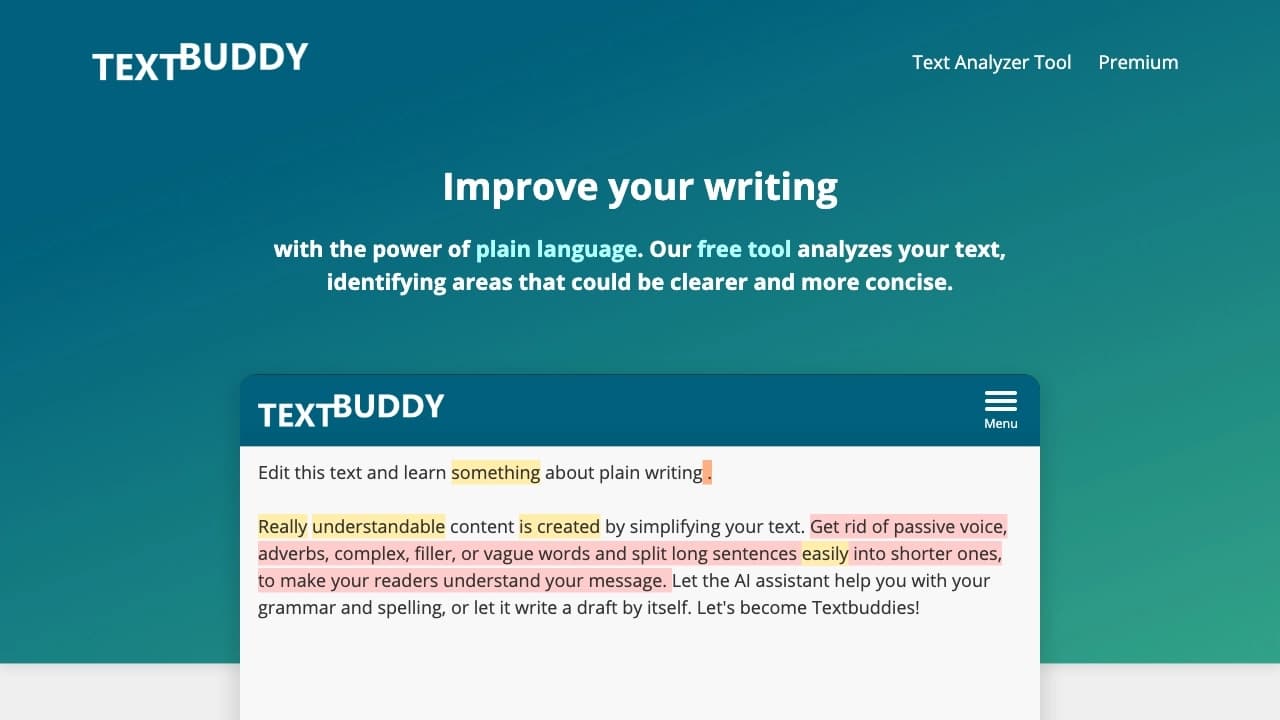

AI-powered online editor for simplifying, rewriting, and improving texts, which analyzes complex sentences, repetitions, passive voice, and errors, and offers replacements and readability scores.
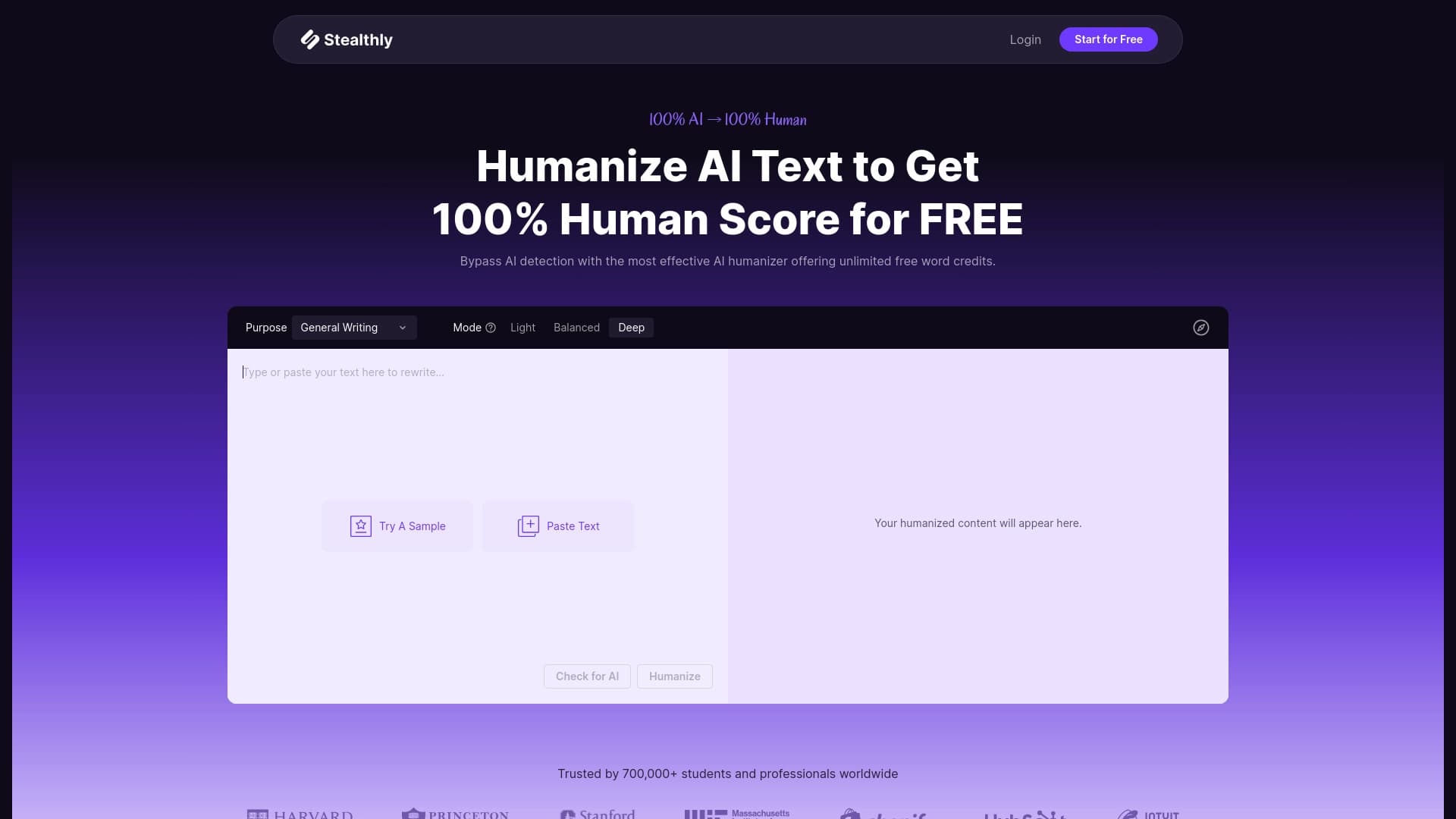

Service for translating texts created neural networks in shape indistinguishable from the written human.
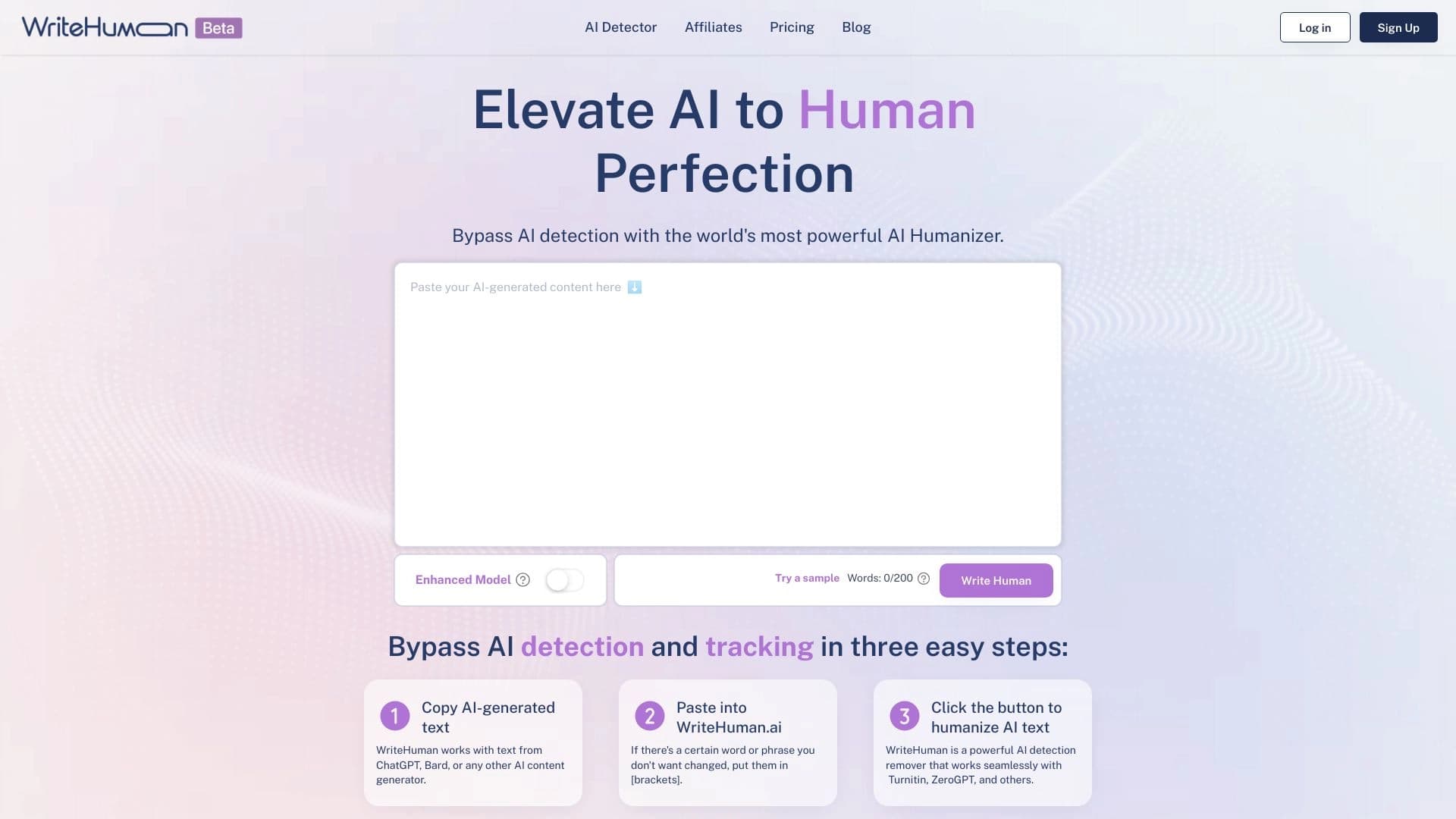

Service for transforming AI-generated text into a more natural-looking form that is harder for artificial intelligence detectors to recognize.

Cabina AI is a unified platform for working with various generative neural networks, enabling you to create texts, images, and videos.
A multilingual chatbot powered by GPT-4 and Gemini for writing texts, analyzing data, and solving tasks.

A tool for converting AI text into a more natural, “human” version, as well as for working with PDF documents.