
AI Design Pro
Neural network for automating interior design: from room plans to working documentation and specifications.
Overview
AI Design Pro Description
AI Design Pro is a specialized AI-powered tool designed to automate the full interior design workflow. The system works with digital floor plans and allows designers to reduce time spent on routine tasks—from initial space analysis to producing working documentation.
The service's key feature is its ability to work with data in various formats. Users can upload a ready-made drawing in DWG or PDF format, provide a hand-drawn sketch, or scan a physical space using a mobile app. The neural network processes the input data and suggests several layout options based on it.
After the optimal layout is selected, AI Design Pro automatically generates interior visualizations and a complete set of construction drawings suitable for handover to contractors. Additionally, a built-in marketplace connects the project with real products, making it possible to create specifications and estimate budgets right away.
AI Design Pro Features
| Feature | Value |
|---|---|
| Type | AI tool for interior design |
| Category | Interior Design, Floor Plans |
| Platforms | Website, mobile app |
| Website | ai-design.pro |
| Catalog publication date | December 18, 2025 |
| Distribution model | Not specified |
Who Is AI Design Pro For?
Professional Interior Designers
The tool is primarily aimed at practicing designers who deal with creating layouts, drawings, and specifications on a daily basis. AI Design Pro handles a significant portion of the technical work, allowing professionals to focus on the creative aspects of a project. Automatic documentation generation reduces the time needed to prepare a package for contractors.
Homeowners Planning a Renovation
The service can also be useful for individuals handling their own home renovations. Through the mobile app, users can scan their apartment, get several layout options, and view visualizations of the future interior. The built-in marketplace helps navigate furniture and material options and create a preliminary cost estimate.
How to Use AI Design Pro
Input Methods
Users can describe the task in text, upload a digital floor plan, or scan the space using the mobile app. The system analyzes the room configuration and generates several alternative layout options based on the input data.
Workflow
Once a layout is selected, the system automatically generates photorealistic interior visualizations and creates accurate construction drawings—plans, elevations, and other working documentation elements. The final step is generating specifications linked to the built-in marketplace's catalog of real products, allowing users to move straight to purchasing.
Key Features of AI Design Pro
Space Analysis and Layout Generation
AI Design Pro analyzes the room configuration and automatically suggests several layout options. This allows for quick comparison of different space organization approaches without manually redrawing each option.
Working with Multiple Data Sources
The system supports uploading drawings, images, and sketches, automatically converting them into a digital plan. The mobile app extends functionality by enabling real-space scanning.
Visualization and Documentation
Based on the selected layout, realistic interior visualizations are generated. At the same time, a complete set of accurate construction drawings is created—plans, elevations, and other working documentation elements that can be handed to contractors without further editing.
Marketplace Integration
The built-in furniture and materials marketplace allows users to select real products for their project. The system automatically generates detailed specifications with items, quantities, and costs.
AI Design Pro Advantages
Full-Cycle Design Automation
The service covers all stages of an interior project—from measurements and space analysis to ready-made specifications and working documentation. This reduces time spent on routine operations and lowers the risk of human error.
Flexible Data Input
Support for various input methods—text, drawing uploads, app-based scanning—makes the tool convenient across different work scenarios. Designers can work with existing plans as well as spaces that need to be measured.
Contractor-Ready Documentation
Generated drawings and specifications are suitable for handover to construction teams without additional processing. This simplifies communication between the designer, contractor, and client.
Early-Stage Budget Estimation
Thanks to marketplace integration and automatic specification generation, project costs become transparent as early as the planning stage. Designers and clients can assess the budget and adjust material or furniture choices before making purchases.
AI Design Pro Limitations
Available sources do not mention any restrictions or drawbacks of the service. There is no information about performance with complex non-standard layouts, support for specific drawing formats, or fine-tuning capabilities for generated results. Questions about model training on specific styles and local design standards also remain undisclosed.
What Problems Does AI Design Pro Solve?
Creating Layout Solutions
The tool automates the search for optimal space organization options. Based on room analysis, the neural network suggests several layouts, from which the designer picks the most suitable one.
Developing Working Documentation
AI Design Pro eliminates the need to manually draft every element. The system generates construction drawings suitable for handover to contractors.
Interior Visualization
Based on the selected layout, realistic images of the future interior are created, which can be used to align decisions with the client.
Furniture Selection and Budget Estimation
The built-in marketplace connects the project with real products. Automatic specification generation allows for quick budget assessment and moving on to purchases.
AI Design Pro Pricing
Pricing and subscription plan information is not disclosed in available sources. Registration is required to use the service, and the website includes a "How to pay for the AI subscription" button. The actual subscription cost, availability of a free tier, or trial period are not specified in the descriptions.
AI Design Pro Terms of Use
Registration is required to use the service. The website includes a dedicated section with subscription payment instructions—the "How to pay for the AI subscription" button. Other terms of use, including privacy policy, handling conditions for uploaded drawings, and rights to generated results, are not described in the source data.
AI Design Pro Availability
The service is available via the website ai-design.pro and a mobile app. Interface languages and supported regions are not officially specified. There is also no information about mobile app compatibility with iOS and Android operating systems.
How AI Design Pro Differs from Alternatives
The key difference between AI Design Pro and other interior design tools is full-cycle design coverage within a single platform. Many competing services (Deroom AI, DrawPlan, Mimarix, Planner 5D, Interior Render AI, ZOYO) focus only on individual tasks: layout generation, visualization creation, or furniture selection. AI Design Pro combines these functions and additionally provides automatic generation of working documentation suitable for handover to contractors.
Another significant difference is the ability to input source data in multiple ways—from text descriptions to scanning a real space via the mobile app. The built-in marketplace with automatic specification generation sets the service apart from alternatives, where furniture selection and cost estimation typically require manual work.
Conclusion
AI Design Pro is a tool for automating interior design that covers the entire process: from uploading or scanning a space to creating layouts, visualizations, working documentation, and specifications. The service targets professional designers looking to reduce time on routine operations, but it can also be useful for homeowners planning a renovation. Pricing and detailed terms of use remain open questions; however, the functional capabilities described in available sources make this tool a competitive solution in the AI interior design services market.
Frequently asked questions
See also


AI-powered online image editor that lets you edit photos by text description right in your browser.

Cabina AI is a unified platform for working with various generative neural networks, enabling you to create texts, images, and videos.


Online Image Editor AI-based preservation of character style and processing Text commands.

AI image editor for fast, high-quality creative processing without censorship.

iSamurai is a set of AI tools to improve recovery replacement images and videos.
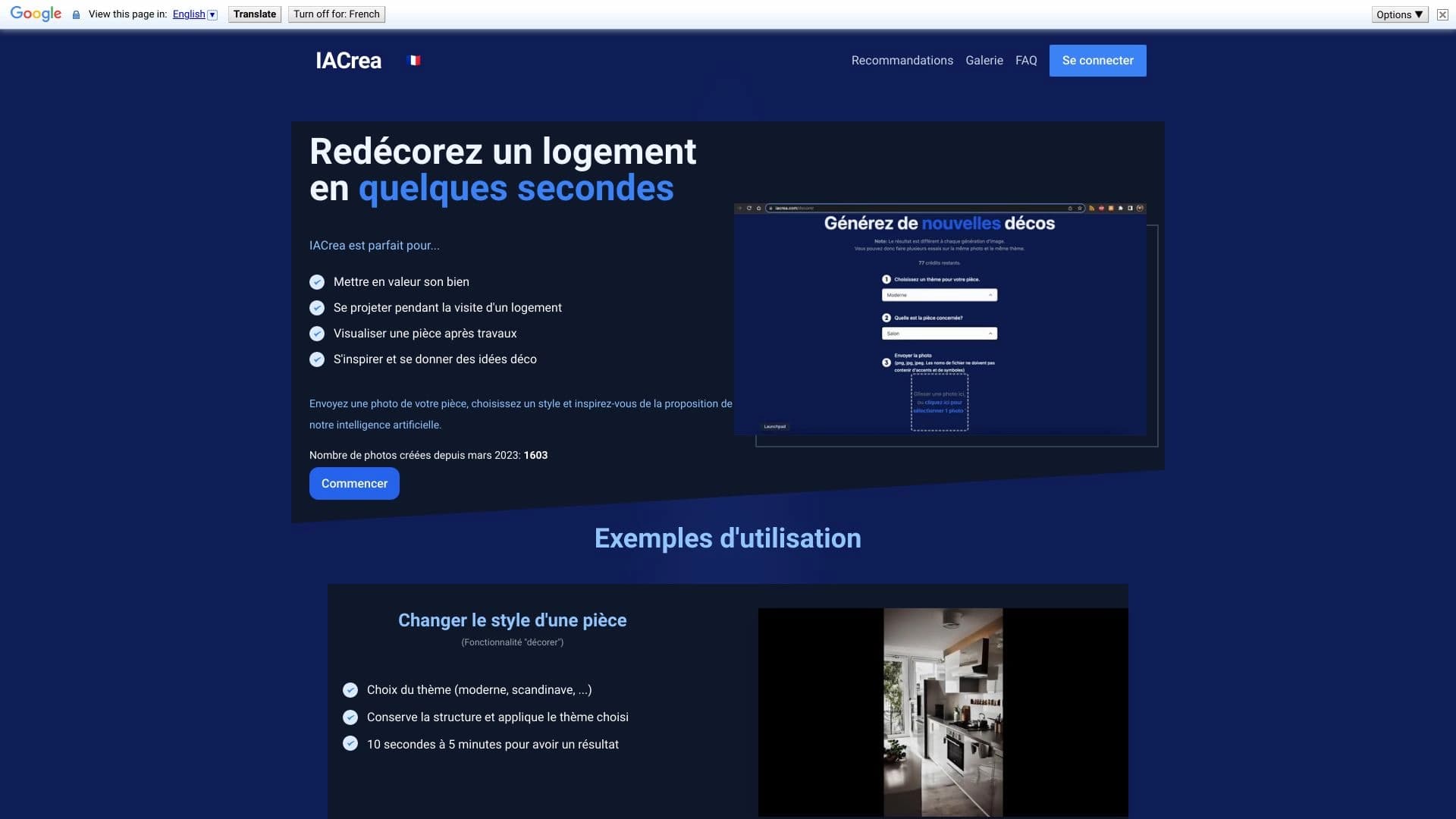

IACrea is an AI service for virtual home staging and real estate visualization, allowing you to quickly enhance interior and exterior photos.

Service for creating personalized avatars and photo shoots using AI based on uploaded selfies.


A tool for quickly generating and editing 4K images, supporting control over multiple reference images and a conversational mode.