

Aardvark
Automated SMS appointment reminder service that integrates with calendars and CRMs.
Overview
Aardvark Neural Network Overview
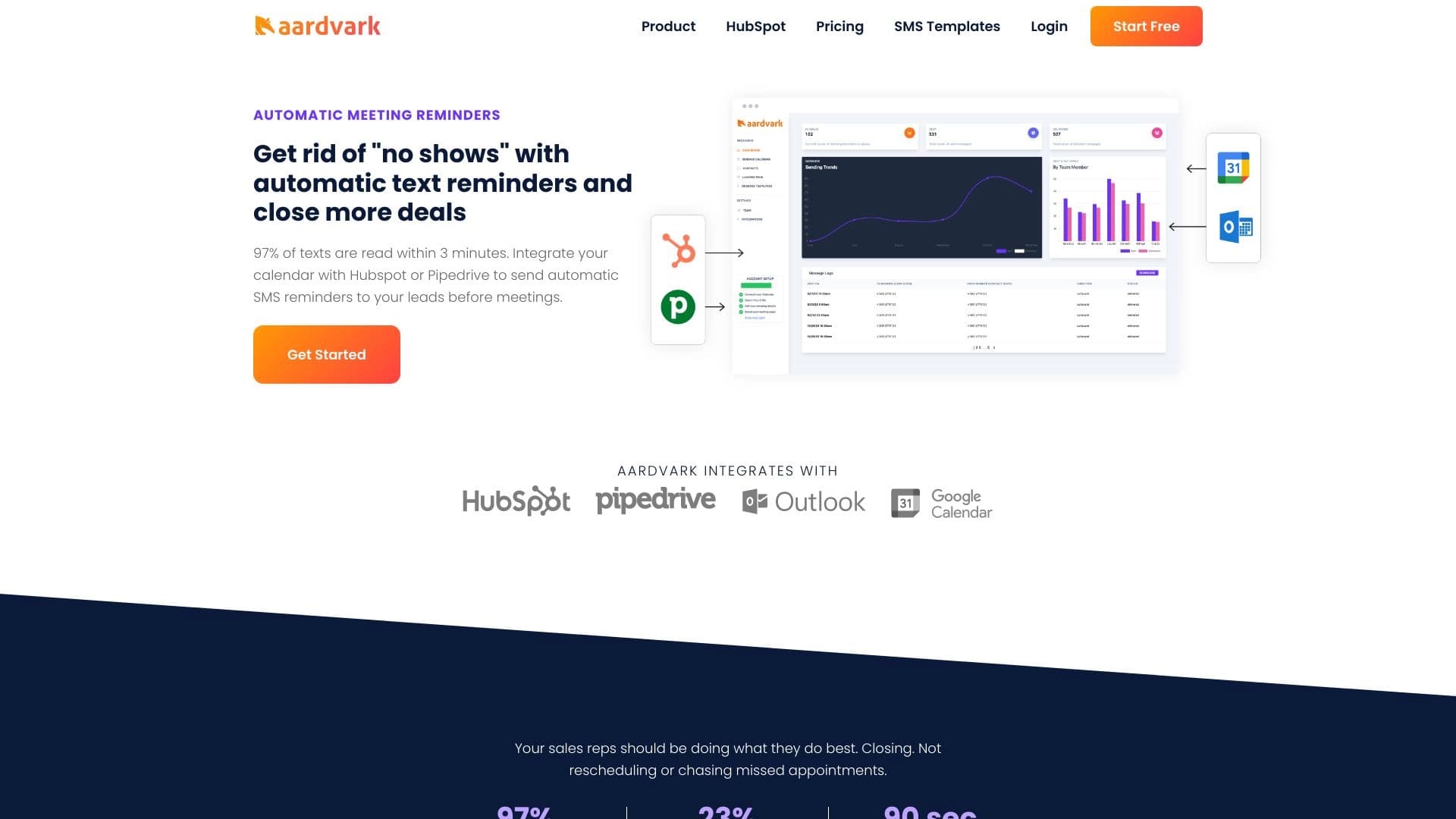
Aardvark is a specialized web service that automates sending SMS reminders to clients about upcoming appointments. Instead of managers manually calling or texting each lead, Aardvark handles the routine by syncing with the team's calendars and CRM systems.
The service's main goal is to reduce no-shows. The system tracks scheduled events in the connected calendar and sends the client a personalized text message in advance. You can flexibly configure the sending time and template content so the reminder feels appropriate and doesn't annoy the recipient.
Key idea: calendar-message integration
Aardvark works on the principle of "calendar event = SMS trigger." When a meeting is created or approaches, the service automatically activates the selected messaging scenario. This eliminates the human factor: the reminder won't be forgotten or sent late.
What the user gets in the end
Essentially, it's a bridge between your CRM system like HubSpot or Pipedrive and your clients' phones for sending short messages. The service is useful for sales departments where every lead contact can impact the deal outcome, as well as for support teams that handle a large number of meetings.
Aardvark Features
| Feature | Value |
|---|---|
| Type | SMS reminder automation tool |
| Platforms | Web service |
| Integrations | HubSpot, Pipedrive, Google Calendar, Outlook |
| Developer | Saasology LLC |
| Monthly visits | 89.8K |
| Publication date | September 10, 2025 |
Who is Aardvark suitable for?
Aardvark is primarily aimed at teams where the cost of a missed meeting is high — namely sales and customer support departments. The service will be useful for those who work with a large number of leads simultaneously and don't have time for manual reminders.
Sales departments and account managers
Managers who have several calls or demos scheduled every day can get rid of the routine. Aardvark ensures the client receives a notification even if the manager forgot to write to them personally in the chaos of the day.
Companies handling a high volume of meetings
The more meetings are scheduled, the harder it is to track everything manually. The service removes this burden by automating the process. This is especially relevant for telemarketing departments and companies with high lead traffic, where reducing no-shows directly increases revenue.
How to use Aardvark?
The service fully depends on your current infrastructure, so setup starts with connecting your work tools. The entire process takes a few steps and requires no special technical knowledge.
Step 1: Connect calendar and CRM
You need to authorize the service and grant access to your calendar (Google Calendar or Outlook) and CRM system (HubSpot or Pipedrive). Aardvark doesn't work standalone — it needs meeting data from these systems.
Step 2: Configure scenarios and templates
After synchronization, you move on to message setup. You can create different SMS templates for different meeting types (initial call, demo, final presentation). You also set the time interval: an hour before, a day before, or several hours before the event.
Step 3: Launch the system
Once the integration is set up, the system works automatically. When a new meeting linked to a CRM contact appears in the calendar, Aardvark sends the appropriate message on its own. User intervention is only needed for adjusting templates.
Aardvark Core Features
The service's functionality is designed to make automated SMS as relevant as possible while not requiring human involvement in the sending process.
Automated text reminders
The core of the service is creating and sending scheduled SMS messages. The system tracks events on its own and initiates the send when the meeting is approaching.
Integration with popular services
Aardvark natively connects to HubSpot, Pipedrive, Google Calendar, and Outlook. This covers the needs of most teams working within these ecosystems.
Flexible template and condition configuration
You can create multiple message templates and assign conditions for when they are sent. For example, you can select a specific meeting topic, date, or other deal parameters in the CRM so the client receives a more accurate reminder.
Message personalization
Although the service works with bulk sends, it allows inserting client data (name, company, etc.) into the SMS text. This makes messages more "human" than standard notifications.
Aardvark Advantages
The service's main advantage is tangible business impact. Using Aardvark allows teams to focus on sales rather than routine tasks.
- Fewer missed meetings: Automated reminders significantly reduce no-shows since clients don't forget their commitments.
- Instant delivery: SMS arrive immediately and are almost guaranteed to be read, unlike email, which can get lost in spam or be ignored.
- Time savings: The fully automated process frees managers from manual message sending, allowing them to spend time on actual sales.
- Unified ecosystem: The ability to connect multiple services (CRM + calendar) makes setup simple and keeps data consistent.
Aardvark Disadvantages
Despite the obvious benefits of automation, the service has limitations that are important to consider when choosing a tool.
- Limited personalization: Despite template configuration, bulk sending remains bulk. Texts for different clients may be too similar and fail to account for the unique context of the conversation.
- Full dependence on integrations: If your team doesn't use the specified CRMs (HubSpot, Pipedrive) or calendars (Google, Outlook), the service simply won't work.
- Relatively high cost: For small companies and startups with a low volume of meetings, the price may seem inflated, especially compared to free or cheaper alternatives.
What problems does Aardvark solve?
Aardvark is designed to address specific operational challenges related to client communication.
- Reducing meeting no-shows: It targets the main pain point of sales departments. The system reminds the client about the meeting at the right time, minimizing the risk of forgetfulness.
- Automating reminders to increase closed deals: The more meetings that actually happen, the more sales opportunities. The service increases the rate of successful contacts.
- Saving time on manual reminders: It completely eliminates the need to manually text or call each client to confirm a meeting, allowing staff to focus on more important tasks.
Aardvark Pricing
The service offers several pricing plans that differ in functionality and available options.
Standard and Premium plans
Both plans are priced the same. The Premium version appears to include all features of the Standard plan but adds more advanced integrations and personalization capabilities.
Enterprise plan
For large teams and companies with specific needs, there is an enterprise plan. It includes unlimited users, priority technical support, and the ability to develop custom solutions tailored to business needs.
Aardvark Terms of Use
A key condition for the service to work is having an integration with supported platforms.
Technical requirements
You'll need an active account in one of the CRM systems (HubSpot or Pipedrive) and one of the supported calendars (Google Calendar or Outlook). Without these connections, automated reminders cannot be launched.
Subscription model
While the exact trial period parameters and contract durations are not specified in public sources, the distribution model implies a subscription with monthly payment. The cost varies depending on the chosen plan.
Aardvark Availability
The service is available as a web application that doesn't require installing additional software on the user's computer. You can access your account and configure the tool from any device through a browser.
The system is developed by Saasology LLC, which provides support and product development. As of September 2025, the service enjoys steady demand: its pages receive about 89.8 thousand visits monthly.
How Aardvark differs from alternatives
There are many AI tools and automation services on the market, but Aardvark occupies its own niche. Its difference from products like Fireworks, Polymer, SigmaChat, or Rationale lies in its narrow specialization.
Narrow focus on SMS reminders
Unlike more general marketing automation platforms or AI assistants, Aardvark is built to solve one specific task — sending SMS before meetings. It doesn't try to be a "Swiss Army knife" for the entire business but does one function exceptionally well.
Deep calendar and CRM integration
The key difference is the tight connection with calendars and CRMs directly. For example, services like Albert AI or Powerdrill AI may solve broader analytics or text generation tasks. Aardvark, on the other hand, works specifically within the sales ecosystem, using calendar event data as the primary trigger for communication.
Positioning against manual work
Comparison with alternatives like Polymer or SigmaChat (which may target database work or chats) shows that Aardvark is a tool for operational efficiency. It competes not with other AI neural networks but with the manual labor of managers, automating their routine.
Conclusion
Aardvark is a practical and focused tool for automating SMS reminders about meetings. It will be a reliable assistant for sales and support departments using HubSpot, Pipedrive, Google Calendar, or Outlook. The service's main benefit is a noticeable reduction in no-shows and team time savings through full process automation.
However, before purchasing, it's worth soberly assessing the limitations: strong dependence on specific CRMs and calendars, limited options for truly deep message personalization, and a fairly high entry price point for small businesses. Nevertheless, for companies where lead meetings are a key stage of the sales funnel, Aardvark can quickly pay for itself by increasing the number of successful contacts.
Pricing
Frequently asked questions
See also


Desktop AI assistant for macOS, Windows, and Linux that launches via hotkey above all windows and combines multiple language models in one interface.


Averi is a marketing platform that brings campaign planning, content creation, and analytics together in a single interface.
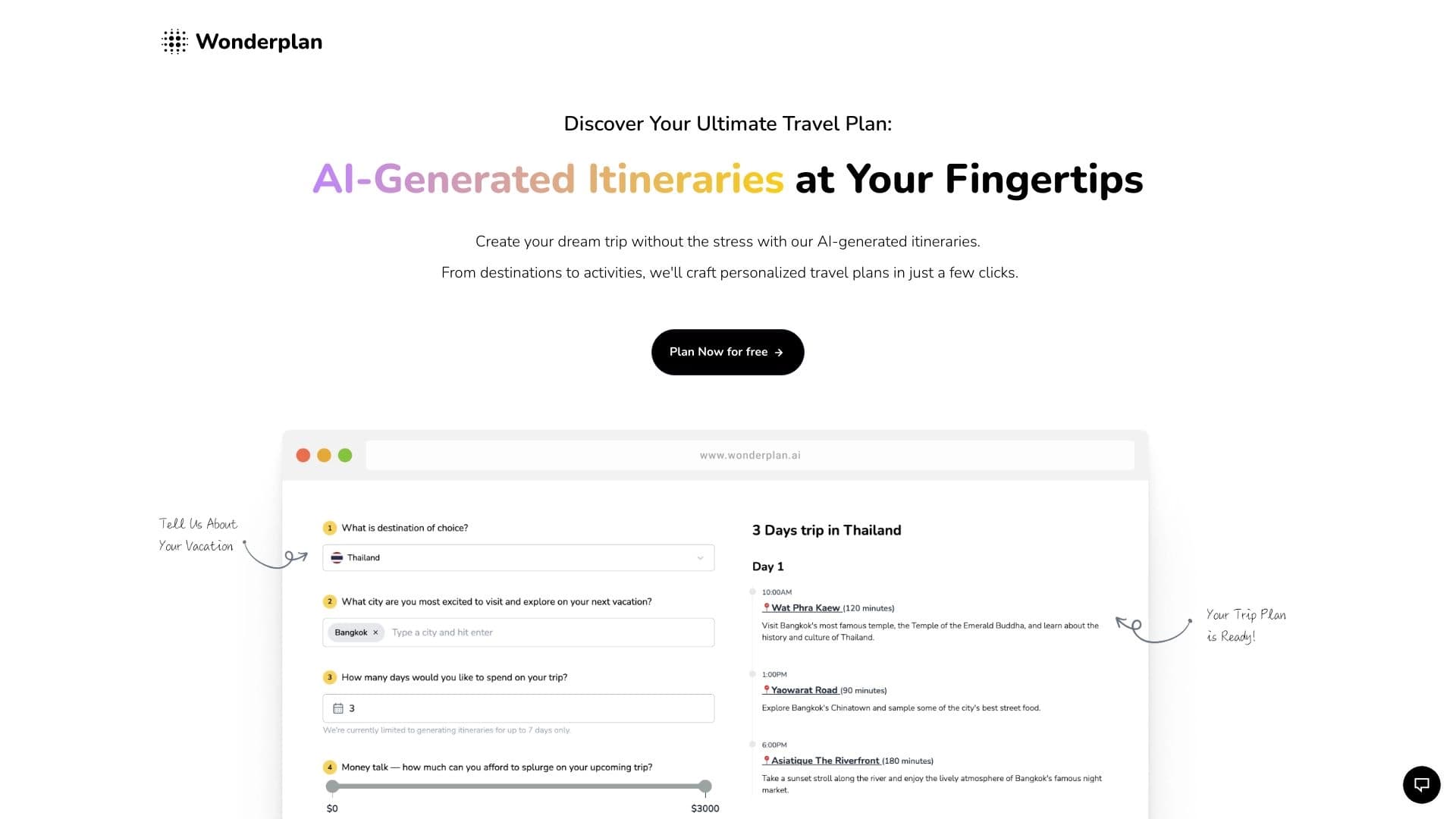

An AI travel planning assistant that creates detailed itineraries based on preferences, budget, and trip duration.


A multifunctional AI assistant for chat, text and image generation, translation, and programming help.
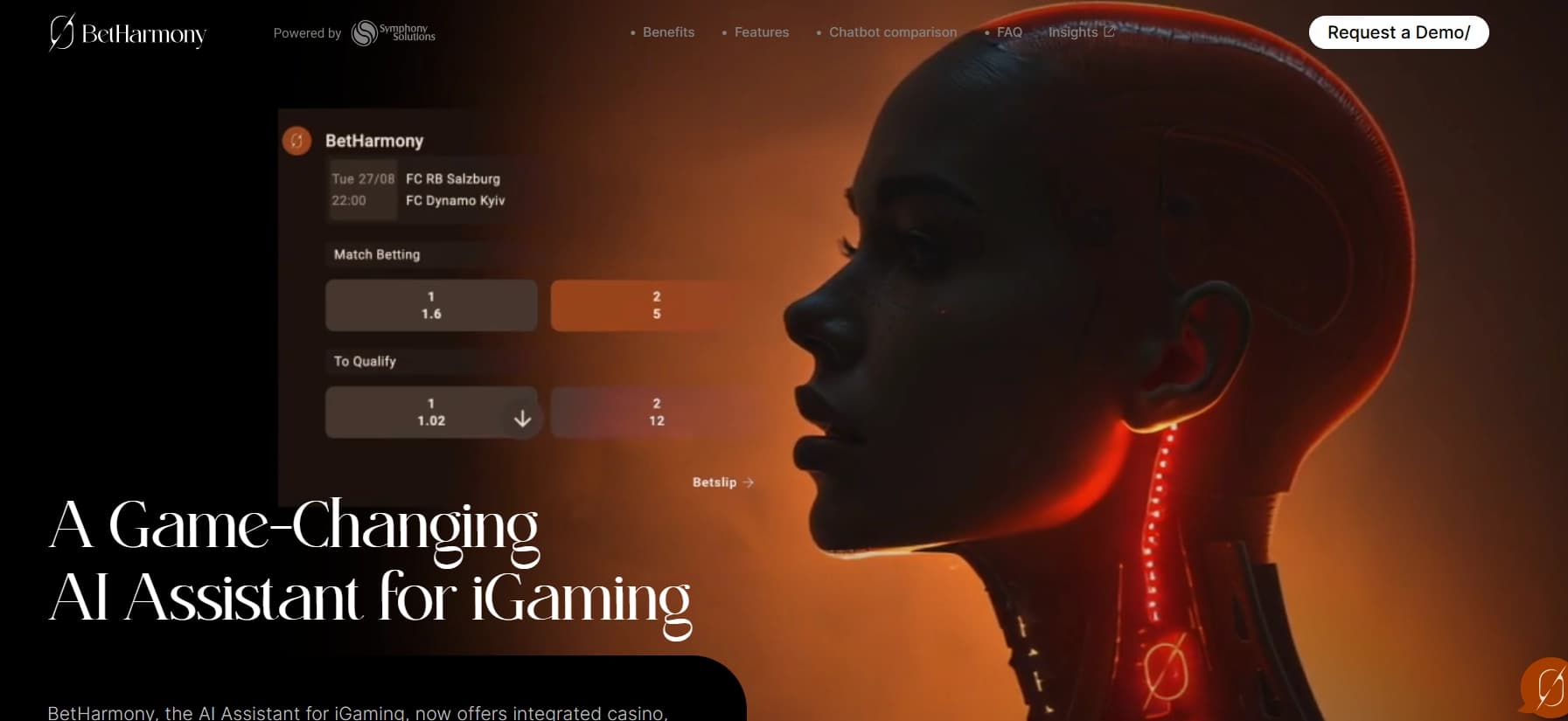

AI assistant for sports betting and casino, analyzing the user's past actions to provide personalized advice.


AI platform for user support in applications, including a chatbot and ticketing system.


AI Slide Studio is an AI-powered service for quickly creating customizable presentations on a given topic.

An online service that lets you chat with PDF documents: ask questions and get concise answers with source attribution.