
Коротко о главном
When you need to turn a text description into a ready-made music track, two names are most often mentioned — SUNO and Udio. The first bets on simplicity: you write what you want and get the whole song — with lyrics, melody, and arrangement. The second bets on interactive work with styles and joint creativity. Both services are accessible to beginners, but the feel of the process and the final result differ noticeably.
How tracks are generated
The main difference between the platforms is in the very philosophy of generation. One turns words into a finished song, the other gives material for assembly.
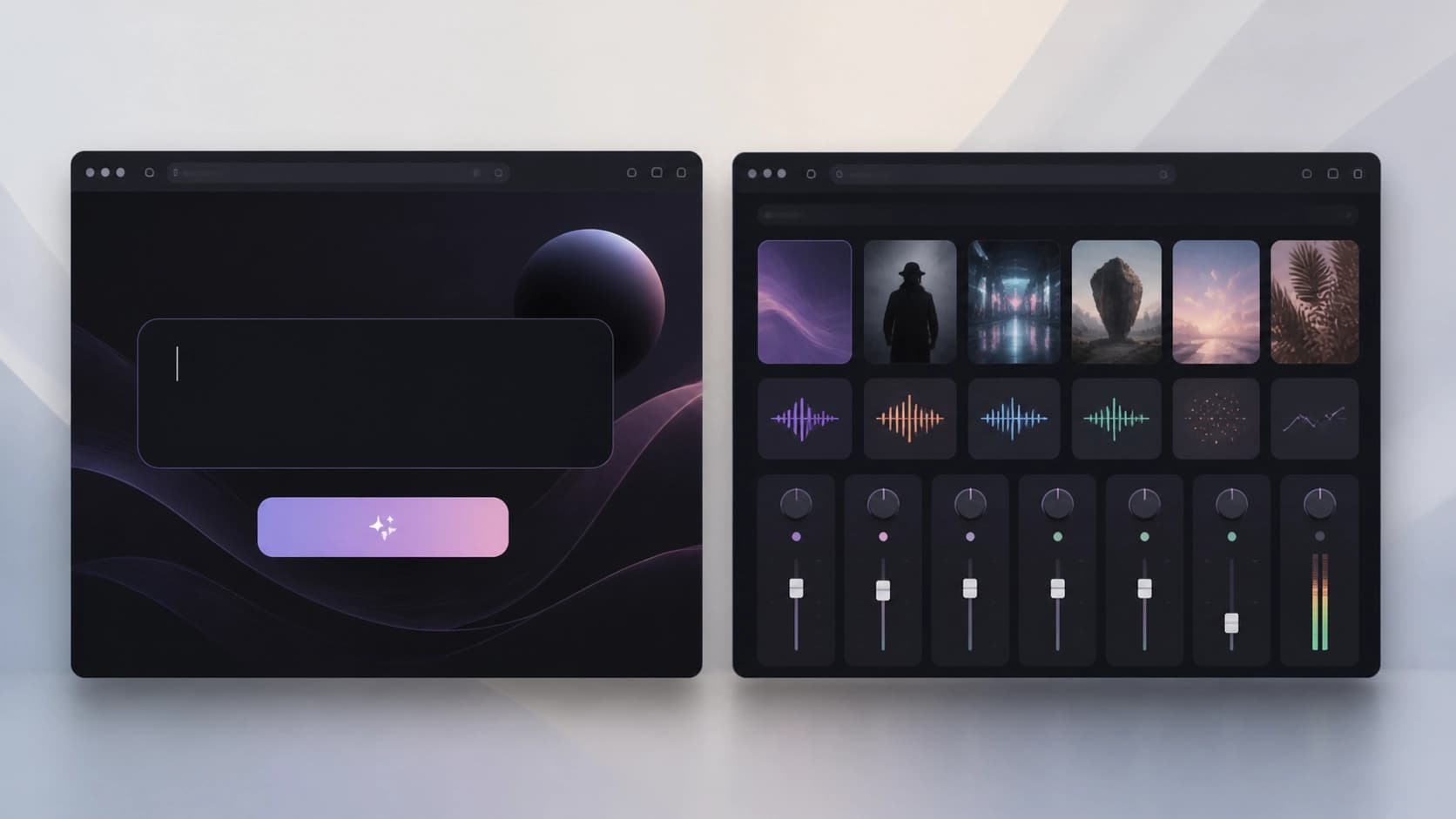
SUNO works on the "one prompt — finished song" principle. You enter a prompt like a happy summer day — and the service assembles the composition itself: lyrics, music, vocals. From a fragmentary idea you get a complete track that can be listened to and used right away.
Udio offers a different path: first you choose a genre and style, then gradually "assemble" the composition by reshuffling individual elements. For example, a request like jazz returns a smooth instrumental track — and then you can influence its development. This is more of a sound constructor than a "from scratch" generator.
Recent reviews mention SUNO V4.5 (marked Verified by AIPURE), but when choosing between services, the version number is secondary: the main thing is the approach, and the platforms' approaches are fundamentally different.
Interface and entry threshold
Here SUNO wins from the first minute: the interface is simple, logical, and guides the user step by step. No musical education needed — that's built into the service's very concept. Enter text, press a button, get the result. A great option for those who want to hear an idea rather than tinker with settings.
Udio looks more interactive: the screen lets you mix musical elements, switch between variants, and experiment with styles. This approach is engaging but requires more involvement and at least a rough idea of what you want to hear.
Collaboration: solo work or team production
If music is your personal space, there will be almost no restrictions: SUNO is designed for individual song creation; it does not include collaborative work. This is the ideal option for quick personal experiments when you don't need to coordinate decisions with anyone.
Udio is initially focused on collaboration. Several participants can work on one track, which is especially valuable for bands and creative teams where each person adds their own part. If you're planning team music creation, Udio looks like the natural choice.
Sound quality
SUNO produces high-quality files suitable for professional use: they meet industry standards. A finished track can be brought to release or used in a project without serious refinement.
Udio also provides high quality, but with a nuance: since the result heavily depends on the user's actions, the final composition can noticeably change from input to input. That's not a flaw but a feature: more control means more variability.

So what to choose
It all comes down to a simple question: what matters more to you — speed and simplicity, or collaborative creativity and control over style?
Choose SUNO if...
- you want to quickly get a ready-made song from a text prompt;
- you don't plan to dig into technical details;
- you work alone and value instant results.
Choose Udio if...
- you enjoy interactively exploring styles and genres;
- you work in a group or on collaborative projects;
- you create complex compositions where every element matters.
That said, nothing stops you from trying both tools: start with quick generation in SUNO, then dive deeper into experiments in Udio. Practice will tell you which approach suits you best.