Registration and login
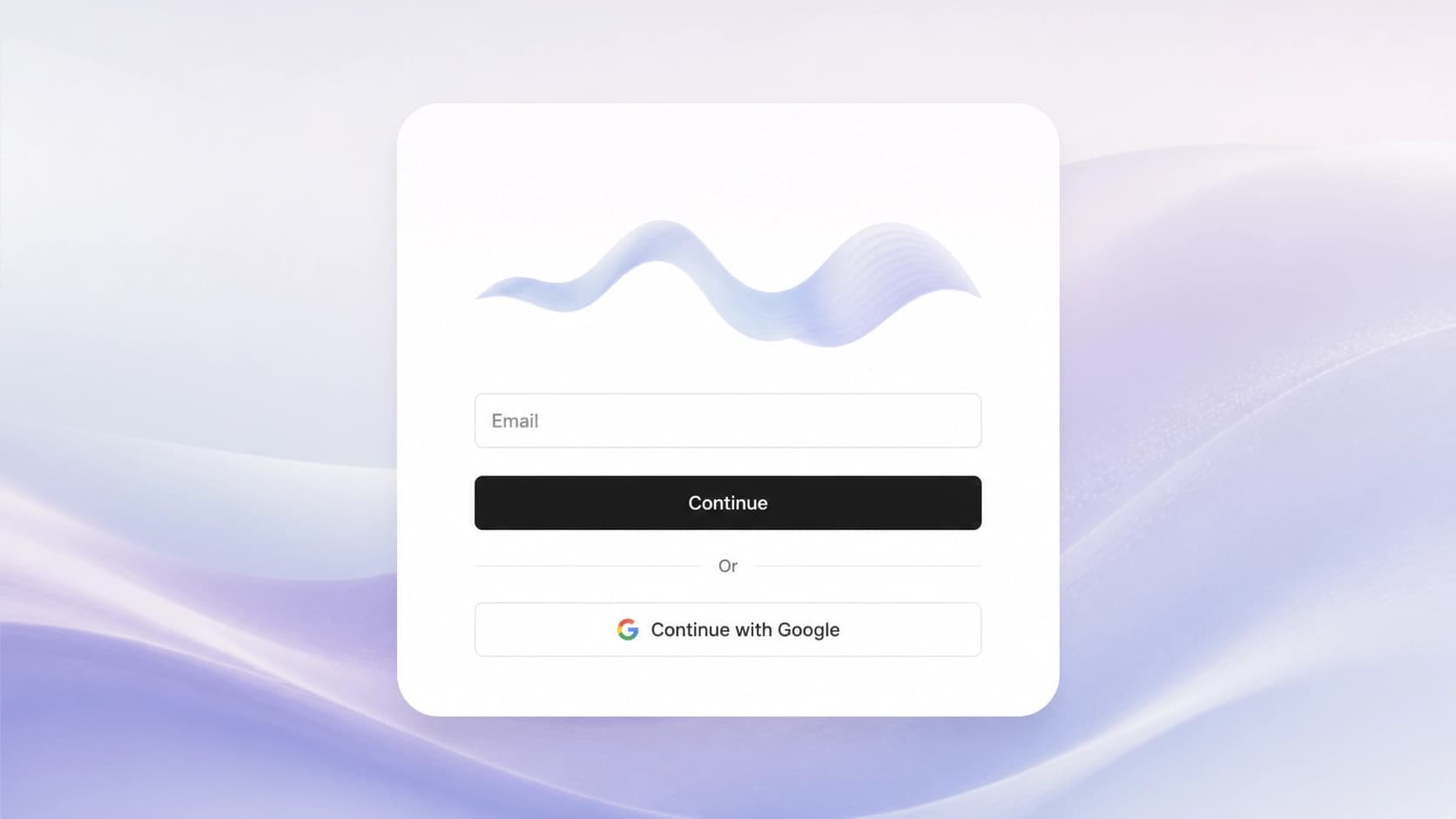
To start working with ElevenLabs, open the service's official website and click "Try for free" or "Sign Up" on the homepage. The easiest way to register is through Google OAuth — then you won't have to remember another password. If you prefer the classic method, enter your email address and create a password; the system will send an email with a confirmation link to your inbox. Follow that link — and only then is your account considered active.
After confirming, you'll get to your personal dashboard. You can immediately explore the main sections: voice generation, projects, dubbing, and other built-in features. At this stage, you don't have to configure anything — the service will offer a short introductory tour on its own.
Choosing a pricing plan and initial setup
Right after logging in, it's worth deciding on a plan. ElevenLabs has a free plan that's suitable for test voiceovers, as well as paid subscriptions starting from Starter and going up to Enterprise. On the free plan, the monthly character limit and access to some features are usually restricted, so for regular work it's better to move to a suitable paid tier.
Then go to Voice Library — a library of ready-made voices created by the community and the company itself. There you can choose a voice by gender, age, accent, or speaking style. Pay attention to the filters: they help narrow the search if you're looking, for example, for a calm male voice for instructions or an energetic female voice for a commercial.
At this stage, it's also useful to check the speech synthesis settings. The key parameter is stability — the stability slider. If you set it high, the voice will sound steady and predictable, but it will lose some emotional flexibility. A low value adds liveliness and intonation variety, but sometimes leads to unexpected timbre changes. The optimal value depends on the task: audiobooks usually need stability, while dialogues need the opposite.
Creating your first voiceover
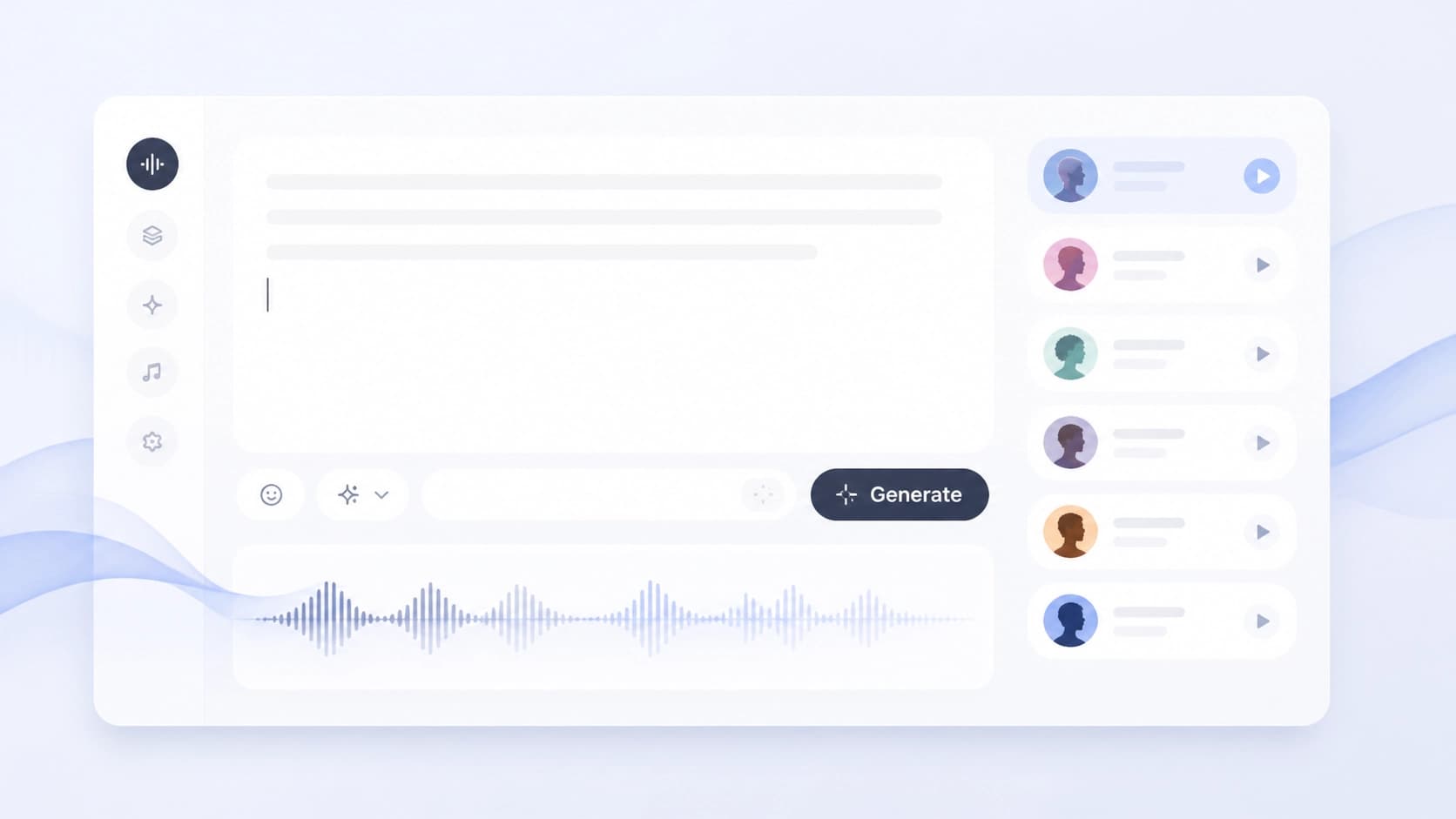
Once your account is set up and a voice is selected, you can move on to the main thing — generating speech from text. In the ElevenLabs editor, paste your text into the dedicated field, choose a voice you like from the library, and click Generate. In a few seconds, the system will return a finished audio file that you can listen to right in the browser or download.
If you want to get a unique character, use the built-in Voice Design Tool. It lets you configure voice characteristics "from scratch": gender, age, timbre, and even pronunciation features. This is convenient for content creators who need a consistent voice for a series, podcast, or video blog.
Advanced users should pay attention to Dubbing Studio. This feature is designed for multilingual projects: it translates and voices videos into other languages, trying to preserve the original intonation and emotional tone. The service also has Audio Native — a plugin for websites that automatically plays an audio version of text articles.
Practical tips for a confident start
Beginners often have questions about quotas and quality. To keep your work from being interrupted at the worst possible moment, keep an eye on the character counter in your personal dashboard. In ElevenLabs, the free-tier limits are fairly modest, so for long projects it's better to switch to a paid plan in advance or spread the generation out over days.
Don't be afraid to experiment with different voice models. The same text can sound completely different depending on the chosen model and settings. Run a few test generations with the same text and compare the results — this is the fastest way to understand which sound suits your project.
If something goes wrong — the voice sounds distorted, the text is read too fast or too slow — look into the Help Center. There you'll find instructions for fixing common problems, recommendations for optimizing settings, and answers to frequently asked questions. It's also useful to study examples from other users in Voice Library: other people's work shows which parameters to set to achieve the desired effect.