Using AI assistants has long ceased to be exotic: they are used for quick lookups and for entire workflows. But choosing a plan often stumps people. Anthropic offers two obvious options for working with its model — free and paid. Let's figure out how they really differ besides the price, and who each one is right for.
What's included in the free access
The starter plan opens access to basic features without any financial commitment. That's enough to get familiar with the interface, try phrasing requests, and evaluate the quality of Claude's responses on simple tasks. Essentially, it's an ideal sandbox for experiments and first steps in integrating AI into your routine — from writing emails to sketching out code.
However, free access comes at the cost of convenience. During peak load periods, responses may slow down, and the set of available features is deliberately limited. If you use the assistant occasionally and aren't ready to dig into fine-grained settings, this option is usually sufficient.
How the Pro subscription differs
The paid version, also known as Claude Pro, is aimed at business users, developers, and anyone who needs the assistant as a work tool rather than a toy. Here, a number of restrictions are lifted and tools are added that save hours each week.
The main advantage — five times more requests
The key number to remember: subscribers can send five times more messages than users on the free plan. For scenarios that require dozens of iterations — for example, code review, content generation, or analyzing large documents — this is critical. On the free plan, you simply hit the limit just as your work is gaining momentum.
Customization and integrations
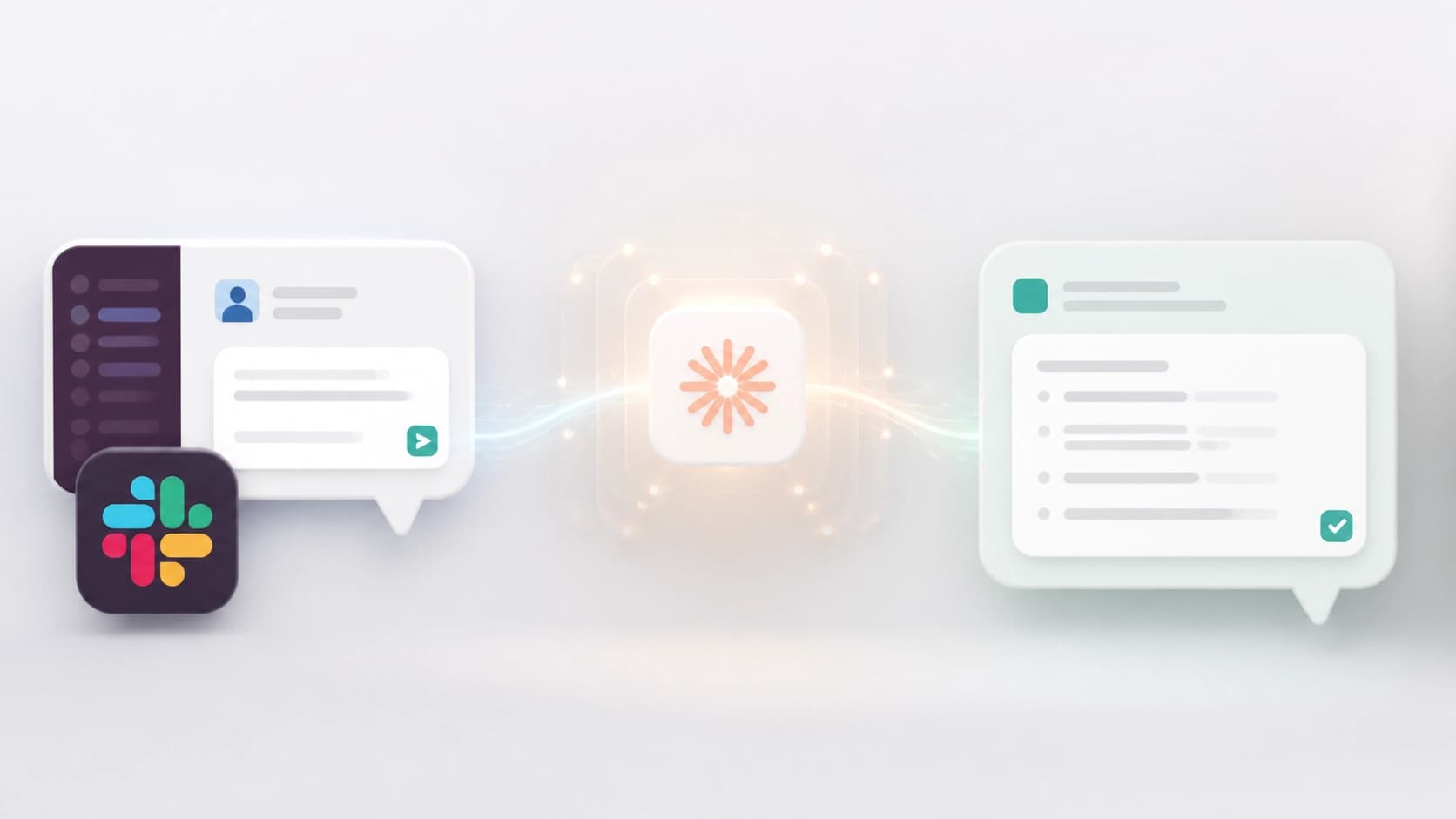
The Pro plan unlocks extensive customization. You can flexibly tailor the assistant's "persona" to your communication style and tasks, which is especially useful when creating response templates or content with a consistent brand voice. In addition, the paid plan includes Slack integration — this turns the assistant into a full-fledged participant in team communication, available right in the work chat.
Priority access mode
Another strong argument is priority access during peak hours. When servers are overloaded, paid users keep receiving responses without delays, while free users may have to wait. The same set of bonuses also includes early access to new features: you get fresh capabilities before the majority of users, which is useful for those who follow trends or want to adapt their processes in advance.
Support and pricing
For business tasks, the support structure matters too. The Pro subscription includes priority email support — in case of an outage or uncertainty, you get a response faster than on the free version, where the support line is clearly not a strong point.
The cost is from $20 per month when billed annually. Given the increased limits and priority access, this price is justified for those who use the model daily and depend on its stable performance.

Which plan should you choose
The answer depends on how regularly you use the assistant. If you're a beginner or don't use it every day — for small questions like "rewrite this paragraph" or "explain this term" — the free version is enough. It requires no investment and lets you understand whether you need such a tool at all.
For advanced users and businesses, the choice is obvious: Claude Pro pays off through time savings. Five times the limits, early features, Slack integration, and priority support — this package turns a chatbot into a reliable team member. If you've noticed that you keep hitting the limits of the free plan, it means you've already outgrown it.
Weigh your tasks: for occasional use there's no need to pay, but for systematic work with text and code, the difference between the plans is immediately noticeable. The best way to check is to start with the free plan and then consciously move to Pro when you feel you've hit the ceiling of its capabilities.