What is BypassGPT and why do you need it
Texts created by neural networks often give themselves away with typical phrases, uniform structure, and a lack of vivid details. This is not always noticeable to the reader, but detection algorithms identify "machine-generated" content based on statistical patterns. The BypassGPT service solves this problem: it rewrites the original content so that it appears human-written and successfully passes checks in popular systems like GPTZero, Originality.ai, or Copyleaks.
At the same time, the tool does not simply swap synonyms — it strives to preserve the meaning and make the text more natural. Thanks to this, the humanized version can be used for blogs, social media posts, academic papers, and any other materials where avoiding automatic detection is important.
Step-by-step guide to using the service
To get a humanized text, you need to take a few simple steps. Let's look at each stage in detail.
Step 1. Go to the website and choose your input method
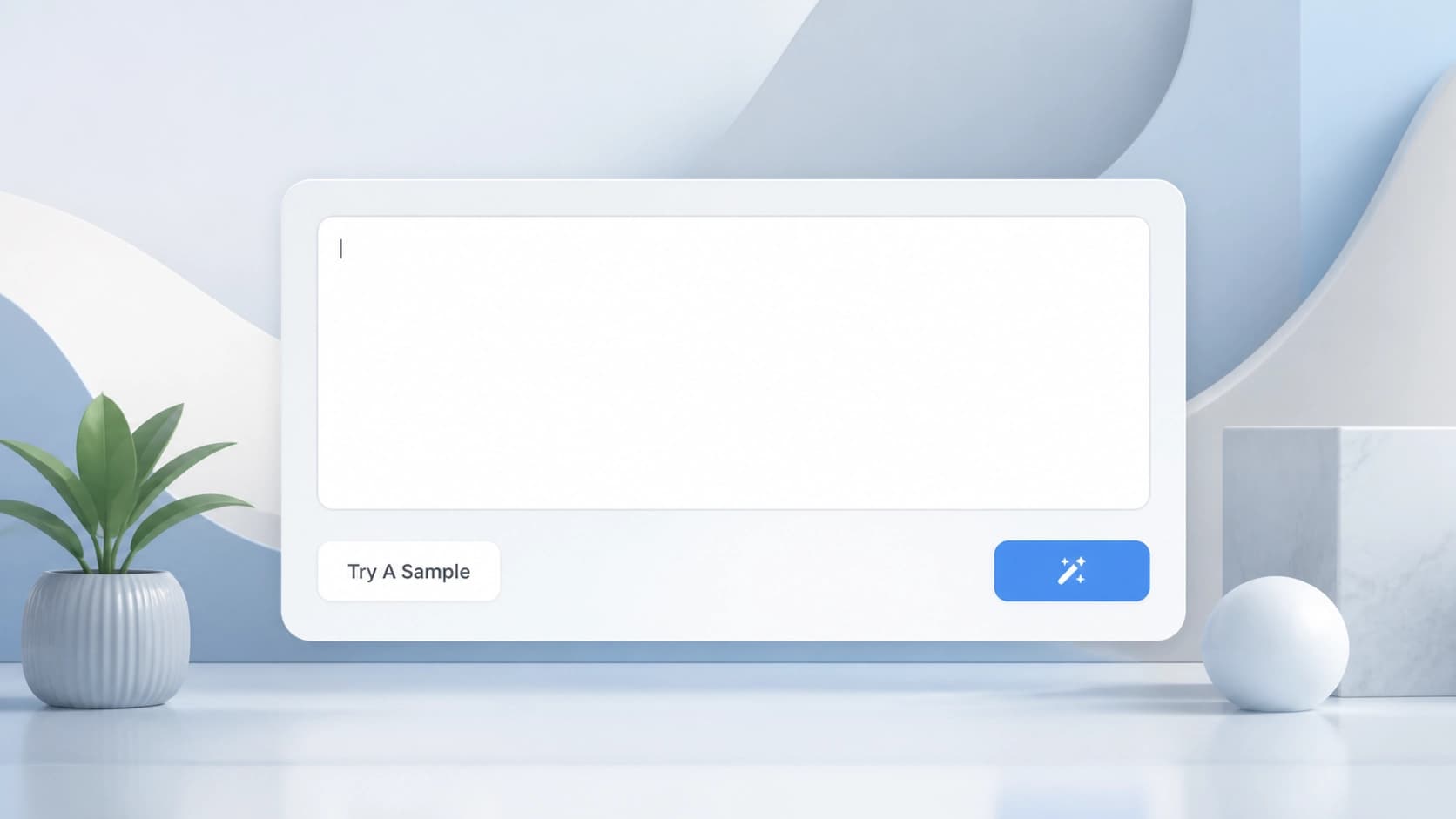
Go to the official BypassGPT website (bypassgpt.ai). On the main page, there are several options: you can click "Try A Sample" right away to see how the service works with an example, or choose the "Paste Text" mode if you already have text generated by a neural network. In the second case, a text field will appear where you can paste the original material. File upload is also supported — there is an "Upload File" button for this purpose.
Step 2. Choose the rewriting mode
Before starting the processing, you need to decide on the mode. BypassGPT offers two main options. The Enhanced mode performs deeper rewriting: the text becomes more nuanced, with changed sentence structure and more human-like phrasing. The Humanize mode focuses on maximum naturalness — it is suitable when you need the text to sound just like natural speech.
Step 3. Generate and check the result
After you have selected the mode, all that remains is to click the "Generate" button and wait a couple of seconds. The service will show the humanized version in a separate window. Carefully review the result: make sure the meaning is preserved and the style matches your expectations. If everything is fine, copy the text or download it as a file. If you are not satisfied with the result, you can try a different mode or slightly modify the original text.
Key features and benefits
One of the main advantages of BypassGPT is accessibility. The service offers a free trial period, so you can test it without any financial investment. In addition, the tool supports more than 50 languages, making it a versatile solution for international projects.
Another plus is its focus on practical tasks. In addition to bypassing detectors, the service makes content unique and SEO-friendly. This means the text not only passes the "human" check but also ranks better in search engines and does not cause plagiarism issues.
In the end, BypassGPT can be seen as a convenient assistant for anyone who regularly uses generative models in their work. With its help, you can easily turn formulaic machine-generated text into lively material that is indistinguishable from the work of a human author.