

Wondershare.net
A suite of programs for media editing, data recovery, and working with documents.
Overview
Wondershare.net
Description of the Wondershare.net AI
Wondershare is a software development company that offers a suite of tools for media editing, data recovery, and document management. The Wondershare ecosystem includes well-known products such as Filmora for video editing, Dr.Fone for mobile device management, and PDFelement for working with PDF documents. Applications are available on various platforms, including Windows, macOS, iOS, Android, and web versions, making them a versatile solution for both beginners and experienced professionals.
Wondershare.net Features
| Characteristic | Value |
|---|---|
| Platforms | Web, Android, iOS, Mac, Windows |
| Distribution model | Freemium |
| Price | From $39.99 USD (one-time payment) |
| Free plan | No |
| Lifetime license | Yes |
| Developer | Wondershare |
Who is Wondershare.net AI for?
Content Creators
Video bloggers, TikTokers, YouTubers, and editors can use Wondershare to create and process video, audio, and images. Filmora provides a wide range of tools for professional editing without the need to learn complex programs.
Business Users and Professionals
Entrepreneurs, managers, and office workers will appreciate PDFelement for document management and Dr.Fone for managing corporate mobile devices. The products are suitable for everyday business tasks related to document workflows and data transfer.
Students and IT Enthusiasts
Students can use Wondershare for academic projects, creating presentations, and recovering lost files. Tech-savvy users will find flexible settings and advanced features in the company's tools.
How to Use the Wondershare.net AI?
Installation and Launch
To get started, visit the official Wondershare website, select the desired product (Filmora, Dr.Fone, PDFelement, etc.), download the installation file, and run the installer on your device. All programs support standard installation procedures on Windows and macOS.
Getting Started with the Tool
After installation, open the program and follow the on-screen instructions. The interface of Wondershare products is intuitive: most features are available through the main menu or side panels. Step-by-step wizards are provided for specific tasks (such as trimming video or converting PDFs).
Saving and Exporting Results
When finished, you can save the project in the program's native format or export the result to the required format (MP4, PDF, DOCX, etc.). Finished files can be published immediately, sent by email, or uploaded to cloud storage.
Main Features of Wondershare.net
Video Editing and Media Conversion
Filmora lets you edit videos by trimming, merging, applying effects, and adding titles and transitions. Media file conversion between various formats is also available.
Data Recovery and Mobile Device Management
Dr.Fone helps recover lost data from mobile devices and transfer files between phones and computers. The tool supports backup and restoration of contacts, messages, photos, and videos.
Document Editing and PDF Management
PDFelement provides a complete set of tools for working with PDF files: creating, editing, converting, signing, and protecting documents. The program supports batch processing and integration with cloud services.
Advantages of Wondershare.net
Wide Range of AI Tools for Creativity
Wondershare offers many AI-powered solutions for working with video, audio, images, and text. AI features simplify complex editing tasks such as background removal, video quality enhancement, and automatic transcription.
User-Friendly Interface and Accessibility for Beginners
The company's products have a friendly user interface that requires no special training. Built-in AI features help automate routine operations, which is especially valuable for novice users.
Versatility and Cross-Platform Support
The product suite covers a wide range of tasks — from video editing to PDF management. The tools work on all major platforms (Windows, macOS, iOS, Android, Web), providing flexibility in use.
Disadvantages of Wondershare.net
No Open Source
Wondershare does not offer open-source products. Users do not have access to code repositories and cannot modify the software themselves.
Paid Model for Full Functionality
Although some products have free trial versions, the full set of features is only available after purchasing a license or subscription. The lack of a fully free plan may be a barrier for users on a limited budget.
Limited Information About Drawbacks
The company's official website barely mentions possible difficulties or limitations when using the tools. Users have to discover software quirks on their own during use.
What Tasks Does the Wondershare.net Solve?
Video Creation and Editing
Filmora helps create videos for social media, presentations, training courses, and personal projects. The tool supports all stages of video production, from importing source files to final export.
Data Recovery and Backup
Dr.Fone handles recovery of lost files after system failures, accidental deletion, or device damage. The tool also allows you to create backups and transfer data between phones.
Document and PDF Management
PDFelement automates document workflows: creating, editing, converting, merging, and signing PDF files. The program is suitable for office work, legal tasks, and educational purposes.
Mobile Data Transfer
With Dr.Fone, you can quickly transfer contacts, messages, photos, and other data from an old phone to a new one without losing information.
Wondershare.net Pricing
Payment Model
Wondershare products are distributed under a one-time payment model. The base price starts at $39.99 USD. No credit card is required to download the trial version. A lifetime license is also available.
Available Plans
- Standard ($39.99) — license for 1 PC, lifetime updates, standard support.
- Pro ($79.99) — license for 3 PCs, lifetime updates, priority support.
No free plan is provided, but users can explore the functionality through a trial version before purchasing.
Terms of Use for Wondershare.net
License Agreements
Each Wondershare product comes with a license agreement that defines the user's rights and obligations. When purchasing a license, the user gains the right to install and use the software on a specified number of devices according to the selected plan.
Trial Period
Before purchasing, you can test the products in a demo mode. No bank card details are required for this. The trial version lets you evaluate the core functionality and decide whether to buy.
Updates and Support
Standard and Pro plans include lifetime product updates. Technical support is available through the official Wondershare website. Users can ask questions about installation, setup, and use of the programs.
Availability of Wondershare.net
Supported Platforms
Wondershare products are available on all major operating systems: Windows, macOS, iOS, and Android. Some tools also have web versions that run directly in the browser without installation.
Geography and Languages
The company's software is available to users worldwide. The interface and documentation are translated into many languages, including Russian, making the tools convenient for an international audience.
System Requirements
To run Wondershare products properly, you need a modern computer or mobile device with internet access. Specific system requirements depend on the selected product and are listed on the download page.
How Wondershare.net Differs from Alternatives
Comparison with Adobe Creative Cloud
Unlike Adobe, which offers products exclusively by subscription, Wondershare uses a one-time payment model with the option of a lifetime license. This makes Wondershare more accessible to users who do not want to pay monthly.
Comparison with Final Cut Pro
Final Cut Pro is only available on macOS, whereas Wondershare (notably Filmora) works on Windows, macOS, iOS, and Android. Wondershare also offers a lower entry threshold for beginner video editors.
Comparison with EaseUS and Microsoft Office Suite
Unlike EaseUS, which focuses mainly on data recovery, Wondershare provides a broader range of tools — from video editing to PDF management. Compared with Microsoft Office Suite, Wondershare's PDFelement offers more advanced features specifically for working with PDF format, although it falls short in overall office functionality.
Conclusion
Wondershare is a versatile set of software products for media editing, data recovery, and document management. The company offers solutions for a wide audience — from beginner content creators to professional users. The one-time payment model with the option of a lifetime license makes Wondershare products an attractive alternative to subscription services. The tools are available on all major platforms, providing flexibility in use. At the same time, the lack of a fully free plan and closed-source software may be limitations for some categories of users.
Pricing
Frequently asked questions
See also
A universal AI assistant in the form of a browser extension that combines several neural networks for video summarization, text generation, and document work directly on the current page.
American technology and consulting company developing the Watson AI cloud platform and its own Granite language models.
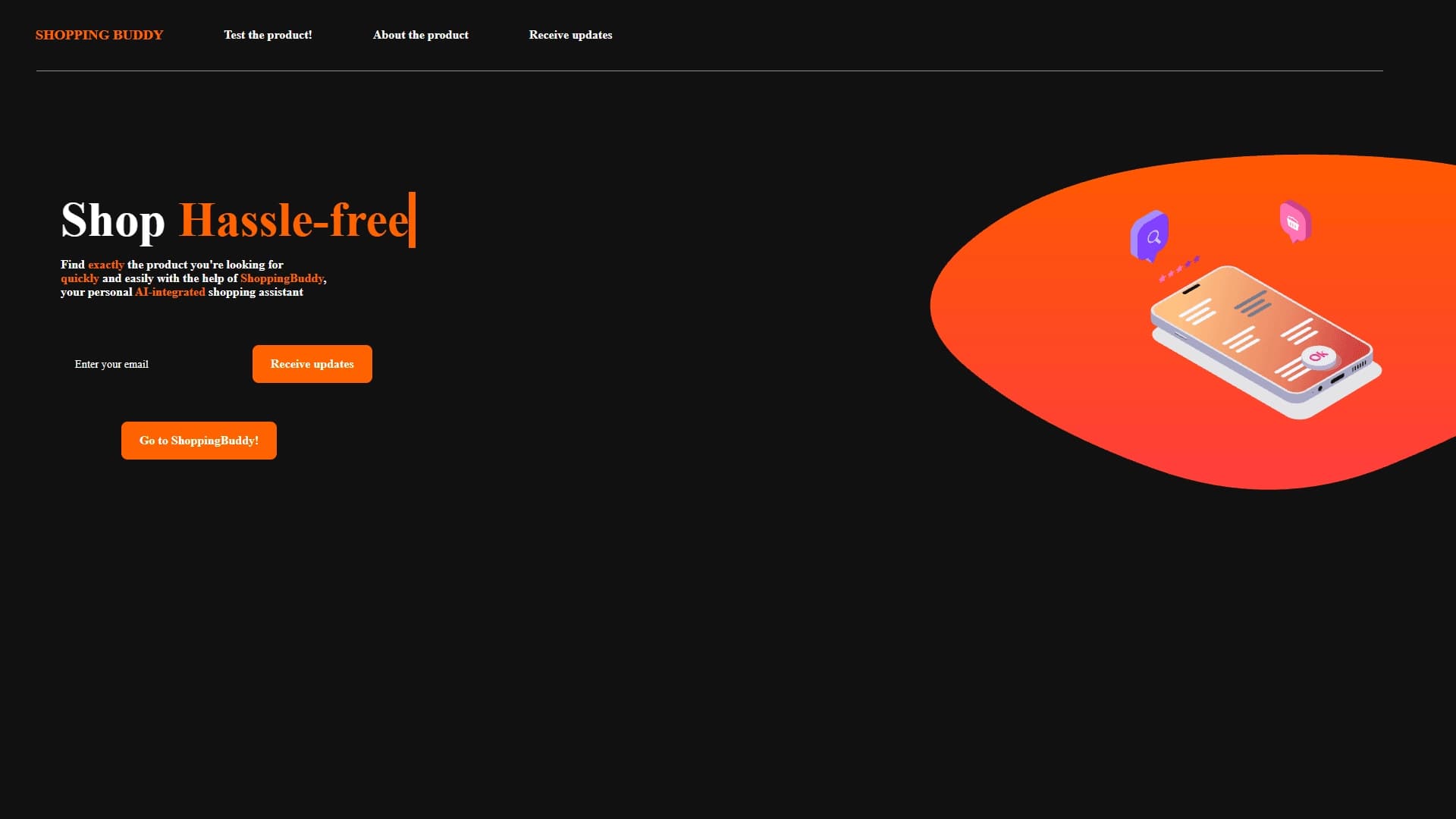

AI assistant for online shopping that matches products based on a description of needs in a conversational mode.
An AI platform that turns text content into video and creates short clips from long videos and podcasts.

Multimodal family of Google models that combines text, code, images, video, and audio processing in a single system.
An OpenAI model that performs internal reasoning before answering to solve complex problems in science, programming, and mathematics.


Free open interface for communicating with various AI models from the Hugging Face community.
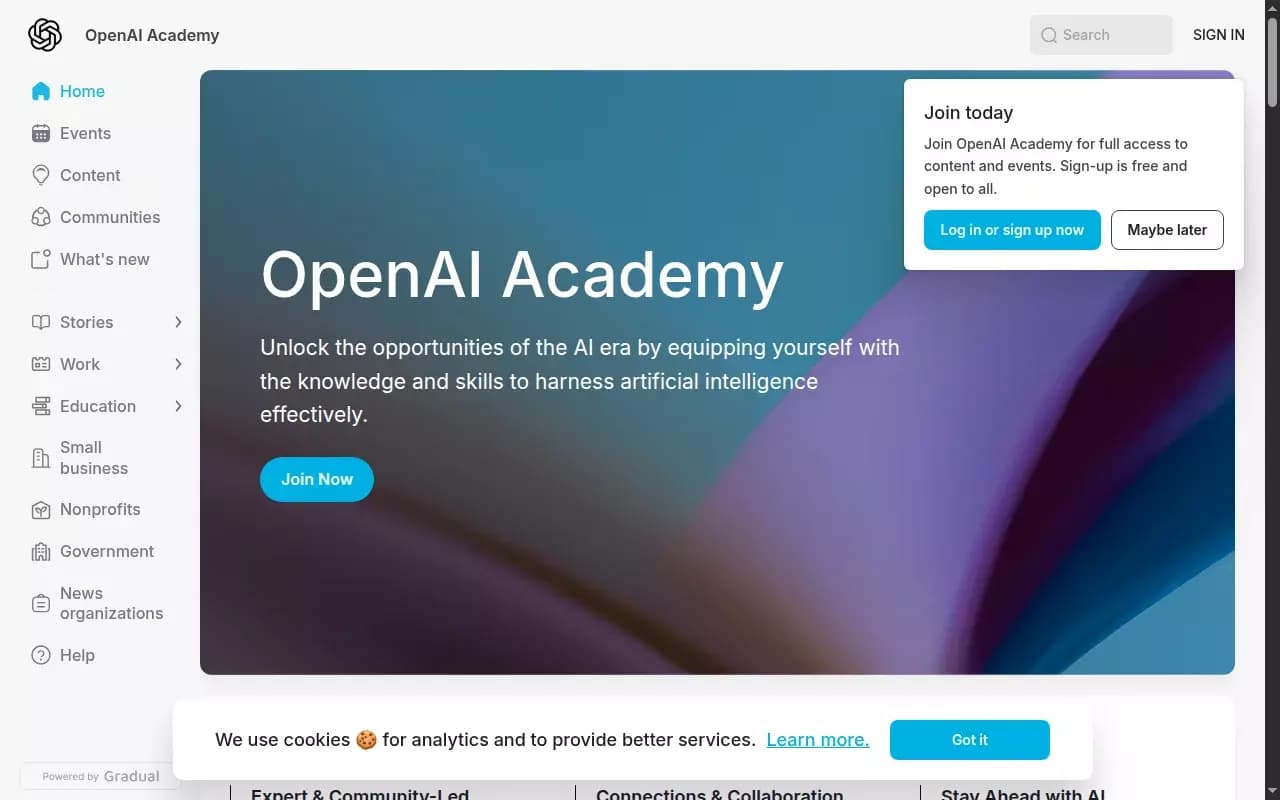
Free educational platform from OpenAI for practical learning in using artificial intelligence.