

Wondershare Filmora
Video editor with neural network support for video editing on Windows and Mac.
Overview
Wondershare Filmora
Description of the Wondershare Filmora neural network
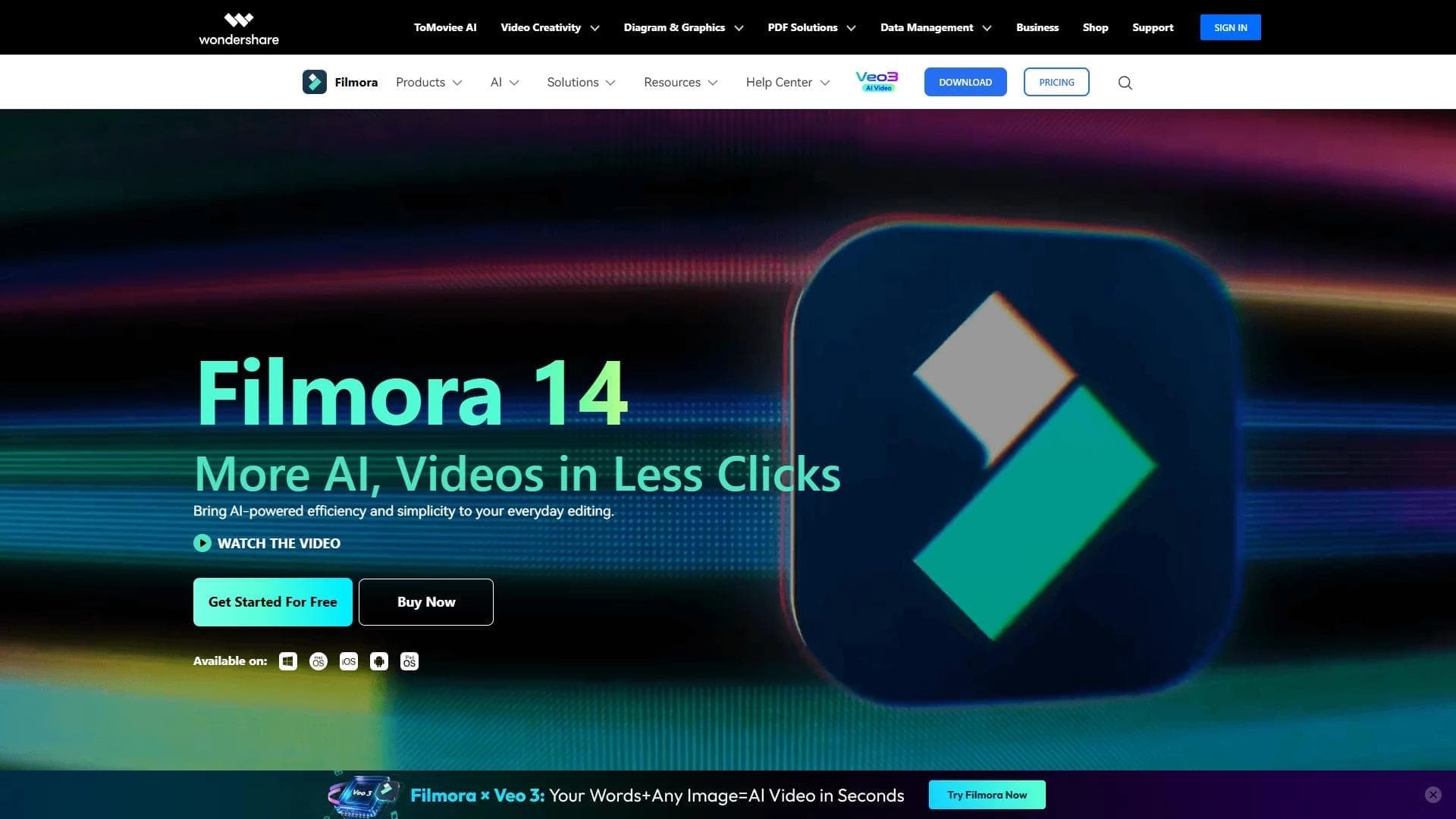
Wondershare Filmora is a video editor with built-in neural network support, designed for a wide range of users — from beginners to experienced professionals. The program combines classic editing tools with artificial intelligence capabilities designed to simplify and speed up everyday video production tasks.
The key feature of the product is its built-in neural networks, which take on part of the routine work. For example, the user can control editing through text commands or entrust the system with automatically generating a video from a ready-made script. Thus, the editor not only provides tools for manual work, but also offers automated paths for solving typical tasks.
The interface of the solution is built around familiar elements: tool panels, a preview window, and a timeline. This makes the program accessible to those who are just learning video editing, while remaining flexible enough for more advanced workflows.
Wondershare Filmora characteristics
| Characteristic | Value |
|---|---|
| Type | Video editor with AI features |
| Category | Editing and post-production, YouTube and blogging |
| Platforms | Windows, Mac |
| Free version available | Yes |
| Distribution model | Freemium |
| Target audience | Beginners and experienced users |
Who is the Wondershare Filmora neural network suitable for?
Beginners in video editing
Wondershare Filmora is suitable for those who are taking their first steps in video editing. The low entry threshold and quick interface learning curve allow you to start working almost immediately, without studying complex professional programs.
Experienced users and bloggers
The solution is also designed for those who already have editing experience and are actively active on platforms like YouTube. The built-in AI features help reduce time spent on routine operations, leaving more room for the creative side.
Those looking for routine automation
Users who want to speed up their production process with neural networks deserve special mention — for example, through text-based editing control or automatic video generation from a script.
How to use the Wondershare Filmora neural network?
Choosing a template or creating a project from scratch
You can start working in two ways: choose a ready-made template from the available options, or create a project from scratch. This approach allows both a quick start and full control over the process when needed.
Importing materials and basic editing
Video files, audio, and images are loaded into the project. The main editing operations are available: trimming, splicing fragments, and applying filters and text elements.
Using neural network features
To speed up your work, you can use the built-in neural network. It supports text-based editing control and automatic video generation from a script, which reduces the amount of manual work in typical stages.
Main features of Wondershare Filmora
Editing toolkit
The program offers an intuitive interface with a toolbar, preview window, and timeline. The user has access to trimming, splicing, applying filters and text, as well as adjusting playback speed.
Effects and sound work
The editor includes basic and advanced effects and transitions, as well as tools for working with audio. This allows you to adjust both the visual and audio components of a project.
Format support and export
The solution supports importing files in various formats and exporting the finished project. This provides flexibility when working with material from different sources.
Neural network capabilities
The built-in neural network automates routine tasks: text-based editing control and automatic video generation from a script are available.
Advantages of Wondershare Filmora
The main advantages of the solution are related to the low entry threshold and quick learning curve. Thanks to an intuitive interface with familiar elements (toolbar, preview window, timeline), the user can quickly get used to the program and start working productively.
An additional plus is the built-in neural networks, which help automate typical editing and content generation tasks, which is especially valuable for regular video work.
Disadvantages of Wondershare Filmora
The provided data does not specify any particular limitations or drawbacks of the program. One obvious feature of the distribution model can be noted: full access to advanced capabilities is provided by the paid version, while the free version has limitations. However, more detailed information about disadvantages is not available in the source materials.
What tasks does Wondershare Filmora solve?
The main task the program solves is video editing. With it, the user can assemble material, trim and splice fragments, apply filters and text, work with audio, and adjust playback speed.
The second important task is creating videos using artificial intelligence to speed up routine operations. Text-based editing control and automatic video generation from a script allow you to get a finished result faster.
Wondershare Filmora pricing
The program is distributed under a freemium model. The user has access to a free version of the product, as well as a paid one that unlocks a broader set of features.
Specific amounts and pricing plans are not specified in the source data, so the exact cost of a subscription or one-time purchase cannot be determined. For current prices, it is recommended to visit the developer's official website.
Terms of use for Wondershare Filmora
Detailed terms of use and licensing provisions are not detailed in the provided materials. It is known that the product is available on both a paid and free basis, which indicates a tiered model of access to features.
The exact list of requirements for the free version and restrictions of the paid plan is not available in the source data, so it is not possible to provide specific wording of the terms.
Availability of Wondershare Filmora
The program runs on two main platforms — Windows and Mac. This covers the majority of desktop computer users and does not require the purchase of special equipment.
The availability of a free version is also worth noting, as it makes the tool accessible for familiarization and initial use without financial investment, while the paid version expands the product's functionality.
How Wondershare Filmora differs from analogs
The distinguishing feature of Wondershare Filmora is the combination of a simple, intuitive interface with built-in neural network features. Many editors offer either ease of use for beginners or advanced functionality, whereas this product tries to combine both approaches and supplement them with AI-based automation.
The list of analogs mentions tools such as Virality Predictor, AI Video Generator, AI Video Detector, Google Flow, Ytzolo, and WanOmni. Unlike specialized utilities (for example, standalone video generators or detectors), Filmora acts as a comprehensive editing solution with AI support, combining editing and automation in a single product.
A specific comparative description for all positions is not provided in the source data, so a detailed feature-by-feature difference is not disclosed.
Conclusion
Wondershare Filmora is a video editor with neural network support that suits a wide range of users: from beginners to experienced editors and bloggers. The program combines an intuitive interface with classic editing tools and modern AI features, such as text-based editing control and automatic video generation from a script. The solution runs on Windows and Mac, is available under a freemium model, and helps speed up typical video production tasks while maintaining a low entry threshold for learning.
Frequently asked questions


See also

A platform for creating talking videos with a teleprompter, AI-generated scripts, subtitles, and avatars.


AI service for creating covers and titles for YouTube channels.
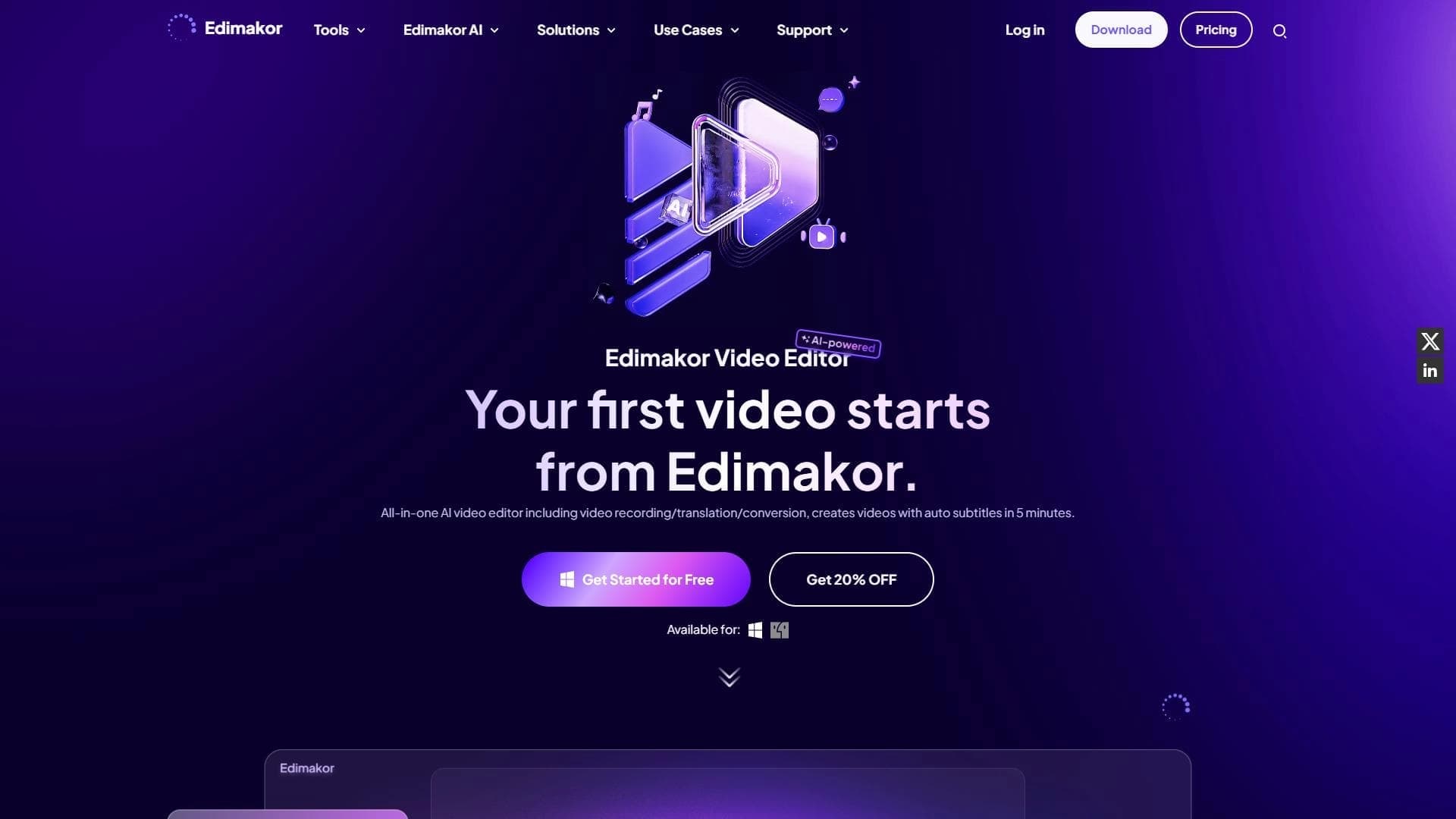

AI-powered desktop video editor for automatic subtitle generation and basic video editing.

Online video editor with AI tools for creating and editing videos directly in the browser.

A platform that combines several video creation tools in a single chat interface, from script generation to editing and voiceover.

Mobile app for photo and video editing using AI and an extensive library of filters.
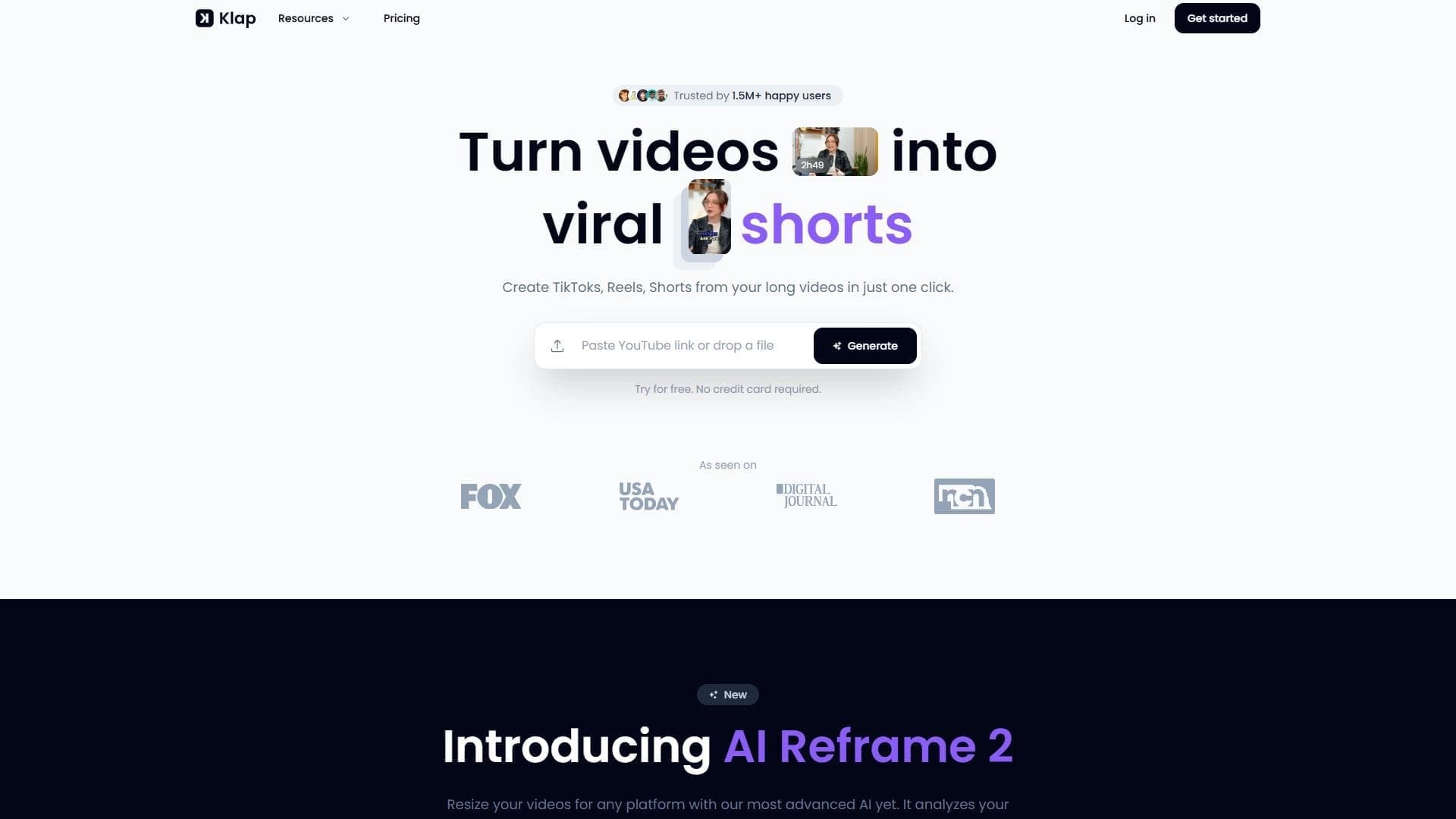

AI tool for automatically cutting long videos into short clips for TikTok, Reels, and YouTube Shorts.


AI-powered service that converts cooking videos into step-by-step text recipes with ingredient lists.