
Wisdolia
A tool for automatically creating intelligent flashcards from study materials — PDF files, lecture slides, and diagrams.
Overview
Wisdolia
Description of the Wisdolia neural network
Wisdolia is a tool designed to change how students and lifelong learners work with study materials. Its main goal is to simplify exam preparation and the absorption of large volumes of information by automating the process of creating study flashcards.
Instead of manually going through notes, textbooks, and slides, users can upload source materials to Wisdolia, and the tool will turn them into flashcards on its own. This lets learners focus on the actual studying rather than the routine preparation of study aids.
The tool is designed to work with a variety of sources: PDF files, presentations, lecture slides, and even diagrams. This approach makes Wisdolia a versatile solution for those who deal with different formats of study data.
Purpose and concept
The core idea behind Wisdolia is saving time. Creating flashcards manually is a labor-intensive process that takes many hours, especially with large amounts of material. The tool takes over this work, allowing learners to move more quickly to actually reviewing and memorizing information.
Key areas of application
Wisdolia is especially appealing for fields where learning is built on a large number of facts and terms. That is where automating flashcard creation brings the most benefit, freeing up time for meaningful knowledge acquisition.
Wisdolia characteristics
| Characteristic | Value |
|---|---|
| Category | For students, Education, Research, Knowledge management, PDF processing |
| Purpose | Automatic creation of study flashcards from learning materials |
| Supported sources | PDF files, lecture slides, diagrams |
| Target audience | Students, learners, medical and pre-medical programs, professionals |
| Distribution model | To be confirmed |
Who is the Wisdolia neural network suitable for?
Students and learners
Wisdolia is primarily designed for students who need to absorb large amounts of study material in a short time. The tool helps them prepare for exams by turning lectures and textbooks into convenient flashcards without extra effort.
Medical and pre-medical programs
The tool is especially useful for medical students and those taking pre-medical courses. These fields have traditionally relied on flashcards to memorize vast numbers of medical terms and facts, so automation is particularly in demand here.
Professionals with large volumes of information
The tool also suits professionals who need to constantly update and absorb knowledge in their field. Thanks to support for different document formats, they can quickly turn new material into convenient flashcards for review.
How to use the Wisdolia neural network?
Preparing source materials
To get started, users need to select study material in one of the supported formats — a PDF file, lecture slides, or a diagram. The prepared source is then used as the basis for creating flashcards.
Uploading and creating flashcards
After the material is selected, the tool processes it and automatically generates a set of flashcards. Wisdolia handles all the manual work of breaking down the content and composing questions and answers.
Reviewing and reinforcing knowledge
The finished flashcards are used to review the material: users work through them, test themselves, and reinforce their knowledge. This approach retains all the benefits of classic flashcard learning, but without the time spent on manual preparation.
Key features of Wisdolia
Automatic flashcard creation
The tool's key feature is turning study materials into ready-made flashcards without user involvement in the process. This frees up hours that would normally be spent on manual preparation.
Support for various source formats
Wisdolia works with PDF files, lecture slides, and diagrams, making it convenient for handling the different types of study data that learners encounter in their daily studies.
Time savings on preparation
The tool's functionality is aimed at reducing the time needed to organize the study process. Instead of labor-intensive flashcard preparation, users focus on actually memorizing and absorbing the material.
Advantages of Wisdolia
Time savings
The tool's main strength is the significant reduction of the time traditionally spent on creating flashcards manually. This allows more time to be devoted to studying and review.
Versatility of sources
Support for PDFs, presentations, and diagrams makes the tool convenient for a wide range of study scenarios, from lecture notes to complex visual schemes.
Relevance for medicine
The tool is especially valuable for medical students and professionals working with huge volumes of factual information, where flashcards are the primary way of memorizing.
Disadvantages of Wisdolia
There is no detailed information about the tool's disadvantages in available sources. Like many specialized solutions, it is primarily focused on information memorization tasks, so users may need to assess for themselves whether it suits their specific study scenarios and material formats. Exact limits on uploaded file sizes and supported document types are not specified in public data.
What problems does Wisdolia solve?
Exam preparation
The tool helps quickly organize study material into a form that is convenient for review before exams, removing the routine work of creating flashcards.
Absorbing large volumes of information
Wisdolia solves the problem of processing significant amounts of data by turning it into structured flashcards, which is especially important in fact-heavy fields.
Automating routine study work
The tool takes over one of the most time-consuming activities in learning — the manual creation of study flashcards — allowing users to focus on meaningful knowledge acquisition.
Wisdolia pricing
Available sources do not provide specific information about Wisdolia's prices and pricing plans. For details about cost, whether a free trial is available, or current subscription options, users are advised to check the tool's official website, where up-to-date pricing information is published.
Wisdolia terms of use
Information about the tool's terms of use, including registration requirements, limits on uploaded materials, and data processing policies, is not disclosed in open sources. Before starting to use the service, users should review the terms presented on the developer's official website.
Wisdolia availability
Information about the tool's availability, including the list of supported platforms, the availability of mobile apps and browser extensions, is not specified in the source data. Users are advised to refer to Wisdolia's official resources to learn about current access options and technical requirements.
How Wisdolia differs from alternatives
The main difference between Wisdolia and ordinary ways of working with flashcards is the full automation of their creation. Instead of manually breaking study materials into questions and answers, users provide the source to the tool, and it does all the preparatory work. Additionally, the tool stands out for the versatility of its sources: it supports not only text-based PDF files but also lecture slides and diagrams, covering most formats students work with during their studies. This difference is especially valuable for medical specialties, where the volume of information is particularly large and automation provides the greatest time savings.
Conclusion
Wisdolia is a practical tool for automating one of the most labor-intensive stages of learning — creating flashcards for memorization. Thanks to support for PDF files, lecture slides, and diagrams, it covers the main formats of study materials, and the ability to save hours of manual work makes it especially appealing to students, including those in medical programs, and professionals working with large volumes of information. The tool allows users to focus on what really matters — actually absorbing and reviewing knowledge — by relieving them of the tedious preparation of study aids.
Frequently asked questions
See also
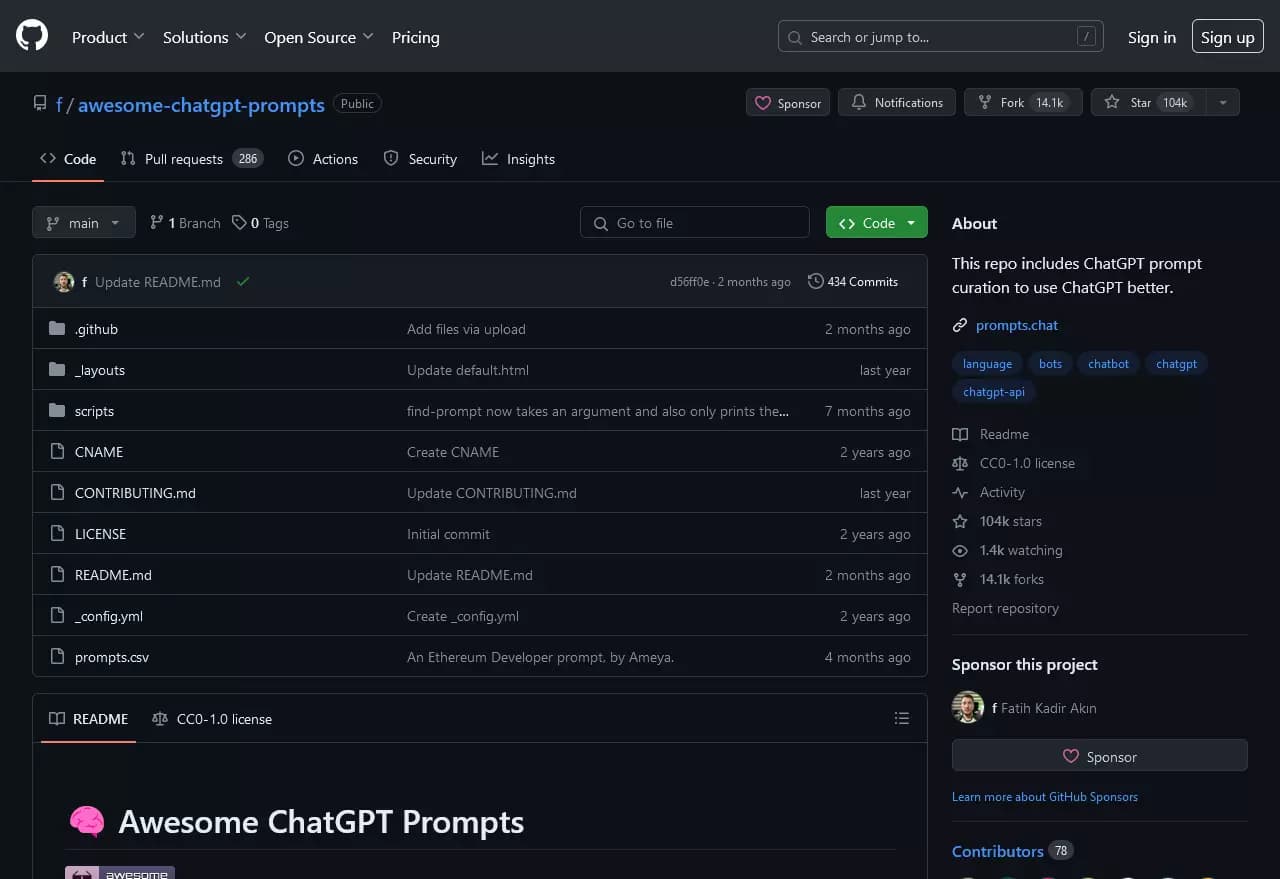
Open GitHub repository with a collection of ready-made prompts for ChatGPT on various topics.
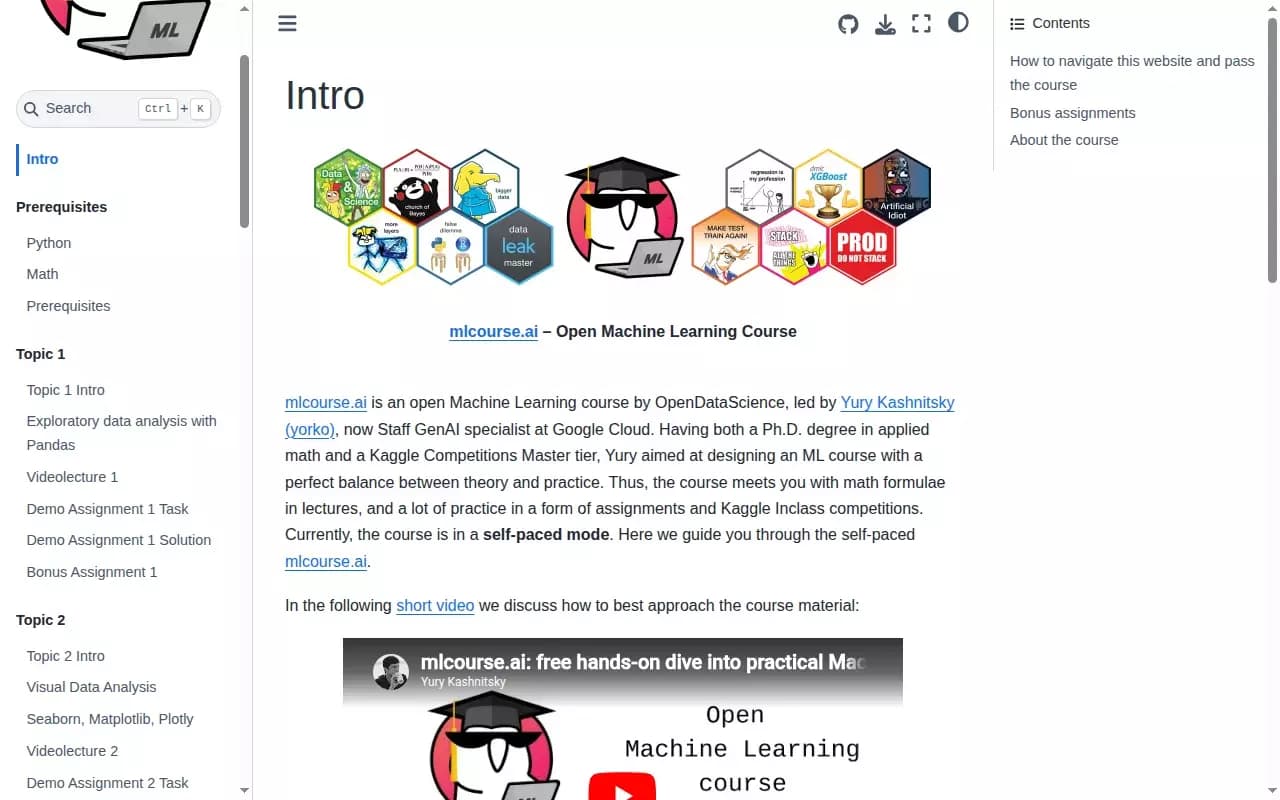
An open machine learning course from the OpenDataScience community with theory and practical assignments on real data.
AI tool for creating brief summaries of long YouTube videos, including lectures, streams, and meetings.


AI tool for instantly creating presentations in Google Slides from text, URL, PDF, DOCX, or YouTube video.
AI chatbot for conversing with historical figures.
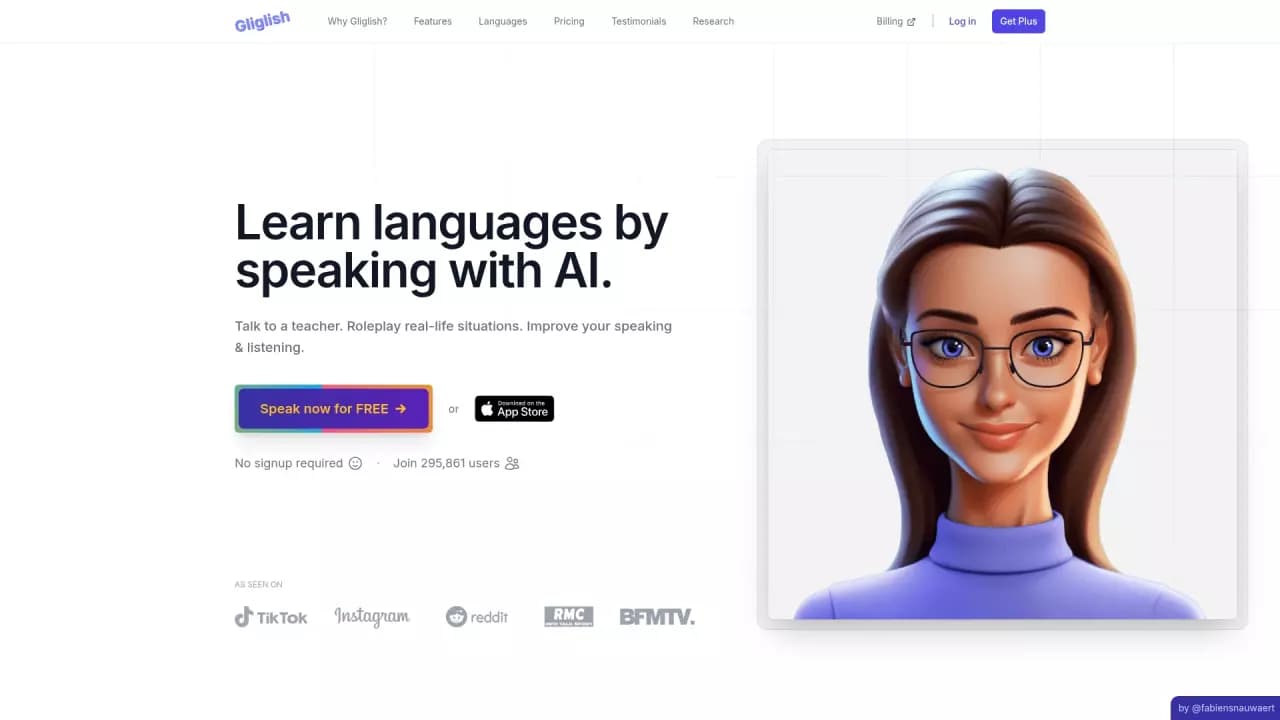
Web service for practicing speaking foreign languages with an AI teacher.
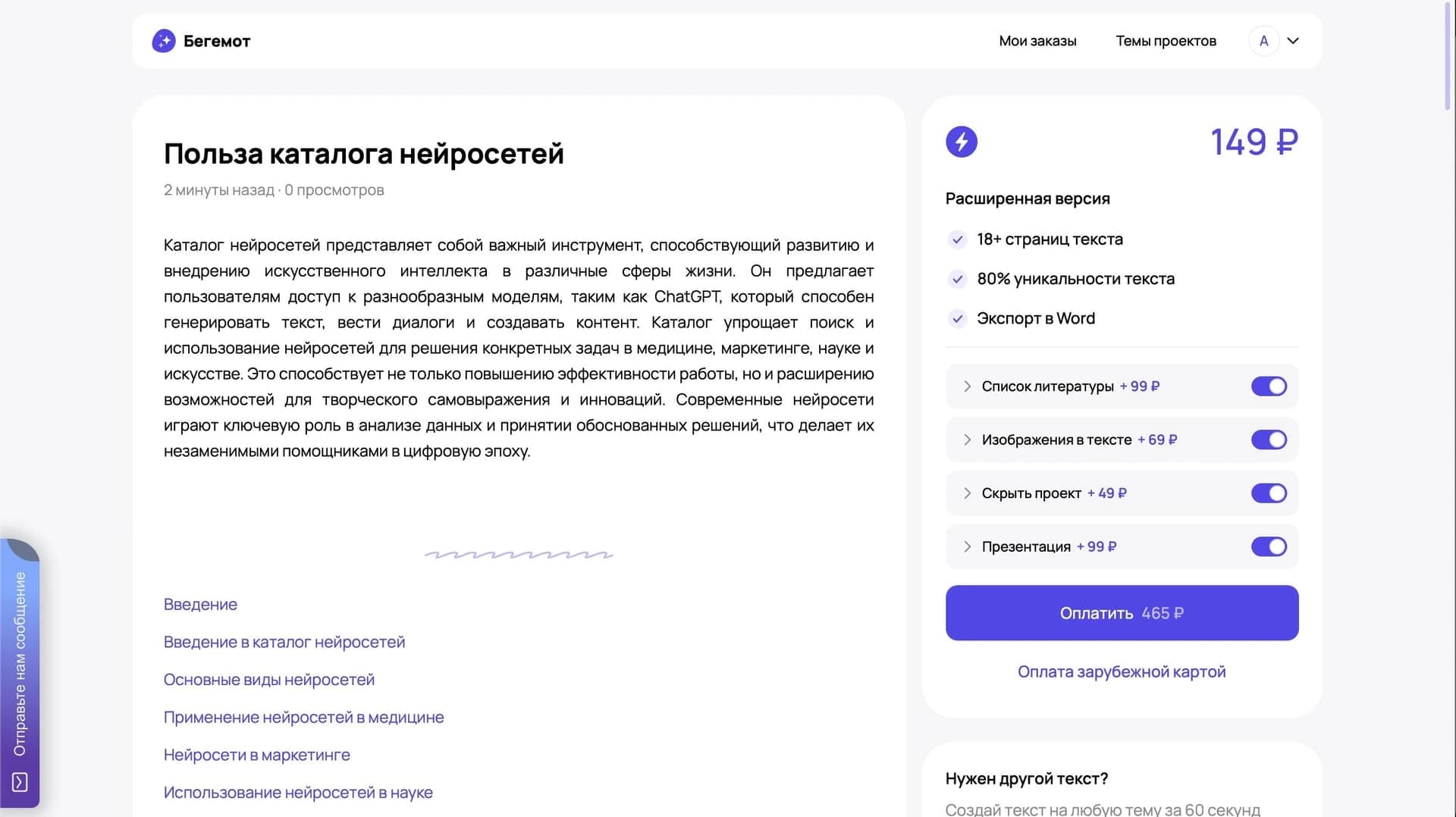

A neural network for generating educational texts and papers in Russian.

A text-to-speech service with support for multiple languages and voices.